

Brew
Brew Emails Inc. · Writing · Marketing
Brew is an AI email platform built for teams that want to turn signups into revenue without wrestling with templates, copy, and design one by one. It's an email marketing automation tool at heart. It learns your brand, drafts campaigns and multi-step flows from plain-language prompts, and then either sends the messages itself or pushes them to the email service provider you already use. If your lifecycle emails keep getting deferred because they take too long to build, Brew aims to shorten that gap.
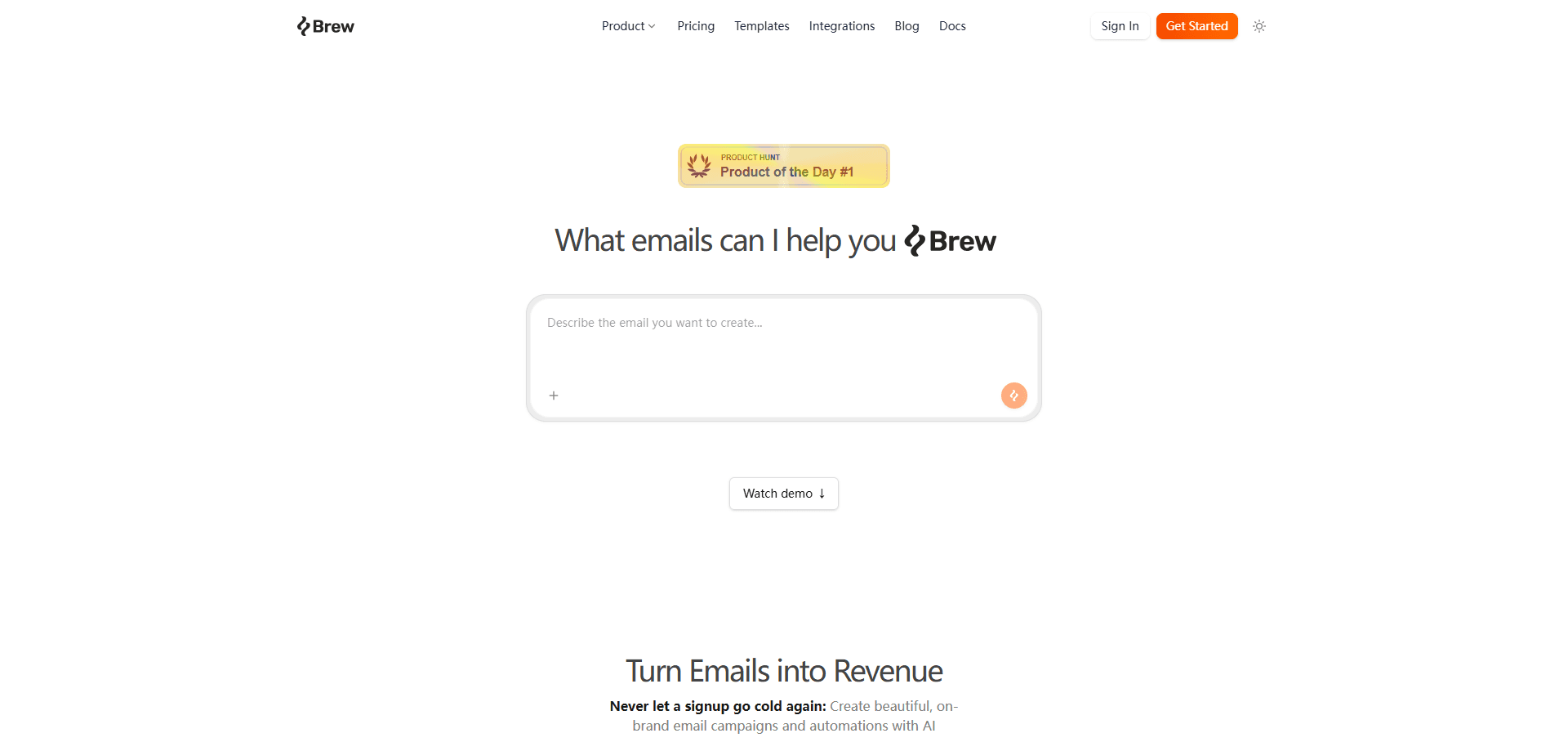
About Brew
What Is Brew
Brew is an AI-native email service provider (ESP) from Brew Emails Inc. Instead of handing you a blank drag-and-drop editor and wishing you luck, it rebuilds the whole email workflow, strategy, copy, design, segmentation, and analysis, around AI. It works like an on-brand email generator. The pitch is simple enough: describe what you want to send, and Brew produces a draft that already matches your colors, fonts, and tone.
The problem it targets is familiar to anyone who runs lifecycle marketing. Traditional ESPs give you software and leave the thinking to you, so a single welcome flow can eat a week of design and copy time. Brew folds that work into prompts and a shared canvas. That means smaller teams can ship more email without hiring a specialist.
The main catch is that AI credits, not people, set your ceiling. Every plan caps how much generation you get each month, and the free tier keeps a Brew watermark on your emails until you move up. Brew also sits on top of an existing sending setup rather than replacing everything you've built. It works best when you're already sending email somewhere and want that process to move faster.
Getting Started
- Create a Brew account and connect the brand you want to work on.
- Let Brew learn your palette, typography, voice, and a few reference emails so drafts start on-brand.
- Describe a campaign or automation in plain English and review the first draft on the canvas.
- Edit any block directly or ask for changes in plain language, then set up the event triggers that should fire the send.
- Send through Brew with a verified domain, or push the finished email to Klaviyo, HubSpot, or Mailchimp.
Product Information
A quick look at Brew's pricing, supported platforms, and performance.
Best for
The users, tasks, and scenarios where this tool fits best.
Users
- Small marketing teams
- Solo founders and indie builders
- Growth and lifecycle marketers
Tasks
- Writing on-brand campaign emails
- Building welcome, abandoned-cart, and win-back flows
- Segmenting an audience in plain English
- Remixing templates
Scenarios
- Turning a monthly newsletter into a lifecycle program
- Sending from an existing ESP
- Letting an agent handle email
Key features
Brand Learning From Your Own Material
Brew studies your palette, typography, voice, and reference emails before it drafts anything, so the first output already reads like your team wrote it. It also applies your footer, legal text, and unsubscribe link to every send. No manual styling pass required. If you run several brands, each one gets its own workspace and its own learned identity.
Prompt-to-Draft Campaigns on a Shared Canvas
You start with a prompt and get a first draft, then refine it on a canvas where campaigns and automation steps sit side by side. Any block can be edited directly, or you can describe the change in plain English and watch it update in place. It borrows the editing feel of a chat tool. That's not how a traditional email builder works.
Multi-Step Automations With Event Triggers
Welcome flows, abandoned cart, re-engagement, and post-purchase sequences are all built on one canvas. They fire from the events you already track, like signups and payments, so the right email lands at each revenue moment without manual scheduling. Preview every step before it goes live. Then track opens, clicks, and revenue per send afterward.
Send Through Brew or Your Existing ESP
Brew can send on its own with verified sending domains, or push finished email to Klaviyo, HubSpot, Mailchimp, Brevo, Braze, Iterable, Customer.io, and others. That flexibility matters if you're mid-migration or if different clients run on different platforms. More than twenty integrations are offered as one-click connections. Stripe, Shopify, and Figma sit among them.
Template Gallery on an Infinite Canvas
The template library is an infinite, pannable canvas of editable layouts. You can start from any template and remix it with a single prompt to fit your brand. It's a different browsing model from the usual grid of thumbnails. It's built for people who want a starting point fast rather than a blank page.
Audience Segments in Plain English
Instead of assembling filters in a rule builder, you describe who you want to reach and Brew translates it into a live audience filter. A phrase like "active in the last 30 days who opened an email" becomes a working segment. The result updates as your contact data changes. So the segment stays current without manual edits.
API and MCP for Agents
Brew exposes a REST API for triggering sends and streaming opens, clicks, and replies, plus an MCP server that plugs into ChatGPT, Claude, Grok, Cursor, and other MCP clients. An agent gets the same generate, send, schedule, segment, and analysis tools the app offers, backed by the same brand and data. This is where Brew leans hardest into being infrastructure for AI agents. Not just a builder for humans.
Pros and cons
Pros
- Brand learning means drafts start on-brand instead of generic, cutting the manual styling step.
- Campaigns and automations share one canvas, so the whole lifecycle lives in a single place.
- It sends through your existing ESP, so adoption doesn't require tearing out your current setup.
- The REST API and MCP server let AI agents run email tasks directly, which few ESPs offer.
- Every plan includes every feature. Only volume changes, so the free tier is genuinely usable for testing.
Cons
- AI credits cap your monthly generation, and heavy users on lower tiers can hit that ceiling quickly.
- The free plan keeps a Brew watermark on emails, which rules it out for most live sends.
- It's a web-only product. There's no mobile app for editing or checking sends on the go.
- Because it sits on top of an existing sending setup, it's less appealing if you're starting from nothing and want one tool to do everything.
Frequently asked questions
Brew is an AI-native ESP, which means strategy, copy, design, segmentation, and analysis are built around AI rather than added later. Traditional platforms hand you an editor and leave the writing and design to you. Brew starts from a prompt and produces an on-brand draft. Then you edit it directly or in plain language.
Related content
Explore related tools, skills, and articles for Brew.
Brew Alternatives

Google EmbeddingGemma 2
Google DeepMind · Writing · Image · CodingGoogle EmbeddingGemma 2 is a 740M-parameter open model that turns text, code, images, audio, and video frames into vectors in one 768-dimension space, running on phones and laptops.

MePersona
MePersona, Inc. · Writing · Productivity · MarketingMePersona is an AI unified inbox for creators. It learns your voice, drafts replies to fan messages from 12 platforms, and sends only what you approve.

Fluence
Yay Software (Yannick Huchard) · Writing · Voice & Language · ProductivityFluence is an Android app that reads PDFs, EPUBs, Word files and web articles aloud, follows each sentence as it speaks, and answers questions about the text on the phone itself.