
Brick Coder AI
BrickCode AI · Coding
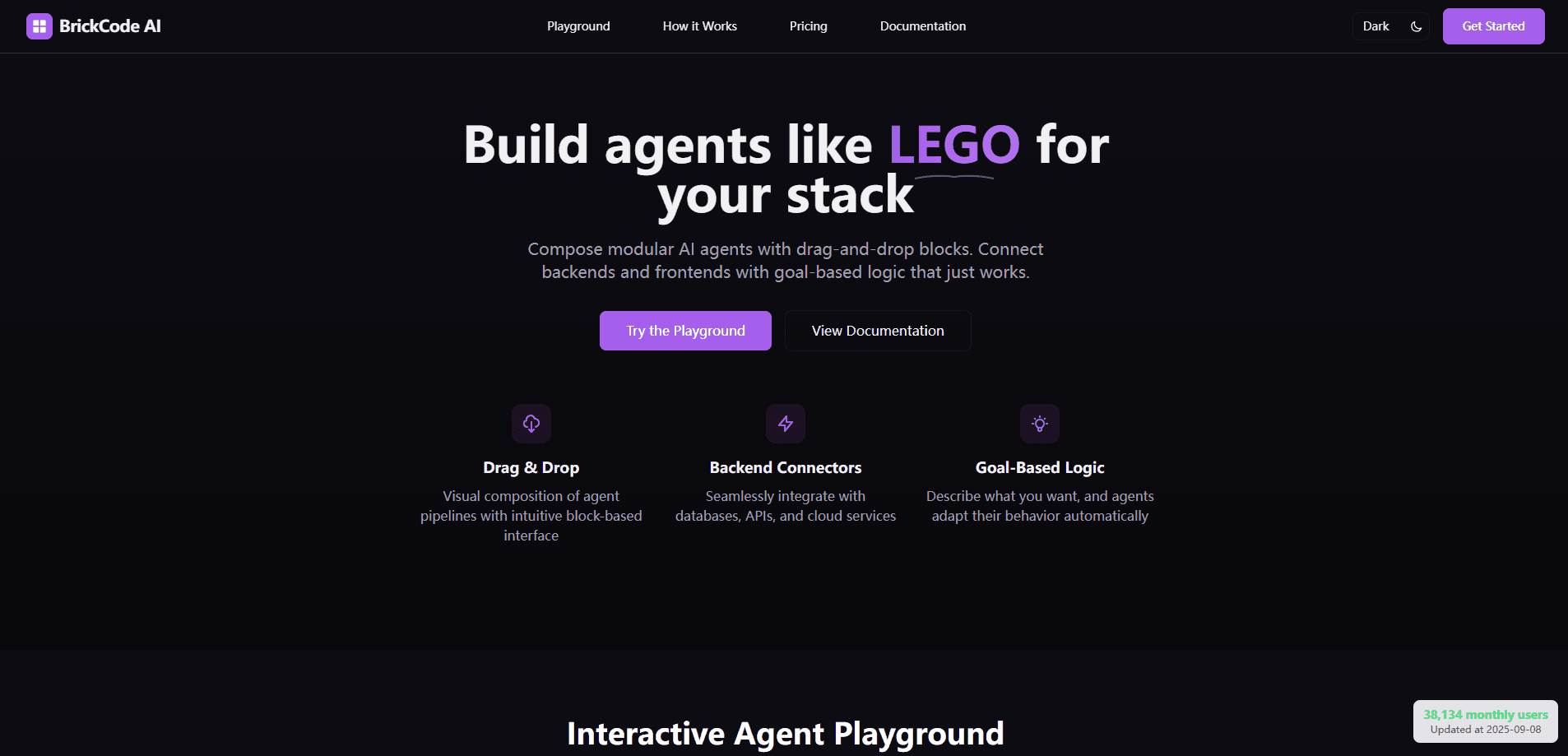
Brick Coder AI is a visual builder for AI agents. You compose drag-and-drop blocks, wire backends to frontends and goal-based logic, then export clean TypeScript or Python code.
About Brick Coder AI
What Is Brick Coder AI
Brick Coder AI is a browser-based workspace for assembling AI agents from modular blocks. Instead of writing glue code by hand, you drag blocks onto a canvas and connect them into a pipeline that covers a full workflow, from fetching data to calling a model to returning a result.
The tool sits between no-code builders and a hand-coded stack. You get the speed of visual composition, but every pipeline turns into readable code you own and can deploy anywhere. That balance is the reason it appeals to developers who like to see what is running under the hood.
Its main limits show up early. The generator leans on Google Gemini for AI-powered suggestions, so a free run needs your own Gemini API key. The catalog is broad but young, and complex production workflows still push you back toward custom blocks and real engineering.
Getting Started
- Open the Brick Coder AI site and jump into the Playground. No account is needed to try the free canvas.
- Describe the workflow you want in plain language, or drag blocks from the catalog onto the canvas yourself.
- Connect the blocks and set each one's inputs and outputs so data flows from backend to logic to result.
- Hit Export to turn the pipeline into TypeScript or Python code, then deploy it in your own environment or on the managed cloud.
Product Information
A quick look at Brick Coder AI's pricing, supported platforms, and performance.
Best for
The users, tasks, and scenarios where this tool fits best.
Users
- Developers who want visual speed without giving up code
- Solo builders and small teams
- Product and marketing folks with light technical skills
Tasks
- Prototyping an agent pipeline
- Wiring a model into existing services
- Turning a described workflow into code
Scenarios
- You need a working demo before a meeting
- You are learning how agent pipelines fit together
- You want a starting scaffold for a bigger build
Key features
Drag-and-Drop Canvas
The core workspace is a grid canvas where you place and connect blocks to build an agent pipeline. You drag blocks in, link their outputs to other blocks' inputs, and see the whole flow at once. The layout keeps roughly two units of spacing between blocks so the diagram stays readable as it grows.
AI Pipeline Generation
Describe your workflow in a sentence and the built-in generator positions the blocks and connections for you. It reads specifics well, so naming your data and the services involved gets a tighter result. This is the feature behind the claim of agents built in under 30 seconds.
Block Library and Integrations
The catalog spans categories like AI, data, auth, storage, communication, analytics, and workflow, with connectors for tools such as OpenAI, Anthropic, MongoDB, Stripe, Shopify, Salesforce, HubSpot, Slack, Discord, AWS, and Vercel. Custom blocks let you model anything the library does not cover yet.
Code Export
Every pipeline exports to TypeScript or Python, so the visual model never traps your work. The output is meant to be readable and maintainable, which means you can review it, change it, and run it in your own environment.
Goal-Based Logic
Rather than hard-coding every branch, you describe the outcome you want and the agent adapts its behavior. Blocks carry conditions, so a pipeline can change what it does based on the data it receives.
Deployment Options
You can deploy through the managed cloud service for automatic scaling, or take the exported code and host it wherever you already run software. Staging and production environments are part of the same flow.
Pros and cons
Pros
- Visual composition cuts the time to a first working pipeline, then hands you real code instead of a locked export.
- The block library covers a wide range of categories, so common integrations like OpenAI, Stripe, and Slack are available without custom work.
- Exporting to TypeScript and Python means the result drops into existing projects and CI/CD pipelines.
- The free tier is genuinely usable, with unlimited preview canvas generation and no account required.
- Goal-based logic lets you describe outcomes instead of wiring every branch by hand.
Cons
- The AI generator depends on a Gemini API key, so smart suggestions beyond the canvas need that extra setup.
- Detailed pricing for higher tiers is not published; the site points to sales, which slows down planning for a larger rollout.
- Complex production workflows still need custom blocks, so the no-code promise has a ceiling once your logic gets unusual.
Frequently asked questions
It builds AI agents from modular blocks on a visual canvas. You describe or assemble a workflow, connect backends to logic, then export the pipeline as TypeScript or Python code you can deploy.
Related content
Explore related tools, skills, and articles for Brick Coder AI.
Brick Coder AI Alternatives

Base Code
Base44 (Wix) · Coding · ProductivityBase Code is a shared cloud development environment from Base44. Teammates describe changes to an existing GitHub codebase in chat, preview them live and send them back as pull requests.

Google EmbeddingGemma 2
Google DeepMind · Writing · Image · CodingGoogle EmbeddingGemma 2 is a 740M-parameter open model that turns text, code, images, audio, and video frames into vectors in one 768-dimension space, running on phones and laptops.

GitGlow
GitGlow · Coding · ProductivityGitGlow is a local-first desktop Git client that lets independent developers review their own code and their AI agents' changes in one place before shipping.