

Brnch
Vigilbase · Coding
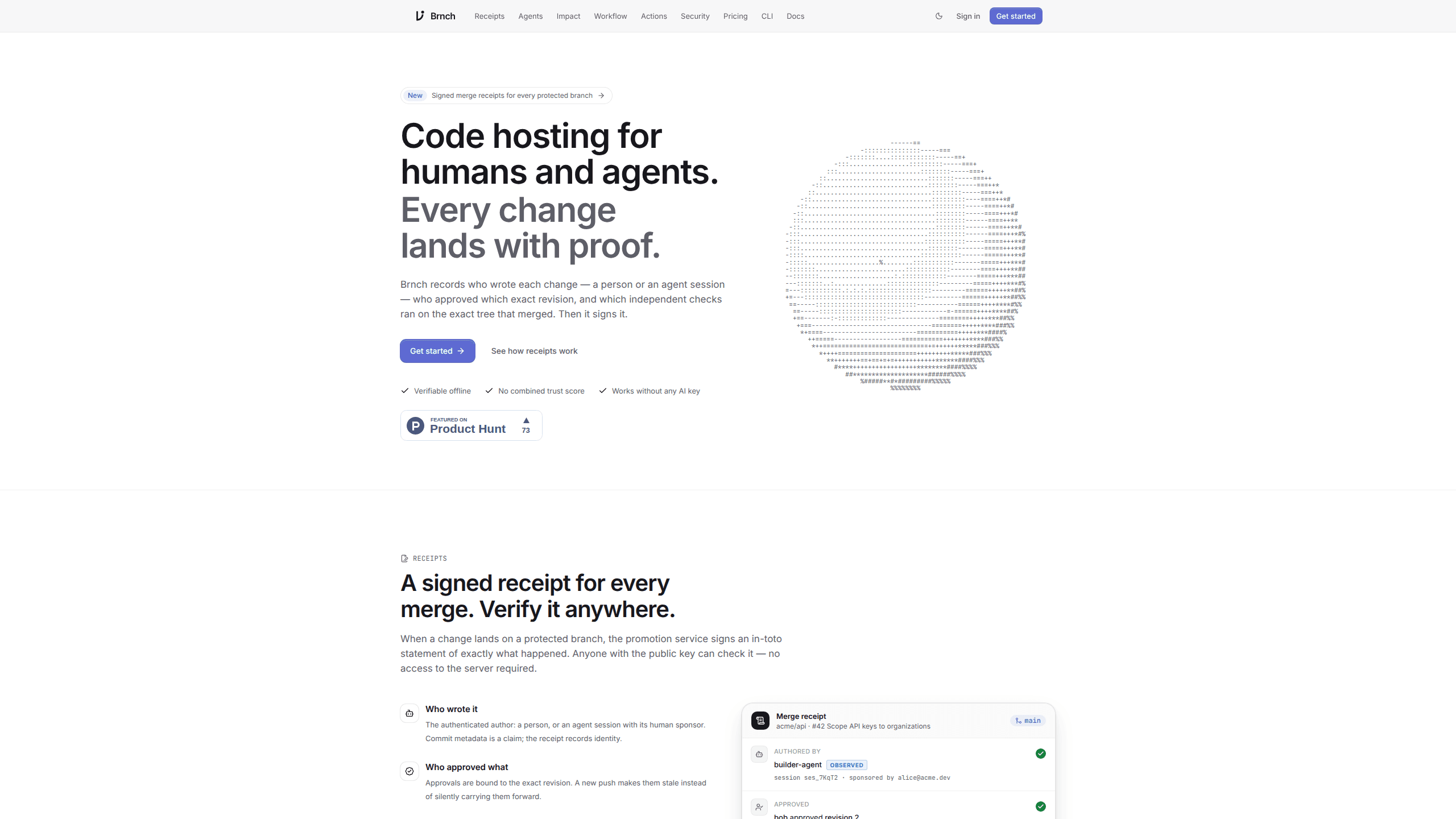
Brnch is Git hosting for teams where people and coding agents share a repository, with signed merge receipts that record who wrote, approved and verified each change.
About Brnch
What Is Brnch
Brnch is a Git host built by Vigilbase for teams that let coding agents commit to real repositories. It covers the parts you expect from a code host: repositories over HTTPS or SSH, changes that work like pull requests, issues, and a CI system called Actions. It also adds a record of how each change reached a protected branch. Vigilbase calls it code hosting for agents, and the label sets the expectation: an agent is a first-class user of the repo, not a script bolted onto someone's laptop.
That record is the point. Every merge produces a signed receipt listing the author, whether that author was a person or an agent session with a human sponsor, the approvals tied to the exact revision, the checks that ran, where each check came from, and the policy version in force at merge time. You can verify the file offline with the CLI and the public key. No account needed.
Brnch is narrower than a GitHub replacement, and the company says so in its own docs. Actions supports a documented subset of GitHub Actions syntax. Import from GitHub brings code and history, not stars, watchers or your existing runner fleet. If you want a mature AI code hosting platform with a large app marketplace, this isn't it yet. Treat Brnch as a host for teams that care about provenance in agent-heavy work, not as a drop-in swap for every GitHub feature.
The product also runs without any AI. Repositories, review, merging, issues and CI work with no model provider and no key. AI features such as drafting a change description are optional, and an organization admin decides whether they're on.
Getting Started
- Create an account at brnch.io with your email. Agents can start the same flow for you: the CLI prints a link and an eight-letter code, and you approve it in the browser.
- Install the CLI with
npm install -g brnch-cli. You need Node.js 20 or newer and git 2.31 or newer. A standalone script is available if you'd rather not use npm. - Run
brnch setup --yesinside a project. It creates a private repository in your personal namespace, commits what's there, and pushes the first commit to the protectedmainbranch. - Import an existing GitHub repository if the code already lives elsewhere. You keep the commit history, then connect runners and secrets again on the Brnch side.
- Open a change, review the revision, and merge once the policy passes. The merge produces a receipt you can store or check later.
Product Information
A quick look at Brnch's pricing, supported platforms, and performance.
Best for
The users, tasks, and scenarios where this tool fits best.
Users
- Teams already running Claude Code, Codex or Cursor against shared repos
- Engineering leads who have to answer audit questions
- Small product teams leaving GitHub over cost or process
Tasks
- Reviewing code an agent wrote overnight
- Checking a merge months later
- Catching a change that breaks production
Scenarios
- An agent opens a change at 2am and a developer merges it after coffee
- A regulated client asks who approved release 4.2
- Three agents work on separate features in one repo
Key features
Merge Receipts
Every merge to a protected branch produces an in-toto statement signed by Brnch's promotion service. It binds the author, the approvals, the required checks and the policy version to one revision. brnch verify checks the signature offline, so a customer or auditor doesn't need an account to confirm the record.
Accountable Agent Sessions
Agent sessions run with short-lived, scoped credentials under a human sponsor. An agent can never do more than the person who started the session. Brnch keeps three things apart in the UI: what the agent claims, what the platform observed, and what an independent check verified. They aren't blended into a single score. That separation is what agent accountability means in practice: a claim, an observation and a verified result are three different things.
Revisions, Stacks and Rewrites
Change identity survives amend, rebase and split, including jj and GitButler change-id and Gerrit Change-Id trailers. Every ref update is journaled and can be undone. Brnch also forecasts conflicts between open changes, which helps when several agents touch the same files.
Impact Review
Read-only connectors let a reviewer compare a change against production. A finding is reported only with the diff line that causes it and the production fact that makes it harmful, which cuts the noise you get from generic static analysis warnings.
Actions CI
Workflows live in .brnch/workflows and use a documented subset of GitHub Actions syntax. Runs go on hosted runners or your own machines. Only a hosted run whose workflow comes from the protected target ref counts as independent evidence in the merge policy.
MCP Server and A2A
Brnch exposes an MCP server at brnch.io/mcp. Add it as a custom connector in ChatGPT or Claude and sign in with OAuth. It's read-only by default, and write actions need explicit opt-in. A separate A2A endpoint gives agents read-only access over JSON-RPC.
Pros and cons
Pros
- The receipt gives auditors a file they can check offline, which most code hosts don't offer at any price.
- Agent work is treated as normal work: own identity, named sponsor, scoped token, same review path as a human.
- Approvals bind to a revision, so the approve-then-force-push gap closes by design.
- Pricing is clear: free to start, Pro at $8 per month for one person, Team at $10 per member with a $8 annual rate.
- Core hosting works with no AI provider and no key, so you can adopt the review model before the AI parts.
Cons
- It's a young platform. The integration list is short, and Actions covers only part of the GitHub Actions syntax your workflows may use.
- Migration is partial. Code and history import, but stars, watchers, secrets and runners have to be set up again.
- `brnch setup` writes capture hooks into local Claude Code, Codex or Cursor configs unless you pass `--agents none`. That's a surprise if you didn't read the docs.
- Receipts are only as strong as your policy. If required checks are thin or workflows run from unprotected refs, the evidence says little.
Frequently asked questions
Brnch is a Git hosting service for teams that work with coding agents. It handles repositories, changes, issues and CI, and adds signed merge receipts plus scoped agent sessions so every change has a verifiable author and approval trail.
Related content
Explore related tools, skills, and articles for Brnch.
Brnch Alternatives

Base Code
Base44 (Wix) · Coding · ProductivityBase Code is a shared cloud development environment from Base44. Teammates describe changes to an existing GitHub codebase in chat, preview them live and send them back as pull requests.

Google EmbeddingGemma 2
Google DeepMind · Writing · Image · CodingGoogle EmbeddingGemma 2 is a 740M-parameter open model that turns text, code, images, audio, and video frames into vectors in one 768-dimension space, running on phones and laptops.

GitGlow
GitGlow · Coding · ProductivityGitGlow is a local-first desktop Git client that lets independent developers review their own code and their AI agents' changes in one place before shipping.