

Browser Use
Browser Use · Coding · Other
Browser Use is an AI browser automation framework. It lets an AI agent read web pages and carry out tasks, and you can run the open source Python library yourself or use its cloud.
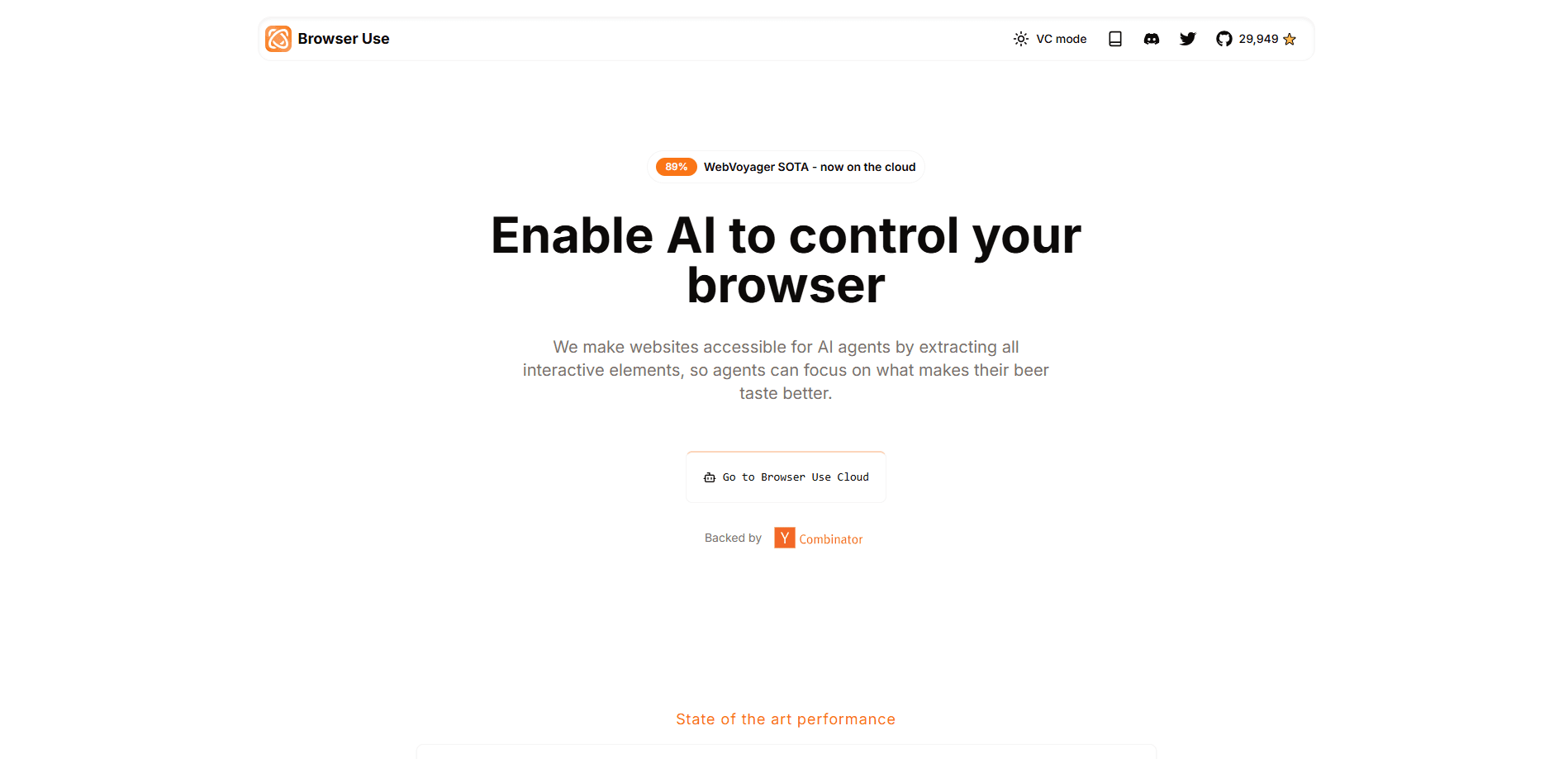
About Browser Use
What Is Browser Use
Browser Use is a browser automation framework built for AI agents. Instead of writing selectors and click steps by hand, you describe a task in plain language and the agent opens a real browser, reads the page and decides what to do next. The project started as an open source Python library and now runs as both that library and a hosted cloud platform.
The problem it solves is brittle automation. Older tools like Selenium and Playwright need exact element paths, so a changed class name breaks a script. Browser Use gives the model a stripped down view of the page, with clickable elements labeled, and lets it adapt when the layout shifts. That makes it a fit for scraping, form filling and multi step flows where the page changes often.
There are two ways to use it, and the choice matters. The open source library is free under the MIT license, runs on your own machine and keeps your data local, but you supply the LLM and manage the browser. The cloud is a paid, pay as you go service that adds stealth browsers, CAPTCHA handling and managed infrastructure, and it bills per use rather than by subscription.
Getting Started
- Install the Python package with pip or uv (Python 3.11 or newer) and let the installer pull a Chromium build
- Add an API key to a .env file, using a Browser Use key or your own OpenAI, Google or Anthropic key
- Create an agent with a task in plain language and pick the model you want it to reason with
- Run the agent and watch it work in the browser, then read the structured result it prints when the task finishes
Product Information
A quick look at Browser Use's pricing, supported platforms, and performance.
Best for
The users, tasks, and scenarios where this tool fits best.
Users
- Developers building AI agents
- Data and research teams
- QA and test engineers
- Automation and ops staff
Tasks
- Web scraping and data extraction
- Form filling and submission
- Research and monitoring
- Agent prototyping
- Scheduled checks
Scenarios
- A shopping site changes its layout monthly
- You need prices from a dozen sites at once
- A signup flow sits behind a CAPTCHA
- You want your data to stay on your machine
- A team ships UI updates weekly
Key features
Describe the Task, Skip the Selectors
You write what you want done in everyday language, and the agent figures out the steps. It reads a simplified view of the page where interactive elements are numbered and labeled, then picks the next action. This is the core difference from Selenium and Playwright, where you name every element and wait yourself. When a class name changes, the agent reads the page again and adjusts instead of failing.
Works With Any Major LLM
The library plugs into the models you already pay for. It supports OpenAI, Anthropic, Google, Azure, Groq and local models through Ollama, among others, so you can pick on cost or speed. The company also ships its own ChatBrowserUse model, which it says finishes tasks three to five times faster than a general purpose model for browser work. Switching models is a config change, not a rewrite.
Open Source Core, MIT Licensed
The browser-use Python library is free and open source under the MIT license, with more than 117,000 GitHub stars. You can read and change every line, run it on your own hardware, and keep task data on your machine. For teams with strict data rules, that local path is often the reason to pick Browser Use over a closed cloud agent.
Stealth Browsers and CAPTCHA Handling
The cloud runs browsers that are built to avoid detection, with high quality residential proxies on by default. On the company's own 71 site test, its browsers reached 81 percent of protected sites, ahead of several rivals it lists. That matters when a target site blocks plain automation, since the task keeps moving instead of stalling at a challenge page.
Predictable Pay as You Go Pricing
The cloud has no subscription. You buy credits from $5, they never expire, and browsers cost $0.02 an hour plus traffic. Running an agent costs the model tokens plus a 20 percent service fee, with browser time billed on top. New accounts get a small free credit, and eligible sign ups receive $15 in one time credits, so you can judge cost on a real task before spending.
Managed Browser Infrastructure and API
Beyond the agent, the cloud sells the browser itself as a service for your own code. You drive it over an API, and the same platform handles sessions, profiles and workspaces. Concurrency starts at 10 sessions and rises as you spend, up to 1,000. Teams that already have their own agent can rent the browser layer alone and skip the model fee.
Pros and cons
Pros
- The open source library is free under the MIT license, so you can test the whole approach at no cost
- Lets an agent adapt to page changes, which cuts the maintenance that breaks older automation scripts
- Supports a wide range of models, including local ones through Ollama, so you aren't locked to one vendor
- Cloud pricing is pay as you go with credits that never expire, and there is no subscription to cancel
- Stealth browsers and CAPTCHA handling are bundled, which plain Playwright doesn't give you
Cons
- The library still needs you to supply an LLM key and run the browser, so it isn't a no setup tool
- Agent runs burn model tokens on every step, which makes long tasks more expensive than a coded script
- The cloud, with its stealth browsers and CAPTCHA solving, is what most non developers would need, and that part is paid
- Fast moving docs and versioned APIs (V2, V3 and V4) mean you have to check which guide matches your setup
Frequently asked questions
Browser Use automates web tasks with an AI agent. You describe the job in plain language, and the agent opens a browser, reads the page and carries out the steps, from filling forms and scraping data to running multi step flows. Developers use it to give their own agents a browser tool, and non developers use the cloud to run tasks without code.
Related content
Explore related tools, skills, and articles for Browser Use.
Browser Use Alternatives

Base Code
Base44 (Wix) · Coding · ProductivityBase Code is a shared cloud development environment from Base44. Teammates describe changes to an existing GitHub codebase in chat, preview them live and send them back as pull requests.

Google EmbeddingGemma 2
Google DeepMind · Writing · Image · CodingGoogle EmbeddingGemma 2 is a 740M-parameter open model that turns text, code, images, audio, and video frames into vectors in one 768-dimension space, running on phones and laptops.

GitGlow
GitGlow · Coding · ProductivityGitGlow is a local-first desktop Git client that lets independent developers review their own code and their AI agents' changes in one place before shipping.