

Browserbase
Browserbase · Coding
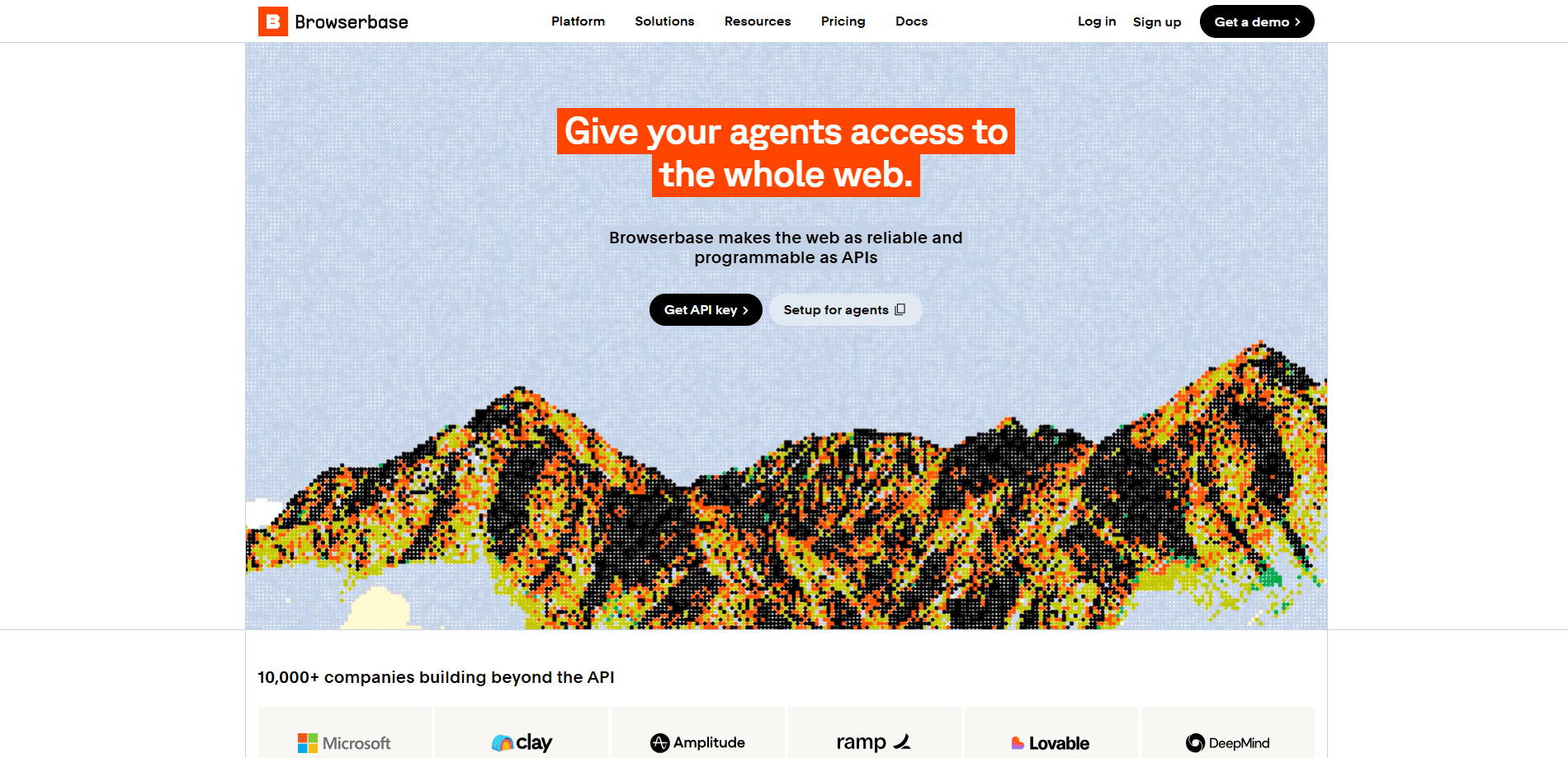
Browserbase is a cloud browser for AI agents. It hands your agent a real browser to navigate sites, fill forms, and click through pages the way a person would. Those browsers come bundled with Search and Fetch endpoints, an Agent Identity layer that handles CAPTCHAs and login walls, and session replay for debugging. More than 10,000 companies use it, including Microsoft and Ramp. You need to be comfortable writing code to get much out of it.
About Browserbase
What Is Browserbase
Browserbase is infrastructure for teams building agents that have to use the web itself, not just an API. Instead of running Chromium on your own servers and fighting anti-bot systems, you rent cloud browsers through one API key and let your code drive them. The platform covers the whole loop. You spin up a session, load a page, read it as clean text, and replay what happened when something breaks.
The company calls it browser as a service, and that framing is the point: someone else runs the machines, patches the browsers, and routes the traffic. Think of it as a headless browser API where the hard parts are already handled. Your team just writes the logic that uses the pages.
Think of it as a web automation platform you program rather than click through. The main limitation is the audience. There's no drag-and-drop builder. If you can't write JavaScript or Python, Browserbase won't do much for you. That's a real filter, given how many "AI agent" tools promise no-code setup.
Getting Started
- Sign up at browserbase.com and grab an API key from the dashboard.
- Install the SDK in your project, then create a browser session with the Browserbase API so a cloud browser is ready to control.
- Point an automation library like Playwright or Puppeteer at the session URL, or use Stagehand to drive actions in natural language.
- Run your script and watch the session live in the dashboard; review logs and replay if a step fails.
- Move to production by raising your plan and scaling concurrent browsers as usage grows.
Product Information
A quick look at Browserbase's pricing, supported platforms, and performance.
Best for
The users, tasks, and scenarios where this tool fits best.
Users
- Developers building browser agents
- Data and growth teams scraping at scale
- Engineering teams running AI web research
Tasks
- Filling and submitting web forms
- Extracting structured data from pages
- Getting past CAPTCHAs and login walls
Scenarios
- Monitoring prices or listings that change daily
- Testing a web flow end to end
- Researching topics across many sources
Key features
Cloud Browser Sessions
The core of the platform is a managed browser you control remotely. You create a session through the API, connect Playwright, Puppeteer, or Selenium to it, and the browser runs on Browserbase's infrastructure instead of your machine. No server to babysit. You skip the setup and the maintenance that comes with keeping fleets of headless browsers alive.
Search and Fetch Endpoints
Search returns web results built for agents, and Fetch pulls a page back as clean markdown through a proxy network. Both are designed to be token-efficient, so an agent gets usable text without a wall of raw HTML. Ever spent a day writing a scraper that breaks on every site redesign?
Agent Identity
Agent Identity is the layer that deals with anti-bot systems, CAPTCHAs, and authentication walls. You can solve CAPTCHAs automatically, or pass your own identity to the session so logins work. Big difference. It's the gap between an agent that stalls on a challenge page and one that keeps moving.
Stagehand
Stagehand is Browserbase's open-source framework for driving browsers with natural language. Instead of writing a selector for every button, you describe the action and let the agent figure out the click. It supports caching of action results. Repeated steps can skip model calls and save tokens.
Observability and Session Replay
Every session comes with logs, a live view, and full session replay. When an agent fails, you don't have to guess what happened. You can watch the exact sequence of pages and clicks. That turns a vague bug report into a specific fix.
SOC-2 Type II Infrastructure
The platform is built on SOC-2 Type II infrastructure, and it reports running more than 35 million browser sessions a month. For teams putting agents in front of real users, that compliance detail matters during procurement and security reviews. It's not glamorous. It just closes deals.
Pros and cons
Pros
- One API key covers browsers, search, fetch, and models, so you don't wire up four separate vendors.
- Session replay and live view make debugging browser agents far less painful. No more squinting at stack traces.
- Agent Identity handles CAPTCHAs and login walls that stop most headless scripts.
- A free plan with 3 concurrent browsers and a browser hour lets you prototype before paying.
Cons
- It's for coders. There's no no-code builder, so non-technical users are shut out.
- The Developer plan starts at $20/mo and usage beyond the included browser hours, search calls, and fetch calls is billed separately, so costs can climb with heavy agents.
- Most value sits in the Browser, Search, and Fetch APIs, which means a real integration effort before you see results.
Frequently asked questions
It's used to give AI agents a real browser they can control from the cloud. Teams use it for web scraping, form filling, data extraction, and any task where an API doesn't exist and a person would normally click through a site.
Related content
Explore related tools, skills, and articles for Browserbase.
Browserbase Alternatives
Forefront
Forefront · CodingForefront is a web platform for building with open-source AI. It lets you fine-tune leading open-source language models on your own data, evaluate how they perform, and run them through an API or export them to host yourself. Developers who want the convenience of a closed-source platform but insist on owning their models and data are the target audience here.

Startkit
StartKit.AI · CodingStartkit is a boilerplate for building AI SaaS and AI wrapper products. Think of it as an AI startup boilerplate with the boring parts already wired up: authentication, Stripe and Lemon Squeezy payments, usage limits, transactional email, and an AI API starter that talks to OpenAI, Anthropic, Groq, or Llama. You clone the repo, set your price, and start on the part of your product that people actually pay for. It's Next.js under React and Tailwind, so most of the boilerplate code already feels familiar.
Testim
Tricentis · CodingTestim is an AI-powered test automation platform for building and running end-to-end tests across web, mobile, and Salesforce applications. It leans on machine learning to keep tests stable when an interface changes, so teams spend less time fixing broken selectors. Not bad for an automated testing tool you can start using today. You create tests by recording actions in a browser, then optionally add JavaScript when you need more control. It's a solid pick for busy QA teams.