

Browserfly
Browserfly · Coding
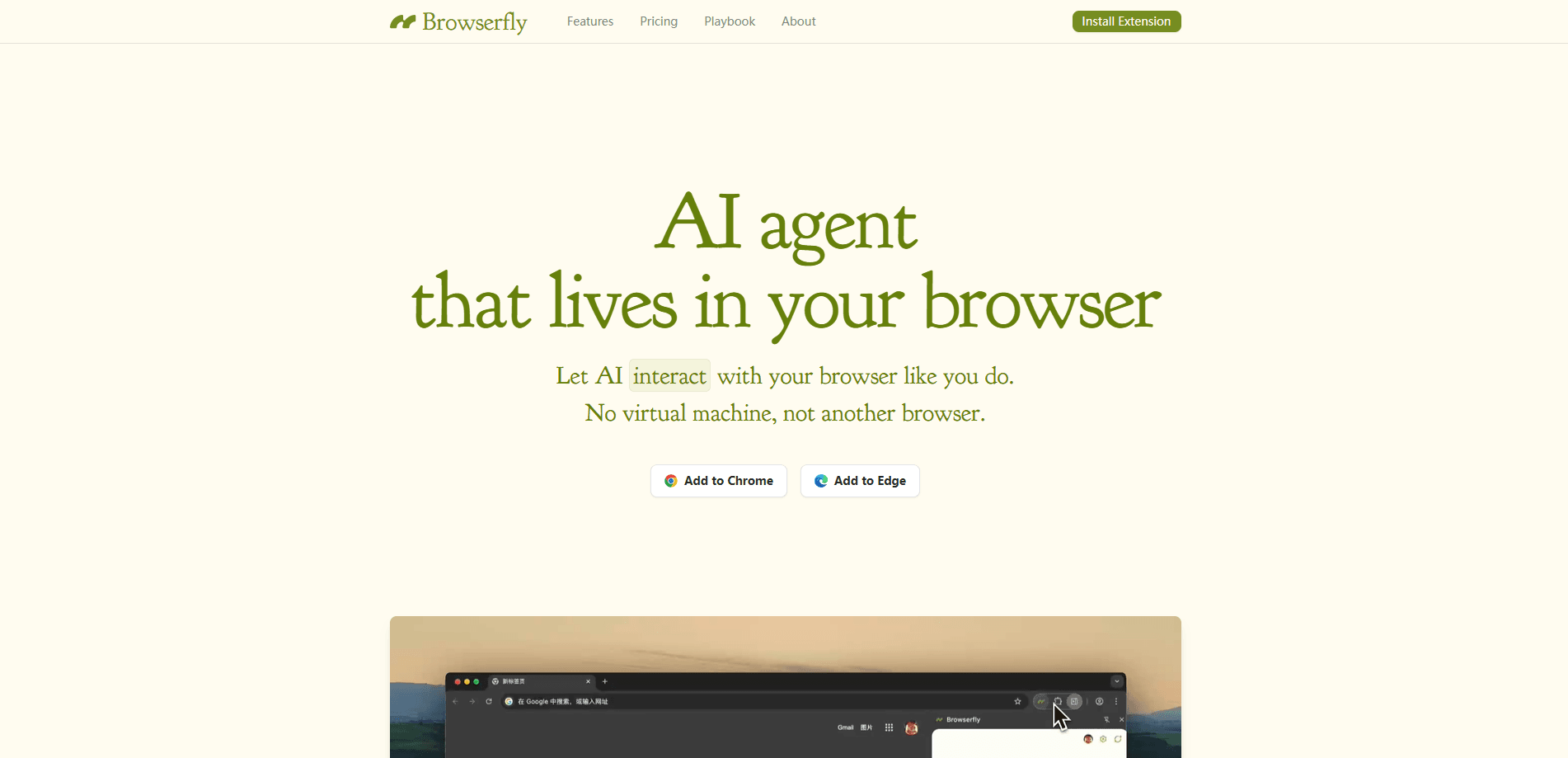
Browserfly is a browser AI assistant that installs in Chromium browsers like Chrome and Edge, then chats with pages, summarizes content across tabs, and runs automated tasks without switching apps.
About Browserfly
What Is Browserfly
Browserfly is an AI agent that lives inside the browser you already use. You install it as a Chrome extension on any Chromium browser, and from there it reads pages, answers questions about what's on screen, and carries out multi-step tasks the way a person would. The pitch is simple: no new browser, no virtual machine, just AI layered on top of Chrome, Edge, Brave, or Opera.
The web was built for humans, not scripts. That's the whole problem. Browserfly sidesteps the fragile selectors that break traditional automation by letting a language model look at the page and decide what to click, type, or read next. Ask it to compare prices across open tabs. Hand it a longer job, like researching a product and drafting a summary, and it works through the steps on its own.
The trade-offs are worth knowing up front. Browserfly runs on the model you connect, so output quality and speed depend entirely on which provider you pick. It also needs a Chromium-based browser. Firefox and Safari users are out of luck for now. And since the agent acts inside your logged-in session, stay nearby on tasks that touch accounts or payments.
Getting Started
- Install Browserfly from the Chrome Web Store on a Chromium-based browser like Chrome or Edge.
- Open the extension and connect an AI model, such as OpenAI, Gemini, DeepSeek, or OpenRouter, using your own API key.
- Ask a question about the page, or select a specific element like a paragraph or table to query.
- Switch to Agent Mode for tasks that need clicking, navigating, and form filling.
- Save prompts you reuse and trigger them from Quick Actions when you need them again.
Product Information
A quick look at Browserfly's pricing, supported platforms, and performance.
Best for
The users, tasks, and scenarios where this tool fits best.
Users
- Students and researchers
- Busy professionals
- Comparison shoppers
- Anyone already paying for an AI model
Tasks
- Summarizing a long page or video
- Asking about a specific element
- Automating a routine
- Researching across tabs
Scenarios
- Prepping for a meeting
- Working through a long video
- Filling the same form repeatedly
- Light research on a new product
Key features
Ask Mode and Element-Level Questions
Ask Mode doubles as a webpage summarizer and lets you talk to a page directly, and it works across one or several tabs at once. You can select a particular element, such as a paragraph, table, or form, and question only that part instead of the whole document. That precision matters. On a long page, often only one section holds the answer.
Agent Mode for Browser Automation
Agent Mode is where Browserfly earns the "agent" label. It clicks buttons, opens links, fills in forms, and translates text as it moves through a site, following a task you describe in plain language. You can also set up custom flows for jobs you repeat, so the same sequence runs again without you rebuilding it.
Cross-Tab Chat
The extension reads more than the tab in front of you. Cross-tab chat pulls content from multiple open pages and reasons over all of it. That's handy for comparing search results or combining details that live on different sites. You get one answer. No puzzle spread across windows.
Video and Subtitle Handling
Browserfly pays attention to video pages on platforms like YouTube and Bilibili. It can grab captions, then answer questions about the content, summarize it, or translate it. A 40-minute video becomes something you skim in a couple of minutes.
Bring Your Own Key
You connect your own API key and choose the model yourself, from OpenAI, Gemini, and DeepSeek to OpenRouter and AIHubMix. Pricing runs through your provider, so you control the cost and pick the model that fits the job. BYOK mode is free to use right now.
Quick Actions and Saved Prompts
Quick Actions store the prompts you use often and fire them off in a click, cutting out retyping. Customize the chat prompt once, then reuse it wherever you browse. That's the difference between an occasional helper and a daily habit.
Pros and cons
Pros
- Works inside browsers you already use, so there's no new app to learn or migrate to.
- Cross-tab and element-level chat give precise answers instead of a whole-page dump.
- Agent Mode covers real automation, from clicking and navigating to filling forms.
- BYOK means you pick and pay for the model directly, which keeps costs transparent.
- Handles video pages by pulling captions, so long clips become quick reads.
Cons
- Chromium-based browsers only, so Firefox and Safari users can't run it.
- Output quality and speed hinge on the model you connect and the key you supply.
- Because the agent works inside your logged-in session, tasks involving accounts or payments need a watchful eye.
Frequently asked questions
Browserfly is used to summarize web pages and videos, answer questions about specific content, and automate browsing tasks such as clicking, navigating, and filling forms, all without leaving your current browser.
Related content
Explore related tools, skills, and articles for Browserfly.
Browserfly Alternatives

Base Code
Base44 (Wix) · Coding · ProductivityBase Code is a shared cloud development environment from Base44. Teammates describe changes to an existing GitHub codebase in chat, preview them live and send them back as pull requests.

Google EmbeddingGemma 2
Google DeepMind · Writing · Image · CodingGoogle EmbeddingGemma 2 is a 740M-parameter open model that turns text, code, images, audio, and video frames into vectors in one 768-dimension space, running on phones and laptops.

GitGlow
GitGlow · Coding · ProductivityGitGlow is a local-first desktop Git client that lets independent developers review their own code and their AI agents' changes in one place before shipping.