

BrowserOS
BrowserOS · Coding
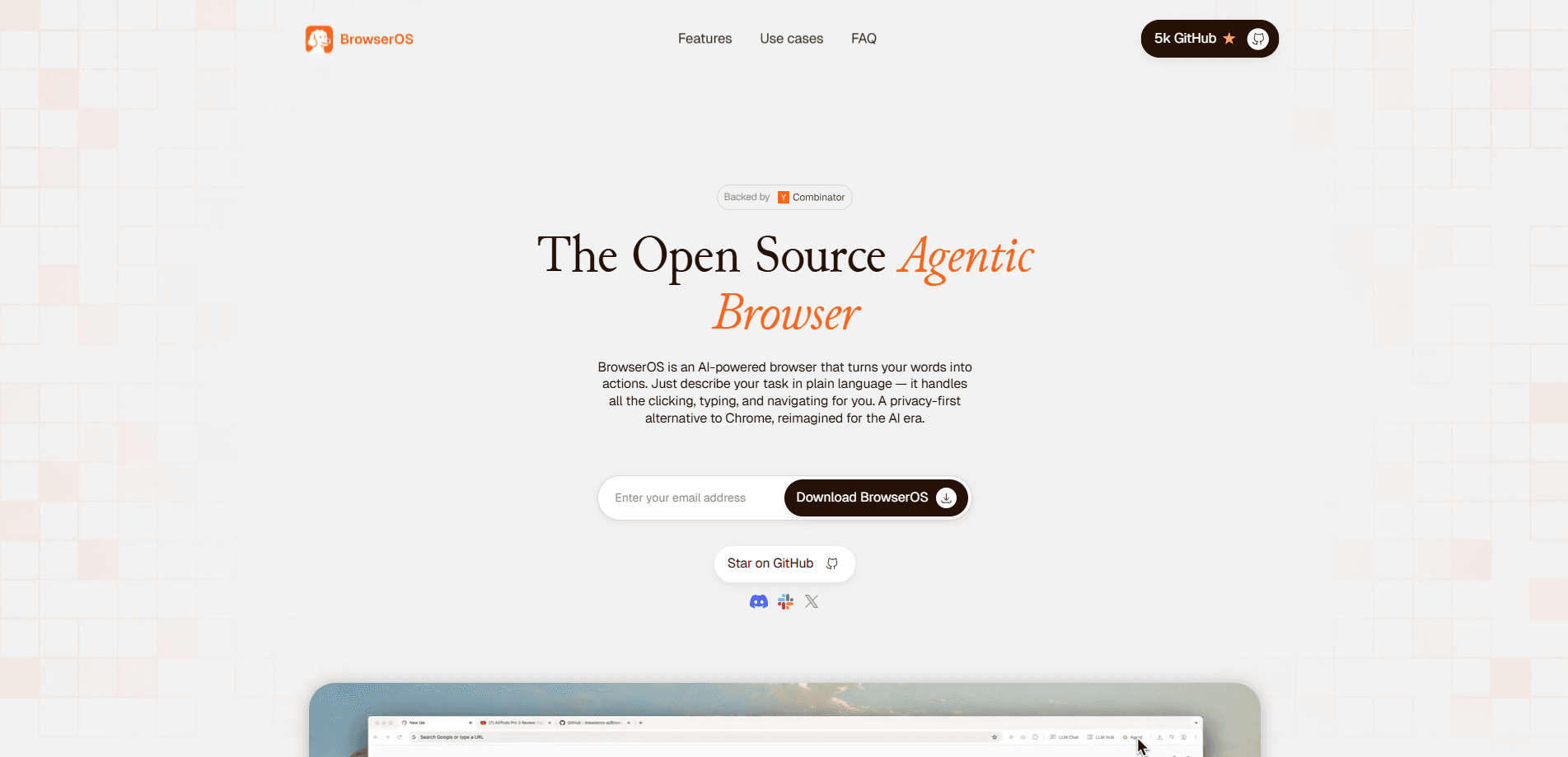
BrowserOS is an open-source, Chromium-based AI browser that runs AI agents locally on your own machine. It lets you automate web tasks with plain-language instructions while using the accounts you're already signed into, so your email, calendar, and work tools stay accessible to the agent. The project is privacy-first: sessions, screenshots, and history stay on your disk instead of a vendor's servers. You can drive it from its own assistant panel or hand tasks to external agents such as Claude Code, Codex, and Cursor over MCP. If you want to run AI agents locally instead of on someone else's cloud, that setup is the whole pitch. Think of it as an agentic browser built for real work.
About BrowserOS
What Is BrowserOS
BrowserOS is a browser built so AI agents can actually use the web the way you do. It's based on Chromium, so it looks and behaves like Chrome, imports your bookmarks, passwords, and extensions in one click, and keeps your existing logins intact. The difference is that it hands those logged-in sessions to an AI agent, which means the agent can open your inbox, pull a number out of a Notion doc, or file an expense instead of stalling at a login screen.
The problem it solves is specific. Most automation tools either open a blank browser with nothing signed in or run on a remote cloud machine where sites like LinkedIn and X block you for coming from a datacenter IP. BrowserOS runs on your own computer, on localhost, using the accounts you already have. That's the core of AI browser automation done locally. There's also a newer "neo" edition that acts as a second browser sitting next to Chrome, with a dashboard that shows every agent working and a replay feature that records each session as a video.
The trade-off is that local agents depend on models you connect yourself. BrowserOS ships with a default model and limited daily usage for testing, but for heavier work you bring your own API key or run a model through Ollama or LM Studio. Setup is simple; getting reliable results on messy real-world sites takes some trial and error, and the open-source project has drawn mixed reviews on how well agent mode performs outside a handful of well-supported sites. Is it a full Chrome replacement? Not for the neo edition. It's a focused AI browser you add to your toolkit, not a total switch.
Getting Started
- Download the installer for macOS, Windows, or Linux from the official site and run it like any browser.
- Import your data from Chrome by opening
chrome://settings/importDatato bring over bookmarks, passwords, and settings. - Connect a model: use the built-in default for testing, add an API key from OpenAI, Anthropic, or Google, or point BrowserOS at a local model through Ollama or LM Studio.
- Open any page, press the Assistant button in the toolbar, and either ask a question about the page or describe a task to automate.
- If you use an external coding agent, connect it once so it can drive the browser through MCP.
Product Information
A quick look at BrowserOS's pricing, supported platforms, and performance.
Best for
The users, tasks, and scenarios where this tool fits best.
Users
- Privacy-conscious power users
- Developers and AI tinkerers
- People juggling repetitive web chores
Tasks
- Automating logged-in workflows
- Extracting data from pages
- Driving agents from a coding tool
Scenarios
- Handling sensitive data in regulated fields
- Research sessions you need to review
- Running several jobs at once
Key features
Agents that use your own logins
The point of BrowserOS is that your AI arrives already signed in. Because you install it as a real browser and import from Chrome, your email, calendar, and work tools are authenticated before the agent touches them. That's what separates it from headless tools that start from a blank profile and can't get past a login page. No login wall. No setup ritual.
Local-first privacy
Sessions, screenshots, and history live on your disk and aren't uploaded anywhere. There's no vendor dashboard watching your activity, and you can run a local model through Ollama or LM Studio so even the reasoning stays on your machine. Nothing leaves. For anyone handling sensitive documents, that's the whole reason to pick this over a cloud browser.
Bring your own model
BrowserOS doesn't lock you to one AI. You can connect API keys from OpenAI, Anthropic, Google, or any OpenAI-compatible endpoint, or run open models locally. Pick what you need. The built-in default covers light testing, but choosing your own model lets you trade speed, cost, and quality to match the task.
MCP connections to coding agents
The browser exposes MCP servers, so external agents like Claude Code, Codex, Cursor, and VS Code can drive it directly. You fire off a task from your agent, then watch it happen in a tab. One click to connect. This makes BrowserOS a bridge between a coding assistant and the logged-in web apps it otherwise can't reach.
Live dashboard and session replay
A dashboard on the new tab page shows every agent at work. You see the current site and the progress it has made. Each run is also saved as a scrubbable video with an action timeline, so you can rewind a failure to see exactly what happened or save a run that worked as a repeatable recipe.
Chrome-compatible and open source
BrowserOS is built on Chromium under the AGPL-3.0 license, so it runs Chrome extensions and keeps the interface you already know. The code is public, which means you can inspect it, weigh the privacy claims yourself, or fork it if your needs diverge from the roadmap.
Pros and cons
Pros
- Agents work with your existing logins, so tasks that need a signed-in account actually run instead of stalling.
- Runs locally on your machine, which keeps browsing data off vendor servers and avoids datacenter-IP blocks on social sites.
- Supports your own API keys plus local models via Ollama and LM Studio, with no lock-in to a single AI provider.
- Built on Chromium with one-click Chrome import, so switching costs stay low.
- Open source under AGPL-3.0, meaning the privacy and automation claims can be checked in the code.
Cons
- Agent reliability on arbitrary sites is uneven; outside well-supported ones, multi-step tasks can fail and need retries, so it works best as a helper rather than a hands-off robot.
- Heavy use depends on connecting your own model, which means extra cost or setup beyond the limited built-in default.
- The newer neo edition is positioned as a second browser beside Chrome rather than a full replacement, which adds a tool to juggle.
Frequently asked questions
It's a Chromium-based browser that runs AI agents locally so they can automate web tasks using your logged-in accounts. You describe a task in plain language and the agent clicks, types, and navigates on your behalf while you watch.
Related content
Explore related tools, skills, and articles for BrowserOS.
BrowserOS Alternatives
Forefront
Forefront · CodingForefront is a web platform for building with open-source AI. It lets you fine-tune leading open-source language models on your own data, evaluate how they perform, and run them through an API or export them to host yourself. Developers who want the convenience of a closed-source platform but insist on owning their models and data are the target audience here.

Startkit
StartKit.AI · CodingStartkit is a boilerplate for building AI SaaS and AI wrapper products. Think of it as an AI startup boilerplate with the boring parts already wired up: authentication, Stripe and Lemon Squeezy payments, usage limits, transactional email, and an AI API starter that talks to OpenAI, Anthropic, Groq, or Llama. You clone the repo, set your price, and start on the part of your product that people actually pay for. It's Next.js under React and Tailwind, so most of the boilerplate code already feels familiar.
Testim
Tricentis · CodingTestim is an AI-powered test automation platform for building and running end-to-end tests across web, mobile, and Salesforce applications. It leans on machine learning to keep tests stable when an interface changes, so teams spend less time fixing broken selectors. Not bad for an automated testing tool you can start using today. You create tests by recording actions in a browser, then optionally add JavaScript when you need more control. It's a solid pick for busy QA teams.