

BugShot
BugShot · Coding
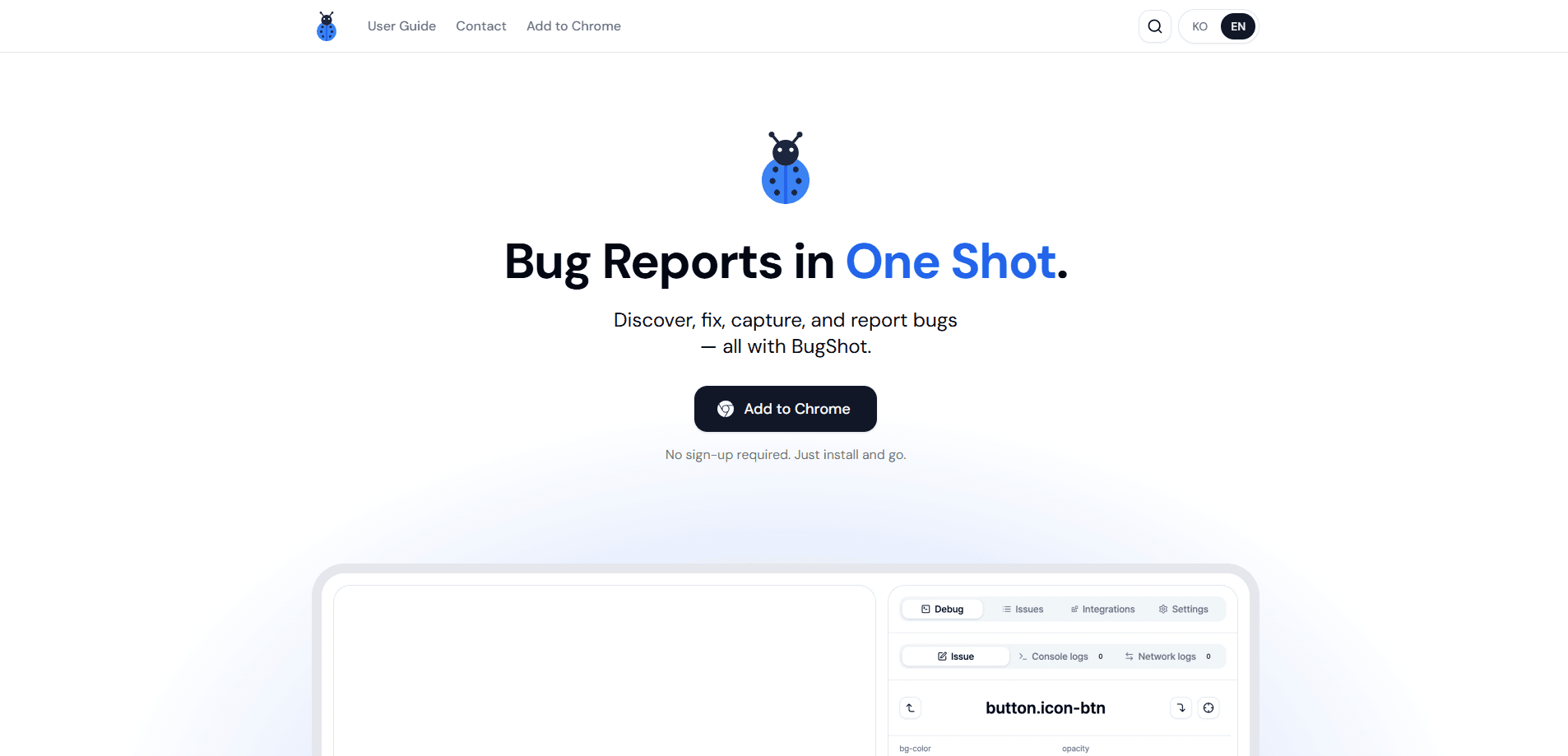
BugShot is a free Chrome extension for visual bug reporting that lets you inspect and edit CSS, grab instant replays, auto-collect context, and file rich issues into tools like Jira and GitHub in one click. Think of it as a visual bug reporting tool that lives in the browser side panel. So you capture a bug the moment you spot it instead of writing long text explanations. QA engineers, designers, PMs, and developers on web projects are the people it's built for.
About BugShot
What Is BugShot
BugShot is a browser-based bug reporting tool that turns a spotted problem into a developer-ready issue without leaving the page. Instead of typing "the button color looks off," you click the element, tweak its styles live, and attach a screenshot, a short recording, and console logs all at once. The result is a screenshot bug report a developer can act on right away.
The main thing it solves is the back-and-forth between whoever finds a bug and whoever fixes it. Developers usually have to ask for the browser, the viewport size, the exact URL, and the steps to reproduce. BugShot collects that environment data automatically, so the report arrives with context already inside it. No chasing.
One limit worth knowing up front: it only works in Chrome, since it's a side panel extension built on Chrome's extension APIs. If your team reports bugs in Safari or Firefox, this tool won't cover that workflow. Why the Chrome-only choice? The side panel API is what makes the in-page editing possible. There's also no central account system, which keeps setup friction low but means reports live in your own tracker rather than in a BugShot dashboard.
Getting Started
- Install the BugShot extension from the Chrome Web Store. No sign-up is required.
- Open the site you're testing and click the BugShot icon to bring up the side panel.
- Pick a capture mode: click an element to inspect and edit its styles, or start a recording for a live session.
- Link the issue tracker you use (Jira, GitHub, Linear, Notion, GitLab, Asana, ClickUp, or Slack) in the Integrations tab.
- Draft or submit the report straight into your tracker, with screenshots, video, and logs attached.
Product Information
A quick look at BugShot's pricing, supported platforms, and performance.
Best for
The users, tasks, and scenarios where this tool fits best.
Users
- QA engineers
- Front-end developers
- Designers and PMs
Tasks
- Reporting a visual styling bug
- Filing a reproducible issue to Jira or GitHub
- Sharing a quick heads-up with the team
Scenarios
- QA passes on a staging site
- Design review on a live page
- Late bug discovery
Key features
Inspect & Edit Styles In Place
Click any element on the page to see the styles and attributes applied to it. You can edit color, spacing, border, and font values live in a visual editor, and BugShot captures the before and after side by side in the issue. That means you can propose a fix rather than only describe a problem. Big difference.
AI Styling From Plain Language
Describe the change you want in normal words, and the AI rewrites the CSS for you. It compares the before and after right on the page, so you can check the result before submitting. This is aimed at people who know what looks wrong but not how to write the CSS to fix it. No code required.
Record & Replay
BugShot records live sessions and also keeps an always-on buffer, so you can grab the last 30 seconds even after the bug has already passed. That replay recording attaches to the issue, which matters for timing-sensitive problems that are hard to describe in text. Missed the moment? Not anymore.
Auto-Collect Context
Every report carries the browser, viewport size, operating system, URL, and DOM context automatically. Developers stop asking the reporter what setup they were on, because the environment data is already in the ticket.
AI Report Drafting
BugShot turns captured data into a structured AI bug report with steps, expected behavior, and actual behavior. You can jot the bug down in a single line and let the AI shape it into something a developer can act on.
One-Click Issue Filing
Submit tickets with full attachments to Jira, GitHub, Linear, Notion, GitLab, Asana, and ClickUp in one click, or send to Slack for a quick share. Projects, labels, assignees, and priorities sync from the connected platform, so you don't reconfigure fields each time. File bugs to Jira without opening Jira. It's fast.
Log Viewer With Synced Playback
The attached log viewer plays the recording in sync with console, network, and user-action logs. All three logs collect automatically while the side panel is open, including errors from cross-origin iframes, and you can switch any of them off before submitting. That's a lot of detail. Useful, if you're the one debugging.
Track Issue Status
Check the status of issues you've submitted in real time inside BugShot. You can update them without switching back to your tracker, which keeps the reporting loop in one place. That issue tracker integration is what saves the tab-switching.
Pros and cons
Pros
- Free with no sign-up, so individuals and small teams can adopt it without a budget or account setup.
- Visual reporting with live CSS editing replaces long written explanations, which cuts the clarifying loop with developers.
- Environment data, screenshots, video, and logs attach automatically, saving the reporter manual collection work.
- Supports seven trackers plus Slack and a custom webhook, so most teams file into the tool they already use.
- The always-on replay buffer recovers bugs that were spotted a few seconds late.
Cons
- Chrome only. If your team tests in Safari, Firefox, or on mobile browsers, BugShot won't cover those reports.
- No BugShot account or dashboard, so there's no central place to browse reports outside your own tracker.
- It's a general bug reporting tool, not a dedicated QA test-management platform, so it won't replace test case suites or coverage tracking.
Frequently asked questions
It's a Chrome side panel extension for visual bug reporting. You capture a bug where you spot it and file it as an issue, bundling the environment data, screenshots, video, and logs into one report.
Related content
Explore related tools, skills, and articles for BugShot.
BugShot Alternatives
Forefront
Forefront · CodingForefront is a web platform for building with open-source AI. It lets you fine-tune leading open-source language models on your own data, evaluate how they perform, and run them through an API or export them to host yourself. Developers who want the convenience of a closed-source platform but insist on owning their models and data are the target audience here.

Startkit
StartKit.AI · CodingStartkit is a boilerplate for building AI SaaS and AI wrapper products. Think of it as an AI startup boilerplate with the boring parts already wired up: authentication, Stripe and Lemon Squeezy payments, usage limits, transactional email, and an AI API starter that talks to OpenAI, Anthropic, Groq, or Llama. You clone the repo, set your price, and start on the part of your product that people actually pay for. It's Next.js under React and Tailwind, so most of the boilerplate code already feels familiar.
Testim
Tricentis · CodingTestim is an AI-powered test automation platform for building and running end-to-end tests across web, mobile, and Salesforce applications. It leans on machine learning to keep tests stable when an interface changes, so teams spend less time fixing broken selectors. Not bad for an automated testing tool you can start using today. You create tests by recording actions in a browser, then optionally add JavaScript when you need more control. It's a solid pick for busy QA teams.