

BuilderStudio
BuilderStudio · Coding
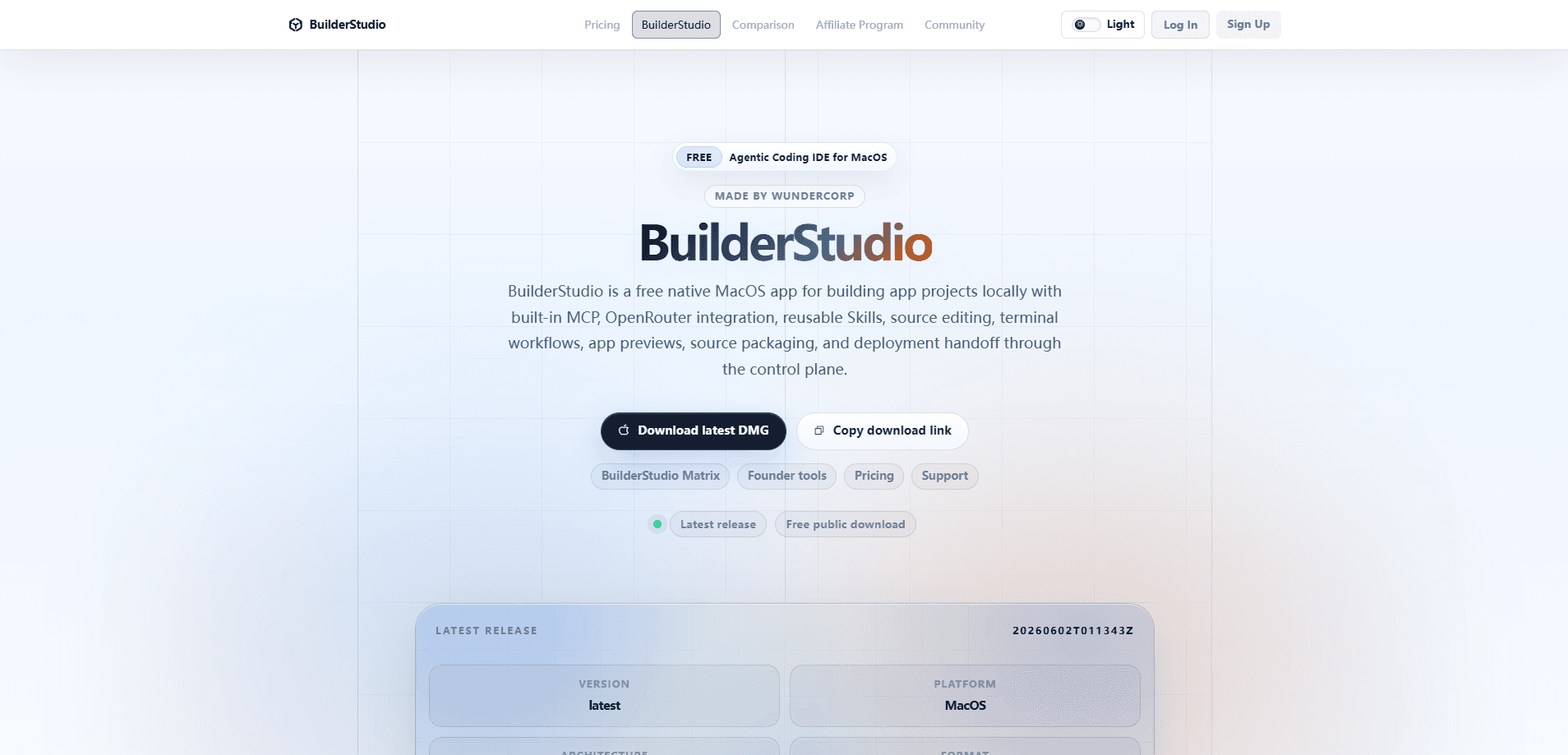
BuilderStudio is a free native macOS IDE that runs agentic coding directly on your machine. It pairs a full source editor and terminal with built-in MCP support, OpenRouter model access, reusable Skills, app previews, safe packaging, and a deployment handoff through a control plane. The pitch is simple: keep your project local, let an agent do the heavy lifting, and hand off the finished build without leaving the app. So what does that actually look like in practice?
About BuilderStudio
What Is BuilderStudio
BuilderStudio is an AI coding environment for developers who want agent assistance without shipping their source code to someone else's cloud. It's a native macOS app, not a browser tab or a VS Code extension, and it builds projects locally. According to the developer, everything from editing to packaging happens on the machine you're sitting at.
The appeal is the combination. Most agentic tools pick a lane. A terminal agent. A chat sidebar. A hosted sandbox. BuilderStudio bundles a source editor, terminal workflows, an MCP client, and OpenRouter-backed model access into one window. You point it at a project, describe what you want, and watch an agent work through real files.
The limits matter too. It's macOS only, so Windows and Linux users are out of luck. It's young, and the deployment handoff runs through a control plane rather than a documented public API, so teams that need enterprise controls should test carefully before committing to a workflow they can't script around.
Getting Started
- Download BuilderStudio from builderstudio.dev and install the native macOS app.
- Connect a model through OpenRouter, or add your own provider credentials, so the agent has something to think with.
- Open a local project folder and let the IDE index your source files.
- Add MCP servers or load reusable Skills if your workflow needs extra tools.
- Describe a task, review the agent's edits, preview the app, then package and hand off the build.
Product Information
A quick look at BuilderStudio's pricing, supported platforms, and performance.
Best for
The users, tasks, and scenarios where this tool fits best.
Users
- Mac-based developers who want an agentic coding IDE that keeps source local rather than uploading it to a hosted sandbox.
- Solo builders and indie hackers who want one window for editing, terminal work, previews, and packaging instead of stitching five tools together.
- Teams evaluating MCP and reusable Skills who need a client that speaks those standards natively.
Tasks
- Multi-file feature work where an agent edits real files in your project and you review the diff before accepting.
- Wiring up MCP servers so an agent can reach databases, APIs, or local tools while you stay in the editor.
- Packaging a finished build and handing it off for deployment without leaving the IDE.
Scenarios
- A weekend project where you describe the app, watch the agent scaffold it, and preview the result in the same session.
- Refactoring a messy codebase locally, with the source never leaving your Mac.
- Trying out several OpenRouter models against the same task to see which one handles your code best.
Key features
Native macOS, Local Builds
BuilderStudio runs as a native app and builds projects on your machine. Your source stays put. That matters if you work on private code or want to avoid cloud sandbox limits. It's a real desktop environment, so file handling and terminal behavior match the rest of macOS.
Built-In MCP Client
The IDE speaks the Model Context Protocol out of the box, so agents can call external tools and data sources through a standard interface. You add MCP servers and the agent gains access to them. That's how it reaches things beyond raw files. For anyone already living in the MCP world, this saves a lot of glue code. Less wiring, more building.
OpenRouter Integration
Model access runs through OpenRouter, which means you can switch between providers without rewriting your setup. Swap from one frontier model to another, or reach for a cheaper option on small tasks. No vendor lock. It keeps you from being tied to a single provider's pricing and rate limits, which adds up fast once you're running agents across a real project.
Reusable Skills
Skills let you package a repeatable workflow and reuse it across projects. Instead of re-explaining how your team handles releases or tests, you load the Skill and the agent follows the same procedure every time. Same steps, every run. Think of it as a library of instructions you build up over time.
Source Editing and Terminal Workflows
You get a source editor and a terminal in the same app, so editing and running commands don't require switching windows. The agent works against the same files you do, and you can drop into the shell whenever you'd rather type the command yourself. It respects how developers actually work, without forcing you through an agent for every little thing.
App Previews
BuilderStudio previews the app you're building so you can see the result without a separate dev server dance. That tight loop between an edit and a visible outcome is what makes agentic coding tolerable. You catch a bad change in seconds, not after a manual build.
Safe Packaging and Deployment Handoff
When a build is ready, the IDE packages it safely and hands it off for deployment through a control plane. It's a cleaner exit than manually zipping files and hoping nothing broke, and the handoff is the part that turns a local project into something you can actually ship.
Pros and cons
Pros
- Free to use, with no subscription standing between you and the app.
- Source code stays local instead of sitting in a third-party sandbox.
- MCP support and reusable Skills make it extensible without custom integration work.
- OpenRouter integration gives you model choice rather than a single locked-in provider.
- Editor, terminal, previews, and packaging live in one window, which cuts context switching.
Cons
- macOS only, so Windows and Linux developers can't run it at all.
- It's a young product, so expect rough edges and less community documentation than established IDEs.
- The deployment control plane isn't a documented public API, which limits custom automation for teams, so you may need to verify it fits your pipeline.
Frequently asked questions
Yes. BuilderStudio is a free native macOS agentic coding IDE. You still pay for whatever model usage you rack up through OpenRouter, but the app itself costs nothing.
Related content
Explore related tools, skills, and articles for BuilderStudio.
BuilderStudio Alternatives
Forefront
Forefront · CodingForefront is a web platform for building with open-source AI. It lets you fine-tune leading open-source language models on your own data, evaluate how they perform, and run them through an API or export them to host yourself. Developers who want the convenience of a closed-source platform but insist on owning their models and data are the target audience here.

Startkit
StartKit.AI · CodingStartkit is a boilerplate for building AI SaaS and AI wrapper products. Think of it as an AI startup boilerplate with the boring parts already wired up: authentication, Stripe and Lemon Squeezy payments, usage limits, transactional email, and an AI API starter that talks to OpenAI, Anthropic, Groq, or Llama. You clone the repo, set your price, and start on the part of your product that people actually pay for. It's Next.js under React and Tailwind, so most of the boilerplate code already feels familiar.
Testim
Tricentis · CodingTestim is an AI-powered test automation platform for building and running end-to-end tests across web, mobile, and Salesforce applications. It leans on machine learning to keep tests stable when an interface changes, so teams spend less time fixing broken selectors. Not bad for an automated testing tool you can start using today. You create tests by recording actions in a browser, then optionally add JavaScript when you need more control. It's a solid pick for busy QA teams.