

BuildShip
Rowy Inc · Coding
BuildShip is an AI workflow builder that turns plain prompts into APIs and backend flows, made for makers and teams who want no-code speed with code access.
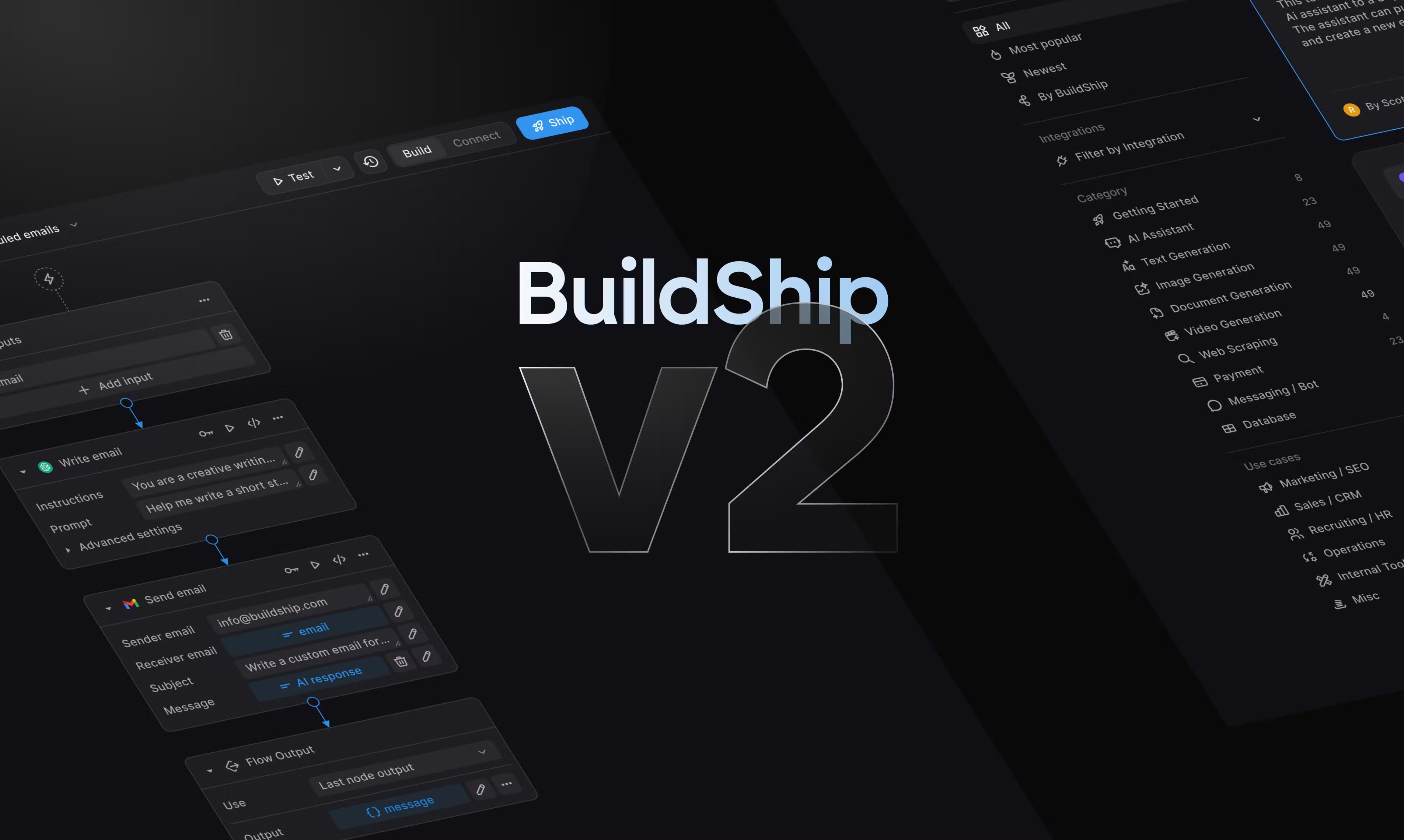
About BuildShip
What Is BuildShip
BuildShip is a visual backend builder that lets you describe an idea in plain language and get a working flow. It sits in the low-code backend space: you drag nodes onto a canvas, connect inputs and outputs, and test the whole thing without writing glue code. The pitch is speed. Instead of wiring up servers, auth and cron jobs by hand, you assemble a backend from ready-made pieces.
The people behind it are Rowy Inc, and the product leans hard into AI. You can generate an entire flow from a prompt, spin up individual nodes, or upload an API spec and let the builder fill in the rest. It connects to large language models, image and video generators, databases and common business apps, so a single canvas can run a multi-step AI task end to end.
The catch: there's no free tier. You get a 7-day trial, then you pay. That's fine for teams with a clear use case. It's a harder sell if you just want to poke around. And serious pipelines still reward someone who can read code, even if you never have to write it.
Getting Started
- Create an account at app.buildship.com and start your 7-day free trial.
- Describe what you want in the AI Builder prompt, or start from a blank canvas and add nodes yourself.
- Drop in nodes for your models, data sources and tools, then connect their inputs and outputs.
- Run a test execution to check the logic and debug any failing node.
- Deploy on BuildShip Cloud with one click, or export the code and self-host on your own infrastructure.
Product Information
A quick look at BuildShip's pricing, supported platforms, and performance.
Best for
The users, tasks, and scenarios where this tool fits best.
Users
- Makers and indie developers
- Startup engineering teams
- Non-technical operators in HR, finance or marketing
Tasks
- Turning a prompt into an API
- Automating repetitive back-office work
- Building tools for AI agents
Scenarios
- Early prototyping of an AI product
- Adding AI to an existing business process
- Compliance-sensitive automation
Key features
Prompt-to-Flow AI Builder
You describe the workflow you want and the AI Builder generates the flow logic and nodes for you. It can create an entire flow in seconds, generate individual nodes from scratch, or modify nodes you've already made. If you have an API spec, you can upload it and let the builder work from that.
Visual Flow Canvas
The canvas is where the real work happens. You get 50-plus ready-to-use nodes and connect them by wiring inputs to outputs. No raw code required for the common cases. When something breaks, you test and debug right there on the canvas instead of hunting through logs. Ever spent an afternoon tracing a failed job through server logs? That's the pain this skips.
Full Code Access
No-code tools usually trap you. BuildShip doesn't. You can drop into custom scripts, fine-tune node behavior, or debug a step by hand whenever the visual layer isn't enough. That mix is the whole point: speed when you want it, control when you need it.
Self-Hosting and Deployment
You choose where your workflows live. Deploy on BuildShip Cloud with instant hosting and pay-per-use pricing, or export the source code and run it on Vercel, GCP, AWS, Azure or your own custom MCP server. Self-hosting keeps sensitive data inside your perimeter.
AI Model and Data Integrations
A flow can mix models and data freely. BuildShip connects to large language models, image and video generators from providers like OpenAI, Stable Diffusion and Hugging Face, plus databases and everyday business tools. That means one canvas can run a multimodal task start to finish.
Secure Keys and Keyless Nodes
Managing API keys across many providers is a chore. BuildShip handles auth centrally and offers pre-authenticated nodes for top AI providers, so you can prototype faster without pasting credentials everywhere. Sensitive keys stay managed rather than scattered through your code.
Team Library and Version Control
Save your custom nodes to a shared Team Library and reuse them across workflows. Version control keeps a history of changes, which matters once more than one person is editing a flow. It's the difference between a personal scratchpad and a shared workspace.
Pros and cons
Pros
- Prompt-to-flow generation gets a working backend running in minutes, not days
- Full code access means no vendor lock-in when the visual builder hits its limits
- Self-hosting options let compliance-sensitive teams keep data in their own cloud
- 50-plus ready-made nodes cover models, databases and common business tools
- Pay-per-use credits only charge for the execution time a node actually uses
Cons
- No free plan, so testing means paying after the 7-day trial ends
- Credits can add up on heavy flows, and you have to watch usage across the team
- Complex pipelines still favor someone comfortable reading code, which undercuts the pure no-code claim
Frequently asked questions
BuildShip builds backends, APIs and AI workflows without hand-written boilerplate. You describe what you want, wire up nodes on a canvas, and deploy. It's aimed at automating tasks that would otherwise need a custom server.
Related content
Explore related tools, skills, and articles for BuildShip.
BuildShip Alternatives

Base Code
Base44 (Wix) · Coding · ProductivityBase Code is a shared cloud development environment from Base44. Teammates describe changes to an existing GitHub codebase in chat, preview them live and send them back as pull requests.

Google EmbeddingGemma 2
Google DeepMind · Writing · Image · CodingGoogle EmbeddingGemma 2 is a 740M-parameter open model that turns text, code, images, audio, and video frames into vectors in one 768-dimension space, running on phones and laptops.

GitGlow
GitGlow · Coding · ProductivityGitGlow is a local-first desktop Git client that lets independent developers review their own code and their AI agents' changes in one place before shipping.