

Bull GPT
FlexInAi · Other
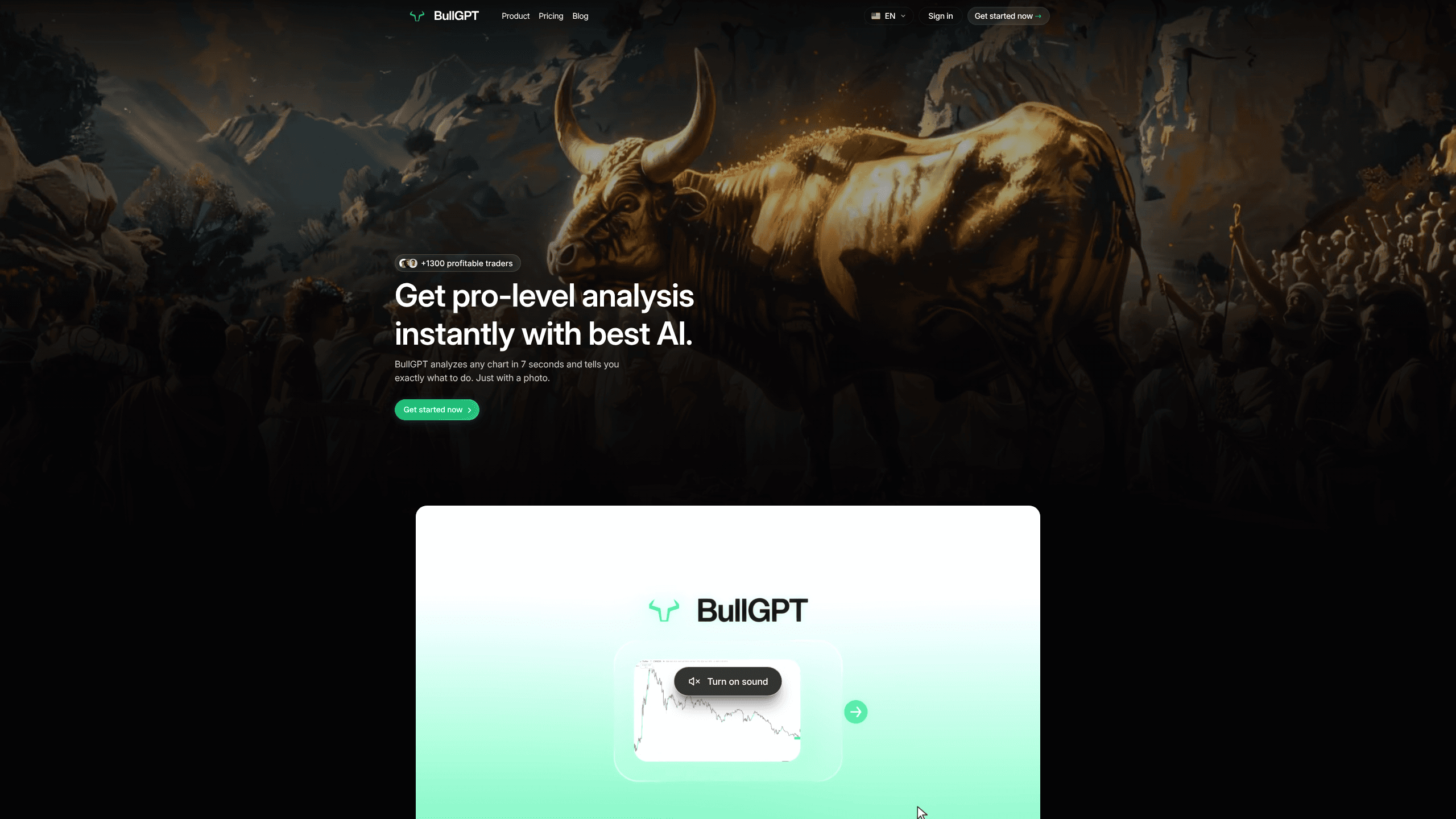
Bull GPT is an AI trading bot that reads a chart screenshot and returns a structured trade plan in about 7 seconds. You drop in a TradingView image, and it maps support and resistance, Fibonacci levels, RSI, and the most likely scenarios with probabilities attached. It's built for crypto, forex, and commodity traders who want a second opinion on a setup without paying for a full desk.
About Bull GPT
What Is Bull GPT
Bull GPT is a web app that turns a chart screenshot into a readable trade plan. The team behind it says the analysis mirrors what a profitable trader with a decade of screen time would spot: key levels, momentum, and the paths price is most likely to take. You send a photo, not a broker connection. Nothing about your account or positions is involved.
The core promise is decision support. Instead of a vague "buy" signal from a chat group, you get a scenario like "if price breaks 1.0850, bullish toward 1.0920 at 68% probability." That framing tells you both the trigger and the odds, which is more useful than a call with no conditions attached. So what does that mean in practice? You stop guessing and start weighing.
The limits matter here. Bull GPT reads what's in the picture. A poor screenshot gives a poor read. It won't place trades for you, and it isn't a licensed advisor, so treat the probabilities as a structured starting point rather than a guarantee of anything. After roughly 10 analyses it also starts adapting to your style. It works out if you're a scalper or a swing trader, then shapes recommendations around that.
Getting Started
- Sign up at app.bullgpt.io with an email and pick a plan.
- Screenshot the chart you're watching in TradingView, or export it directly.
- Drag the image into Bull GPT or import it in one click.
- Hit send and wait a few seconds for the analysis to come back.
- Read the entry, stop, targets, and key levels, then decide how the plan fits your own strategy.
Product Information
A quick look at Bull GPT's pricing, supported platforms, and performance.
Best for
The users, tasks, and scenarios where this tool fits best.
Users
- Retail crypto traders
- Forex traders
- Beginners learning to read charts
- Swing traders
Tasks
- Analyzing a chart screenshot
- Planning an entry
- Checking a setup you already like
- Learning chart structure
Scenarios
- Reviewing a setup on your phone before the market opens
- Comparing two possible trades
- Getting unstuck after a losing streak
Key features
Seven-Second Chart Analysis
Bull GPT reads a chart in about 7 seconds. In a single pass it maps support and resistance, Fibonacci retracements, RSI, and the broader market picture. You don't set up any indicators, and you don't connect an exchange, because the AI chart analysis runs from the image alone. That speed is the whole point. It slots in between spotting a setup and deciding whether to take it.
Probability-Based Trade Scenarios
Rather than a flat buy or sell call, the tool returns conditional scenarios with odds attached, like a bullish path toward a target if a level breaks. Each plan comes with entry, stop, and target levels so you can define risk before you commit, and the odds shift as the setup changes. It's the difference between being told what to do and being shown why it might work.
Adaptive Style Learning
After about 10 analyses, Bull GPT starts building a picture of how you trade and whether you lean scalper or swing trader. Recommendations then shift to match that style, so a short-term trader stops getting multi-day plans that don't fit the way they actually work. The team describes it as a coach that learns your habits over time.
Multi-Market Coverage
The bot handles crypto, forex, and commodity charts, so you're not locked into one market. Crypto chart analysis and forex chart analysis work the same way, and commodities slot in alongside them. A single tool across several asset classes means less juggling between platforms. The analysis logic stays the same no matter which chart you feed it.
Structured Plans Over Signals
Every analysis ends in a plan you can act on or reject: entries, stops, targets, and the key levels that matter. That structure is what separates it from a signal group where you get a call and no context, no levels to watch, and no sense of why the trade is supposed to work. You keep the final say, and you can see the reasoning behind each scenario.
Pros and cons
Pros
- Fast turnaround, with most analyses landing inside 10 seconds.
- Scenario format gives you probabilities and levels, not just a direction.
- Screenshot-based workflow means no exchange connection or API keys to hand over.
- Covers crypto, forex, and commodity chart analysis in one place.
- The adaptive layer tailors suggestions to your trading style over time.
Cons
- No free tier, so you can't test it before paying.
- Quality depends on your screenshot, and a cluttered or low-resolution chart weakens the read.
- It won't execute trades, so you still place and manage every position yourself.
- No public API, which rules it out for anyone wanting to automate signals into their own system.
Frequently asked questions
It reads a chart screenshot and returns a trade plan with key levels, entry, stop, targets, and probability-weighted scenarios. You upload an image, and it does the analysis in seconds.
Related content
Explore related tools, skills, and articles for Bull GPT.
Bull GPT Alternatives

Odyssey 3
Odyssey · OtherOdyssey-3 is Odyssey's foundation world model. It simulates physics in real time, turns a prompt into an interactive environment, and adapts to robots, cars and games.

JarvisCore
Prescott Data · Coding · Productivity · OtherJarvisCore is an open source Python runtime where AI agents work as equal peers on an agent mesh, claim tasks from a shared ledger, and reach external services through a zero-trust broker.
Clef
Cloudflare · Business · OtherClef is Cloudflare's open-source decision model for Workers AI. It returns calibrated probabilities for typed questions, not generated text, so agents can classify, route, and act fast.