

Butter Reader
ButterReader · Voice & Language · Coding
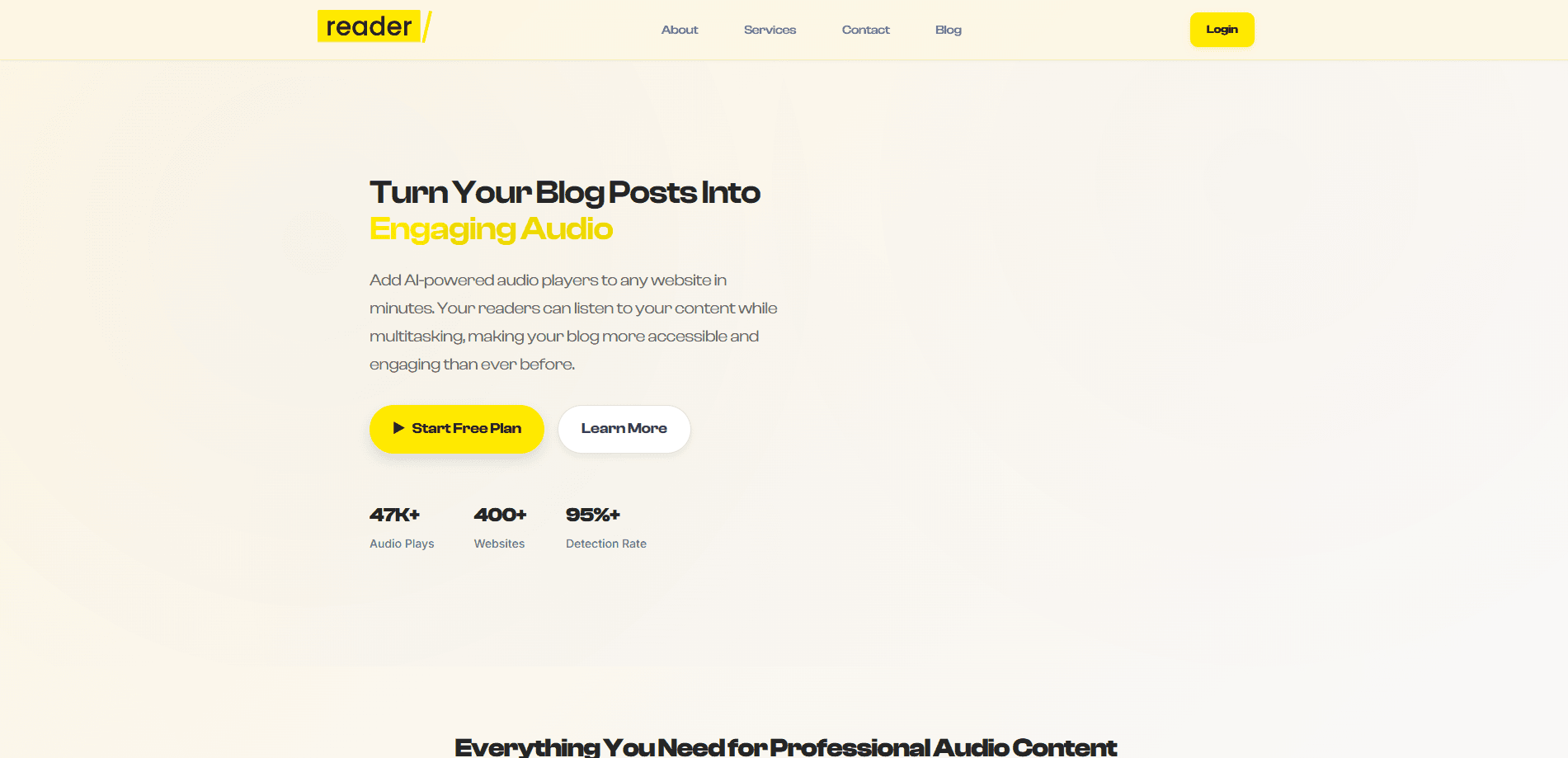
ButterReader turns blog posts into on-brand, AI-narrated audio players you can embed on any site. Paste text or a URL, pick a voice, and readers can listen.
About Butter Reader
What Is ButterReader
ButterReader is a web tool that converts written blog posts into spoken audio and wraps the result in a customizable player. You paste your text, point it at a URL, or upload your own audio file, and the service generates natural narration using its own managed AI voices. No microphone, no studio, no editing software.
The problem it solves is a simple one: people are busy, and reading is not always an option. Commuting, cooking, and walking all block reading but leave room for listening. Most writers never turned posts into audio because the old way meant recording and editing by hand. ButterReader removes that step and hands you a player you can drop into a page.
The main limit is scale. Each plan caps how many characters you can narrate per month, because ButterReader pays the voice provider on your behalf. The Free plan allows 10,000 characters a month, which is fine for a personal blog but runs out fast on a busy site.
Getting Started
- Create an account at app.butterreader.blog. No credit card is needed for the Free plan.
- Add your content. Paste the post text, paste a URL and let ButterReader pull the article, or upload an existing audio file.
- Pick a voice and style. Choose a natural or expressive voice, set the playback speed, and match the player colors to your brand.
- Copy the embed snippet and paste it into WordPress or any other site. Your readers can press play right away.
Product Information
A quick look at Butter Reader's pricing, supported platforms, and performance.
Best for
The users, tasks, and scenarios where this tool fits best.
Users
- Independent bloggers
- Newsletter and content writers
Tasks
- Turning a finished post into audio
- Embedding a branded player in a post
- Repackaging older articles
Scenarios
- A personal blog on WordPress
- A content site with steady publishing
- Readers who commute or exercise
Key features
Managed AI Voices
ButterReader runs its own text-to-speech setup, so you never touch an API key or a provider account. Chirp 3 HD handles natural narration, and Gemini Flash covers expressive, steerable tone. You pick a voice and a speed and the service does the rest.
Universal Embed Snippet
One snippet works on WordPress and any other site or CMS. You paste it once and the player appears, with no plugin to install or theme to configure. That keeps setup to a single copy-and-paste step.
Branded Player Styling
You set the player colors and look to match your site rather than settle for a generic widget. Pro plans add a CMS player and an audio visualizer player for a more custom feel. The result reads as part of your page, not a bolt-on.
Engagement Analytics
The Free plan includes basic analytics, while Pro plans add engagement analytics that show how listeners interact with your audio. You can see whether people actually press play instead of guessing.
Upload Your Own Audio
If you already have a recording, you can upload it instead of generating narration and still wrap it in the ButterReader player. This keeps your existing audio and gets you the same branding and analytics.
No API Key Required
Every plan hides the text-to-speech provider behind ButterReader's own account. There is no key to paste, no provider bill to watch, and no configuration screen to learn. You pay ButterReader a flat monthly or yearly price and narrate at a fixed character limit.
Pros and cons
Pros
- Free plan with no credit card, enough for a low-volume personal blog.
- No API key or provider account, which removes the usual text-to-speech setup work.
- Universal embed snippet that works on WordPress and other CMSs without a plugin.
- Voice and player styling options let the audio match your site's brand.
- Yearly Pro saves about 31% compared with paying monthly.
Cons
- Monthly character caps mean busy sites will hit the Free limit and need a paid plan.
- The 100,000-character Pro cap can still run short for high-volume publishers.
- There is no published public API, so teams that want programmatic control are limited to the embed.
- Narration quality depends on the managed voices, and you can't swap in your own provider.
Frequently asked questions
It turns a blog post into spoken audio and wraps it in a player you can embed on your site. You supply the text, a URL, or your own audio, and it handles the narration and the player.
Related content
Explore related tools, skills, and articles for Butter Reader.
Butter Reader Alternatives

Foley
Hanamori Labs, LLC · Voice & Language · Productivity · AI AssistantFoley is a voice to-do list that turns a spoken sentence into a filed task, complete with project, date and time, then helps you plan the day around what is already there.

HireKey
HireKey · Voice & Language · Productivity · LeaningHireKey is an AI job search copilot built by a former tech recruiter. It checks role fit, tailors resumes, runs interview practice and tracks every application.

Fluence
Yay Software (Yannick Huchard) · Writing · Voice & Language · ProductivityFluence is an Android app that reads PDFs, EPUBs, Word files and web articles aloud, follows each sentence as it speaks, and answers questions about the text on the phone itself.