

Caktus AI
Caktus AI · Writing · Coding
Caktus AI is an academic AI platform that packs 25+ study tools into one subscription. It writes cited essays, solves math step by step, and builds flashcards for students.
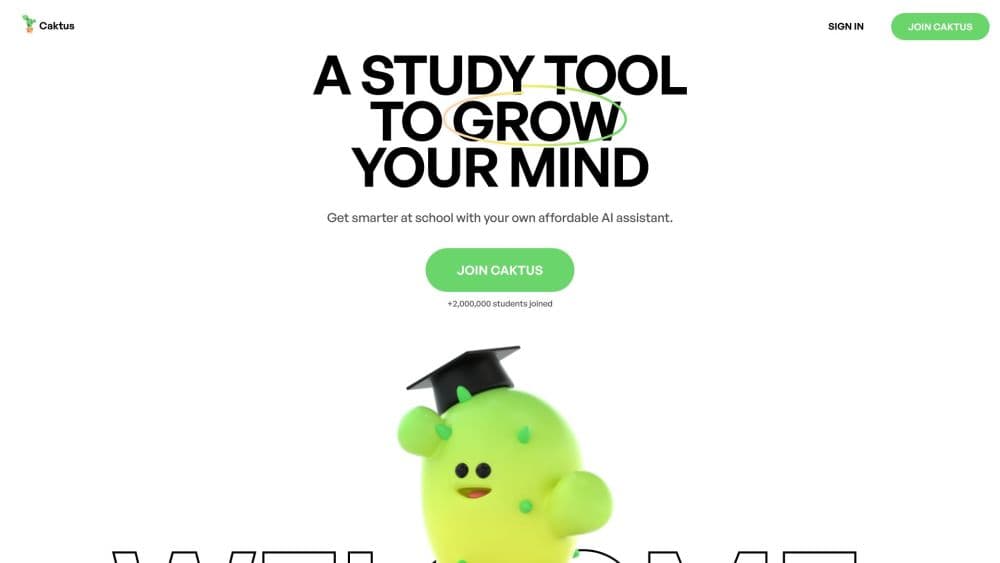
About Caktus AI
What Is Caktus AI
Caktus AI is an AI study tool built only for schoolwork. Where a general chatbot answers anything, this one sticks to essays, problem sets, research, and revision. It bundles more than 25 tools behind a single login, so you stop hopping between separate apps for each task.
The core bet is academic context. The essay writer pulls real citations from scholarly databases instead of inventing sources, and the math solver shows the work behind every answer. For a student, that difference matters: a wrong citation or a bare answer is worse than no help at all.
The catch is that convenience cuts both ways. Caktus AI is easy to lean on, and using it to skip the thinking defeats the point. The team frames the product as a learning aid and expects you to follow your school's academic integrity rules. It also runs on a subscription, so the free trial is short and the real feature set sits behind a paywall.
Getting Started
- Open caktus.ai and start a one-day free trial to look around.
- Pick a tool from the 25+ options, such as the essay writer, math solver, or flashcard maker.
- Enter your topic, paste a problem, or upload lecture notes and PDFs.
- Choose your settings, such as essay type, citation style, or grade level, then generate.
- Edit the result, apply citations, export it to a document, and study from there.
Product Information
A quick look at Caktus AI's pricing, supported platforms, and performance.
Best for
The users, tasks, and scenarios where this tool fits best.
Users
- High school and college students
- Non-native English speakers
- Students juggling several subjects
Tasks
- Drafting cited essays
- Working through math problems
- Turning notes into study material
- Checking whether text reads as AI
Scenarios
- Night before a paper is due
- Studying for a multi-topic exam
- Checking citations before submission
Key features
AI Essay Writer With Real Citations
The essay writer produces structured drafts and attaches citations pulled from scholarly databases. You choose the essay type, the citation style, and the length before it starts. The selling point is verifiable sourcing, so you can trace each reference instead of trusting a black box.
Step-by-Step Math Solver
The math tool covers algebra, calculus, and statistics, and it shows each step of the work. That matters for students who need to understand the method, not just land on the answer. You can paste a problem straight from an assignment and follow the reasoning line by line.
AI Text Humanizer and Detector
The AI humanizer rewrites text that sounds machine-generated, with presets for standard, high school, college, and scholarly tones. A companion detector flags text that might set off AI checks. Used well, the pair helps you keep your own voice while keeping the prose clean.
Research and Citation Finder
This tool searches scholarly databases and formats what it finds into proper citations. It can also rewrite a paragraph with in-text citations added automatically. For research papers, that saves the slow work of matching sources to claims by hand.
Flashcard and Quiz Maker
Upload lecture notes, a PDF, or a topic name, and the tool builds a study deck. You then drill the cards with spaced repetition and short quizzes. It turns a stack of notes into something you can actually revise from.
Science and STEM Assistants
Separate helpers cover physics, chemistry, and biology. They balance reactions, walk through kinematics problems, and work through genetics questions. Each one is tuned to its subject rather than answering everything from the same generic model.
Pros and cons
Pros
- One subscription covers 25+ academic tools, so there is no bundle of separate app fees.
- The essay writer uses real citations from scholarly databases, which cuts the risk of invented sources.
- Step-by-step math solutions help you learn the method instead of copying a final answer.
- Document upload works with PDFs and Word files, so lecture notes feed straight into flashcards and summaries.
Cons
- There is no free tier, only a one-day trial, so you commit quickly or lose access.
- At $30 a month, the cost adds up fast for a student budget.
- Leaning on it for finished essays risks breaking your school's academic integrity rules.
- It is web only, with no dedicated app for offline study.
Frequently asked questions
It is an academic AI platform for schoolwork. It writes cited essays, solves math step by step, builds flashcards, finds research sources, and rewrites text, all from one account.
Related content
Explore related tools, skills, and articles for Caktus AI.
Caktus AI Alternatives

Google EmbeddingGemma 2
Google DeepMind · Writing · Image · CodingGoogle EmbeddingGemma 2 is a 740M-parameter open model that turns text, code, images, audio, and video frames into vectors in one 768-dimension space, running on phones and laptops.

MePersona
MePersona, Inc. · Writing · Productivity · MarketingMePersona is an AI unified inbox for creators. It learns your voice, drafts replies to fan messages from 12 platforms, and sends only what you approve.

Fluence
Yay Software (Yannick Huchard) · Writing · Voice & Language · ProductivityFluence is an Android app that reads PDFs, EPUBs, Word files and web articles aloud, follows each sentence as it speaks, and answers questions about the text on the phone itself.