

Capalyze
Capalyze · Coding
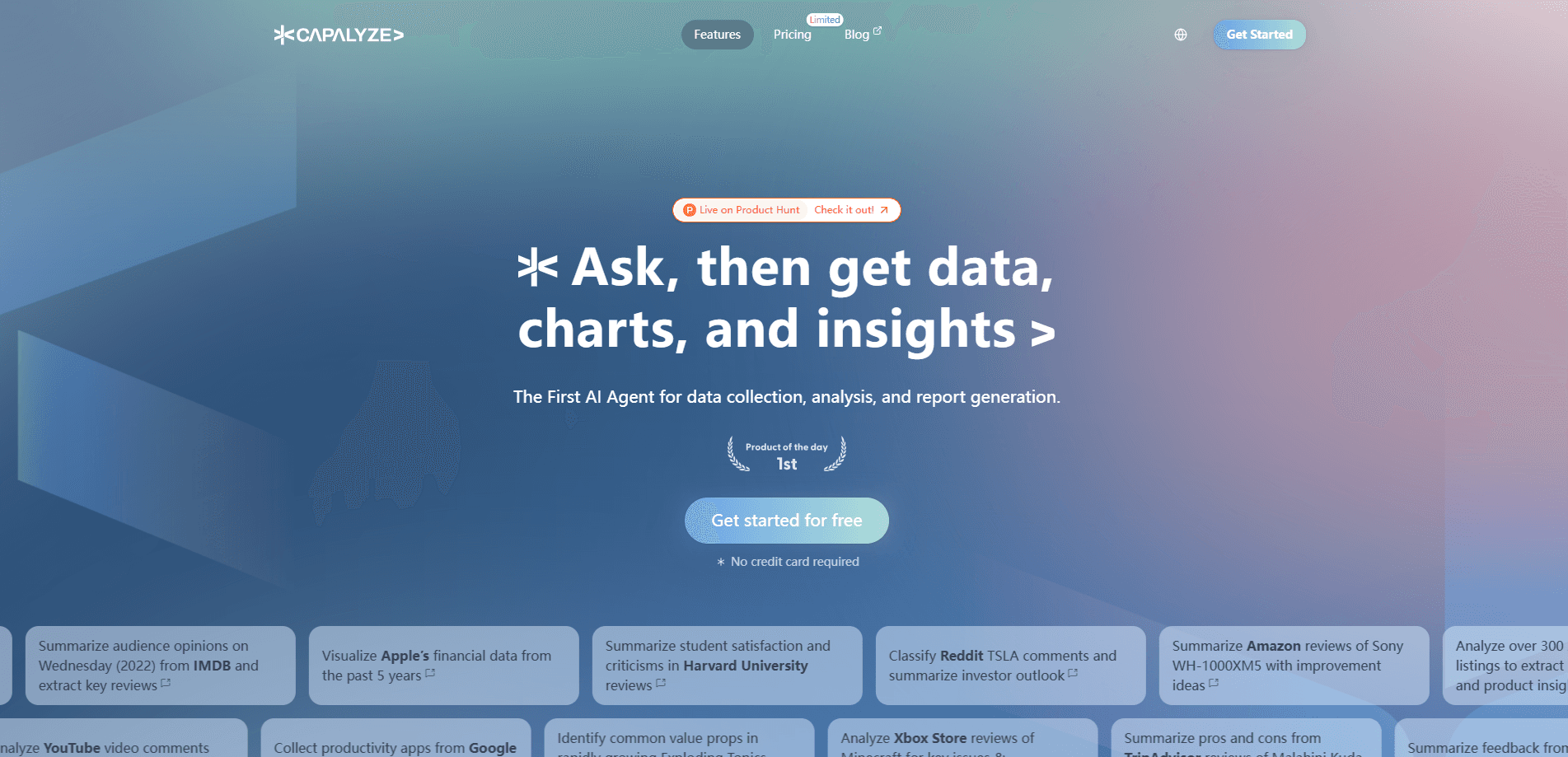
Capalyze is an AI data analytics tool that doubles as a web scraping tool. It turns messy web pages into structured tables, then lets you analyze them with plain-language questions. It runs as a Chrome or Edge extension, so you can pull product listings, reviews, posts, or price pages straight from your browser without leaving the tab you're already on. Ask it to group, chart, or summarize what it found and you're done. If you've ever copied comments into a spreadsheet and then lost an afternoon cleaning them, this is the shortcut.
About Capalyze
What Is Capalyze
Capalyze sits between a scraper and a spreadsheet. Point it at a page, and it pulls the product data, comments, prices, or posts into a table you can actually work with. Then you ask questions in everyday language, like "group these products by price range" or "find the most common complaints," and it answers with tables, charts, or a downloadable report.
The people it fits best are those who need answers from web data but don't write scrapers or formulas. Marketers watching competitor prices, researchers sorting community posts, and small teams doing competitive research all fall into that group. You no longer need to stitch together three tools for one question.
There are limits worth knowing up front. Capalyze works best on pages that follow a predictable structure, and sites that block automated traffic can still cause trouble, which means you should test a target before building a whole research routine around it. It's also a browser workflow. No server-side automation runs while your laptop is closed.
Getting Started
- Install the Capalyze extension from the Chrome Web Store or Microsoft Edge Add-ons store.
- Sign in and open the web page you want to collect data from.
- Pick a scraping template that matches the page type, or let Capalyze suggest one, then run the collection.
- Review the structured table it builds and ask your first analysis question in the chat panel.
- Export the table or generate a visualization and report when you're done.
Product Information
A quick look at Capalyze's pricing, supported platforms, and performance.
Best for
The users, tasks, and scenarios where this tool fits best.
Users
- Marketers
- Product researchers
- Non-technical analysts
Tasks
- Competitor price tracking
- Review analysis
- Trend research
Scenarios
- Pre-launch market checks
- Weekly reporting
- One-off deep dives
Key features
Web scraping to structured tables
Capalyze collects data from web pages and organizes it into clean tables instead of raw text dumps, handling the fields that matter for research such as titles, prices, votes, comments, and timestamps so that what lands on your screen is something you can sort and question instead of a wall of HTML you have to parse by eye. That alone saves hours.
Natural language data analysis
You can ask questions the way you'd ask a colleague: "which category grew fastest," or "list the most negative feedback." Capalyze breaks each request into smaller steps and runs them against your table, so the answer comes back as a filtered view or a summary rather than a raw dump. That's why you don't need to know SQL or spreadsheet formulas.
Data visualization and charts
When a table is hard to read, Capalyze handles the data visualization for you. It turns the table into charts. Compare categories, spot price clusters, or show a trend over time. These visuals fit reports and slide decks without a separate charting tool.
Report export
The extension packages your table, charts, and findings into a downloadable report you can hand to a client or a manager who will never open the tool themselves, which means the value of the research travels beyond your own browser session instead of dying in a tab you forget to share. You get a document, not a screenshot.
Scraping templates
Capalyze ships templates for common page types, like keyword search results or product listings, and each template decides which fields to grab so a single setup can cover many similar pages without rebuilding from scratch every time. That shortens setup for recurring jobs.
Browser-based workflow
Everything runs from the extension, so your data collection happens in the same window where you already browse. There's no separate dashboard to learn first. The tradeoff? Collection stops when your browser isn't running.
Pros and cons
Pros
- Combines scraping and analysis in one place, so you don't juggle a scraper, a spreadsheet, and a chart tool for a single question.
- Plain-language questions remove the formula and coding barrier for non-technical users.
- Templates for common page types cut setup time on repeat research jobs.
- Exportable reports make it easy to hand findings to teammates who won't use the tool.
- Lightweight extension install, with no heavy software to configure and nothing to maintain on a server.
Cons
- Collection depends on your browser being open, since there's no cloud automation running in the background, so a long scrape tied to a work machine means you need to keep that machine awake and the tab alive until the job finishes.
- Pages with unpredictable layouts or anti-bot protection can fail to scrape cleanly, which means manual clean-up.
- The workflow leans on your own judgment about what's reliable, so you should spot-check collected data before trusting a report.
Frequently asked questions
It scrapes data from web pages into structured tables and then analyzes those tables using natural-language questions. You get the collection and the analysis in one browser workflow instead of stitching tools together.
Related content
Explore related tools, skills, and articles for Capalyze.
Capalyze Alternatives
Forefront
Forefront · CodingForefront is a web platform for building with open-source AI. It lets you fine-tune leading open-source language models on your own data, evaluate how they perform, and run them through an API or export them to host yourself. Developers who want the convenience of a closed-source platform but insist on owning their models and data are the target audience here.

Startkit
StartKit.AI · CodingStartkit is a boilerplate for building AI SaaS and AI wrapper products. Think of it as an AI startup boilerplate with the boring parts already wired up: authentication, Stripe and Lemon Squeezy payments, usage limits, transactional email, and an AI API starter that talks to OpenAI, Anthropic, Groq, or Llama. You clone the repo, set your price, and start on the part of your product that people actually pay for. It's Next.js under React and Tailwind, so most of the boilerplate code already feels familiar.
Testim
Tricentis · CodingTestim is an AI-powered test automation platform for building and running end-to-end tests across web, mobile, and Salesforce applications. It leans on machine learning to keep tests stable when an interface changes, so teams spend less time fixing broken selectors. Not bad for an automated testing tool you can start using today. You create tests by recording actions in a browser, then optionally add JavaScript when you need more control. It's a solid pick for busy QA teams.