

CapCut AI Suite
ByteDance · Writing · Video
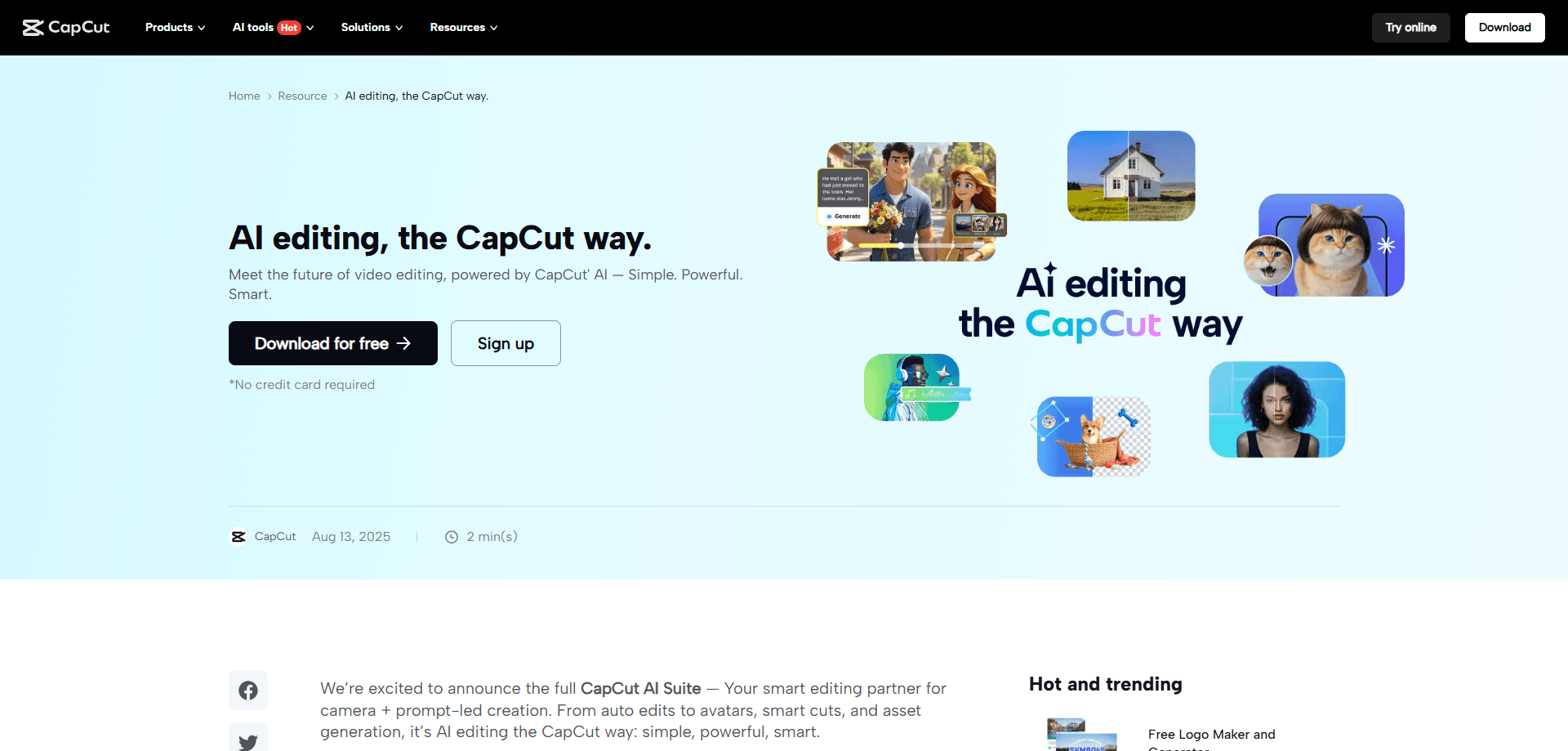
CapCut AI Suite is ByteDance's AI-powered photo and video editor for phones, desktops, and the web. It handles auto captions, AI design, and text to speech, with Pro adding watermark-free 4K exports.
About CapCut AI Suite
What Is CapCut AI Suite
CapCut AI Suite is the AI layer of CapCut, a video editing app built by ByteDance, the company behind TikTok. The core editor covers the usual work of cutting clips, adding music, and exporting finished videos. The AI suite sits on top of that with tools that draft, clean up, or rebuild parts of a project for you.
The appeal is breadth. CapCut started as a mobile editor for short-form video, and it now runs on Android, iOS, Windows, macOS, and the browser. Free users get the full timeline editor plus most AI tools, but exports carry a watermark and cap at 1080p. Pro removes the watermark and unlocks 4K, more AI credits, and a larger stock library.
The main limit is control. AI features like Video Studio, which builds a video from a chat prompt, produce a first draft fast, yet they give you less say over pacing and framing than manual editing does. CapCut is best when you treat it as a fast starting point rather than a finished product.
Getting Started
- Install CapCut from the App Store, Google Play, or the desktop download page, or open the web editor in a browser.
- Sign in with a TikTok, Google, or email account so your projects sync across devices.
- Start a project and import clips, photos, or audio from your device or the built-in stock library.
- Run an AI tool such as Auto Captions or AI Design, then adjust the result on the timeline.
- Export in your chosen resolution; upgrade to Pro to drop the watermark and reach 4K.
Product Information
A quick look at CapCut AI Suite's pricing, supported platforms, and performance.
Best for
The users, tasks, and scenarios where this tool fits best.
Users
- Short-form creators on TikTok, Reels, and Shorts
- Beginners with no editing background
- Small business owners making promo clips
Tasks
- Adding subtitles in many languages
- Turning text or photos into visuals
- Cleaning up audio and voice
Scenarios
- Repurposing one long video into short cuts
- Producing social posts and covers fast
- Editing on a phone between shoots
Key features
AI Video Studio
Video Studio is a chat-driven editor. You describe the video you want, and CapCut builds a first cut with style, avatar, and pacing filled in. It suits creators who need a rough draft fast, since you still refine the output on the timeline. The tradeoff is less manual control than editing clip by clip.
AI Design and Template Library
AI Design generates layouts for social posts, covers, and marketing images from a short brief. It pairs with a template library that spans social, business, and effects categories. Templates give one-click starts for creators who don't want to build from a blank canvas, and they're usable in the browser as well as the apps.
Auto Captions and Text to Speech
Auto captions transcribe speech into editable subtitles, and text to speech turns written scripts into spoken voiceovers with natural-sounding voices. Together they cover the caption and narration work behind most short-form content. Both are quick, but captions need review on unclear audio.
AI Image and Video Generators
The image generator turns text prompts or reference photos into custom visuals, and the video generator builds clips from text, images, or keyframes. These tools are handy for backgrounds, thumbnails, and filler shots. Output quality varies by prompt, so plan on a few attempts.
Background and Audio Cleanup
CapCut ships a set of one-click cleanup tools. The video background remover cuts subjects out of clips, image enhancement sharpens and upscales stills, and noise removal plus voice enhancement clean up audio. They save time on product shots and recordings without a separate app.
Cross-Platform Editing and Export
Projects sync across Android, iOS, Windows, macOS, and the browser, so you can start on a phone and finish on a desktop. Export runs up to 4K at 60fps on paid plans. Free exports carry a watermark and stop at 1080p, which is the main reason creators upgrade.
Pros and cons
Pros
- Free tier includes the full editor and most AI tools, so you can test the workflow before paying.
- Auto captions, text to speech, and background removal cover the main short-video chores in one app.
- Templates and AI Design cut the time to a first draft for social posts and ads.
- Projects sync across mobile, desktop, and the web, which helps when you switch devices mid-project.
- Exports reach 4K at 60fps on Pro, enough for most YouTube and client work.
Cons
- Free exports carry a CapCut watermark and cap at 1080p, which limits commercial use.
- AI Video Studio and generators give less manual control than editing clip by clip.
- Auto captions misread heavy accents and noisy audio, so you have to review and fix the text.
- Some templates, effects, and stock assets are locked behind Pro.
Frequently asked questions
Yes, there's a free tier with the full editor and most AI tools. It adds a watermark and caps exports at 1080p, and Pro at $9.99/mo or $89.99/yr removes both.
Related content
Explore related tools, skills, and articles for CapCut AI Suite.
CapCut AI Suite Alternatives

Google EmbeddingGemma 2
Google DeepMind · Writing · Image · CodingGoogle EmbeddingGemma 2 is a 740M-parameter open model that turns text, code, images, audio, and video frames into vectors in one 768-dimension space, running on phones and laptops.

MePersona
MePersona, Inc. · Writing · Productivity · MarketingMePersona is an AI unified inbox for creators. It learns your voice, drafts replies to fan messages from 12 platforms, and sends only what you approve.

Fluence
Yay Software (Yannick Huchard) · Writing · Voice & Language · ProductivityFluence is an Android app that reads PDFs, EPUBs, Word files and web articles aloud, follows each sentence as it speaks, and answers questions about the text on the phone itself.