

Captiono: AI Subtitles
ACTUAL FUTURES TECHNOLOGY INC. · Writing · Video
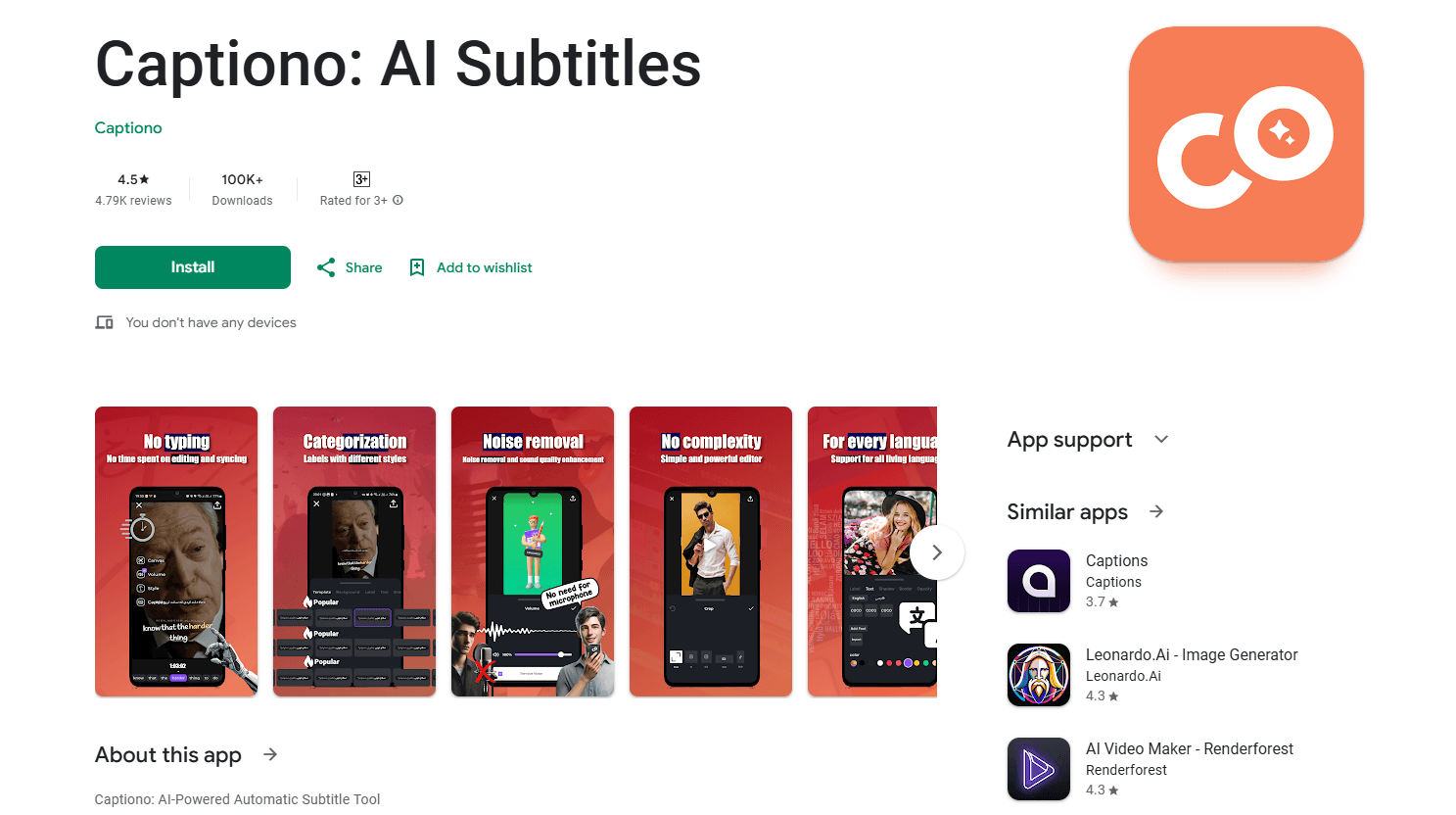
Captiono is an AI subtitle generator that writes video subtitles, translates them into any language, and cleans up audio, all in a few taps for creators on Instagram, TikTok, and YouTube.
About Captiono: AI Subtitles
What Is Captiono
Captiono is an automatic subtitling app for content creators. It listens to a video, writes the subtitles, syncs the timing, and gives you editing tools to polish the result without leaving the app. The pitch is simple: you shouldn't need editing software or years of practice to caption a clip.
Captiono goes past plain captions. It translates subtitles into other languages, removes background noise, and adds trending captions and hashtags based on what's in your video. There's a built-in editor for trimming, text overlays, and effects, plus 4K export and standard SRT files for YouTube.
The app leans on its handling of music and accented speech. It can pick up lyrics from songs and clips with heavy background music, which not every subtitle tool does well. It stays built for social media clips rather than long-form projects: videos over 10 minutes only export as SRT, so you can't get a fully captioned video back for anything longer.
Getting Started
- Install Captiono from the App Store or Google Play, or open the desktop version.
- Grant access to your camera roll so the app can pull in the video you want to caption.
- Upload a clip and let the AI transcribe it, which the developer says takes under 20 seconds for short videos.
- Adjust the font, color, size, and position, or regenerate a line of subtitles if the wording is off.
- Export the finished video or download an SRT file and post it to your platform of choice.
Product Information
A quick look at Captiono: AI Subtitles's pricing, supported platforms, and performance.
Best for
The users, tasks, and scenarios where this tool fits best.
Users
- Social media creators
- Musicians and singers
- Deaf and hard-of-hearing viewers
Tasks
- Captioning short-form video
- Translating subtitles for a global audience
- Cleaning up messy audio
Scenarios
- Publishing daily across several platforms
- Repurposing a video for another market
- Adding captions to performance and music content
Key features
Automatic Subtitles in Any Language
Captiono transcribes speech and builds synced subtitles without manual typing. It supports all living languages and a range of Persian and international accents, which matters if your videos mix dialects or draw a non-English audience. Short clips finish in seconds, and you can fix any misheard word directly in the editor.
Real-Time Subtitle Translation
Once subtitles exist, the app translates them into other languages on the spot. This is the fastest way to take one video and ship it to audiences who don't speak your language, and it opens up markets without a second recording session.
AI Noise and Disturbance Removal
A one-click tool strips background noise and lifts voice clarity. Creators who record outdoors or in busy rooms can skip expensive microphones, since the AI cleans up the audio after the fact. It's the difference between usable and unusable footage when your only option is a phone mic.
Smart Caption and Hashtag Generation
Captiono reads your video content and suggests trending captions and hashtags to go with it. The caption generator saves the guesswork of writing copy from scratch and gives you a starting point that matches what people are already searching for.
Full Subtitle Customization and Templates
You control font, color, size, shadow, and on-screen position. Save a setup as a template and reuse it on future videos, so a channel keeps the same subtitle look without rebuilding the style every time. Templates are the feature that makes batch publishing feel manageable.
Built-In Video Editing Tools
The app includes trimming, text overlays, and effects, and features a Timeline for precise control over video and subtitle timing. You can put together a finished clip without opening separate editing software. It leans toward quick social edits, not complex production.
4K Export and SRT Files
Finished videos export in up to 4K, and you can also download standard SRT subtitle files. The 4K video export keeps quality high enough that platforms won't compress away your text, and YouTube accepts SRT directly. You have a clean path whether you want a fully rendered video or just the caption track to attach separately.
Pros and cons
Pros
- Generates subtitles in seconds across all living languages, with no editing background required.
- Handles music and accented speech that trips up simpler speech-to-text tools.
- Packs translation, noise removal, editing, and 4K export into a single app.
- Saved subtitle templates keep a channel's captions visually consistent.
- SRT export works cleanly with YouTube and other platforms.
Cons
- Videos longer than 10 minutes only come back as an SRT file, so you can't export a fully captioned long video.
- The free tier caps uploads at 10 minutes per video, which pushes longer projects toward a paid plan.
- There's no published price list for the subscriptions, so you have to check inside the app to see what a paid tier costs.
Frequently asked questions
Captiono is an AI app that automatically generates subtitles for your videos, translates them into other languages, removes background noise, and offers basic editing tools. It's aimed at creators who want captioned, polished clips for Instagram, TikTok, and YouTube without learning editing software.
Related content
Explore related tools, skills, and articles for Captiono: AI Subtitles.
Captiono: AI Subtitles Alternatives

Google EmbeddingGemma 2
Google DeepMind · Writing · Image · CodingGoogle EmbeddingGemma 2 is a 740M-parameter open model that turns text, code, images, audio, and video frames into vectors in one 768-dimension space, running on phones and laptops.

MePersona
MePersona, Inc. · Writing · Productivity · MarketingMePersona is an AI unified inbox for creators. It learns your voice, drafts replies to fan messages from 12 platforms, and sends only what you approve.

Fluence
Yay Software (Yannick Huchard) · Writing · Voice & Language · ProductivityFluence is an Android app that reads PDFs, EPUBs, Word files and web articles aloud, follows each sentence as it speaks, and answers questions about the text on the phone itself.