

Carousify
Carousify Private Limited · Other
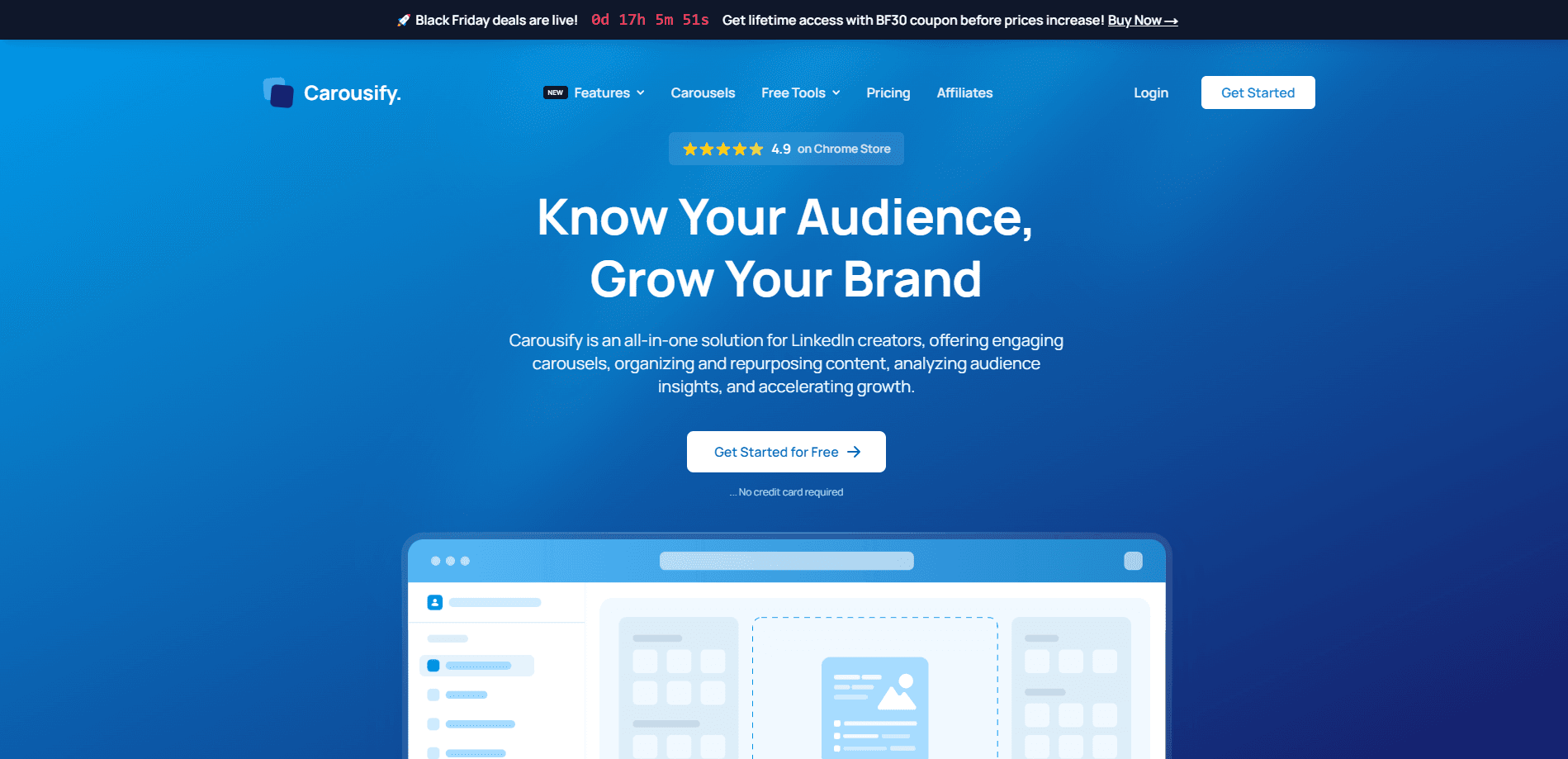
Carousify is an all-in-one growth platform for LinkedIn and Instagram creators. It works as a LinkedIn carousel maker and Instagram carousel tool at the same time. It turns ideas, PDFs, and videos into polished carousels, helps you organize content into swipe files, schedules posts, and tracks audience insights, all from one dashboard. If you post on LinkedIn regularly and want to stop rebuilding slides by hand, this tool targets exactly that workflow.
About Carousify
What Is Carousify
Carousify is a web-based content platform built for people who publish on LinkedIn and Instagram. Its core promise is speed: you feed it an idea, a PDF, or a YouTube video, and it produces a ready-to-edit carousel with templates, copy, and layout handled for you. The team behind it, Carousify Private Limited, positions the product as a marketing tool for busy professionals rather than a full design suite.
Think of it as a LinkedIn growth tool first. The carousels are the hook. Everything else, scheduling to analytics, is built to keep you posting.
The main problem it solves is the time sink of manual content production. Making a scroll-stopping carousel usually means writing the hook, splitting the text into slides, designing each one, then scheduling it. Carousify bundles those steps together, so a post that used to take an hour can come together in a few minutes. That's the pitch.
There are real limits to keep in mind. Carousify depends on templates, so heavily branded or unusual designs still need outside editing. It connects to LinkedIn through the official flow, which is safer but can be restrictive, and the AI output is a starting point you'll want to review before publishing. No surprises there.
Getting Started
- Create a free account at carousify.com with email or a social login, then connect your LinkedIn profile through the official authorization flow.
- Pick a starting point: type a topic, upload a PDF, or paste a YouTube link, and let the AI draft the copy and slide structure.
- Choose a template from the library, then adjust colors, fonts, and layout to match your brand kit.
- Drop the finished carousel into your schedule, set the publish time, and queue a follow-up comment if you want one.
- Track performance from the analytics dashboard and save strong posts to a swipe file for reuse.
Product Information
A quick look at Carousify's pricing, supported platforms, and performance.
Best for
The users, tasks, and scenarios where this tool fits best.
Users
- LinkedIn creators
- Small marketing teams
- Coaches and consultants
Tasks
- Building LinkedIn carousels
- Repurposing existing content
- Social media content scheduling
Scenarios
- Maintaining a posting cadence
- Testing hooks quickly
- Turning one long asset into many posts
Key features
AI Carousel Generator
The core tool turns a short prompt into a full multi-slide carousel: it writes the hook, breaks the body into slides, and applies a template. You go in afterward to fix wording and swap visuals. It's aimed at people who have something to say but don't want to fight a design tool. Fast. That's the whole point.
PDF to Carousel
Upload a PDF and Carousify restructures it into slide-sized chunks with a readable flow. This is handy for reports, checklists, or chapter summaries you've already written. Want to publish one as a carousel instead of a plain document? This does most of the work.
YouTube to Post
Paste a YouTube URL and the platform pulls the content into a post or carousel format. For creators who already make videos, it saves the step of manually transcribing and re-cutting the ideas for a different feed. Time back. That's what it buys you.
Post Generator and Content Organization
Beyond carousels, there's a post generator for written updates and a swipe file system to save and organize content you want to reuse. Keeping a library of proven posts makes it easier to plan a month of activity instead of starting from a blank page each time. No blank pages. That saves real time.
Scheduling and Auto-Plug Comments
You schedule posts and carousels for specific times, and the auto-plug feature can drop a follow-up comment (like a newsletter link) shortly after a post goes live. That's a small automation with a real payoff: the first-hour engagement window stays active without you sitting at the keyboard. Set it once. Forget it.
Detailed Analytics
The dashboard tracks performance, engagement, and click-through rates so you can see which carousels land and which fall flat. Audience insights round out the picture, helping you learn what topics your followers respond to over time. Check the numbers. Adjust. Repeat.
Templates and Brand Kit
A library of pre-built templates covers a range of looks, and a brand kit stores your colors and fonts so new carousels stay consistent. It's the practical middle ground between a rigid template and building everything from scratch. Not fancy. Just consistent.
Pros and cons
Pros
- Combines carousel creation, scheduling, and analytics, so you don't pay for three separate tools.
- The PDF and YouTube converters genuinely cut the manual work of repurposing existing content.
- Connects to LinkedIn through the official authorization flow, so you don't hand over your password to a third party.
- A free tier and lifetime deal options make it cheap to test before committing to a subscription.
- The swipe file and template library speed up planning for anyone posting on a fixed schedule.
Cons
- Template-driven output can look generic, so heavily branded designs still need outside editing tools.
- User reviews mention that editing long captions can be awkward because the editor doesn't show text position clearly.
- The AI copy is a first draft, not a final one, so you still have to review and rewrite before publishing.
- Storage limits mean heavy users may hit a ceiling and need to manage or delete older assets.
Frequently asked questions
Carousify is an all-in-one platform for LinkedIn and Instagram content. It creates carousels from prompts, PDFs, or videos, generates written posts, helps you organize content, schedules publishing, and shows analytics, all in one place.
Related content
Explore related tools, skills, and articles for Carousify.
Carousify Alternatives
BinkBink
BinkBink · OtherBinkBink is a free online game platform and AI game maker that lets anyone turn a short text description into a playable browser game. You can jump into hundreds of community-made games. Or describe your own idea and play it in seconds, then share it with friends. Want to create your own game? You don't need to code. No engine setup, no download, no hassle.

Audiogen
Audiogen Inc. · OtherAudiogen is an AI music generator built by Audiogen Inc., a small research team that spent about 2.5 years training its own generative music model and designing a web interface around it. Instead of a plain text box, this AI music tool turns the timeline into a beginner-friendly Generative Audio Workstation, or GAW, where inpainting, extending, remixing and stem editing work more like painting on a canvas. The product is still in beta, so access runs through a waitlist or an invite. Paid plans aren't published yet.

Aiml API
AIMLAPI OÜ · OtherAiml API is a unified AI model API that puts more than 1000 models from OpenAI, Google, Anthropic, and others behind one endpoint and one bill. You write code against a single OpenAI-compatible schema, then switch between chat, image, video, and audio models by changing a model string. It suits developers and small teams who want multi-model access without juggling a dozen separate provider accounts, and it removes the usual billing headache that comes with testing several vendors. One key covers it all.