

Chaindesk
Chaindesk · Coding · Marketing
Chaindesk is an AI chatbot builder that trains a support agent on your own documents and answers visitors on your website, WhatsApp or Slack. Plans start at $49/mo.
About Chaindesk
What Is Chaindesk
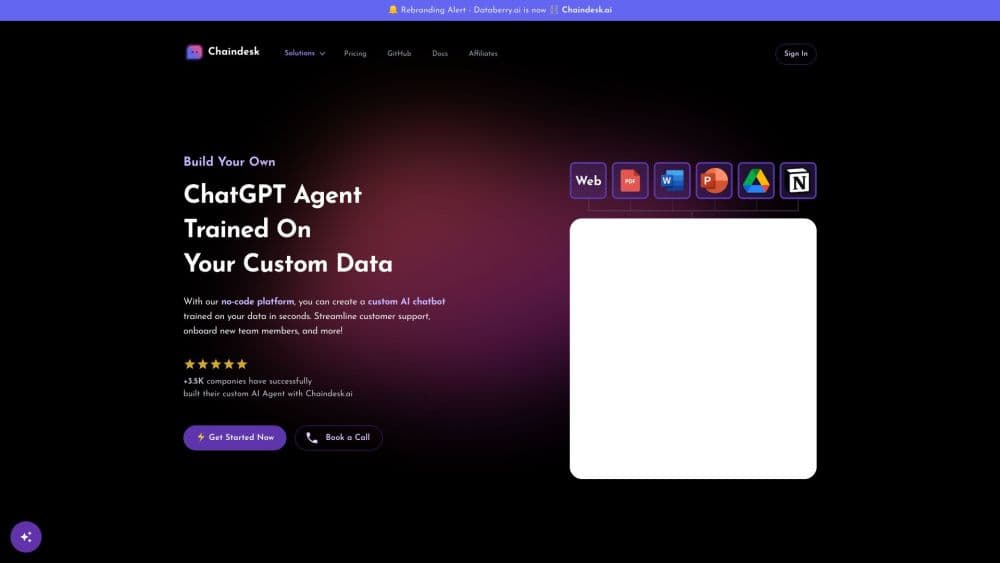
Chaindesk is a no-code chatbot builder for AI customer support. You build an agent that answers questions from your own content, so it works as a custom AI chatbot rather than a generic assistant. You upload help articles, PDFs, Notion pages or spreadsheets into a datastore, attach that datastore to an agent, and train the chatbot on your data. The agent then replies to customers with answers drawn from those sources. The widget drops onto a site with a small script tag, which makes it a quick chatbot for websites, and other channels such as WhatsApp and Telegram connect through the same agent.
Two things shape how it lands. First, the product now runs under the Askli brand. What began as a plain ChatGPT chatbot trained on a knowledge base now sits in a broader agent platform, and the chaindesk.ai domain and the docs both point to Askli. Older guides may describe screens that moved. Second, quality depends on your source material. Messy, outdated documents produce messy answers, and there's no magic cleanup layer.
The free plan is a real starting point, but agents and datastores get deleted after 14 days of inactivity. Teams running a public support widget should plan for a paid plan from day one.
Getting Started
- Sign up at chaindesk.ai, which redirects to the Askli app. The free plan needs no card.
- Create an agent and give it a name, an avatar, and instructions on tone and scope.
- Build a datastore and add sources: crawl a website, upload PDFs and Word files, or sync Notion, Airtable and Google Sheets.
- Connect the datastore to the agent with the Datastore tool, then test with real customer questions in the debug view.
- Install the chat widget on your site with the bubble or standard embed, or connect WhatsApp, Telegram, Crisp or a hosted page.
- Watch conversations in the inbox and take over any chat manually when the AI gets stuck.
Product Information
A quick look at Chaindesk's pricing, supported platforms, and performance.
Best for
The users, tasks, and scenarios where this tool fits best.
Users
- Small support teams
- SaaS founders without a support hire
- Agencies building client chat widgets
Tasks
- Answering product questions from documentation
- Collecting leads inside a conversation
- Deflecting ticket volume in WhatsApp
- Triaging email from a shared inbox
Scenarios
- Launching a support widget on a marketing site with no developer on hand
- Handling questions outside office hours
- Testing a new product line's FAQ before writing it
Key features
Training on Your Own Sources
The datastore is the core of the product, and it's where you train the chatbot on your data. You can crawl a site, upload PDFs, Word and PowerPoint files, or sync Notion, Airtable and Google Sheets, and each source is re-indexed on a schedule. Answers cite the chunk they came from, so a customer can click through to the page that backs the reply. This is the feature that decides answer quality, and it rewards tidy documentation.
Website Widget with CSS Control
The bubble and standard embeds load from a script tag with your agent ID. Styling goes through documented, stable selectors and data attributes, so a custom color scheme won't break when the widget updates. You can also inject CSS directly from the agent's interface settings, which saves editing theme files for a one-off match.
Multi-Channel Deployment
The same agent answers on WhatsApp Business, Telegram, Slack, Crisp and a standalone hosted page, plus email forwarding from Gmail. Each channel shares one knowledge base, so a policy update lands everywhere at once. WhatsApp setup is the fiddliest part, since it requires a Meta business account and a phone number moved onto the Cloud API.
Tools Beyond Plain Answers
Agents can call more than a datastore. The form tool collects structured data at chosen points in a chat, the HTTP tool reaches an external endpoint such as an order lookup, and the human request tool escalates to a person. That combination turns a FAQ bot into something closer to a front desk.
Inbox with Human Handoff
Every conversation lands in an inbox where a teammate can read the transcript and reply. Pressing reply pauses the AI for that thread and puts a person in control, then enabling AI hands it back. It's a blunt switch rather than a routing rule, but it's the safety valve that makes an unsupervised widget practical.
Answer Sources and Suggestions
Replies can show the documents they drew from, which builds trust on technical questions. Suggested starter messages appear above the input so visitors know what to ask, and both features can be turned off per agent when a client wants a cleaner window.
Public API
The REST API covers agents, datastores and datasources, plus a streaming query endpoint that returns the answer and the chunks it used. A LangChain retriever is documented too. Teams wiring the bot into a mobile app or an internal tool get the same knowledge base without the widget.
Pros and cons
Pros
- A working agent goes live in an afternoon, including the site widget and a knowledge base built from existing docs.
- Answers cite their source chunks, so support staff can check a reply without re-reading the whole knowledge base.
- One agent serves the website, WhatsApp, Telegram, Slack and email, with no duplication of content.
- The API and LangChain integration let developers reuse the same datastore outside the chat widget.
- The free plan is usable for evaluation, and paid plans start at a price small teams can justify.
Cons
- Free-plan agents and datastores are wiped after 14 days without activity, so the free tier can't host a live support bot.
- There's no CRM or ticketing system inside the product. Conversations pile up in the inbox, and anything beyond that means exporting or building on the API.
- Answer quality tracks your documentation. Stale or contradictory help pages produce confident, wrong replies.
- Customization is CSS-level. Restructuring the chat window itself means working around the widget rather than configuring it.
- The rebrand to Askli means older tutorials reference menus that no longer match what you see, which slows down the first setup.
Frequently asked questions
Chaindesk builds AI chatbots that answer from your own documents. You load help pages, PDFs or synced app data into a datastore, connect it to an agent, and the agent replies to customers on your site, WhatsApp or other channels. It's aimed at support and lead capture rather than general-purpose chat.
Related content
Explore related tools, skills, and articles for Chaindesk.
Chaindesk Alternatives

Base Code
Base44 (Wix) · Coding · ProductivityBase Code is a shared cloud development environment from Base44. Teammates describe changes to an existing GitHub codebase in chat, preview them live and send them back as pull requests.

Google EmbeddingGemma 2
Google DeepMind · Writing · Image · CodingGoogle EmbeddingGemma 2 is a 740M-parameter open model that turns text, code, images, audio, and video frames into vectors in one 768-dimension space, running on phones and laptops.

GitGlow
GitGlow · Coding · ProductivityGitGlow is a local-first desktop Git client that lets independent developers review their own code and their AI agents' changes in one place before shipping.