

Chalkie AI
Chalkie AI Ltd. · Leaning
Chalkie AI is an AI lesson planner built for teachers who don't want to spend their Sunday nights building slides. It's a lesson planning tool for teachers who need output fast. Type in a topic like "The Water Cycle," pick your year group and curriculum, and it generates a full lesson with learning objectives, key vocabulary, activities and images in under a minute. It also handles worksheets, multi-lesson units and class activities. Everything exports to Google Slides, PowerPoint, Word or PDF. Not many AI tools for teachers cover lessons, units and worksheets in one place like this.
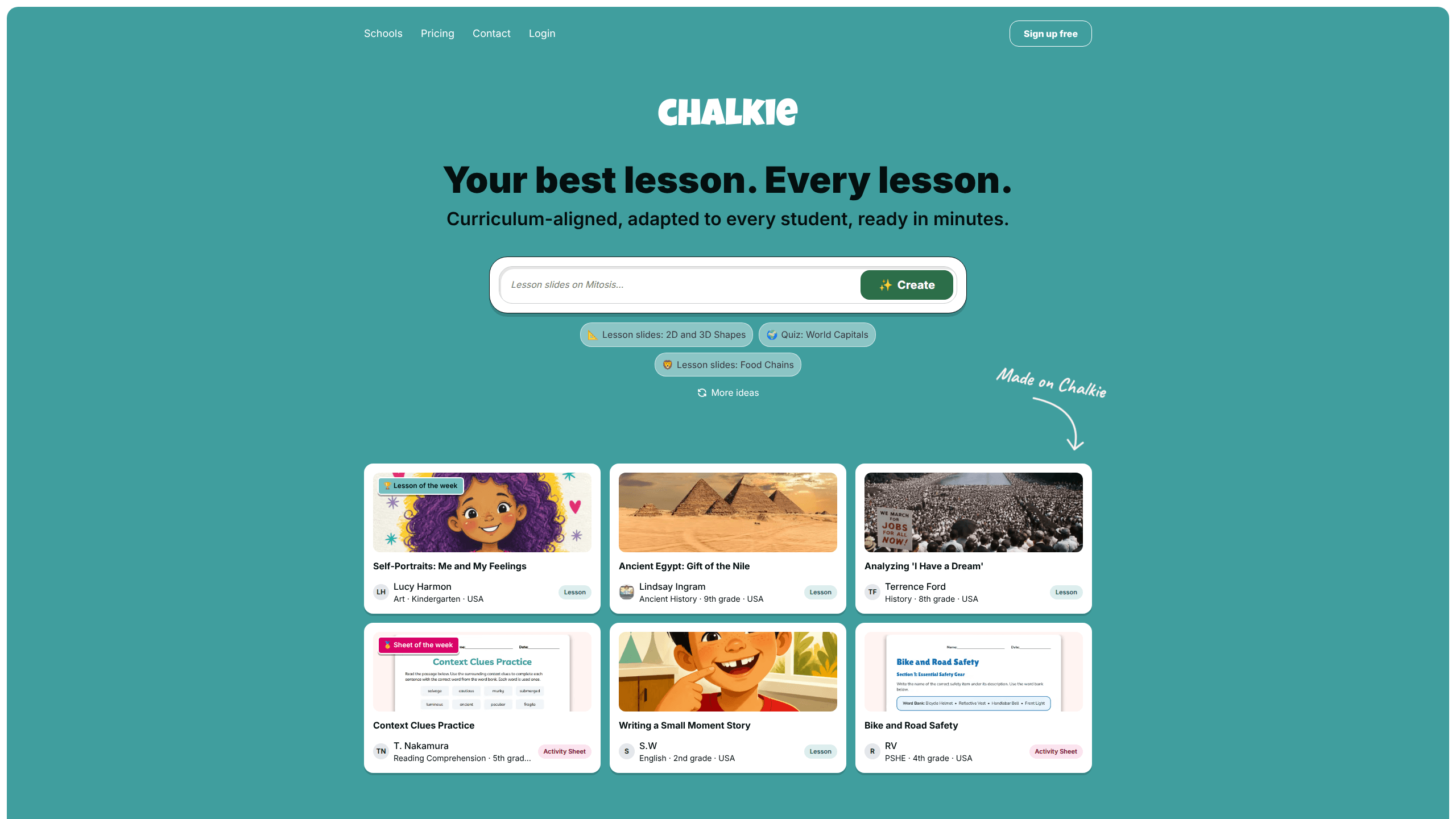
About Chalkie AI
What Is Chalkie AI
Chalkie AI is a web-based lesson planning tool that helps teachers create classroom-ready teaching materials. It covers three main jobs: single lessons, multi-lesson units and worksheets. Instead of building slides from a blank template, you describe what you're teaching and the tool drafts the structure for you.
The core problem it solves is time. That's it. Most teachers plan multiple classes a week, and the busywork of formatting slides, writing objectives and hunting for images eats into the hours they'd rather spend on actual teaching. Chalkie compresses that prep into a few clicks, and it aligns output to UK, Australian or US standards, including Common Core and state frameworks, so the result fits the curriculum you're already working from.
The main limitation is that you still need to review and edit what comes out. AI-generated lessons are a starting point, not a finished product. Teachers in the testimonials describe tweaking content and imagery before class. So how much editing is normal? Enough that Chalkie isn't a hands-off replacement, but far less than building from a blank slate. The free plan caps you at 5 resources a week with 10 AI edits. That's enough to test the waters. It won't run a full timetable.
Getting Started
- Go to chalkie.ai and create a free account. No card details are required for the free plan.
- Choose what you want to build: a lesson, a lesson series or a worksheet.
- Enter your topic, then select the year group, subject and region. US, UK and Australian teachers can also pick national or state standards to align to.
- Hit generate. Chalkie drafts the slides, objectives, vocabulary and activities.
- Edit anything you like with the in-lesson AI editor, then export to Google Slides, PowerPoint, PDF, Word or Google Docs.
Product Information
A quick look at Chalkie AI's pricing, supported platforms, and performance.
Best for
The users, tasks, and scenarios where this tool fits best.
Users
- Classroom teachers
- New teachers
- Substitute teachers
- Department chairs and school leaders
Tasks
- Building a single lesson
- Planning a multi-lesson unit
- Making worksheets
- Differentiating materials
- Finding supporting media
Scenarios
- Planning tomorrow's lesson late at night
- Covering a long-term absence
- Standardizing resources across a department
- Filling gaps in a thin curriculum
Key features
AI Lesson Plan Generator
The core tool takes a topic and produces a complete lesson with slides, learning objectives, key vocabulary and activities. You pick the year group, subject and region first. If you're in the US, UK or Australia, you can align the whole thing to national or state standards. Everything stays editable after generation. The draft is a starting point, not a fixed output.
AI Worksheet Generator
Worksheets are a separate build path. You can base one on an existing Chalkie lesson or start fresh with a subject and objective. The generator mixes question types, including multiple-choice, short-answer, open-ended, cloze tests and gap fills, and produces sheets that are ready to edit, download, share or print for whatever your class needs that week. Google Docs and Microsoft Word integrations let you keep working in the tools you already use.
Lesson Series and Unit Planning
For multi-lesson topics, the unit planner turns your topic into a structured sequence. You choose how many lessons you want, and Chalkie lays out an editable outline with objectives before generating each lesson in turn. There's a suggested sequence map so you can see how the material progresses. Pro allows series up to 12 lessons, while Max goes up to 25.
In-Lesson AI Editing
Once a lesson is generated, you can adjust content or imagery through prompts rather than rebuilding slides by hand, which matters most when a generated draft is close to what you want but still needs a few targeted fixes before you teach it. The edit allowance varies by plan: 10 edits a week on Free, 400 a month on Pro and 800 a month on Max.
Export and Presentation Options
Finished work exports to Google Slides, PowerPoint or PDF, and worksheets also go to Google Docs and Microsoft Word. You can teach the lesson directly inside Chalkie too. That flexibility matters in schools where the platform varies from classroom to classroom.
Themes, Media and Video Suggestions
Lessons come with a range of themes, from fun to professional to subject-specific, and Chalkie automatically suggests relevant imagery and YouTube videos to support a topic. Custom themes and fonts are reserved for the Max plan.
Standards Alignment
Chalkie aligns lessons to Common Core and state standards across the US, plus UK and Australian curricula. Alignment is a Pro feature. The free plan still generates lessons, but you won't get formal standards-aligned lessons without upgrading.
Pros and cons
Pros
- Fast output. A full lesson is ready in under 30 seconds for many topics. Slides, objectives and activities, all in one draft.
- Broad export support. Google Slides, PowerPoint, PDF, Word and Google Docs cover most school setups.
- Standards alignment for US, UK and Australia, which saves time on curriculum mapping.
- Low entry price. The Pro plan runs $6.65 a month billed yearly. The free plan needs no card at all.
- Handles lessons, units and worksheets in one place instead of spreading across several tools.
Cons
- Resources and AI edits are capped by plan. Free gets 5 resources and 10 edits a week, which limits heavier use.
- Standards alignment sits behind the Pro paywall, so free users do the mapping themselves.
- You still need to check every lesson. Generated content is a draft, and teachers report editing before class.
Frequently asked questions
Chalkie AI generates teaching materials: lessons, multi-lesson units, worksheets and class activities. It's aimed at teachers who want to cut the time spent building slides and worksheets from scratch.
Related content
Explore related tools, skills, and articles for Chalkie AI.
Chalkie AI Alternatives

Kaggle AI
Google · Coding · LeaningKaggle AI is a community platform where people build, test, and compare machine learning models against shared data. It combines data science competitions, tens of thousands of public datasets, and free cloud notebooks with GPU and TPU access, so anyone with a browser can train a model without buying hardware. Google owns the platform, and joining costs nothing.

Bunch
Bunch AI · Leaning · BusinessBunch is an AI leadership coaching app that turns a few spare minutes a day into real management practice. It hands you one short, personalized tip each day, tracks how you respond, and lets you compare notes with peers inside private groups. The pitch is simple: you lead better by practicing a little, often, instead of sitting through a weekend seminar. Think of it as a leadership training app you actually open.

AI Mock Interview
SQLPad · Coding · LeaningAI Mock Interview is a practice tool built into SQLPad that simulates real job interviews and gives you instant feedback on both what you say and how you say it. You pick a role template or upload a job description, answer questions out loud in real time, and then review a transcript with notes on structure, clarity, and grammar. It's aimed at data professionals prepping for SQL, Python, data engineering, machine learning, and system design roles, and it works entirely in the browser. No install needed.