

Chapple
Chapple · Other
Chapple is a browser-based AI chat app that lets you switch between six models from OpenAI, Anthropic, Google and Meta in one conversation, with a free plan and a $12 monthly Pro plan.
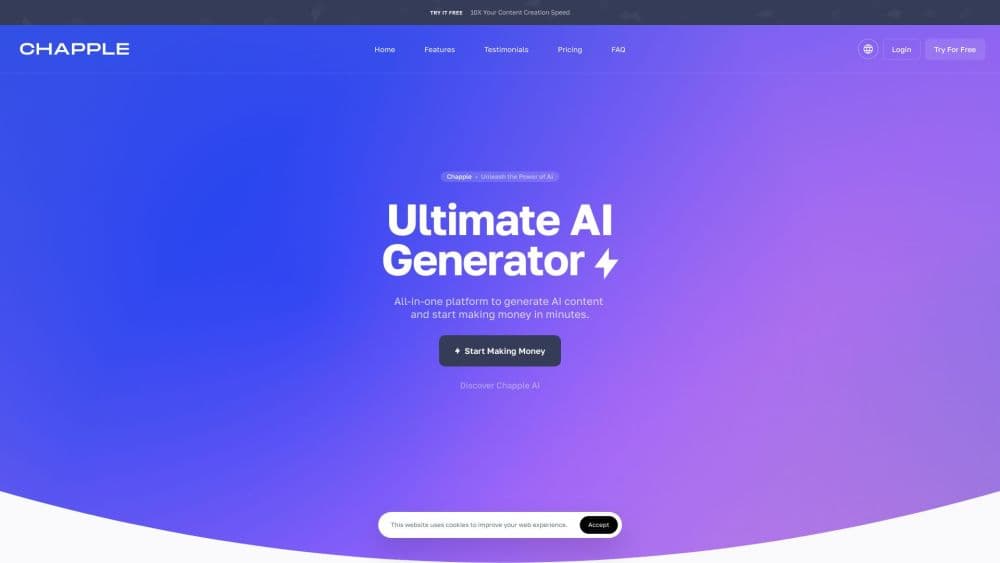
About Chapple
What Is Chapple
Chapple is an AI chat workspace that gathers several popular language models behind one interface, a setup some people describe as a multi-model chatbot. Instead of paying OpenAI, Anthropic and Google separately, you open a single window, pick a model from the pill above the input bar, and type. The list covers GPT-4o and GPT-4o Mini, Claude 3.5 Sonnet and Claude 3 Haiku, Gemini 1.5 Pro, and Llama 3 70B.
That mix is the point, and it's why the product earns the ChatGPT alternative label for people who rotate models. A slow, careful job like reviewing a long contract suits Claude, while a quick daily question is fine on GPT-4o Mini. Chapple stores your chats in a sidebar grouped into Pinned, Today, Past 7 days and Older, so an idea from two weeks ago is still findable. We tested the model switcher and plan page; the rest of this page describes what the site states about itself.
The limits are worth stating up front. Everything runs in a browser tab, there's no desktop or mobile app, and the free plan restricts you to the two smaller models with 50 messages a day. New models take time to arrive here; the lineup still lists Claude 3.5 Sonnet and Gemini 1.5 Pro rather than the newest releases from either lab.
Getting Started
- Open chapple.ai and start a chat as a guest, which allows 5 free messages before signup.
- Create an account with an email and password to unlock 50 daily messages and saved history.
- Click the model pill in the input bar and choose from the six available models.
- Type your prompt, press Enter to send, and use the thumbs up or down buttons to rate an answer.
- Export any thread to Markdown from the chat menu, or upgrade to Pro for unlimited messages.
Product Information
A quick look at Chapple's pricing, supported platforms, and performance.
Best for
The users, tasks, and scenarios where this tool fits best.
Users
- Freelancers who bill by the hour
- Writers and editors
- Students and early researchers
Tasks
- Comparing answers across labs
- Drafting and tightening copy
- Coding help with a long context
- Weekly research roundups
Scenarios
- Testing a prompt before committing it
- Keeping work chats separate from personal ones
- Reviewing a contract or a long report on a laptop
Key features
Six Models in One Window
The model switcher sits in the input bar, so you change engines without opening a new site or copying your text. GPT-4o and Claude 3.5 Sonnet handle the balanced, harder work, Gemini 1.5 Pro covers long documents with its 1M token window, Llama 3 70B is the open-weights option, and the two smaller models (GPT-4o Mini, Claude 3 Haiku) keep the free plan usable.
Plan That Separates Free From Pro
Free gives you GPT-4o Mini and Claude 3 Haiku, 50 messages per day, chat history and both themes. Pro costs $12 a month and opens all six models with unlimited messages, priority responses, advanced analytics, API access and priority support. That's a narrow step between the two, and it's easy to know which one you're on.
Chat History With Pinned Threads
Conversations land in a sidebar sorted by Pinned, Today, Past 7 days and Older. You can pin the ones you keep coming back to, rename a thread from the hover menu, and search inside a conversation with Ctrl+F or Command+F. For anybody who works from saved chats rather than one-off prompts, the pinning does more than search would.
Markdown and JSON Export
The chat menu saves any conversation as a Markdown file, and the privacy settings page downloads all your conversations and messages as a single JSON file. Markdown suits pasting into Notion, Obsidian or a blog draft; JSON suits keeping your own archive.
Privacy Controls You Can Act On
Chapple states it doesn't sell user data or train models on conversations, and that messages are encrypted at rest and in transit. The Data and Privacy panel lets you export everything or delete the account outright, and deletion is permanent. Those are the three controls most people actually ask for, and they're separate from the billing page.
Dark and Light Themes
Appearance follows the operating system by default, with manual light and dark overrides in settings. The dark palette is a real dark mode rather than a grey filter, which matters on a laptop at night.
Pros and cons
Pros
- One login for six models across four labs, so you compare answers without juggling subscriptions.
- Free tier is genuinely usable: two solid fast models and 50 messages a day, with no card required.
- Pro at $12 a month undercuts separate subscriptions to OpenAI and Anthropic by a wide margin.
- Export to Markdown and JSON, plus permanent account deletion, gives you a way out at any time.
- Sidebar pinning and in-thread search make long-running projects easy to pick back up.
Cons
- The model lineup lags the market: Claude 3.5 Sonnet and Gemini 1.5 Pro are several generations behind what both labs now ship.
- No mobile or desktop app, so you need a browser tab open on a computer or phone.
- No file or image attachment yet; the input bar says uploads are coming soon, which rules out working directly from a PDF.
- Around 50 messages a day on Free runs out fast during a heavy editing session, and the jump to unlimited means the full $12.
Frequently asked questions
Chapple is a chat interface for asking questions, writing, coding help and research across six different AI models. You pick the model per conversation rather than per account.
Related content
Explore related tools, skills, and articles for Chapple.
Chapple Alternatives

Odyssey 3
Odyssey · OtherOdyssey-3 is Odyssey's foundation world model. It simulates physics in real time, turns a prompt into an interactive environment, and adapts to robots, cars and games.

JarvisCore
Prescott Data · Coding · Productivity · OtherJarvisCore is an open source Python runtime where AI agents work as equal peers on an agent mesh, claim tasks from a shared ledger, and reach external services through a zero-trust broker.
Clef
Cloudflare · Business · OtherClef is Cloudflare's open-source decision model for Workers AI. It returns calibrated probabilities for typed questions, not generated text, so agents can classify, route, and act fast.