

ChatGemini.net
ExpertBeacon (open source project) · Business · Chatbot
ChatGemini.net is a free web client for Google's Gemini models. Open a browser, type a prompt, and get Gemini Pro answers with no account and no install.
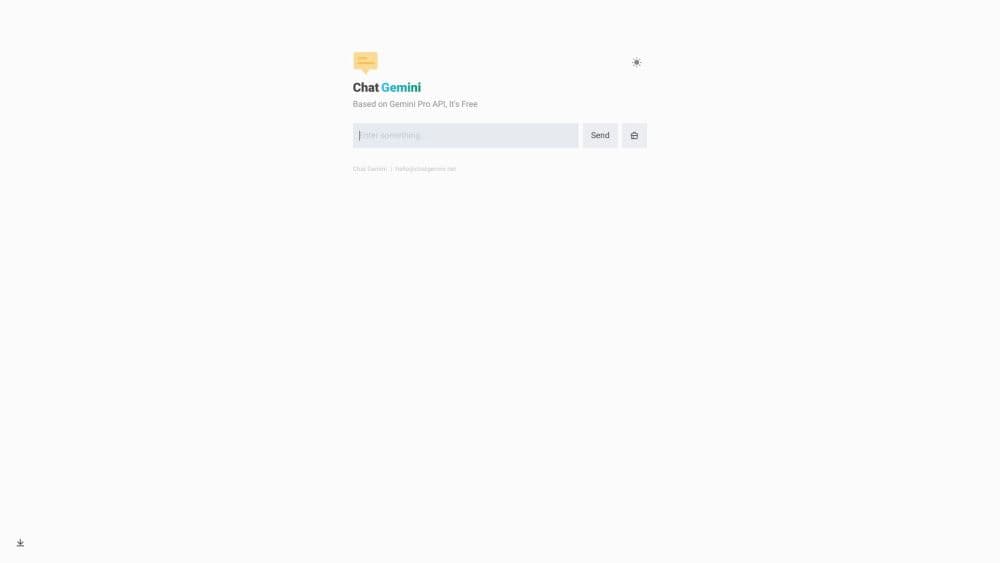
About ChatGemini.net
What Is ChatGemini.net
ChatGemini.net puts Google's Gemini models behind a plain chat box in the browser. It's a free Gemini chatbot at heart: no desktop app to install, no sign-up form, and no card to enter. It showed up in late 2023 as a thin front end to the Gemini API, back when Google's own chat product wasn't reachable in every country.
The code is open source under the MIT license. Anyone can fork the repo, drop in a Gemini API key, and run the same interface on their own domain. Teams do this when they want a fixed address for a shared chat tool, or when they'd rather not route prompts through someone else's deployment.
Two limits matter before you start. The public site only works where Google's API answers, so blocked regions see errors instead of replies. The project has also been quiet since early 2024, which means newer Gemini features may never reach this interface.
Getting Started
- Open chatgemini.net in any modern browser. The domain forwards to Chat Got at chatgot.one, and the chat box loads without a login screen.
- Type a question into the input at the bottom of the page. The answer streams in as Gemini writes it, so you can start reading before the reply finishes.
- Stay in the same thread for follow-ups. The client sends the earlier turns with each new message, so you can ask for a shorter version, a different tone, or an explanation of one sentence.
- For a private copy, fork the GitHub repo, set
GEMINI_API_KEYin your host's environment variables, and deploy to Vercel. AddSITE_PASSWORDif the page should stay closed to the public.
Product Information
A quick look at ChatGemini.net's pricing, supported platforms, and performance.
Best for
The users, tasks, and scenarios where this tool fits best.
Users
- Students
- Writers
- Developers
- Privacy-minded teams
Tasks
- Quick research questions
- Rewriting and translation drafts
- Explaining code
Scenarios
- A borrowed laptop or a phone
- A region where Google blocks the API
- A classroom or demo
Key features
Free Gemini chat in the browser
The whole product is one page with an input box and a message list. Type, send, read. Answers arrive as formatted text, with headings and code blocks kept readable instead of dumped as raw characters. No plugin, no extension, no app store.
Threads that carry context
Each new message goes out with the earlier turns attached, so follow-ups land in context. Ask for a summary, then ask it to cut the summary in half, and the second request understands what "it" refers to. Long threads eventually hit the model's context limit, and the oldest turns fall away.
Open source code you can run yourself
The repo is public and MIT licensed. Clone it, set your key, deploy to Vercel, and you have the same gemini pro chat interface on your own address. The README covers the environment variables and the proxy workaround for blocked regions, which is more documentation than most one-page chat clones ship with.
Site password for closed access
A single environment variable, SITE_PASSWORD, puts a password gate in front of the whole page, and you can list several passwords separated by commas. Handy for a small team that wants one shared chat address without building accounts and roles.
Custom API endpoint
API_BASE_URL swaps Google's default endpoint for one you host. That's the fix when the browser reports that your location isn't supported for API use. The chat keeps working, and the request path runs through infrastructure you chose.
No account, no card, no install
There's no profile to create and no billing page. Open the tab and start typing. The trade-off is that nothing follows you between devices: a conversation started on your phone won't appear on your laptop.
Pros and cons
Pros
- Costs nothing and asks for no email, phone number, or card before the first message.
- Loads quickly on a phone browser, which makes it a decent stand-in when you're away from your own machine.
- MIT license with a deploy button, so a private copy takes minutes rather than a sprint.
- The interface stays out of the way: no upgrade banners, no model marketplace, no sidebar of features you didn't ask for.
Cons
- Google's API decides whether you get an answer. In blocked regions the page returns an error, and the fix means hosting your own copy behind a proxy.
- No commits since February 2024. Newer Gemini models and features may never show up here, and bugs are unlikely to get patched.
- Without accounts there's no sync and no shared history, so a useful thread lives only in the browser where you started it.
Frequently asked questions
Yes. There's no paid plan, no trial timer, and no credit card field. The site runs on a Gemini API key held by the operator, and you pay nothing as a visitor.
Related content
Explore related tools, skills, and articles for ChatGemini.net.
ChatGemini.net Alternatives

Knocket
Knocket (Tencent RTC team) · Productivity · Business · ChatbotKnocket is a free live chat and contact page tool that lets visitors message you from your website, app, or a shareable link, with every reply handled from Telegram or one inbox.

shippedit.me
Krawlup · Marketing · Businessshippedit.me now redirects to Krawlup, a web platform that audits SEO, AEO and page speed every week, then hands the fixes to AI coding agents over MCP.

Ayven
Alknoma · Productivity · BusinessAyven is an AI control centre by Alknoma that turns a plain-language goal into a dated plan, hands the work to your people and AI agents, and asks for your approval only when the call is yours.