

Chat Thing
Chat Thing · Coding · Chatbot
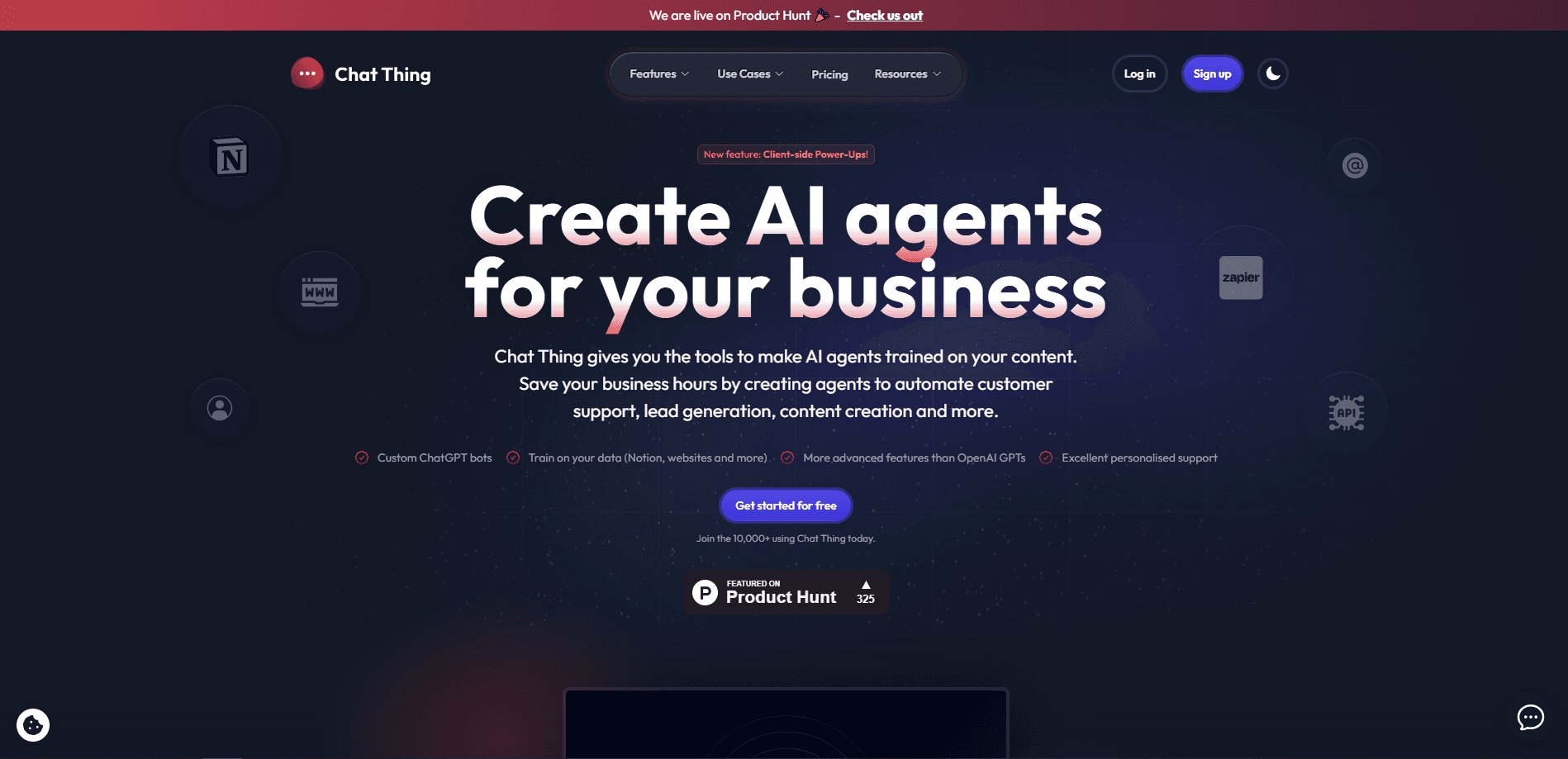
Chat Thing is an AI customer support agent that reads your website, help docs, and Notion pages, then answers customer questions around the clock on your site, WhatsApp, Slack, and Discord.
About Chat Thing
What Is Chat Thing
Chat Thing is a platform for building AI support agents, a chatbot platform that works as an AI help desk for small teams. You point it at the content you already have, such as your website, help center, FAQs, and Notion workspace, and it reads that material to answer customer questions the way a real support rep would. Setup takes a few minutes, and the agent runs on your site without any coding.
The problem it solves is repetition. Most support teams spend the day fielding the same handful of questions about opening hours, password resets, and shipping. Chat Thing handles that customer support automation automatically and hands off to a human when a question gets complicated. Basic plans cover personal projects, while higher plans add model choice, live chat handoff across channels, and API access.
The biggest limitation is scope. The agent only knows what you feed it, so a thin knowledge base leads to thin answers. And you need paid plans for the features most teams want, since the free tier caps you at one agent and one data source.
Getting Started
- Create a free account with no credit card, then connect a data source like your website or help center.
- Let Chat Thing crawl and sync that content, which usually takes a few minutes.
- Customize the widget colors, logo, and tone of voice so the assistant matches your brand.
- Copy one line of code into your site, or publish the agent to WhatsApp, Slack, or Discord.
- Test conversations in the dashboard, then hand off to a teammate whenever a chat needs a person.
Product Information
A quick look at Chat Thing's pricing, supported platforms, and performance.
Best for
The users, tasks, and scenarios where this tool fits best.
Users
- Small support teams
- Solo founders and indie makers
- Ecommerce shops
- International businesses
Tasks
- Answering routine questions
- Looking up orders
- Qualifying and routing leads
- Voice and phone support
Scenarios
- A support inbox that never empties
- A small team scaling into new markets
- Launching a bot before a busy season
Key features
Answers From Your Own Content
The agent reads your website, help center, FAQs, PDFs, and Notion pages, an integration that needs no manual uploading, then answers using that material instead of guessing. It re-syncs automatically when your content changes, so answers stay current. You can also spot gaps in your docs by seeing which questions it struggles with.
Deploy Across Multiple Channels
A single agent runs on your website, WhatsApp, Slack, and Discord. The website widget matches your brand with custom colors and logos. A one-line embed works on WordPress, Shopify, Squarespace, and custom sites, and the same agent can also take phone calls.
Power-Ups and Real Actions
Power-ups go past plain answers. The agent can look up orders, update records, and trigger workflows for your customers. These tool calls let a support bot act like a teammate who can check a system, not just talk.
Live Human Handoff
Every conversation lands in one dashboard where you can search it. When a question needs a person, you take over the chat, and the customer never has to start over. Built-in feedback shows what you are getting right and what needs work.
Model Choice and Analytics
Standard plans and up let you pick the model behind the agent, with GPT, Claude, and Gemini on offer. Pro adds chat analytics, so you can track volume, common questions, and where your docs fall short.
Voice Calls and Phone Numbers
Paid plans add web voice, and Standard adds a US or UK phone number. Calls share your knowledge base, power-ups, and model with text chat, and they draw on the same monthly minute allowance. You can forward an existing line to a rented number.
Pros and cons
Pros
- Fast setup that takes minutes and needs no developer, since you embed a single line of code.
- Answers stay grounded in your own content, which cuts down invented responses.
- Multi-channel reach across web, WhatsApp, Slack, Discord, and phone from one agent.
- Transparent pricing with a real free tier and add-ons that top up a single limit instead of forcing a plan jump.
- Human handoff and searchable logs keep a person in charge of tricky chats.
Cons
- Quality depends on your knowledge base, so thin docs produce thin answers you have to fix at the source.
- The free plan is narrow at one agent and one data source, and model choice needs the Standard plan at $49/mo.
- Voice and phone features cost extra, since voice packs run $10/mo per 60 minutes and numbers are $5 each.
- You cannot self-host or fully white-label the agent on lower plans.
Frequently asked questions
It builds an AI support agent from your existing content and answers customer questions on your site and messaging apps. You connect a data source, customize the widget, and embed it in minutes.
Related content
Explore related tools, skills, and articles for Chat Thing.
Chat Thing Alternatives

Base Code
Base44 (Wix) · Coding · ProductivityBase Code is a shared cloud development environment from Base44. Teammates describe changes to an existing GitHub codebase in chat, preview them live and send them back as pull requests.

Google EmbeddingGemma 2
Google DeepMind · Writing · Image · CodingGoogle EmbeddingGemma 2 is a 740M-parameter open model that turns text, code, images, audio, and video frames into vectors in one 768-dimension space, running on phones and laptops.

GitGlow
GitGlow · Coding · ProductivityGitGlow is a local-first desktop Git client that lets independent developers review their own code and their AI agents' changes in one place before shipping.