

Chatbit
Chatbit · Marketing · Chatbot
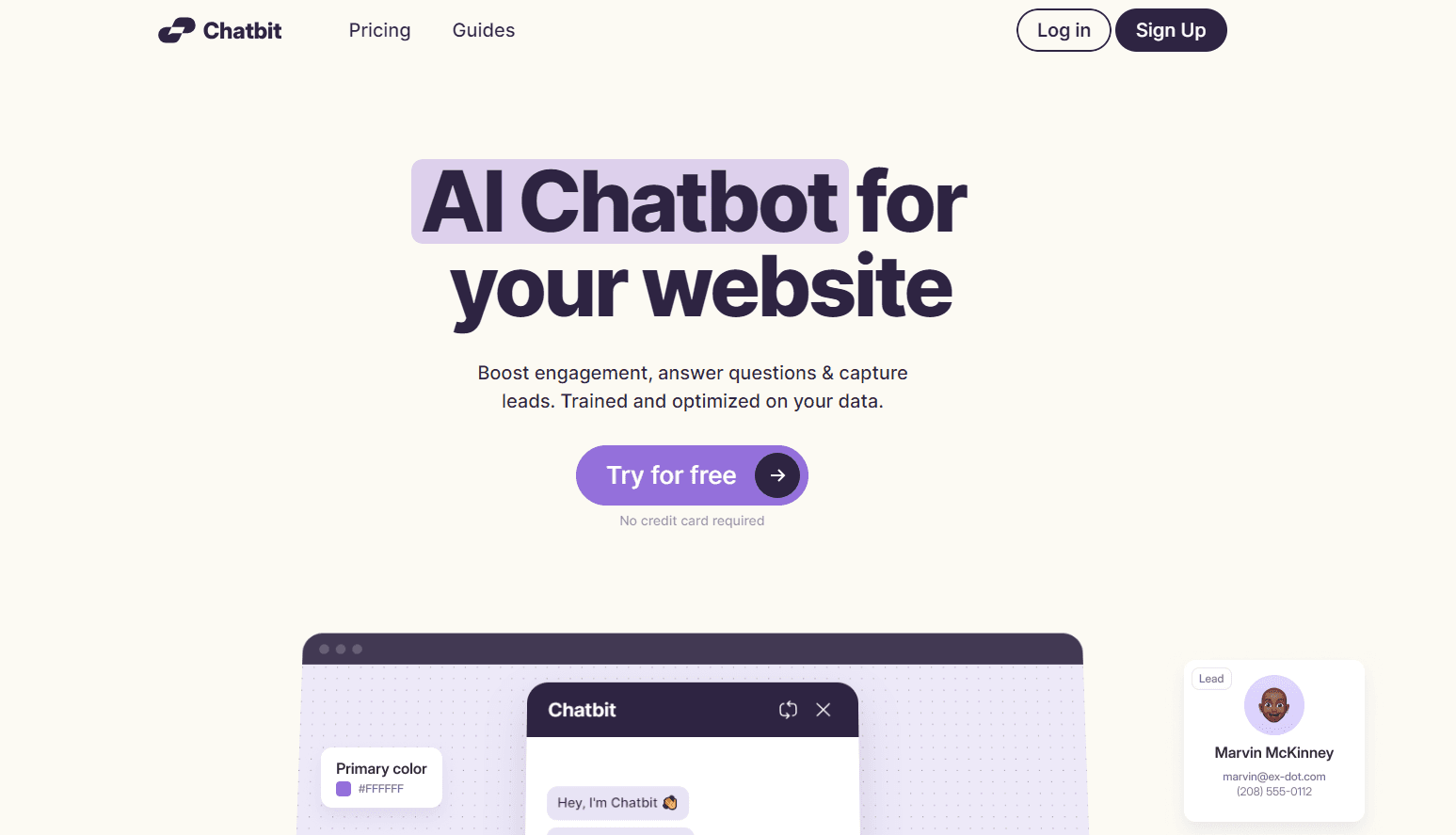
Chatbit is an AI chatbot builder that trains a custom assistant on your own website content, then answers visitor questions, captures leads and installs with one line of code.
About Chatbit
What Is Chatbit
Chatbit is a no-code AI chatbot builder for websites. You point it at your pages, knowledge base entries and files like PDFs, and it turns that material into a GPT chatbot that answers visitor questions in your own voice. Then you drop a widget on your site or share a link, and the bot runs around the clock.
The pitch is simple: most support teams answer the same twenty questions on repeat. Chatbit hands those to a bot that already read your documentation, and it collects a name, email and phone number along the way when a visitor looks ready to buy. It slots into Shopify, WordPress, Squarespace and Framer through a pasted snippet.
Two things set the limits. The free plan caps you at 100 messages a month and one chatbot, which is enough to test the fit and not much more. And the bot only knows what you feed it, so a thin content source produces thin answers. On the paid Growth plan you get 20,000 messages, five chatbots and the option to strip the Chatbit branding.
Getting Started
- Sign up at chatbit.co. No credit card is needed to start on the free plan.
- Add a data source: paste your website URL, connect a knowledge base entry, or upload PDF and text files.
- Set the chatbot's name, icon, color and welcome message, and pick the model you want it to run on.
- Copy the one-line embed code into your site, or share the direct chat link, and test the answers in the preview.
- Read the conversations in the inbox, correct weak answers, and turn on lead capture and daily reminders.
Product Information
A quick look at Chatbit's pricing, supported platforms, and performance.
Best for
The users, tasks, and scenarios where this tool fits best.
Users
- Small business owners
- Ecommerce teams
- Marketing teams
Tasks
- Answering FAQs from your own content
- Capturing leads during a chat
- Installing a chat widget without code
- Running more than one site
Scenarios
- A store that gets after-hours questions
- A site with a deep help center
- A product launch page
Key features
Trained on Your Own Data
Chatbit builds its answers from sources you choose: a website URL, a knowledge base entry, or uploaded PDF and text files. The result is a bot that speaks about your product instead of guessing at generic facts. Update the source and the answers follow, so the bot stays current with your content.
One-Line Installation
You add this chatbot for website deployment by pasting a single line of code, or by sharing a direct link when you have no site to edit. It covers the popular builders, including Shopify, WordPress, Squarespace and Framer. Setup takes minutes and needs no developer.
Lead Capture
During a conversation the bot can collect a visitor's name, email and phone number, then file the whole chat in the inbox. For businesses where a chat is the first contact, that turns a passing question into a contact record. Notification reminders flag new conversations so leads don't sit unread.
Full Visual Customization
You set the chatbot's name, icon, theme, position and color, and can drop in custom CSS for finer control. On the top plan the Chatbit footer branding comes off. The point is a bot that looks like part of your site rather than a rented widget.
Inbox and Answer Refinement
Every conversation lands in an inbox you can read back. When an answer misses, you correct the bot so the next visitor gets the better version. That review loop is how the bot gets sharper over weeks instead of staying fixed at launch.
Model Choice and Domain Rules
You pick the model the bot runs on, from a cheaper option up to the strongest one available, and trade cost against quality as you like. Domain restrictions lock the bot to sites you own, which keeps it from being lifted onto someone else's page. Multilingual support means it can chat in most languages out of the box.
Pros and cons
Pros
- Trains on your website, knowledge base and PDFs, so answers reflect your actual content.
- Installs with one line of code or a shareable link, and works on Shopify, WordPress, Squarespace and Framer.
- Captures name, email and phone number during chats and stores them for follow-up.
- Lets you pick the AI model behind the bot, so you can balance cost and answer quality.
- Domain restrictions and multilingual support come built in, and there's no credit card to start.
Cons
- The free plan allows only 100 messages a month and a single chatbot, which runs out fast for a live site.
- Answer quality tracks your source material, so a thin or messy knowledge base produces weak replies.
- Removing the Chatbit branding and raising the message cap both require the paid plan, and the jump from free to $99 a month is steep.
- There's no public developer API documented, so teams that want to wire the bot into their own stack have no clear path.
Frequently asked questions
Chatbit is an AI chatbot builder for websites. You train a custom assistant on your own pages, knowledge base and files, then install it so it answers visitor questions, captures leads and works around the clock.
Related content
Explore related tools, skills, and articles for Chatbit.
Chatbit Alternatives

ngram 2.0
ngram · Video · Marketingngram 2.0 is an AI video generator for teams. It turns a prompt, a screen recording, or a product URL into a narrated explainer, product demo, or AI avatar video, and every scene stays editable.

shippedit.me
Krawlup · Marketing · Businessshippedit.me now redirects to Krawlup, a web platform that audits SEO, AEO and page speed every week, then hands the fixes to AI coding agents over MCP.

MePersona
MePersona, Inc. · Writing · Productivity · MarketingMePersona is an AI unified inbox for creators. It learns your voice, drafts replies to fan messages from 12 platforms, and sends only what you approve.