
ChatGPT Dansk
OpenAI · Voice & Language · Other · Chatbot
ChatGPT Dansk is the Danish-language side of OpenAI's ChatGPT. You set the interface and replies to Danish, then write, translate, study, and code in Danish with the same app.
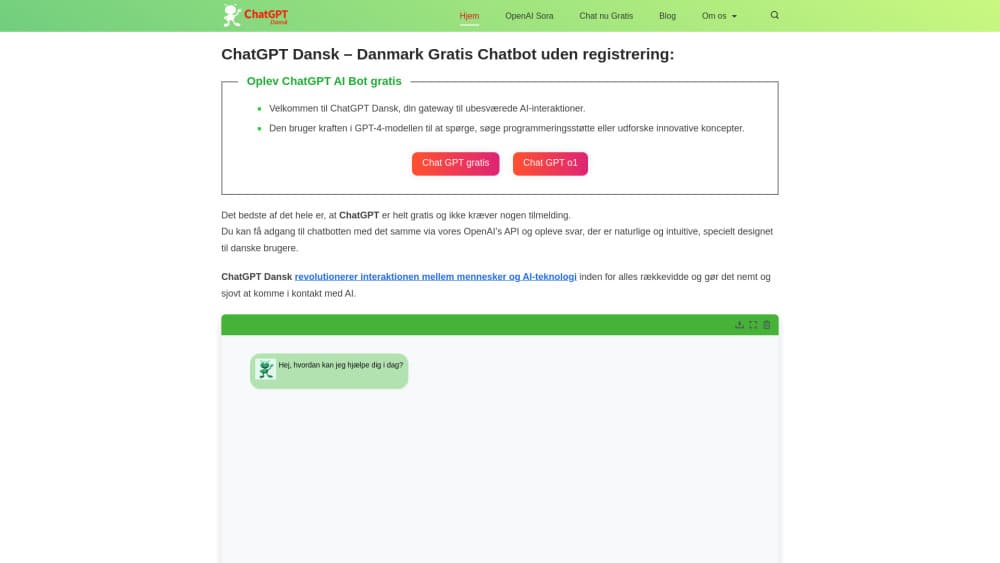
About ChatGPT Dansk
What Is ChatGPT Dansk
ChatGPT Dansk is not a separate app. It's ChatGPT på dansk: OpenAI's chatbot answering, writing, and wording things in Danish. As a Danish AI assistant, it handles the same work as the English product, just in your language. ChatGPT landed in November 2022 and runs on the GPT family of models, with GPT-4o as the model OpenAI trained end to end across text, audio, and image. That multimodal training is why Danish holds up better than it did on earlier versions, since GPT-4o sharpened non-English text while keeping English and code at the previous level.
For a Danish user the difference shows up in daily work. You can write a customer email, fix a report sentence, ask about a rule in plain Danish, or have a source in English summarized in Danish. The tool keeps the register you feed it, so a formal letter and a casual message don't come back sounding the same.
The catch lines up with the English product. The strongest models and the highest limits sit behind paid tiers, output still needs a read-through before you send it anywhere, and a Danish sentence that hinges on idiom or a local reference can miss the tone even when the grammar is clean.
Getting Started
- Open the ChatGPT app on the web, or install it on iOS, Android, Windows, or macOS.
- Create a free account, or sign in with an existing one.
- Set the reply language to Danish, or just write your first prompt in Danish.
- Ask a question or paste text you want rewritten, summarized, or translated.
- Turn on voice mode if you'd rather talk than type.
- Upgrade to a paid plan if you need the stronger models and higher usage limits.
Product Information
A quick look at ChatGPT Dansk's pricing, supported platforms, and performance.
Best for
The users, tasks, and scenarios where this tool fits best.
Users
- Danish speakers who want answers in their own language
- Students and teachers in Denmark
- Small businesses writing to Danish customers
- Developers and analysts
Tasks
- Writing Danish text
- Translating between Danish and other languages
- Summarizing long material
- Learning and explaining
- Drafting code and formulas
Scenarios
- Writing a Danish job application
- Handling a foreign contract
- Keeping a newsletter in Danish
- Studying for an exam
Key features
Danish writing and rewriting
ChatGPT writes and rewrites in Danish, which is the core of ChatGPT Dansk. You give it a task, and it returns a draft in dansk that you edit. It can adjust the level, from a formal letter to a short message, and it can turn a rough note into full sentences. The limit is tone: an idiom that only works in Danish can come back flat, so a native read still matters.
Multilingual translation
GPT-4o improved text in non-English languages while holding English and code steady, and translation is where that pays off. You can move between Danish and English in either direction, and the tool handles longer passages in one go. Idioms and cultural references are the weak spot, since a literal swap can lose the sense a Dane would expect.
Voice mode
Voice mode lets you talk to ChatGPT and hear it answer. GPT-4o responds to audio in as little as 232 milliseconds on average, close to the pace of a normal conversation. For Danish users that means speaking practice, hands-free notes, or a spoken summary while you're away from the keyboard. Availability and quality can differ by plan and device.
Image and document input
You can upload a photo or a file and ask about it. A handwritten note, a scanned page, or a screenshot can be read and turned into Danish text. That suits translating a form, explaining a chart, or pulling text out of an image without retyping it. Complex or low-quality images still need a check.
Paid tiers and higher limits
ChatGPT has a free plan and several paid ones: Plus, Pro, Business, and Enterprise. The paid tiers unlock the stronger models and higher usage limits, which matter if you work in Danish all day. ChatGPT pricing differs by tier and region, and the free plan carries lower limits. For teams, Business and Enterprise add workspace controls and admin settings. Exact limits shift over time, so check the current plan pages.
API for developers
The OpenAI API lets developers build Danish features into their own products, from translation to drafting. It's the same family of models behind ChatGPT, reached through code rather than the chat window. Pricing is metered by usage, so cost scales with volume rather than a flat seat. Teams that need Danish at scale tend to go this route.
Pros and cons
Pros
- Answers come back in Danish, so you work in your own language instead of round-tripping through English.
- One tool covers writing, translation, summarizing, and study, which cuts down on subscriptions.
- A free plan lets you try Danish support before paying.
- Voice mode makes spoken Danish practice and hands-free use possible.
- An API opens the door to building Danish features into your own apps.
Cons
- The strongest models and the highest limits need a paid plan.
- Danish idiom and local tone can come back flat, so a native check is still needed.
- Quality and availability vary by plan and device.
- Usage limits apply, and heavy daily use can hit them.
Frequently asked questions
ChatGPT Dansk is ChatGPT used in Danish. It's the same OpenAI chatbot, set to answer and write in dansk. You don't install a separate app; you set the reply language or simply write your prompts in Danish.
Related content
Explore related tools, skills, and articles for ChatGPT Dansk.
ChatGPT Dansk Alternatives

Foley
Hanamori Labs, LLC · Voice & Language · Productivity · AI AssistantFoley is a voice to-do list that turns a spoken sentence into a filed task, complete with project, date and time, then helps you plan the day around what is already there.

HireKey
HireKey · Voice & Language · Productivity · LeaningHireKey is an AI job search copilot built by a former tech recruiter. It checks role fit, tailors resumes, runs interview practice and tracks every application.

Fluence
Yay Software (Yannick Huchard) · Writing · Voice & Language · ProductivityFluence is an Android app that reads PDFs, EPUBs, Word files and web articles aloud, follows each sentence as it speaks, and answers questions about the text on the phone itself.