

ChatGPT for Search Engines - Chatonai
ChatOnAI · Coding
ChatGPT for Search Engines by ChatOnAI is a browser extension that places a ChatGPT answer panel beside Google, Bing and DuckDuckGo results. It comes with prompt templates and code highlighting.
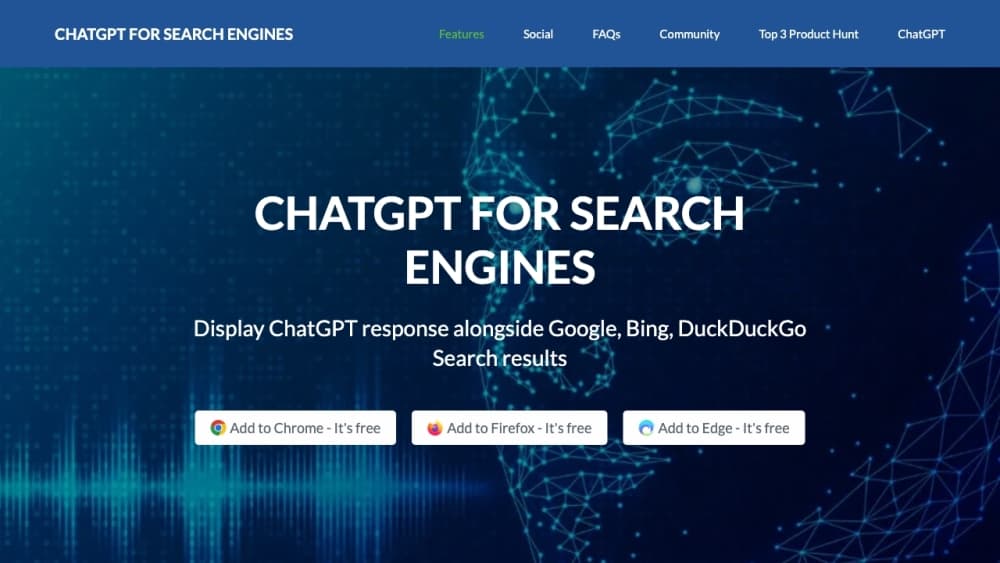
About ChatGPT for Search Engines - Chatonai
What Is ChatGPT for Search Engines
ChatGPT for Search Engines is a browser extension that puts an AI answer panel right next to your usual search results. Instead of opening a separate tab and pasting a link, you type a query and read a ChatGPT response on the same page, sitting to the right of the familiar list of links.
The tool targets people who search constantly and lose time jumping between tabs. Researchers check a concept, students scan for definitions, marketers rewrite a title, and each of them wants a quick explanation before deciding which link is worth a click. The panel reads the query and answers in plain language.
You don't need an account and you don't pay to install it. Most people run it for a week on their normal searches, notice where the panel saves a click, then decide whether an API key is worth adding.
Its limits come from how it's powered. The free mode relies on a shared web API, which stutters under load, and switching to your own OpenAI key means paying OpenAI separately. The answer quality also depends on which model you point it at, and the old chatonai.org homepage is currently down, so the Chrome Web Store listing is the reliable place to install from.
Getting Started
- Open the Chrome Web Store listing and install the extension. It also runs in Firefox and Edge.
- Run a search on Google, Bing, DuckDuckGo, Ecosia or Baidu.
- Watch the ChatGPT panel appear beside the results, then pick a trigger mode if you would rather summon it by hand or with a question mark.
- Paste your own OpenAI API key in settings when you want faster, steadier responses.
- Ask a follow-up in the panel, or load one of the saved prompts for SEO, ads and content tasks.
Product Information
A quick look at ChatGPT for Search Engines - Chatonai's pricing, supported platforms, and performance.
Best for
The users, tasks, and scenarios where this tool fits best.
Users
- Students and researchers
- SEO and content marketers
- Developers checking syntax
Tasks
- Understanding an unfamiliar term
- Comparing a search page at a glance
- Drafting marketing copy from a search
Scenarios
- Late-night research sessions
- Learning a new tool or framework
- Writing a client brief on deadline
Key features
Side-by-Side Answers on Five Search Engines
The extension shows a ChatGPT panel next to results on Google, Bing, DuckDuckGo, Ecosia and Baidu. You keep the links you trust and get an AI summary at the same time, which is handy when you want to check the answer against a source without switching windows.
Three Trigger Modes
You decide when the panel fires. Set it to appear every time, only when you click the icon, or when your query ends in a question mark, a trick that keeps ordinary navigational searches clean. This makes it usable for both heavy research and quick lookups.
70 Plus Prompt Templates
Built-in prompts cover SEO, advertising, video scripts and blog outlines. Each one is a starting point you can edit, so you spend less time remembering a good instruction and more time on the answer.
Code Syntax Highlighting
Technical answers render with highlighted code blocks, so you can tell a function signature from a variable at a glance. That matters when you are debugging from a search result and need to read a snippet quickly.
Flexible Output Window
You choose between a popup panel inside the page and a standalone page for longer conversations. The popup suits a quick check, while the standalone view gives more room when the answer runs long.
Free Web API or Your Own OpenAI Key
Out of the box the extension uses a free web API, and you can plug in an OpenAI API key for steadier responses and access to models you already pay for. The trade-off is straightforward: the free path saves money, the paid path saves patience.
Pros and cons
Pros
- Keeps the AI answer on the same page as the results, so you can check a claim against its sources without a new tab.
- Covers five search engines, from Google and Bing to DuckDuckGo, so it fits whatever engine you already prefer.
- More than 70 prompt templates handle SEO, ad copy, video scripts and outlines, which cuts setup for repeat writing tasks.
- Installing is free and needs no account, so you can test it on a real search before committing.
- Code answers come with syntax highlighting, which makes technical snippets easier to scan.
Cons
- The free web API slows down or fails when it's busy, so the free experience feels unreliable on heavy days.
- Supplying your own OpenAI key adds a second bill, and that charge grows with how much you search.
- The old chatonai.org homepage currently returns a server error, so support and setup guides are hard to find, and the Chrome Web Store listing becomes the main reference.
- The extension depends on the search engine's ranking, so a page full of low-quality results produces a weak summary.
Frequently asked questions
As an AI search extension, it adds a ChatGPT response panel to the right of your search results. You search as usual, read the AI answer, and can ask follow-ups without opening a separate ChatGPT tab.
Related content
Explore related tools, skills, and articles for ChatGPT for Search Engines - Chatonai.
ChatGPT for Search Engines - Chatonai Alternatives

Base Code
Base44 (Wix) · Coding · ProductivityBase Code is a shared cloud development environment from Base44. Teammates describe changes to an existing GitHub codebase in chat, preview them live and send them back as pull requests.

Google EmbeddingGemma 2
Google DeepMind · Writing · Image · CodingGoogle EmbeddingGemma 2 is a 740M-parameter open model that turns text, code, images, audio, and video frames into vectors in one 768-dimension space, running on phones and laptops.

GitGlow
GitGlow · Coding · ProductivityGitGlow is a local-first desktop Git client that lets independent developers review their own code and their AI agents' changes in one place before shipping.