

ChatOn - AI Chat Bot Assistant
AIBY · Writing · Productivity · Chatbot
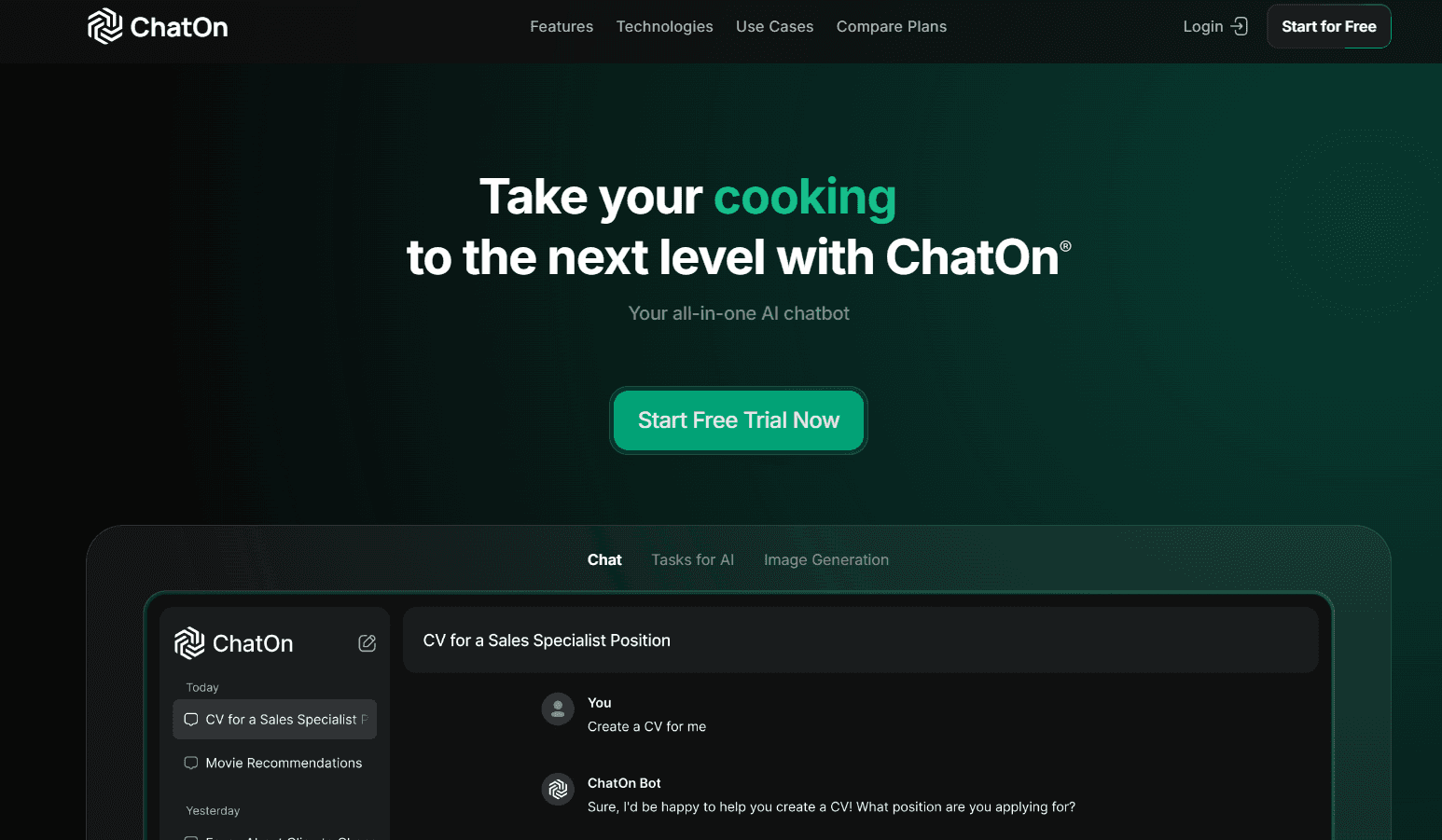
ChatOn is an AI chat bot assistant for iOS, Android and the web. One chat window runs several flagship models, plus image generation, document summaries and live web search, synced across devices.
About ChatOn - AI Chat Bot Assistant
What Is ChatOn
ChatOn is a consumer AI assistant from AIBY, a company that builds mobile apps. Instead of locking you to one model, it puts several of them behind the same chat box: OpenAI's GPT-6 Sol and GPT 5.6 Terra, Anthropic's Claude Sonnet 5, Google's Gemini 3.5 Flash, plus GLM 5.3 and Qwen 3.7 Plus. You pick the model per question, so a quick rewrite can go to a fast model and a long analysis to a stronger one.
The app started on phones and now runs in a browser too. Your subscription follows your account, so a plan bought on iOS works on the web and on Android without a second charge. Beyond text chat, this multi-model AI chat app can generate images, restyle a photo, turn a still image into a short video, and read PDF, DOC, TXT and EPUB files.
The catch is scope. ChatOn is built for individual use, so there is no API, no team workspace and no admin console. Free users get a capped number of messages and limited access to the top models. Everything heavy sits behind ChatOn Premium, and prices are set by the app stores rather than published in one public table.
Getting Started
- Install ChatOn from the App Store or Google Play, or open the web app at chaton.ai.
- Create an account with Apple, Google or email. The same login carries your plan across devices.
- Type a question in the chat box, or tap the model name to switch to a different one before you send.
- Attach a file or an image when you want a summary, a translation or a rewrite of something longer than a prompt.
- Upgrade to ChatOn Premium when you run into the free message cap or need image and video tools.
Product Information
A quick look at ChatOn - AI Chat Bot Assistant's pricing, supported platforms, and performance.
Best for
The users, tasks, and scenarios where this tool fits best.
Users
- Students
- Content creators
- Solo marketers and small business owners
Tasks
- Summarizing long documents
- Making scroll-stopping visuals
- Comparing model answers
Scenarios
- Commuting or waiting in line
- Research on the go
- Quick social posts
Key features
One Chat, Several Models
The model picker sits at the top of the chat, and switching takes one tap. ChatOn lists GPT-6 Sol, GPT 5.6 Terra, GPT 5.4, Claude Sonnet 5, Gemini 3.5 Flash, GLM 5.3 and Qwen 3.7 Plus on its site. That range is the main reason people choose an AI assistant app over a single vendor's chatbot: you keep one subscription and one chat history while matching the model to the job.
Live Web Search
Web search sends your question to Perplexity Sonar or Sonar Pro and returns an answer built from current pages, with sources you can open. It is the feature to use for anything that changes weekly, like release dates, ticket prices or software versions. The answer quality still depends on the pages the search layer finds, so a quick source check is worth the extra ten seconds.
Image Generation and Pic Transformer
Text prompts turn into images inside the conversation, and Pic Transformer restyles a photo you upload. Both are convenience features rather than a full design suite, and the AI image generator app side is no exception: you get fast results and decent styles, but no layer editing, no brand kit and no exact control over composition. For social posts and quick mockups, that trade is fine.
Photo to Video
Upload a still image and ChatOn animates it into a short clip with motion and visual effects. It suits birthday posts, product teasers and travel recaps where a still feels flat. Clips are short by design, so plan a sequence of shots rather than one long video.
Doc Master for Long Files
Doc Master reads PDF, DOC, TXT and EPUB files, then summarizes, rewrites, translates or answers questions about the content. This is where a document summarizer earns its place: a 60 page report becomes five bullets you can act on. Tables and multi-column layouts sometimes lose structure, so verify numbers you plan to quote.
Web and Mobile Sync
One purchase covers iOS, Android and the browser, and chat history stays in step. Start a question on your phone during a commute and finish it at a desk. The sync is the practical argument for ChatOn Premium over a phone-only subscription, especially if you write on more than one device.
Pros and cons
Pros
- Several flagship models sit behind one login and one bill, so you can test GPT, Claude, Gemini, GLM and Qwen without five subscriptions.
- Chat, image generation, photo restyling, photo to video and file reading live in the same thread, which cuts app switching.
- The subscription carries across iOS, Android and web, and chat history follows your account.
- A free tier exists, so you can test response quality and the interface before paying.
Cons
- There is no public API, which rules ChatOn out if you want to build a tool or automate a workflow on top of it.
- Free messages are capped and the strongest models are gated, so heavy users hit the paywall within days.
- Model names and availability shift with vendor releases, and older versions get retired, so a workflow tuned to one model can break without notice.
Frequently asked questions
Yes, ChatOn has a free plan with a limited number of messages and restricted access to the top models. ChatOn Premium removes most limits and unlocks image generation, photo restyling, photo to video and larger file uploads.
Related content
Explore related tools, skills, and articles for ChatOn - AI Chat Bot Assistant.
ChatOn - AI Chat Bot Assistant Alternatives

Google EmbeddingGemma 2
Google DeepMind · Writing · Image · CodingGoogle EmbeddingGemma 2 is a 740M-parameter open model that turns text, code, images, audio, and video frames into vectors in one 768-dimension space, running on phones and laptops.

MePersona
MePersona, Inc. · Writing · Productivity · MarketingMePersona is an AI unified inbox for creators. It learns your voice, drafts replies to fan messages from 12 platforms, and sends only what you approve.

Fluence
Yay Software (Yannick Huchard) · Writing · Voice & Language · ProductivityFluence is an Android app that reads PDFs, EPUBs, Word files and web articles aloud, follows each sentence as it speaks, and answers questions about the text on the phone itself.