

ChatPerk
ChatPerk · Marketing · Chatbot
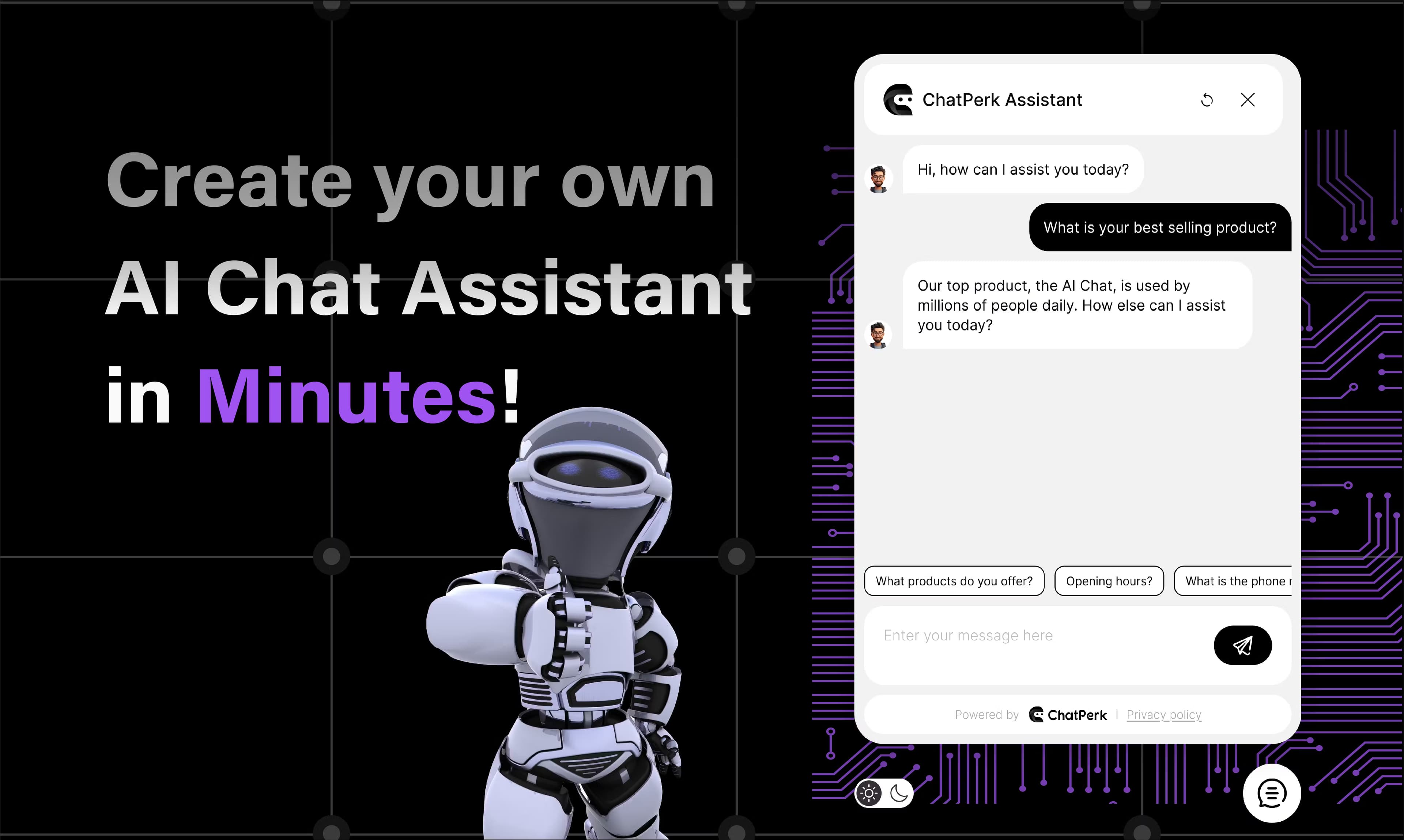
ChatPerk is a no-code platform for building custom AI chat assistants that train on your site, documents, and help center to answer questions, capture leads, and drive lead generation.
About ChatPerk
What Is ChatPerk
ChatPerk is a web-based tool for turning your existing content into a working AI assistant. You point it at a website, a help center, a PDF, or a Word document, and it learns that material so it can answer the questions customers actually ask. The goal is simple: cut the volume of routine support tickets without hiring more people.
The platform leans on large language models that you pick from a list, so you can trade raw speed against answer quality depending on the job. Everything runs in the browser, and adding the finished assistant to a site takes a short snippet of code.
The catch is that the assistant is only as good as the data behind it. Thin or outdated source material turns into thin or outdated answers, so someone has to keep the knowledge base current. The free tier also caps how much you can do with integrations and message volume, which pushes active sites toward a paid plan fast.
Getting Started
- Create an account at app.chatperk.ai. No credit card is needed to start.
- Add your data sources: paste a website URL, connect a help center, or upload PDFs and Word documents.
- Customize the assistant with your logo, brand colors, and the tone you want it to use in conversation.
- Test the assistant in the dashboard and pick the AI model that fits your answers best.
- Embed the chat widget on your site with a short code snippet, then watch conversations in the analytics view.
Product Information
A quick look at ChatPerk's pricing, supported platforms, and performance.
Best for
The users, tasks, and scenarios where this tool fits best.
Users
- Small business owners
- Ecommerce teams
- Support leads at growing startups
Tasks
- Answering repeat customer questions
- Capturing leads from website visitors
- Onboarding new users
Scenarios
- A solo founder launching a store
- A product page with heavy traffic
- Serving customers across languages
Key features
No-Code Assistant Builder
You build the whole assistant through a visual dashboard. There's nothing to install and no code to write for the core setup, which is why small teams without engineers pick it. The work is mostly pointing ChatPerk at your content and adjusting settings.
Training on Your Own Data
ChatPerk reads websites, help centers, PDFs, and Word documents, then uses that material to answer questions. You can add or swap sources whenever your product changes. The quality of the answers tracks directly with how clean and complete your source files are.
Multiple AI Models
You choose the model that powers each assistant from a list of options. Faster models suit simple FAQ work, while heavier ones handle messier questions. This lets you match cost and speed to the job instead of accepting one fixed brain.
Brand Customization
You control the logo, colors, and conversational tone so the widget looks like it belongs on your site. Tone matters more than it sounds. An assistant that matches how your brand talks feels like part of the team, not a bolted-on bot.
Multilingual Conversations
The assistant speaks more than 85 languages, so a single setup can serve customers who write in different tongues. For stores selling across borders, that removes the extra step of running a separate bot for each market.
Website and App Embedding
A short snippet of code drops the chat widget onto any site, and the layout adapts to what you have. ChatPerk also connects with tools like Zapier, WordPress, Shopify, WhatsApp, Slack, Messenger, and Instagram, so conversations flow into the apps you already use.
Analytics and Conversation Monitoring
A dashboard shows what customers ask and how well the assistant handles it. That feedback loop is what lets you fix weak answers instead of guessing. You spot the questions the assistant keeps missing and update the source material behind them.
Privacy and Security Controls
ChatPerk says it follows strict data protection rules and keeps your data out of third-party hands. For businesses handling customer information, that's a baseline requirement rather than a bonus.
Pros and cons
Pros
- Setup is genuinely fast, with a working assistant possible in a single sitting.
- Training pulls from the content you already have, so there's no rewriting your knowledge base.
- Model choice lets you balance answer quality against response speed.
- 85+ language support covers global audiences without extra builds.
- Integrations with Zapier, Shopify, WhatsApp, and WordPress fit common stacks.
Cons
- Answer quality depends on your source data, so stale docs produce stale replies.
- The free tier limits integrations and message volume, which pushes real sites to pay.
- Pricing details aren't shown openly on the site, so you contact the team or start free to find out.
- Assistants built on general models can still go off-script on unusual questions.
Frequently asked questions
ChatPerk builds AI chat assistants that answer customer questions, capture leads, and support website visitors. Businesses use it to cut routine support tickets and keep engaging visitors after hours.
Related content
Explore related tools, skills, and articles for ChatPerk.
ChatPerk Alternatives

ngram 2.0
ngram · Video · Marketingngram 2.0 is an AI video generator for teams. It turns a prompt, a screen recording, or a product URL into a narrated explainer, product demo, or AI avatar video, and every scene stays editable.

shippedit.me
Krawlup · Marketing · Businessshippedit.me now redirects to Krawlup, a web platform that audits SEO, AEO and page speed every week, then hands the fixes to AI coding agents over MCP.

MePersona
MePersona, Inc. · Writing · Productivity · MarketingMePersona is an AI unified inbox for creators. It learns your voice, drafts replies to fan messages from 12 platforms, and sends only what you approve.