

ChopLab
ChopLab · Voice & Language
ChopLab is an AI sample pack generator for music producers. Upload a track and it splits stems, detects transients, and chops the audio into up to 16 royalty-free samples.
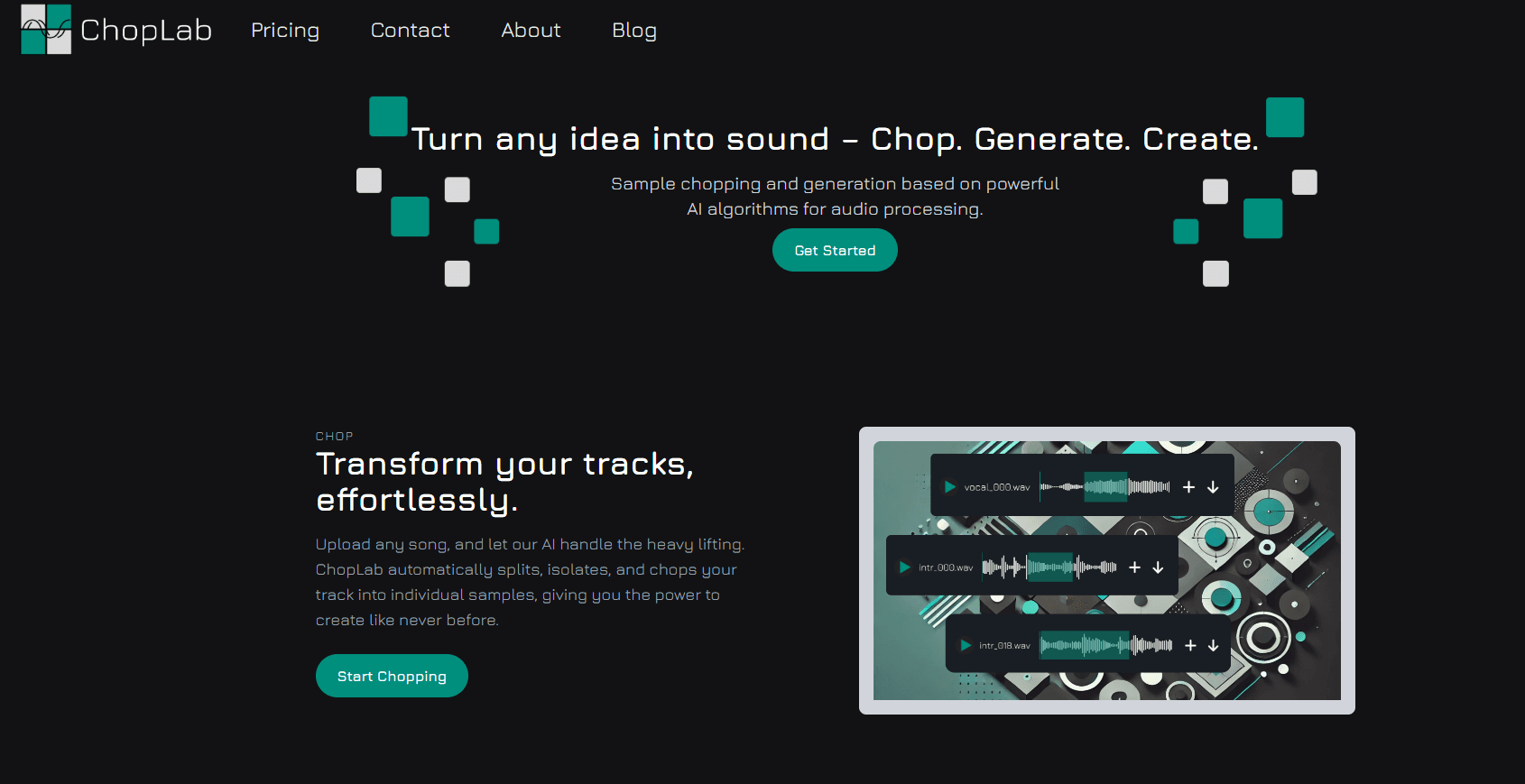
About ChopLab
What Is ChopLab
ChopLab is a web-based sample chopping tool built for music producers. You hand it an audio file, and it does the tedious part for you: splitting the track into vocals, drums, and instruments, spotting the hits, and cutting the audio into separate samples you can actually use. The pitch is simple. Stop slicing waveforms by hand and start making beats.
It grew out of a common producer problem. You hear one good loop buried in an old track, and pulling it out takes an hour of careful editing. ChopLab automates that grind with AI signal processing, then drops the results into a 16-pad drum rack you can play with a MIDI controller or a mouse. Samples come out royalty-free, so you can drop them into a track without chasing permissions.
The limits matter too. It's a web tool, so there's nothing to install, but there's also no confirmed public API for developers who want to wire it into a pipeline. Usage runs on credits, and files you don't download are cleared from the server after a day. It's best for producers who want a fast idea-to-beat loop, not a full digital audio workstation.
Getting Started
- Sign up with an email for a free account and a starting batch of credits.
- Upload a track in MP3, WAV, FLAC, or M4A, up to 10 minutes long.
- Choose whether to split vocals and instruments first or chop the track directly.
- Wait a minute or two while the AI processes the audio.
- Preview each sample in the waveform editor, trim it, then save your favorites to a sample pack.
Product Information
A quick look at ChopLab's pricing, supported platforms, and performance.
Best for
The users, tasks, and scenarios where this tool fits best.
Users
- Music producers
- DJs
- Sound designers
Tasks
- Drum pack generation
- Stem splitting
- Sample library building
Scenarios
- Starting a new beat
- Live sets
- Sampling an old favorite
Key features
AI sample chopping
The core action takes one upload and returns up to 16 separate samples. ChopLab uses AI signal processing to find the natural cut points in a track, so the slices land on the hits instead of mid-note. For producers, this replaces the slowest part of sampling, the part where you nudge slice markers until they finally sound right.
Stem splitting
Before chopping, you can split a track into its parts: vocals, drums, and instruments. That matters when you want one clean layer rather than the whole mix. Pulling the vocal out of a track and dropping it over a new beat is a familiar move, and doing it here takes one step instead of a separate stem tool.
16-pad MIDI drum rack
Samples land in a 16-pad layout you can trigger with a MIDI controller or by clicking. It's the same grid logic used by hardware and software drum machines, so if you already play one, this feels familiar. You get a drum rack you can jam on right away, not a folder of files to sort through first.
Key and BPM detection
ChopLab reads the key and tempo of the source and tags the samples with that data. When you're building a beat, samples that already match your project's key and BPM drop in without pitch-shifting or time-stretching. It's a small thing that saves a lot of fiddling.
Visual waveform editor
Each sample opens in a waveform view where you can preview it and adjust the length before saving. Trimming a slice so it starts on the transient and ends before the next hit keeps a chop tight. Without this step, short samples tend to carry extra noise at the edges.
Sample library
The samples you save go into a personal library you can filter by key, instrument, and genre. Over time this becomes your own pack, built from audio you chose. You can come back to it across projects instead of rebuilding the same sounds every session.
Pros and cons
Pros
- Turns a track into a usable drum pack in a couple of minutes.
- Supports MP3, WAV, FLAC, and M4A, so most source audio works.
- Royalty-free output means chops can go straight into a release.
- The 16-pad rack works with MIDI controllers, which fits existing studio setups.
- Key and BPM detection spares you manual pitch and tempo fixes.
Cons
- Credits run out fast: chopping, generating, and saving each cost a credit, so heavy use needs a paid plan.
- Files you don't download are cleared after a day, so you have to save your work.
- No confirmed public API means you can't automate the tool inside a larger pipeline.
- No built-in full DAW, so you still finish the track in your own software.
Frequently asked questions
ChopLab is an AI sample pack generator for music producers. You upload an audio track, and it splits stems, detects transients, and chops the audio into up to 16 separate samples you can save and play from a drum rack.
Related content
Explore related tools, skills, and articles for ChopLab.
ChopLab Alternatives

Foley
Hanamori Labs, LLC · Voice & Language · Productivity · AI AssistantFoley is a voice to-do list that turns a spoken sentence into a filed task, complete with project, date and time, then helps you plan the day around what is already there.

HireKey
HireKey · Voice & Language · Productivity · LeaningHireKey is an AI job search copilot built by a former tech recruiter. It checks role fit, tailors resumes, runs interview practice and tracks every application.

Fluence
Yay Software (Yannick Huchard) · Writing · Voice & Language · ProductivityFluence is an Android app that reads PDFs, EPUBs, Word files and web articles aloud, follows each sentence as it speaks, and answers questions about the text on the phone itself.