

Chronicle
Chronicle · Productivity
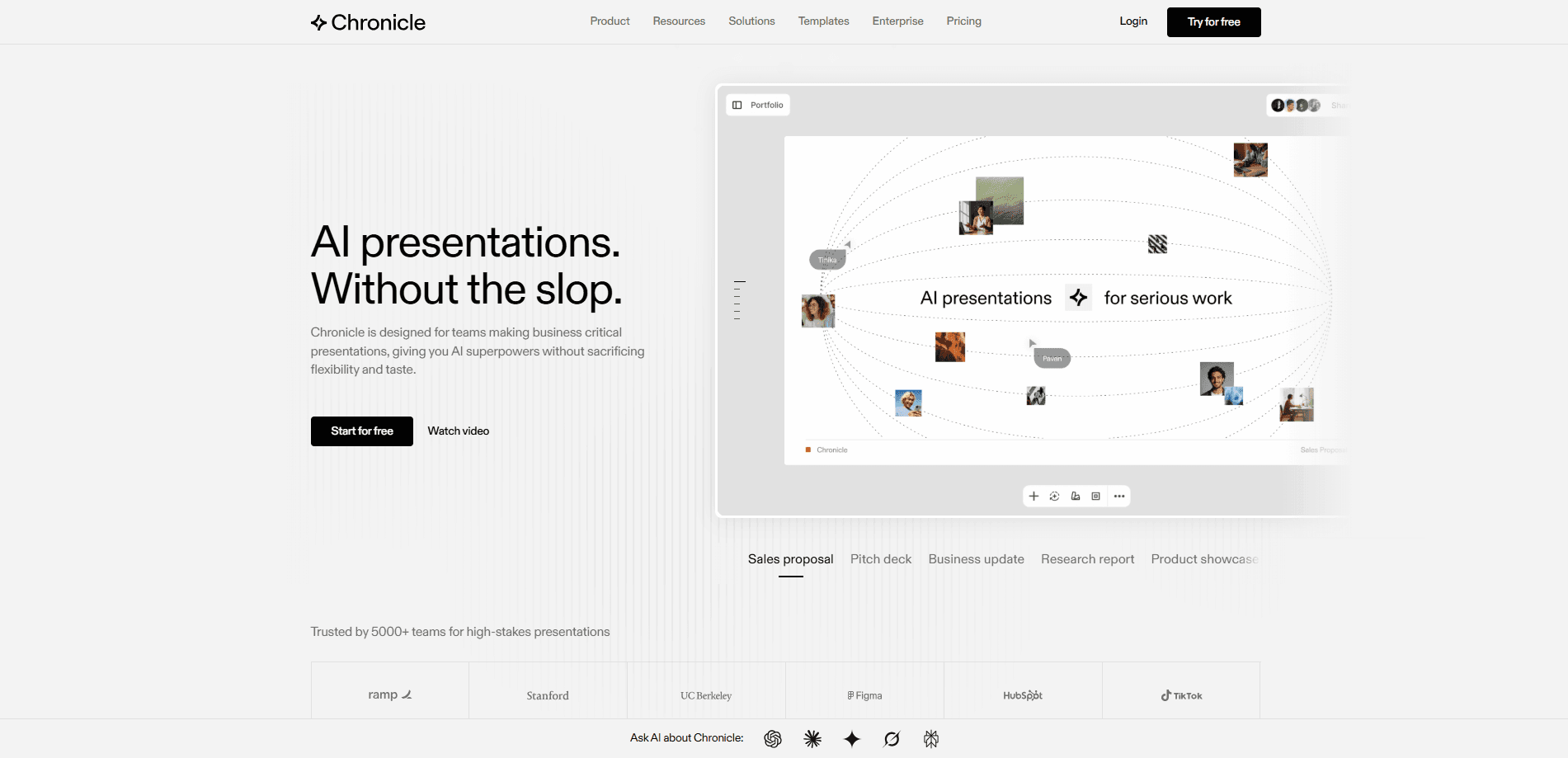
Chronicle is an AI presentation maker built for teams that need polished slides fast. You paste raw notes, outlines, or an existing deck, and it pulls everything into one presentation with on-brand layouts, diagrams, and visuals on a freeform canvas you can edit freely. Think of it as an AI PPT tool that behaves like a design app. It suits founders, consultants, and sales teams preparing pitch decks and proposals. It's a web app, so there's nothing to install.
About Chronicle
What Is Chronicle
Chronicle is a web-based tool for building professional presentations with AI. Instead of dragging boxes around a blank template, you describe what you want and it generates slides, then you refine them on a canvas that behaves more like a design app than a classic slide editor.
The team behind it comes from McKinsey, BCG, and Apple, and that background shows in where the product aims its attention. Chronicle targets high-stakes work: investor decks, client proposals, sales materials, and internal reports where the slides have to look like a design team touched them. So what separates it from the dozens of other AI slide tools? The canvas.
The catch is that Chronicle is aimed at professional teams, not casual users making a quick birthday slideshow. The free plan caps you at 10 decks, and the AI features run on a token allowance that resets each month. If you present often, you'll likely hit the paid tiers quickly. We couldn't verify every historical detail from the official site alone, so where numbers weren't published we've left them out rather than guess.
Getting Started
- Sign up at chroniclehq.com with your work email and create a workspace.
- Paste your source material, such as a meeting doc, outline, or an existing deck, into a new presentation.
- Let Chronicle generate the first draft of slides, then adjust layouts, visuals, and text on the canvas.
- Invite teammates or guest editors and set workspace permissions.
- Export to PowerPoint or PDF, publish to the web, or present directly from Chronicle.
Product Information
A quick look at Chronicle's pricing, supported platforms, and performance.
Best for
The users, tasks, and scenarios where this tool fits best.
Users
- Founders and startup teams
- Consultants and agencies
- Sales teams
Tasks
- Turning rough notes into a first-draft deck
- Building a data-driven slide
- Reusing a brand template
Scenarios
- Preparing for a high-stakes presentation the night before
- Standardizing decks across a team
- Converting an existing PowerPoint into something sharper
Key features
AI Draft Generation From Raw Input
Chronicle accepts messy input, from bullet notes to full documents, and turns it into a structured presentation. The point is speed. You get a complete first draft to react to instead of building slide by slide. You still own the final look, but the heavy lifting of layout and structure is handled for you.
Freeform Canvas Editing
Most AI slide tools give you a rigid template and a text box, but Chronicle uses a freeform canvas, so you can move, resize, and restyle individual elements in the same way you would inside a proper design tool. That flexibility matters when a generated slide is 80 percent right and you just need to fix the rest yourself.
Brand Guidelines in a Click
You can set up brand fonts, colors, and visual rules once, and every slide follows them. For teams, this removes the usual cleanup pass where someone has to fix inconsistent fonts before a deck goes out. It acts as a lightweight slide design tool, not just a generator. No more font arguments. Custom fonts and advanced branding sit on the higher plans.
Charts and Data Visualization
Chronicle handles charts, graphs, metrics, and tables inside the canvas, so you don't have to screenshot a chart from another tool and paste it in. It's a small thing. It saves real time when a deck is mostly numbers. That matters for finance and sales decks.
Templates and Custom Template Upload
There's a library of templates from designers at firms like Apple, McKinsey, BCG, and IDEO. You can also upload your own and generate decks that match it. That's the trick. It's how the sales-proposal workflow runs: feed in a template, get tailored output.
Export and Publishing Options
Decks export to PowerPoint or PDF, and you can publish a presentation as a website. PowerPoint export sits on the Plus plan. PDF and social exports arrive earlier. Publishing to the web is handy for sharing a deck without asking people to open a file.
Real-Time Collaboration
Teams can collaborate in real time, share templates, and manage permissions. Guest editors are included on every plan. The free tier caps them at three, and larger shared workspaces require a paid seat.
Pros and cons
Pros
- Freeform canvas gives more control than typical AI slide generators, so you're not stuck with rigid templates.
- AI drafting turns notes and docs into a usable first draft fast, cutting the blank-page problem.
- Brand rules, custom themes, and template upload keep decks consistent across a team.
- PowerPoint export makes it easy to hand work off to people still living in Office.
- Free plan is real, not a demo, and covers basic editing, web publishing, and PDF export.
Cons
- AI features run on a monthly token allowance that doesn't roll over, so heavy use can stall before month-end.
- The free plan caps you at 10 decks and three guest editors, which is tight for a team.
- Advanced features like the Muse agent, high-quality image models, and PowerPoint export are locked to the $30 and $59 tiers.
- It's web only, so there's no offline mode or desktop app.
Frequently asked questions
Chronicle builds presentations with AI. You feed it notes, outlines, or an existing deck, and it generates polished slides you can edit on a canvas and export to PowerPoint, PDF, or the web.
Related content
Explore related tools, skills, and articles for Chronicle.
Chronicle Alternatives
Agibot
Agibot · Productivity · AI Assistant · ChatbotAgibot is a personal AI agent for Mac that keeps running after you close the window, runs routines on a schedule, and works from Telegram or Slack with your own API keys.

Ayven
Alknoma · Productivity · BusinessAyven is an AI control centre by Alknoma that turns a plain-language goal into a dated plan, hands the work to your people and AI agents, and asks for your approval only when the call is yours.

MePersona
MePersona, Inc. · Writing · Productivity · MarketingMePersona is an AI unified inbox for creators. It learns your voice, drafts replies to fan messages from 12 platforms, and sends only what you approve.