
Agibot
Agibot · Productivity · AI Assistant · Chatbot
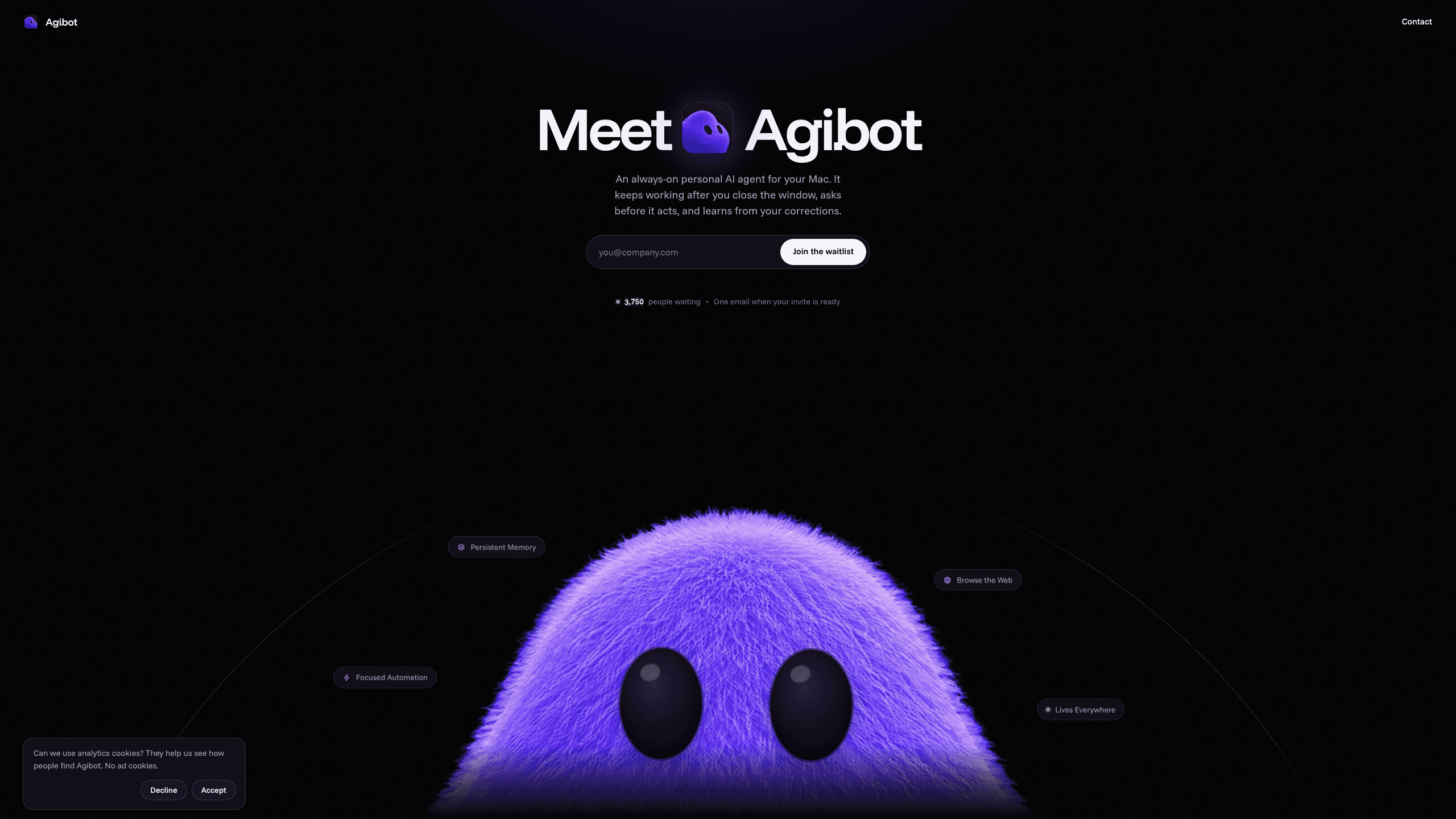
Agibot is a personal AI agent for Mac that keeps running after you close the window, runs routines on a schedule, and works from Telegram or Slack with your own API keys.
About Agibot
What Is Agibot
Agibot is a Mac AI assistant that gives a language model hands. You hand it a task in the app or from a chat window, and it can browse pages, write files, run routines and keep notes about how you like things done. It's an always-on AI agent built for people who already pay for a model API and want it on their own machine instead of another browser tab.
The app is not a hosted service. Conversations, memories and skills sit in a local database on the Mac, and provider keys are encrypted with the macOS keychain. Messages still travel to whichever model provider you choose, so the privacy story is about where your files and memory live, not about a fully offline assistant.
Access is invite-only right now. You join a waitlist with your email, and Agibot sends one message when your invite is ready.
Getting Started
- Join the waitlist at agibot.sh with your email and wait for the invite.
- Install the Mac app, then pick a model: an API key from Anthropic, OpenAI, Google Gemini, xAI, OpenRouter, Groq, DeepSeek or Mistral, a local Ollama model, or an OpenAI-compatible endpoint.
- Set each tool to allow, ask or block. File writes, page fetches, memory deletion and scheduling ask first by default.
- Connect Telegram or Slack if you want to send tasks and approve actions from your phone.
- Describe a recurring job and a time, then let the routine deliver results to the desktop, Telegram or Slack.
Product Information
A quick look at Agibot's pricing, supported platforms, and performance.
Best for
The users, tasks, and scenarios where this tool fits best.
Users
- Mac users who already pay for a model API
- Developers and technical hobbyists
- Privacy-minded remote workers
Tasks
- Recurring research digests
- File cleanup and note taking
- Cross-device tasking
- Personal reminders and scheduling
Scenarios
- A Mac mini that stays on all day
- Working across desktop and phone
- Trying several models without switching tools
Key features
Always-on operation
Closing the window doesn't stop Agibot. It stays in the menu bar, can launch at login, and keeps scheduled routines running while the Mac is awake. That matters if you want a morning brief waiting for you rather than a task that only runs when a tab is open.
Memory you can read and edit
Agibot stores long-term memories, conversations and skills in a local database, and you can open that store to read, change or delete entries. When you correct a result, the app updates its local skills and memories rather than retraining the model. Corrections stick across sessions without touching the provider.
Tool permissions with an approval step
Every tool is set to allow, ask or block. Writing files, fetching web pages, deleting memories and creating schedules ask by default. Shell commands are off until you turn them on, always ask for approval, and run in a macOS sandbox without network access. You can approve from the app or with a button in Telegram or Slack.
Scheduled routines
Routines run on your schedule and send output to the desktop, Telegram or Slack. A daily digest, a weekly folder sort or a reminder to check a dashboard all follow the same pattern: describe the job once, pick a time, then let the Mac handle it. Because it's a local AI agent, a routine fires as long as the machine is awake.
Your own model and keys
Agibot works with API keys from Anthropic, OpenAI, Google Gemini, xAI, OpenRouter, Groq, DeepSeek and Mistral, with local models through Ollama, and with any OpenAI-compatible endpoint. You can also sign in with ChatGPT or Google instead of pasting a key. The setup is bring your own API key, so your model bill stays with the provider and switching providers is a settings change, not a new subscription.
Telegram and Slack access
The agent lives in the chat apps you already use. You can send a task from Telegram or Slack, get the result in the same thread, and approve a pending action with a button. That turns a phone into a remote control for the Mac without opening a remote desktop session.
Pros and cons
Pros
- Free to use with your own API key, with no separate Agibot subscription.
- Local storage for conversations, memories and skills, plus Keychain encryption for provider keys.
- Permission controls per tool, including a sandboxed shell that has no network access.
- Keeps working in the menu bar after the window closes and can start at login.
- Model-agnostic setup covers hosted APIs, OpenAI-compatible endpoints and local Ollama models.
Cons
- macOS only, so Windows and Linux users have no version to install.
- Invite-only waitlist means you can't download it and start today.
- You pay the model provider directly, and heavy routines can add up on metered API plans.
- No native mobile app; phone access depends on Telegram or Slack.
Frequently asked questions
Yes. The app costs $0 and you supply the model. Your spending goes to the provider whose API key you use, or to your electricity bill if you run a local model through Ollama.
Related content
Explore related tools, skills, and articles for Agibot.
Agibot Alternatives

Base Code
Base44 (Wix) · Coding · ProductivityBase Code is a shared cloud development environment from Base44. Teammates describe changes to an existing GitHub codebase in chat, preview them live and send them back as pull requests.

Knocket
Knocket (Tencent RTC team) · Productivity · Business · ChatbotKnocket is a free live chat and contact page tool that lets visitors message you from your website, app, or a shareable link, with every reply handled from Telegram or one inbox.

FloorGen
Vinit Kumar (FloorGen) · Productivity · China AIFloorGen is a browser-based floor plan maker that turns a sentence or a sketch into an editable 2D plan and a 3D walkthrough. Export to PDF, DXF or video, and draw without an account.