

ClarifierAI for IOS
Daniil Pak · AI Detection
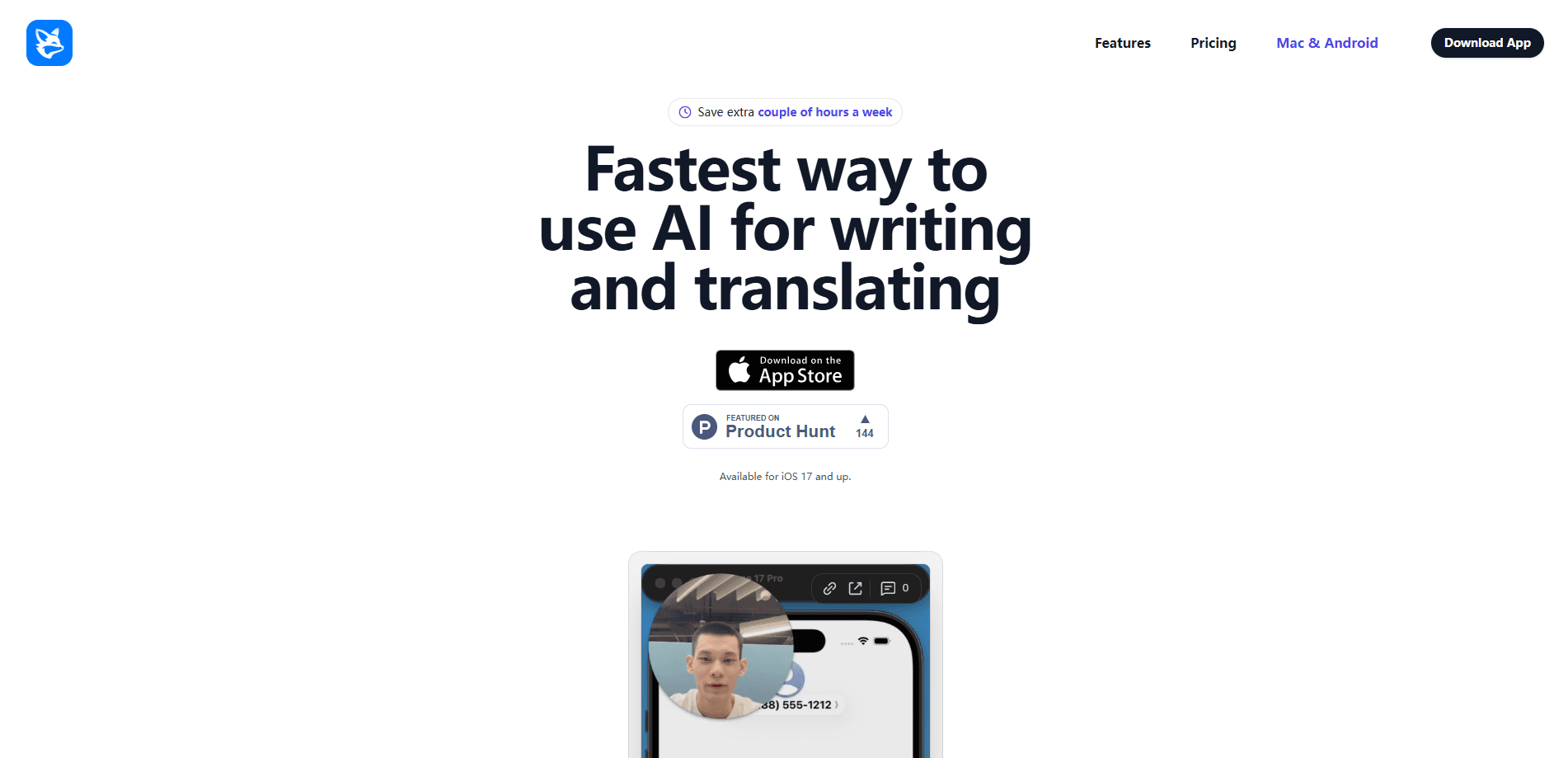
ClarifierAI for IOS is an AI keyboard extension that rewrites, translates, and fixes grammar without leaving the app you're already typing in. Unlike a separate writing assistant, it sits inside your iPhone keyboard. You highlight text, tap a tool, and the corrected version drops in right where you're typing. It's built for people who write a lot of messages, emails, and social posts and want them to sound sharp before hitting send.
About ClarifierAI for IOS
What Is ClarifierAI for IOS
ClarifierAI for IOS is a writing assistant app for iPhone that works as an iOS keyboard extension. The core idea is simple. You don't switch between a separate AI app and your messaging app, because the tools live in the keyboard itself. Want to rewrite text, translate a sentence, or clean up grammar? You highlight whatever you've typed, then pick Improve, Translate, or another tool.
It runs on iOS 17 and up, so older iPhones are out. The app is iPhone-only for now. The team says Mac and Android versions are on the way.
The biggest limitation is the platform lock. If you split your day between an iPhone and a Windows PC or an Android tablet, ClarifierAI only helps on the phone. There's no browser version and no desktop app yet. It also leans on a subscription for the fuller feature set, so this isn't a one-time purchase.
Getting Started
- Download ClarifierAI from the App Store on a device running iOS 17 or later.
- Open the app and add the ClarifierAI keyboard under iPhone Settings, then allow full access so it can process the text you select.
- Switch to the ClarifierAI keyboard in any app and type your message or paste the text you want to work on.
- Highlight the text, then tap a tool like Improve, Translate, or Fix Grammar and confirm the changes.
- Manage or cancel your subscription later from your Apple ID settings if you decide it isn't for you.
Product Information
A quick look at ClarifierAI for IOS's pricing, supported platforms, and performance.
Best for
The users, tasks, and scenarios where this tool fits best.
Users
- Non-native English speakers
- Busy professionals
- Students and job seekers
Tasks
- Rewriting a message
- Fixing grammar
- Translating text
- Tightening an email
Scenarios
- Replying to work messages on the go
- Chatting across languages
- Writing social posts
- Handling customer-facing messages
Key features
Improve Messages
This is the feature the app leads with. You select a messy, half-finished thought, tap Improve, and ClarifierAI returns a cleaner, more professional version. The pitch is speed: you get a polished reply without leaving the chat window. Simple. It's the tool most users reach for first, according to reviews on the App Store.
In-Keyboard Rewriting
Because ClarifierAI is an iOS keyboard extension, it works anywhere you can type text, including Messages, WhatsApp, Slack, email clients, Notes, and social apps. That's the real difference from a standalone AI app. You aren't copying text out and pasting it back, which is the step that makes most writing tools a chore. Not this one.
Translation on the Keyboard
Translation runs inside the keyboard too, so you can draft in one language and switch the output to another. For people who write mostly in English but need to reply in a language they don't speak fluently, this saves a trip to a separate translation app. The same select-and-tap flow applies. No extra steps.
Grammar and Spelling Fixes
ClarifierAI corrects grammar and spelling after you've typed, and one reviewer noted something worth flagging: you can undo individual changes instead of accepting everything at once. That matters when the AI's rewrite loses a nuance you actually wanted to keep. You keep control over what gets changed.
Undo Individual Changes
Most AI rewriting tools apply a whole new block of text and leave you to spot what shifted. ClarifierAI lets you review changes one by one. It's a small touch, but it's the kind of thing that decides whether a tool feels like an assistant or an imposition. Big difference.
Privacy-First Processing
According to the developer, ClarifierAI only processes the text you specifically choose to run through the AI. The stated policy is no keylogging and no selling of your data or conversation history. That's a promise rather than a guarantee, so treat it as the company's claim, not an audited fact.
Pros and cons
Pros
- Works inside the keyboard, so there's no switching between apps
- Covers rewriting, translation, grammar, and tone adjustment in one place
- Lets you undo individual changes rather than accepting a full rewrite
- Handles everyday writing in most apps, from Slack to email
- Reviewers consistently call it fast and accurate
Cons
- iPhone only right now, with Mac and Android listed as "coming soon"
- Needs iOS 17 or later, so older devices can't run it
- Requires full keyboard access to do its job
- The fuller toolset sits behind a subscription, not a one-time price
Frequently asked questions
It's an AI writing keyboard for iPhone that rewrites, translates, and fixes grammar inside whatever app you're typing in. You highlight text and tap a tool instead of switching to a separate AI app.
Related content
Explore related tools, skills, and articles for ClarifierAI for IOS.
ClarifierAI for IOS Alternatives
Isgen AI
Isgen · AI DetectionIsgen AI is a web-based AI detector that scores text for machine authorship and shows you which sentences and phrases push the number up. It's built for teachers, editors, students, and writers. Their question is simple: did this draft come from ChatGPT, GPT-5, Claude, Gemini, DeepSeek, or another model? You paste or upload content, run a scan, and get a Human, AI, and Mixed breakdown in seconds. There's also a companion editor that scores text while you write it.
Humanizeai Tools
Humanizeai Tools · Writing · AI DetectionHumanizeai Tools is a web-based AI humanizer that rewrites machine-generated text so it sounds like a person wrote it, which is the whole point of the category it belongs to. Paste a draft from ChatGPT, Claude, or Gemini, run it through the tool, and it swaps out the phrases and sentence patterns that AI detectors flag. If your goal is to make AI text sound human before you publish it, this is the kind of tool built for exactly that. It suits students, bloggers, and marketers who need copy that reads naturally and clears tools like GPTZero, Copyleaks, and Winston AI after a single pass.

Hidemyai
Hidemyai · Writing · AI DetectionHidemyai is an AI content humanizer. It rewrites text from ChatGPT, Jasper, and similar tools so the result reads like a person wrote it. You paste your draft, pick a document type and tone, and the service returns a version meant to bypass AI detectors such as Originality.ai, Turnitin, and ZeroGPT. It targets writers, marketers, and students who lean on AI drafts but can't ship copy that sounds robotic. The promise is simple: make AI content undetectable.