

Clark
Clark Labs Inc · Coding
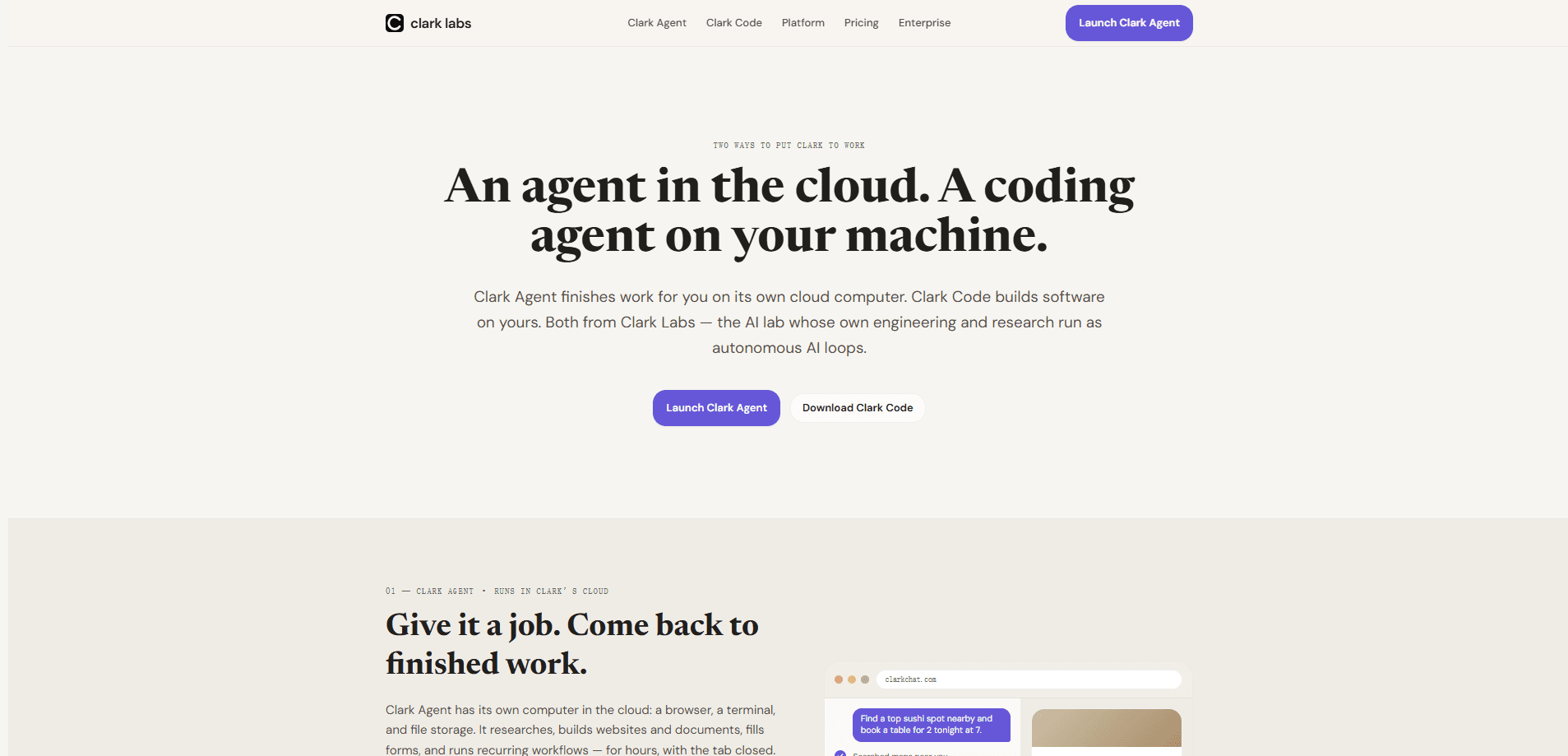
Clark is an autonomous AI agent built by Clark Labs that browses the web, writes and runs code in sandboxed environments, and hands back finished deliverables you can open and check. You talk to it through Clark Chat in a browser, or wire the same abilities into your own product with Clark Managed Agents. It is aimed at people who want tasks done end to end, not another chatbot that only describes steps.
About Clark
What Is Clark
Clark Labs sells Clark as an agent rather than a chat assistant. You give it a goal, and it runs a real browser and a real file system to reach it. That means it can open pages, click through forms, pull data, write scripts, and save the output as a document or file you can inspect afterward. Clark Labs describes itself as the first AI lab where humans bring intuition and feedback while autonomous AI loops do the engineering and research.
The product family has a few pieces. Clark Chat is the online app for research, documents, and everyday tasks. Clark Managed Agents brings the same abilities into your own software through an API. Clark Code and Open Clark cover on-device coding and repo-aware work. You don't need to pick one at the start; most people begin in Clark Chat and move to the API only if they are building something.
The main limit is trust. The terms of service are blunt about this: Clark can act on third-party sites and platforms on your behalf, and you stay responsible for what it does there, including form submissions, purchases, and account changes. Outputs can look detailed and still be wrong, so the company tells users to verify anything before relying on it, especially in legal, financial, or medical decisions.
Getting Started
- Create a Clark account at clarkchat.com, signing in with Apple or Google.
- Open a conversation and describe the task in plain language, including what a finished result should contain.
- Let Clark run its browser and code steps; watch the run to see where it goes and where it stops.
- Review the finished file or document, then correct it or point Clark at the next task.
- If you need the same behavior inside an app, request access to Clark Managed Agents and call it through the API.
Product Information
A quick look at Clark's pricing, supported platforms, and performance.
Best for
The users, tasks, and scenarios where this tool fits best.
Users
- Researchers and analysts
- Founders and small teams
- Developers
Tasks
- Web research reports
- Data collection and cleanup
- Document and file creation
- Repetitive browser workflows
Scenarios
- Early project research
- Drafting internal documents
- Weekly reporting
Key features
Autonomous browser control
Clark drives a real browser instead of scraping static HTML. It opens pages, follows links, fills fields, and reads what is on screen the way a person would. This is what separates it from a summarizer that only reads a URL you paste in. The catch is that login walls and permission prompts can stop a run partway.
Sandboxed code execution
Runs happen in sandboxed environments where Clark writes and executes code to process data or build files. A scrape that returns messy text can be parsed and saved as a clean table without you touching a terminal. Because the code runs in isolation, a bad script is less likely to affect your own machine.
Finished, inspectable deliverables
The output is a file you can open, not a wall of chat text. That matters when the result feeds a real decision or a document someone else will read. You can also see where a run stopped, which makes it easier to judge whether the work is actually done.
Clark Chat as the front door
Clark Chat covers research, documents, and everyday tasks in a browser, with no install. It is the fastest way to see whether the agent approach fits your work before committing to an API integration. Sign-in works through Apple or Google.
Clark Managed Agents API
Managed Agents puts the same capabilities behind an API so you can bring agent runs into your own product. This is the path for teams that want browser and file actions inside their own interface. Access and pricing for it are handled separately from the consumer app.
Clark Code and repo-aware tooling
Clark Code and the related repo-memory product target coding work, where the agent keeps context across a codebase rather than starting fresh each time. It suits developers who already use agentic coding tools and want the same pattern for research and browser tasks.
Scheduled and repeatable tasks
You can set a task to run again rather than retyping instructions each time. Weekly reports and fixed data pulls are the obvious fits. When a scheduled run stalls, the run history shows what it did and where it stopped, so you can fix the blocked step.
Pros and cons
Pros
- It completes tasks in a real browser and file system rather than only answering questions, so there is less manual follow-up.
- Deliverables arrive as files you can open and reuse, which fits reporting and document work.
- The product family covers chat, an API, and coding, so you can start simple and expand later.
- Run history shows where a task stopped, which makes failures easier to diagnose than a silent timeout.
Cons
- Outputs can be wrong even when they read as confident and detailed, so anything high-stakes needs a human check before you rely on it.
- Because Clark acts on third-party sites, you carry the responsibility for what it submits or changes there, including purchases and account edits.
- The agent depends on site logins and permissions, so a blocked sign-in step can end a run early.
- Pricing for the Managed Agents API isn't published on the main site, so you have to contact Clark Labs before you can budget for it.
Frequently asked questions
Clark handles multi-step tasks that involve browsing and files, such as research reports, data collection, and drafting documents. It runs the steps itself and returns a finished file instead of instructions for you to follow.
Related content
Explore related tools, skills, and articles for Clark.
Clark Alternatives
Forefront
Forefront · CodingForefront is a web platform for building with open-source AI. It lets you fine-tune leading open-source language models on your own data, evaluate how they perform, and run them through an API or export them to host yourself. Developers who want the convenience of a closed-source platform but insist on owning their models and data are the target audience here.

Startkit
StartKit.AI · CodingStartkit is a boilerplate for building AI SaaS and AI wrapper products. Think of it as an AI startup boilerplate with the boring parts already wired up: authentication, Stripe and Lemon Squeezy payments, usage limits, transactional email, and an AI API starter that talks to OpenAI, Anthropic, Groq, or Llama. You clone the repo, set your price, and start on the part of your product that people actually pay for. It's Next.js under React and Tailwind, so most of the boilerplate code already feels familiar.
Testim
Tricentis · CodingTestim is an AI-powered test automation platform for building and running end-to-end tests across web, mobile, and Salesforce applications. It leans on machine learning to keep tests stable when an interface changes, so teams spend less time fixing broken selectors. Not bad for an automated testing tool you can start using today. You create tests by recording actions in a browser, then optionally add JavaScript when you need more control. It's a solid pick for busy QA teams.