

Clawshell
Supertome · Other
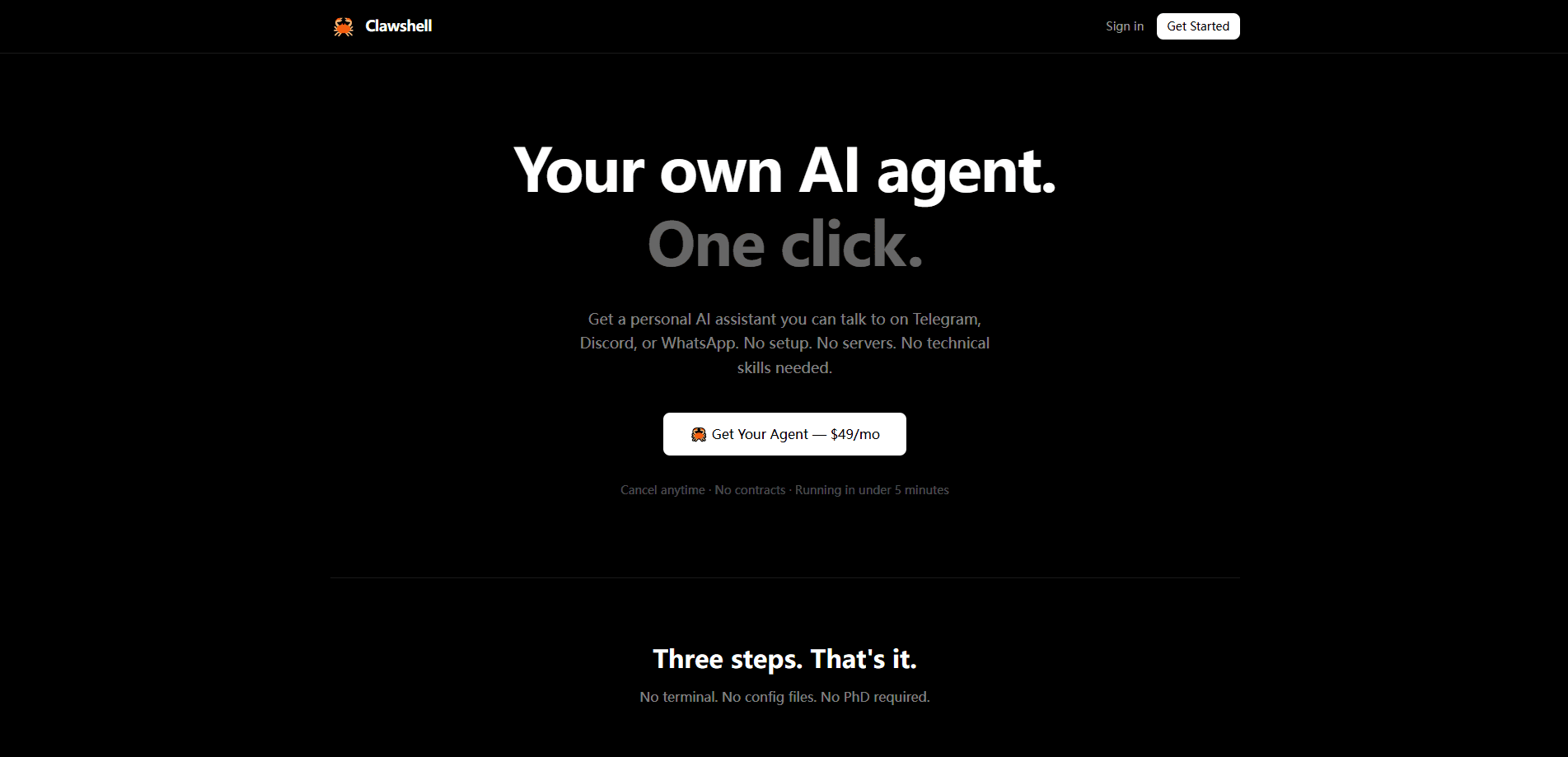
Clawshell is a hosted AI personal agent that runs on a dedicated server for you and is reachable through ordinary chat, which means you never have to think about where the software actually lives. You name the agent, the platform spins up a fully configured instance in about two minutes, and then you talk to it on the web, Telegram, Discord or Slack. It handles everyday tasks like answering questions, analyzing uploaded files, setting reminders and browsing the web, and it keeps running around the clock. As of late 2025 the service is paused: new signups and subscriptions are disabled.
About Clawshell
What Is Clawshell
Clawshell is a managed AI agent service rather than an app you install. The pitch is simple: you get your own personal AI assistant without touching a terminal, a config file or a server. It targets people who want the "agent that actually does things" experience but don't want to self-host any of it.
Under the hood, every agent runs on its own dedicated instance, so your chats and files stay separate from anyone else's. You reach it through chat channels you already use. There are no dashboards or settings pages to learn. If you want to change how it behaves, you just ask the agent in plain English, and it adjusts. No code. No config files.
The catch is timing. Clawshell's own site states the project is paused. New signups and subscriptions are off, and support questions route to [email protected]. So this is a product worth understanding, not one you can sign up for today.
Getting Started
- Open clawshell.io and pick a name for your agent. That's the only setup step the service asks of you.
- Wait roughly two minutes while the platform provisions and configures a dedicated server instance for the agent.
- Start chatting through the web interface to test what it can do.
- Ask the agent to connect a channel such as Telegram, Discord or Slack, and it handles the linking for you.
- Drop files into the chat whenever you want it to read a document or analyze data.
Product Information
A quick look at Clawshell's pricing, supported platforms, and performance.
Best for
The users, tasks, and scenarios where this tool fits best.
Users
- Non-technical people who want a personal AI agent but don't want to run one on their own hardware; the managed setup removes the server work entirely.
- Chat-first users who live in Telegram, Discord or Slack and would rather message an assistant than open another app.
- Small teams or solo operators who need a private instance handling files and reminders without sharing a multi-tenant cloud assistant.
Tasks
- Answering questions and drafting content in the channels you already use, so there's no context switching.
- Reading documents and analyzing uploaded data, which suits quick one-off research rather than heavy pipelines.
- Setting reminders and letting the agent check things proactively while you're away.
Scenarios
- Waking up to a summary the agent prepared overnight, since the instance stays online 24/7.
- Managing personal tasks from a phone through a chat app when you're not at a computer.
- Testing whether a hosted agent fits your workflow before committing to a self-hosted setup.
Key features
Dedicated Instance Per Agent
Each Clawshell agent runs on its own server rather than sharing infrastructure with other users. That isolation matters if you plan to point the agent at personal documents or notes you'd rather not mix into a shared pool. It's the main structural difference between a managed agent like this and a general-purpose chatbot. Yours stays yours.
Chat as the Only Interface
There are no admin panels to navigate. Everything happens through conversation, from changing a setting to asking a question. Want the agent to behave differently tomorrow? You tell it. That design lowers the learning curve for people who've never configured an AI tool. It also keeps the product feeling closer to a messaging contact than a piece of software.
Multi-Channel Reach
The agent connects to web chat, Telegram, Discord and Slack, and you add channels by asking it, so the same assistant follows you across the apps you already open every day instead of demanding a new one. For anyone juggling work and personal chats, having one agent in both places saves a lot of copying and pasting.
File Uploads and Analysis
You can drop files straight into a chat and have the agent read documents or work with their contents. It's aimed at everyday analysis, not enterprise data pipelines. Treat it as a fast way to pull answers out of a PDF or a spreadsheet rather than a data warehouse tool. Simple, not industrial.
Always-On Operation
The agent runs continuously and can act on its own schedule, checking things and setting reminders while you sleep. An always-on assistant is genuinely different from a chat window you reopen each morning. The trade-off is that usage costs real money, since an agent that works unattended spends AI tokens without you watching.
Preference Learning Over Time
Clawshell says the agent learns your preferences as you use it, so responses get more tailored the longer you keep going. This is a common claim for agent products and hard to verify from the outside, so weigh it as an advertised behavior rather than a tested guarantee.
Pros and cons
Pros
- Removes setup entirely, so you get a working personal AI agent without provisioning a server, editing a config file or configuring anything at all yourself.
- Dedicated instance keeps your data on its own server instead of a shared tenancy.
- Runs across web, Telegram, Discord and Slack, letting you use whichever chat app you prefer.
- Month-to-month billing with no contract, and extra credits available if you hit the usage ceiling.
Cons
- The service is paused, so you can't sign up or subscribe right now. That's a dealbreaker for anyone shopping for a working product.
- Pricing details aren't published on the site, leaving the actual monthly cost unclear.
- No API access is documented, which rules it out for developers who want to wire the agent into their own tools.
- An always-on agent burns AI usage continuously, so cost control takes active attention.
Frequently asked questions
No. The Clawshell site says the project is paused. New signups and subscriptions are currently disabled. Existing questions can be sent to [email protected].
Related content
Explore related tools, skills, and articles for Clawshell.
Clawshell Alternatives
BinkBink
BinkBink · OtherBinkBink is a free online game platform and AI game maker that lets anyone turn a short text description into a playable browser game. You can jump into hundreds of community-made games. Or describe your own idea and play it in seconds, then share it with friends. Want to create your own game? You don't need to code. No engine setup, no download, no hassle.

Audiogen
Audiogen Inc. · OtherAudiogen is an AI music generator built by Audiogen Inc., a small research team that spent about 2.5 years training its own generative music model and designing a web interface around it. Instead of a plain text box, this AI music tool turns the timeline into a beginner-friendly Generative Audio Workstation, or GAW, where inpainting, extending, remixing and stem editing work more like painting on a canvas. The product is still in beta, so access runs through a waitlist or an invite. Paid plans aren't published yet.

Aiml API
AIMLAPI OÜ · OtherAiml API is a unified AI model API that puts more than 1000 models from OpenAI, Google, Anthropic, and others behind one endpoint and one bill. You write code against a single OpenAI-compatible schema, then switch between chat, image, video, and audio models by changing a model string. It suits developers and small teams who want multi-model access without juggling a dozen separate provider accounts, and it removes the usual billing headache that comes with testing several vendors. One key covers it all.