

CleverType AI Keyboard
CleverType · AI Detection
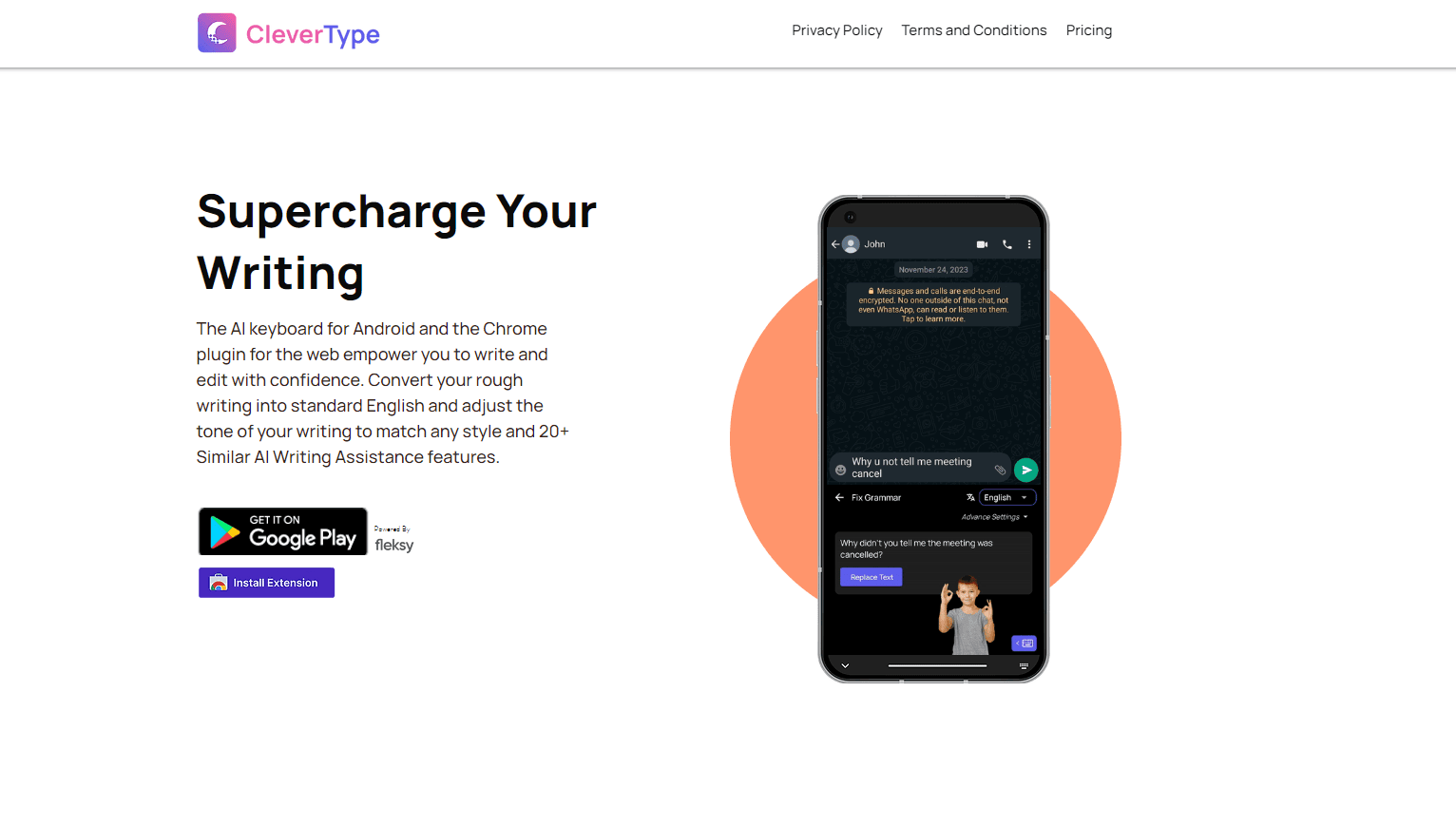
CleverType AI Keyboard is a keyboard app for phones and desktops that fixes grammar, changes tone, translates text, and runs 30+ AI writing tools inside whatever app you're typing in.
About CleverType AI Keyboard
What Is CleverType AI Keyboard
CleverType AI Keyboard is a third-party keyboard that sits on top of the system keyboard and adds an AI writing layer to every text field on your device. You type in WhatsApp, Gmail, Slack, or a social app as usual, then tap a button on the CleverType bar to correct grammar, rewrite a sentence in a different tone, translate it, or hand the draft to one of 30+ assistants. The company says the app has passed 4 million users and holds a 4.7 rating on the App Store.
The problem it targets is simple. Desktop writing tools have had grammar and rewriting help for years, while phone keyboards mostly stick to autocorrect and next-word prediction. CleverType closes that gap by putting the same kind of editing help one tap away, without asking you to copy text into another app.
The limits matter before you install it. A third-party keyboard needs broad permissions, and on iOS that means allowing full access so the app can reach the network. The AI features send your text to servers for processing, so nothing works offline, and the marketing line about data staying on your device refers to storage, not to local processing. Advanced assistants and unlimited use sit behind the paid plan, and the desktop build gets less documentation than the mobile apps.
Getting Started
- Install CleverType AI Keyboard from the App Store or Google Play, then open the app and finish the short onboarding.
- Add the keyboard in your system settings. On iOS, open Settings, go to Keyboards, then enable CleverType and turn on Allow Full Access. On Android, enable the keyboard in Language and input.
- Sign in if you want your custom assistants and settings to follow you, then pick the assistants you plan to use from the toolbar editor.
- Open any app with a text field, switch to CleverType with the globe key, and tap the AI button to correct, rewrite, or translate the sentence you just typed.
Product Information
A quick look at CleverType AI Keyboard's pricing, supported platforms, and performance.
Best for
The users, tasks, and scenarios where this tool fits best.
Users
- Professionals who answer work email from a phone
- Non-native English speakers
- Students and social media posters
Tasks
- Fixing grammar before sending
- Rewriting a message in a different tone
- Translating a chat reply
Scenarios
- Replying inside apps that have no AI tools of their own
- Writing in a second language under time pressure
- Email triage on mobile
Key features
Context-Aware Grammar Correction
The grammar checker looks at the full sentence and fixes spelling, punctuation, and agreement in 40+ languages. It goes past autocorrect, which only compares single words against a dictionary, so a sentence that reads awkwardly but contains no misspelled words still gets flagged. One tap applies the fix in place.
Tone and Rephrase Controls
You can rewrite a selected sentence as formal, casual, polite, professional, funny, romantic, or poetic. The useful part is that the rewrite lands where you were typing, so the flow of a conversation isn't broken by a copy and paste detour. This is the feature most people reach for when a message sounds sharper than they meant it to.
30+ AI Assistants With Custom Instructions
Beyond the built-in grammar and tone tools, CleverType ships a library of assistants for summarising, expanding, replying, and writing email. You can also write your own instruction and save it as a reusable assistant, which turns a repeated task like "shorten this to two lines for Slack" into a single tap.
Translation Without Leaving the App
Text gets translated inside the keyboard across 40+ languages, with tone and context carried over rather than replaced by a literal rendering. For anyone who jumps between languages in chat, this removes the usual routine of switching to a translation app and pasting the result back.
AI Voice Typing
Voice input transcribes continuous speech and then cleans it up. Filler words get dropped, punctuation gets added, and rambling sentences get tightened before the text appears in the field. That last step is what separates it from standard dictation, which transcribes exactly what you said, false starts included.
Smart Replies and Clipboard History
The keyboard reads the last message in a conversation and offers reply suggestions you can send as they are or edit first. A clipboard history keeps recent copies within reach, so a link or address you grabbed two apps ago doesn't have to be found again.
Pros and cons
Pros
- The free tier covers grammar, tone, translation, and smart replies, so you can judge the app without a subscription.
- It works in any app with a text field, which means one install instead of a separate AI tool for each service.
- Custom assistants let you save your own prompts, a feature most keyboard apps don't offer at any price.
- Grammar and translation cover 40+ languages, which is wide for a keyboard rather than a dedicated writing app.
Cons
- A third-party keyboard needs full access to your typing, and on iOS that includes network permission, so the privacy trade-off is real even with the company's data claims.
- AI features stop working without a connection, which is a problem on planes, in dead zones, and on locked-down work networks.
- The premium plan gates advanced assistants and unlimited use, so heavy users end up at $4.99/mo or $9.99 per user for teams.
- The desktop version is listed on the official site but documented far less than the mobile apps, so support questions there are harder to answer up front.
Frequently asked questions
Yes, the app is free to download and the core tools, including grammar correction, tone changes, translation, and smart replies, work without a subscription. The paid plan adds advanced assistants and unlimited use, and it runs $4.99/mo for individuals or $9.99 per user per month for teams.
Related content
Explore related tools, skills, and articles for CleverType AI Keyboard.
CleverType AI Keyboard Alternatives
Isgen AI
Isgen · AI DetectionIsgen AI is a web-based AI detector that scores text for machine authorship and shows you which sentences and phrases push the number up. It's built for teachers, editors, students, and writers. Their question is simple: did this draft come from ChatGPT, GPT-5, Claude, Gemini, DeepSeek, or another model? You paste or upload content, run a scan, and get a Human, AI, and Mixed breakdown in seconds. There's also a companion editor that scores text while you write it.
Humanizeai Tools
Humanizeai Tools · Writing · AI DetectionHumanizeai Tools is a web-based AI humanizer that rewrites machine-generated text so it sounds like a person wrote it, which is the whole point of the category it belongs to. Paste a draft from ChatGPT, Claude, or Gemini, run it through the tool, and it swaps out the phrases and sentence patterns that AI detectors flag. If your goal is to make AI text sound human before you publish it, this is the kind of tool built for exactly that. It suits students, bloggers, and marketers who need copy that reads naturally and clears tools like GPTZero, Copyleaks, and Winston AI after a single pass.

Hidemyai
Hidemyai · Writing · AI DetectionHidemyai is an AI content humanizer. It rewrites text from ChatGPT, Jasper, and similar tools so the result reads like a person wrote it. You paste your draft, pick a document type and tone, and the service returns a version meant to bypass AI detectors such as Originality.ai, Turnitin, and ZeroGPT. It targets writers, marketers, and students who lean on AI drafts but can't ship copy that sounds robotic. The promise is simple: make AI content undetectable.