

Clicky
Farza (Farzaa) · Voice & Language
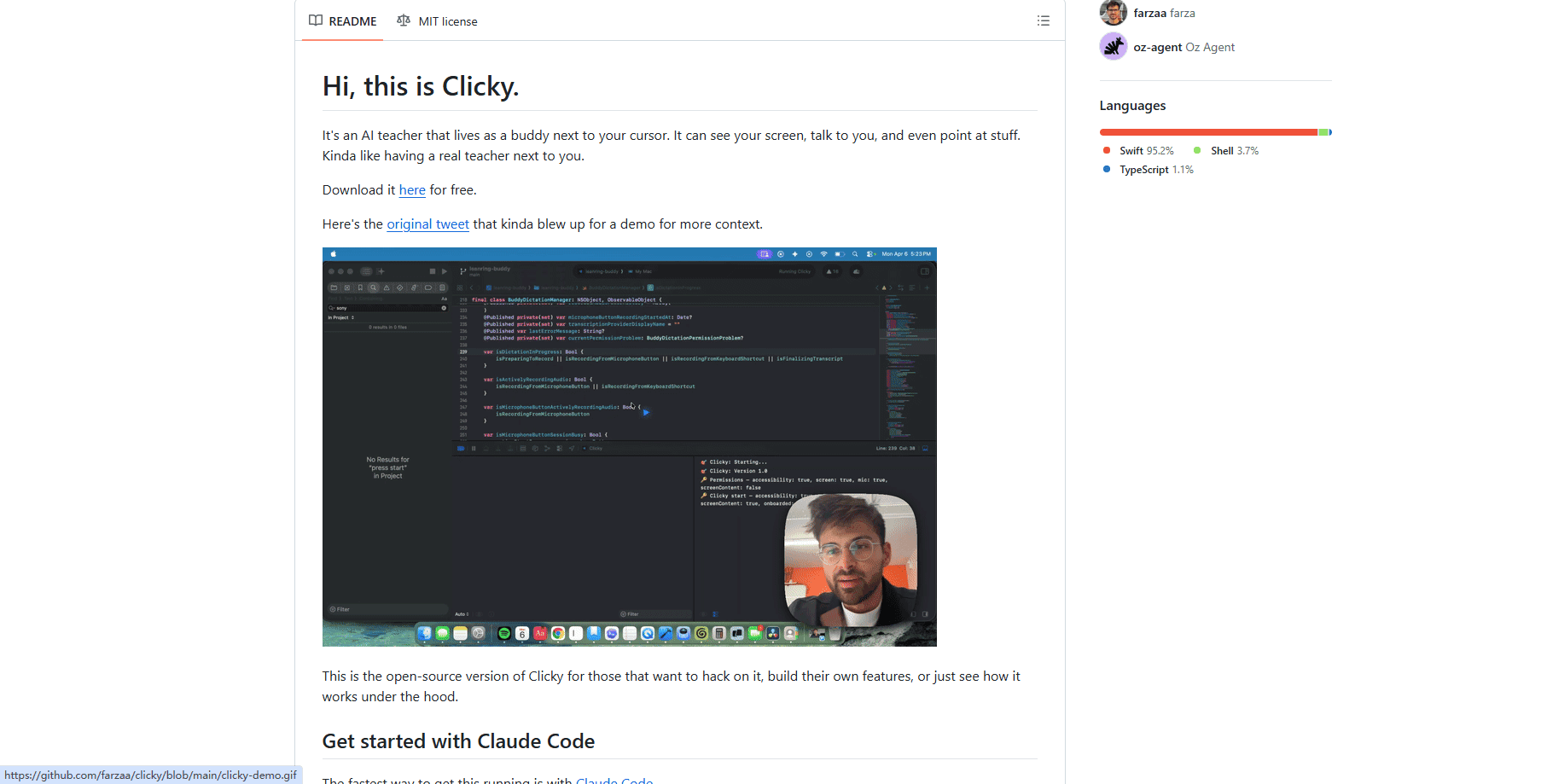
Clicky is an AI desktop companion that sits in the macOS menu bar and watches your screen. Press a hotkey, ask a question out loud, and it answers by voice. Better yet, a blue cursor flies across your display and points at the exact button or menu you should click next. It's built for people who get stuck in complicated apps and want a teacher sitting next to them instead of another chat window.
About Clicky
What Is Clicky
Clicky is a voice-driven screen assistant for macOS. It lives in your menu bar, not the dock, and springs into action when you hold Control plus Option. That shortcut snaps a screenshot of your current display, starts listening through your microphone, and sends both the picture and your question to an AI model. The answer comes back as speech.
The part that sets it apart from a normal chatbot is the pointing. This kind of AI screen guidance is rare in a desktop assistant. When the model decides you need to click something, it embeds a coordinate tag in its reply, and Clicky's overlay sends a blue cursor sailing to that spot on your screen. So instead of reading "click the export button in the top right" and hunting for it, you watch the cursor land on it and follow along.
The catch is setup. This is the open-source version, and it expects some legwork: Xcode, a Cloudflare account, Node.js, and your own API keys for Anthropic, AssemblyAI, and ElevenLabs. It's Mac-only, needs macOS 14.2 or newer, and the developer has moved active development to a private repo, so the public code stays frozen while the live app keeps evolving elsewhere.
Getting Started
- Make sure your Mac runs macOS 14.2 or later, then install Xcode 15 and Node.js 18.
- Clone the Clicky repo and create a free Cloudflare account to host the small proxy worker that holds your API keys.
- Add keys for Anthropic (the AI), AssemblyAI (speech-to-text), and ElevenLabs (the voice) as worker secrets, then deploy the worker.
- Paste your worker URL into the Swift source where the proxy addresses are hardcoded.
- Open the Xcode project, pick the app scheme, set your signing team, and hit Cmd + R to build and run.
- Click the menu bar icon, grant microphone, accessibility, and screen recording permissions, and start talking.
Prefer less fiddling? The fastest path is to run Claude Code in the repo and let it read the architecture doc while it walks you through the whole thing.
Product Information
A quick look at Clicky's pricing, supported platforms, and performance.
Best for
The users, tasks, and scenarios where this tool fits best.
Users
- People learning complex software
- Anyone who prefers talking over typing
- Tinkerers and developers
Tasks
- Finding buried menu options
- Guided walkthroughs of unfamiliar apps
- On-screen troubleshooting
Scenarios
- Learning Blender or another shortcut-heavy tool where menus hide behind tabs
- Working across a second monitor
- Following a tutorial you can't keep up with
Key features
Real-Time Screen Awareness
Clicky captures whatever is on your display the moment you trigger the hotkey, then feeds that screenshot to the AI alongside your spoken question. You don't have to describe your screen; it already sees it. This is what turns a generic chatbot into something that can comment on the exact window in front of you.
Voice-First Interaction
Hold Control plus Option, speak, and release. Audio streams to AssemblyAI for real-time transcription, so you never type a prompt. The reply plays back through ElevenLabs in a natural-sounding voice, which makes hands-free learning actually practical when your hands are busy on the mouse.
Cursor Pointing via Coordinate Tags
The standout trick. The AI can drop a [POINT:x,y:label:screenN] tag into its answer, and Clicky's transparent overlay sends a blue cursor flying to that pixel on the named screen. It handles multiple monitors, so guidance follows you across displays instead of only working on the main one.
Built on Your Own API Keys
Clicky doesn't resell access to a model. You plug in your own Anthropic, AssemblyAI, and ElevenLabs credentials through a Cloudflare Worker proxy. That keeps your keys out of the app binary and lets you control which model and voice sit behind the assistant.
Open-Source and Forkable
The whole codebase is public under the MIT license, complete with an architecture document written for AI coding agents. You can clone it, reshape the overlay, swap the model, or use it as a starting point for your own desktop assistant. The developer explicitly invites you to build a company out of it.
Menu Bar Native Design
No dock icon, no clutter. Clicky drops two lightweight panels into your workflow: a control panel in the menu bar and a full-screen transparent overlay for the cursor. It stays out of the way until the hotkey calls it, which keeps the desktop clean.
Multi-Monitor Cursor Guidance
Guidance isn't limited to one screen. Because point tags carry a screen number, the cursor knows which display holds the element you asked about. Set up two monitors and the pointer still lands in the right place.
Pros and cons
Pros
- The pointing gesture does real work. Telling you "click here" plus showing you where beats a wall of text every time.
- Born free as an open-source AI companion under the MIT license, so you can inspect, fork, or extend it without asking.
- Voice plus screen context means you skip the tedious part of describing your problem to an AI.
- Multi-monitor pointing is handled, which many screen assistants overlook.
- Works on top of the apps you already use, so there's no new tool to learn before it helps.
Cons
- Setup isn't beginner-friendly. Xcode, Node.js, a Cloudflare account, and three sets of API keys are a lot to ask before the first question.
- macOS only, and it needs macOS 14.2 or newer, so Windows and older Macs are out.
- You pay for the underlying APIs yourself, and heavy voice use can add up through Anthropic, AssemblyAI, and ElevenLabs.
- Active development moved to a private repo, so the public version you build here won't get the newest features.
Frequently asked questions
Clicky is a voice assistant that watches your macOS screen and helps you find your way around software. You ask a question out loud, it answers by voice, and a blue cursor points at the specific button or menu you should use next.
Related content
Explore related tools, skills, and articles for Clicky.
Clicky Alternatives

Foley
Hanamori Labs, LLC · Voice & Language · Productivity · AI AssistantFoley is a voice to-do list that turns a spoken sentence into a filed task, complete with project, date and time, then helps you plan the day around what is already there.

HireKey
HireKey · Voice & Language · Productivity · LeaningHireKey is an AI job search copilot built by a former tech recruiter. It checks role fit, tailors resumes, runs interview practice and tracks every application.

Fluence
Yay Software (Yannick Huchard) · Writing · Voice & Language · ProductivityFluence is an Android app that reads PDFs, EPUBs, Word files and web articles aloud, follows each sentence as it speaks, and answers questions about the text on the phone itself.