

Clientell AI
Clientell · Marketing · Business
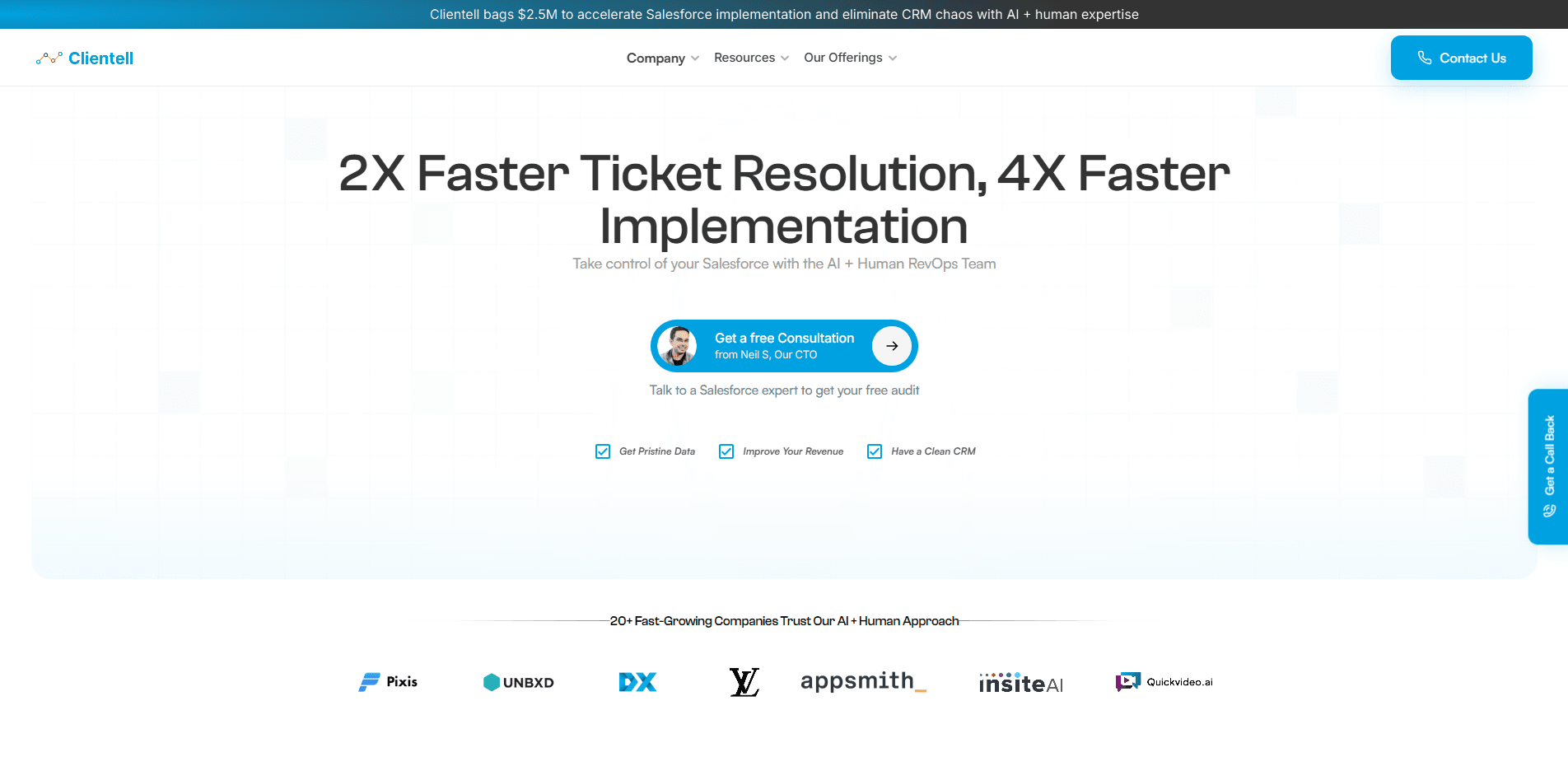
Clientell AI is an autonomous agent for Salesforce admins and RevOps teams. It maps your org into a Context Graph, drafts flows, cleans data, and ships changes only after you approve them.
About Clientell AI
What Is Clientell AI
Clientell AI is an AI admin agent built for the people who run Salesforce day to day. You describe a task in plain English, such as a broken Flow or duplicate Accounts piling up, and the agent reads your live org, plans the work against your real metadata, and names what the change would break before anything runs. Every update is drafted first and waits for your sign-off.
The product does not require Data Cloud or Agentforce. It connects through a normal Salesforce connected app over OAuth 2.0 and reads objects, fields, flows, Apex classes, validation rules, and permission sets. Catalogued customers include Notion, Eventbrite, Rakuten, and PwC.
There is one big limit to plan around. Clientell reads structure, not your records. The Context Graph indexes names, IDs, and relationships; customer record contents stay in Salesforce. It also holds no write path of its own, so you deploy the change yourself from your own credentials.
Getting Started
- Connect your Salesforce org through the Clientell connected app. No credit card is needed to start, and the 14-day trial opens right away.
- Let Clientell build the Context Graph for that org. The build runs through Salesforce's API, so it uses part of your org's daily API allowance.
- Describe your first task in plain English, for example fix a failing Flow or merge duplicate Accounts.
- Review the drafted change plan, then run it in a sandbox under your own credentials. Nothing reaches production until you approve it.
Product Information
A quick look at Clientell AI's pricing, supported platforms, and performance.
Best for
The users, tasks, and scenarios where this tool fits best.
Users
- Salesforce admins
- RevOps teams
- Developers
- IT and enterprise architects
Tasks
- Drafting and fixing flows
- Cleaning up data
- Handling salesforce automation
- Auditing technical debt
Scenarios
- A Flow keeps failing in production
- Two orgs need the same fix
- A new admin inherits a decade of customisation
Key features
Context Graph
Clientell maps your CRM, data warehouse, files, and tickets into one governed graph of nodes and relationships. Each edge is typed and labeled EXTRACTED, INFERRED, or AMBIGUOUS, so the agent can tell what it read from what it guessed. The AI context graph is a lookup, not a guess. Your models and source systems stay where they are.
Nine Salesforce Work Tools
The MCP server exposes nine Salesforce-work tools, including metadata search, Flow build and fix, org reports, duplicate-merge planning, and native report authoring. Each one reads the same graph, so a role-specific question gets a grounded answer rather than a guess.
Read-Only by Design
Queries run through the database's read-only execution path, so a write cannot be issued even by mistake. The agent drafts a change plan, and you run it as sf commands under your own credentials. Clientell holds a token to build the metadata index and nothing that can read your records.
Deploy Blast Radius Checks
Before you ship, the agent traces what references a field or Flow and names what the change would break. That covers Apex, Flows, and Profiles, which is a pre-deploy check no live API call can resolve.
Flight Recorder Replay
Every traversal records the exact nodes, versions, weights, and provenance served at decision time. You can replay any past run against the graph as it stood then, so a decision can be reviewed from evidence instead of memory.
Four Ways to Attach
You can reach the graph through an SDK, an MCP server, a plugin for Claude Desktop or Cursor, or a proxy in front of your model endpoint. All four doors return the same graph, labels, and replay history, so your choice does not create a second context silo.
Pros and cons
Pros
- Works with the AI tools your team already uses, including Claude Code, Cursor, and VS Code, so there is no new interface to learn.
- Drafts every change and keeps a full audit trail, which means nothing reaches production without your approval.
- No Data Cloud or Agentforce requirement, so it runs on a plain Salesforce connection over OAuth 2.0.
- Unlimited sandboxes on every plan, so you can do heavy work there and ship to production once.
- SOC 2 Type II, HIPAA, and GDPR compliant, with read-only scopes on each connector.
Cons
- Building and refreshing the Context Graph uses part of your org's daily Salesforce API allowance, which can matter on busy orgs.
- Pricing is per Salesforce org, so agencies running many client orgs pay $200/month for each extra production org.
- Clientell MCP is in early access with no self-serve signup, so you need a token from the team before you can install it.
- The write path is intentionally absent. Teams that want a one-click deploy from inside the agent have to run the change themselves.
Frequently asked questions
Clientell AI is an autonomous agent for Salesforce admins and RevOps teams. It reads your live org, drafts changes like flows, merges, and reports, and waits for your approval before anything runs. It covers admin, development, and RevOps questions from one shared Context Graph.
Related content
Explore related tools, skills, and articles for Clientell AI.
Clientell AI Alternatives

ngram 2.0
ngram · Video · Marketingngram 2.0 is an AI video generator for teams. It turns a prompt, a screen recording, or a product URL into a narrated explainer, product demo, or AI avatar video, and every scene stays editable.

shippedit.me
Krawlup · Marketing · Businessshippedit.me now redirects to Krawlup, a web platform that audits SEO, AEO and page speed every week, then hands the fixes to AI coding agents over MCP.

MePersona
MePersona, Inc. · Writing · Productivity · MarketingMePersona is an AI unified inbox for creators. It learns your voice, drafts replies to fan messages from 12 platforms, and sends only what you approve.