

ClinicFrame
ClinicFrame · Writing
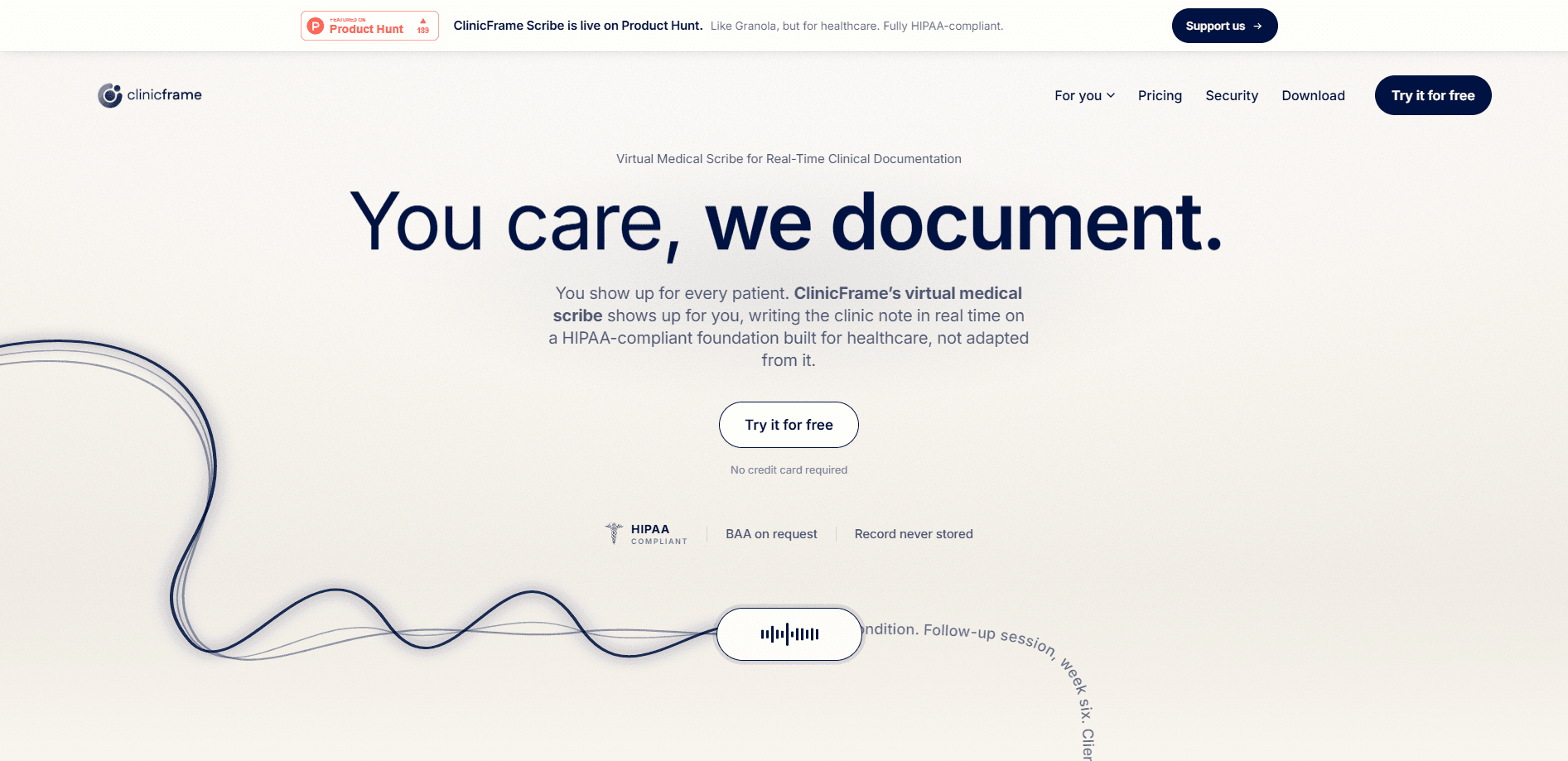
ClinicFrame is a HIPAA-compliant ambient AI medical scribe with medical transcription built in. It listens to a patient visit, transcribes the conversation in real time, and drafts a complete clinical note seconds after the encounter ends. It runs in your browser and as a desktop app. SOAP, DAP, BIRP, and custom note templates are all supported. It works across more than 15 specialties. Clinicians who spend their evenings finishing charts are the audience here. The pitch is simple: the note is ready before you leave the room.
About ClinicFrame
What Is ClinicFrame
ClinicFrame is an ambient AI scribe built for clinical documentation. It captures a visit through your computer's microphone, turns the conversation into a labeled transcript, and generates a structured note in the format your practice already uses. Think of it as a note-taker that never gets tired. The desktop app can detect supported calls and prompt you to start a session. That matters for telehealth providers who don't want to add a recording bot to a patient call.
The product targets the documentation burden that follows clinicians home. Instead of typing notes after hours, you review and sign a draft that ClinicFrame has already written. That's the whole idea. According to the company, the tool reaches 96% transcription accuracy across 15+ specialties, and notes are copied into an EHR in under 30 seconds.
There are limits worth knowing up front. ClinicFrame is designed for clinicians and clinical teams, not for patients. Its pricing is tied to a per-user subscription rather than a free tier you can keep forever. The site currently lists a beta that includes unlimited usage. The company says it will notify users before a future usage policy changes that. Worth watching if you sign up early.
Getting Started
- Create an account through the ClinicFrame registration page and start the 7-day free trial, which doesn't require a credit card.
- Complete the Business Associate Agreement included with your account before you enter any patient information.
- Download the desktop app if you want background capture and meeting alerts, or stay in the browser if you prefer a lighter setup.
- Start a session when a visit begins. ClinicFrame captures the conversation and labels who is speaking as it goes.
- Review the drafted note, adjust anything that needs a human eye, then copy it to your EHR or export it as a PDF.
Product Information
A quick look at ClinicFrame's pricing, supported platforms, and performance.
Best for
The users, tasks, and scenarios where this tool fits best.
Users
- Solo clinicians and small practices
- Telehealth providers
- Mental health and therapy practices
- Specialists in family medicine, psychiatry, pediatrics, or cardiology
Tasks
- Turning a spoken visit into a structured clinical note
- Capturing telehealth audio without a meeting bot
- Building a patient history across visits
- Reviewing and signing notes faster
Scenarios
- Back-to-back clinic days
- Working from a screen you already use
- Keeping the chart within reach
- Finishing documentation before you leave
Key features
Real-Time Ambient Transcription
ClinicFrame listens to the visit as it happens and builds a live transcript with speaker labels, so you can follow who said what without taking notes by hand. According to the company, it holds 96% transcription accuracy across 15+ specialties. No dictation step is required. That's the difference between an ambient scribe and a tool that transcribes your own narration after the fact.
SOAP, DAP, BIRP, and Custom Note Templates
The scribe writes into the note format your practice already uses. Structured SOAP notes fit general and specialty medicine, while DAP and BIRP suit mental health and therapy sessions. You can also define a custom template, which matters when a practice has its own house style that no off-the-shelf format covers.
EHR-Ready Notes in Under 30 Seconds
Seconds after a session ends, ClinicFrame has a note ready to review. You can copy it into your EHR or export it as a PDF. The Enhanced note option adds a prose summary on top of the structured draft. That helps when you want a readable narrative rather than a bare template.
Browser and Desktop App
One account works across both surfaces. Start in the browser for a quick session, then install the desktop app when you want ClinicFrame running in the background. Templates and patient history stay synced between them, so switching devices doesn't mean rebuilding your setup.
Telehealth Capture Without a Bot
ClinicFrame captures the visit from your computer instead of joining the call as a separate participant. That keeps the conversation between you and your patient. It also avoids the awkward "who's the extra attendee" question. The desktop app detects supported calls and prompts you to start the session with one click.
Patient Records and History
Every patient carries their own history, and the app builds it automatically from past sessions. It pulls a last-visit summary, keeps meds, allergies, and conditions in one record, and lets you ask the AI about a patient's background. What does that mean at the point of care? Scattered past notes become something you can actually query mid-visit.
HIPAA-Compliant by Design
ClinicFrame runs on HIPAA-compliant infrastructure. A Business Associate Agreement comes with every account, including the free trial. Visit audio is processed and then discarded. Data is encrypted in transit with TLS and at rest. The company states that patient content is never used to train AI models. Role-based access controls decide who on your team can see clinical information.
Quick Bar Access to the Chart
The Quick Bar keeps notes, patient context, and ClinicFrame itself above your active window. You can reach the clinical record without leaving the app you're working in or covering your workspace. Documentation stays close at hand during a busy session.
Pros and cons
Pros
- Ambient capture means you don't dictate; the note drafts itself while you focus on the patient.
- Native SOAP, DAP, and BIRP templates plus custom notes cover most specialties out of the box.
- A BAA is included even on the free trial, which removes a common blocker for evaluating an AI scribe.
- Visit audio is discarded after transcription, and patient content isn't used for model training.
- The browser plus desktop combo lets you start light and add background capture later.
Cons
- Pricing is per user, so a full clinic pays for every clinician seat. There's no permanent free tier.
- The beta currently includes unlimited usage, but the company says a future usage policy may change that, so long-term limits are unclear.
- No public API is listed, so teams wanting to wire ClinicFrame into custom systems should check with the vendor first.
- ClinicFrame is built for clinicians, not patients. It isn't a tool for documenting your own health.
Frequently asked questions
ClinicFrame is an ambient AI medical scribe. It transcribes a patient visit in real time and generates a structured clinical note in SOAP, DAP, BIRP, or a custom format, ready to review seconds after the session ends.
Related content
Explore related tools, skills, and articles for ClinicFrame.
ClinicFrame Alternatives

Google EmbeddingGemma 2
Google DeepMind · Writing · Image · CodingGoogle EmbeddingGemma 2 is a 740M-parameter open model that turns text, code, images, audio, and video frames into vectors in one 768-dimension space, running on phones and laptops.

MePersona
MePersona, Inc. · Writing · Productivity · MarketingMePersona is an AI unified inbox for creators. It learns your voice, drafts replies to fan messages from 12 platforms, and sends only what you approve.

Fluence
Yay Software (Yannick Huchard) · Writing · Voice & Language · ProductivityFluence is an Android app that reads PDFs, EPUBs, Word files and web articles aloud, follows each sentence as it speaks, and answers questions about the text on the phone itself.