

ClipboardAI
ClipboardAI · Coding · Productivity
ClipboardAI is an AI-powered copy-paste assistant that automates data transfer between the applications you already use. Instead of retyping the same values from a spreadsheet into a CRM, an invoice portal, or a support ticket, you set up a flow once and let the tool push the data where it needs to go. It's a desktop automation tool for copy paste automation rather than a general-purpose bot. It targets operations, finance, and back-office teams who spend hours on repetitive data entry automation, and it runs as a desktop app rather than a browser extension.
About ClipboardAI
What Is ClipboardAI
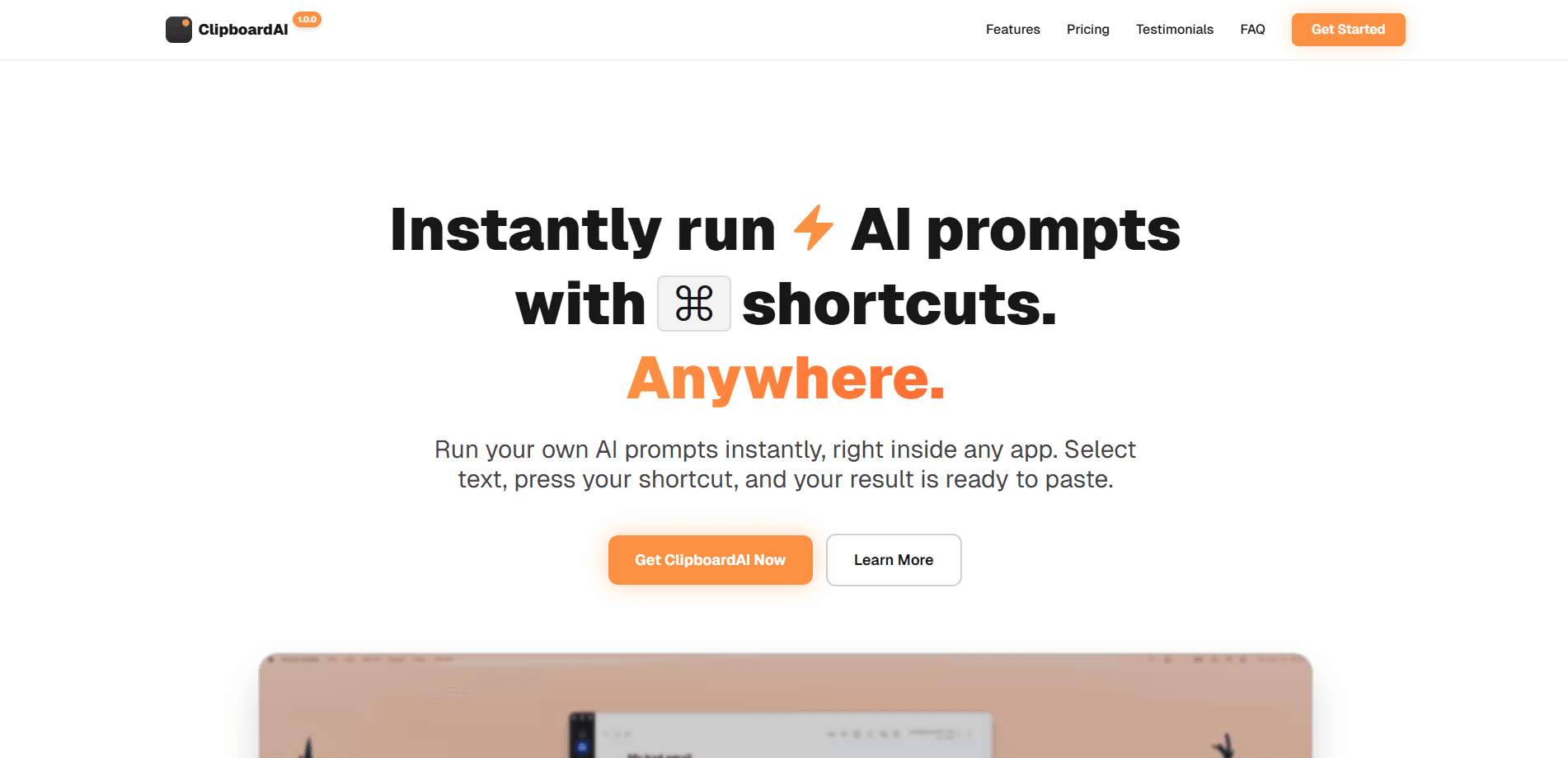
ClipboardAI is a desktop automation tool built around a single everyday action: copying and pasting. The product watches what you copy and helps you move that content into another application without manual retyping. Under the hood it uses AI to read the copied data, work out its type, and match it to the fields in the destination app.
That focus on copy-paste matters. Older desktop automation tools often demand scripting or screen coordinates that break the moment a vendor updates its interface. ClipboardAI works from the clipboard itself, so the flows stay closer to how people already work. Why does that help? Fewer moving parts to maintain.
The catch is scope. ClipboardAI is a desktop product, not a cloud platform, so it depends on a local install and a running machine. That's a real limitation for teams that want everything in the browser or on a phone. The vendor has since wound down the product, which means new downloads and purchases are no longer offered, and existing installs keep working with user-supplied API keys. Worth knowing before you plan around it.
Getting Started
- Install the ClipboardAI desktop app on a supported Windows machine.
- Connect an AI provider by entering your own API key in the settings.
- Copy the source data you want to move, such as a row from a spreadsheet.
- Pick or build a flow that maps that data to the target app's fields.
- Run the flow and paste the processed result into the destination application.
Product Information
A quick look at ClipboardAI's pricing, supported platforms, and performance.
Best for
The users, tasks, and scenarios where this tool fits best.
Users
- Operations staff
- Finance and billing teams
- Support agents
Tasks
- Copying records from a spreadsheet into a web form
- Moving invoice data between accounting tools
- Filling CRM entries from email or chat
Scenarios
- Daily bulk data entry
- Migrating records between legacy and new systems
- Cross-app reporting prep
Key features
Clipboard-Aware Data Transfer
ClipboardAI is more than a plain clipboard manager. It starts from what you copy rather than from a script that drives the screen, and it handles AI data transfer across apps. It reads the content on the clipboard, works out what each piece is, and pushes it into the matching fields in another app. That keeps the setup closer to normal copy-paste habits and less fragile than coordinate-based automation.
AI Field Matching
The AI layer interprets unstructured or semi-structured text and maps it to destination fields. Say a copied block holds a name, a date, and an amount. The tool sorts each into the right box instead of dumping everything into one input. That matching is what removes the manual sorting step, and it's where the AI clipboard assistant earns its name.
Reusable Flows
You build a flow once and run it whenever the same task comes up. Set it up on Monday, reuse it all quarter. Recurring jobs like a weekly batch of invoices or a daily set of leads don't need rebuilding each time. For teams on a schedule, that reuse is the biggest time saver.
Bring Your Own AI Key
ClipboardAI doesn't bundle its own AI service. You connect a provider with your own API key, which means you control which model handles your data and you pay that provider directly. That flexibility comes with a setup step and an ongoing cost outside the product itself.
Desktop Integration
Because it installs as a desktop app, ClipboardAI can work with other desktop programs, not just web apps. That opens up local tools like spreadsheet software and legacy line-of-business apps that a browser extension couldn't reach. The trade-off is that it's tied to a single machine.
Pros and cons
Pros
- Removes the retype step for anyone moving the same data between apps repeatedly.
- The clipboard-based approach is less brittle than automation that depends on screen positions.
- Reusable flows make recurring batch work faster after the first setup.
- Bring-your-own-key model gives you control over which AI provider processes your data.
Cons
- It's Windows desktop only. Mac, mobile, and browser-only users are out.
- The vendor has discontinued the product, so there's no new development and no way to buy a new license.
- You need your own AI API key, which adds a setup hurdle and a separate bill.
- No public API means you can't wire it into a wider pipeline or build on top of it.
Frequently asked questions
It automates copy-paste between desktop applications. You copy data from one app, and the tool uses AI to map and move that data into another app, so you don't retype it by hand.
Related content
Explore related tools, skills, and articles for ClipboardAI.
ClipboardAI Alternatives
Forefront
Forefront · CodingForefront is a web platform for building with open-source AI. It lets you fine-tune leading open-source language models on your own data, evaluate how they perform, and run them through an API or export them to host yourself. Developers who want the convenience of a closed-source platform but insist on owning their models and data are the target audience here.

Startkit
StartKit.AI · CodingStartkit is a boilerplate for building AI SaaS and AI wrapper products. Think of it as an AI startup boilerplate with the boring parts already wired up: authentication, Stripe and Lemon Squeezy payments, usage limits, transactional email, and an AI API starter that talks to OpenAI, Anthropic, Groq, or Llama. You clone the repo, set your price, and start on the part of your product that people actually pay for. It's Next.js under React and Tailwind, so most of the boilerplate code already feels familiar.
Testim
Tricentis · CodingTestim is an AI-powered test automation platform for building and running end-to-end tests across web, mobile, and Salesforce applications. It leans on machine learning to keep tests stable when an interface changes, so teams spend less time fixing broken selectors. Not bad for an automated testing tool you can start using today. You create tests by recording actions in a browser, then optionally add JavaScript when you need more control. It's a solid pick for busy QA teams.