
VMEG
PixRipple Technology Limited · Writing · Video · Marketing
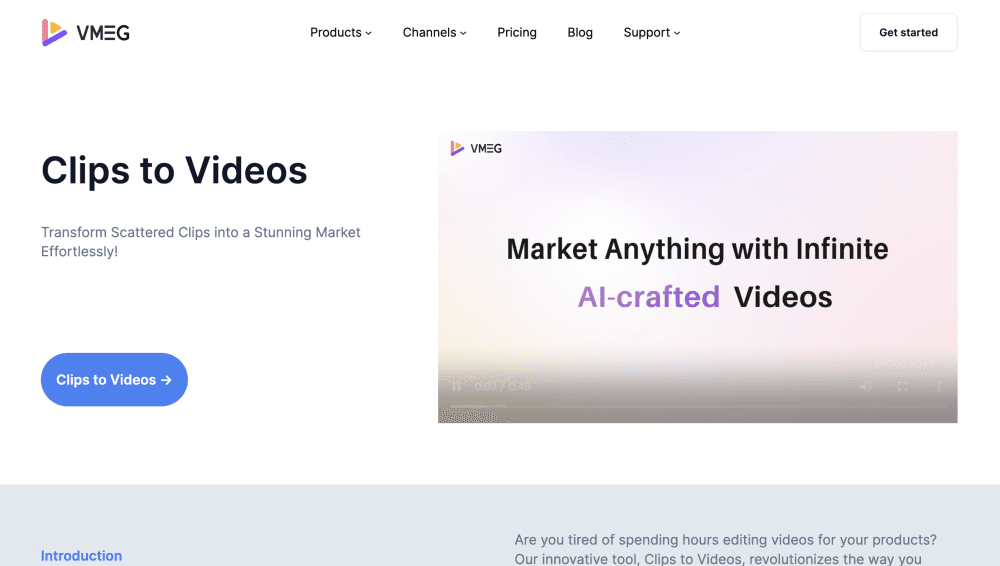
Clips to Videos by VMEG turns product photos and short video clips into a finished marketing video, adding an AI script, AI voiceover and subtitles. You review it, tweak it, download it.
About VMEG
What Is Clips to Videos by VMEG
Clips to Videos by VMEG is a browser tool from the VMEG team that builds a short marketing video out of the material you already have: product photos, shop clips, factory footage, lifestyle shots. You upload the pieces, answer a few questions about what you sell, and the tool cuts them into a vertical or square video with a voiceover on top.
The problem it solves is volume. A seller with fifty products and no editor can't shoot fifty videos, but most of those products already have photos and a few seconds of footage sitting in a folder. Clips to Videos treats that folder as raw material and acts as a lightweight AI video generator for teams without an editor, returning something postable in minutes.
The limits matter too. It works from your existing assets, so the output can't invent a scene you never shot. Clips look best when the source is sharp and well lit, and the video is a remix of what you provide, not a replacement for a real shoot.
Getting Started
- Create a free VMEG account and open the Clips to Videos workspace in your browser.
- Upload product photos and video clips, then describe the product, the audience and the main selling point.
- Let the AI script generator draft the narration, then pick a voice and subtitle style.
- Preview the assembled video, swap clips or lines you don't like, and re-render.
- Download the finished file or keep it in your workspace for later edits.
Product Information
A quick look at VMEG's pricing, supported platforms, and performance.
Best for
The users, tasks, and scenarios where this tool fits best.
Users
- Small online sellers
- Social media managers
- Dropshipping and catalog teams
Tasks
- Turning a product photo set into a 15 to 60 second promo
- Replacing a written product listing with spoken narration
- Localizing a finished clip for another market
Scenarios
- Marketplace launch week
- Ad testing
- Trade show follow-up
Key features
Clip Remixing From Your Own Footage
Upload photos and video clips, and the tool builds a timeline that mixes both, with cuts timed to the narration. Product photos get movement from pans and zooms, so a still image doesn't sit frozen on screen. You keep control of order: drag a clip out, drop another in, re-render.
AI Script Generator
Instead of a blank prompt box, the tool asks for the product, the buyer and the selling point, then writes a short script around them. The result reads like a shop pitch rather than a brand manifesto, which matters when the video is 30 seconds long. You can edit every line before rendering.
AI Voiceover
The script can be read in a synthetic voice drawn from VMEG's voice library, which covers thousands of options in many languages and accents. Pick a voice, adjust the pace, and the audio is fitted to the clip length. Uploading a sample of your own voice is possible on paid credits if you want continuity across a series.
Automatic Subtitles
Captions are generated from the narration and burned in, with the styling options most social platforms expect: larger font, high contrast, safe margins for vertical screens. Most viewers watch with sound off, so this is the difference between a video that works in a feed and one that doesn't.
Product Selling Point Assistance
The tool prompts you for the one thing a buyer should remember, then keeps the script and the captions pointed at it. It's a small thing that separates a useful product video from a slideshow of features nobody asked about.
Preview, Edit and Download
Every video can be previewed before export, and once a video is purchased you can go back and edit or re-process it without paying again. That matters for teams that change prices, claims or voice talent after the first version ships.
Pros and cons
Pros
- Works from assets a seller usually already has, so the first video takes minutes instead of a shoot day.
- Script, voice and captions come out of one pass, which removes the usual three-tool shuffle.
- Runs in a browser and needs no install, so a phone-shot clip can be uploaded from anywhere.
- Sits inside the same VMEG workspace as dubbing and translation, handy if the same clip has to travel to other markets.
Cons
- Output quality is tied to input quality, and soft or cluttered product photos show up in the final cut.
- Editing is limited to clip order and text, so fine timing fixes still mean re-rendering rather than frame-level control.
- The tool lives inside a broader localization platform, which can make the menu feel crowded when you only want one video.
Frequently asked questions
It combines product photos and video clips into a short marketing video, then adds a written script, a synthetic voiceover and subtitles. You supply the material and a short product description; the tool handles the assembly.
Related content
Explore related tools, skills, and articles for VMEG.
VMEG Alternatives

Google EmbeddingGemma 2
Google DeepMind · Writing · Image · CodingGoogle EmbeddingGemma 2 is a 740M-parameter open model that turns text, code, images, audio, and video frames into vectors in one 768-dimension space, running on phones and laptops.

MePersona
MePersona, Inc. · Writing · Productivity · MarketingMePersona is an AI unified inbox for creators. It learns your voice, drafts replies to fan messages from 12 platforms, and sends only what you approve.

Fluence
Yay Software (Yannick Huchard) · Writing · Voice & Language · ProductivityFluence is an Android app that reads PDFs, EPUBs, Word files and web articles aloud, follows each sentence as it speaks, and answers questions about the text on the phone itself.