
Clipto
Clipto · Writing · Video
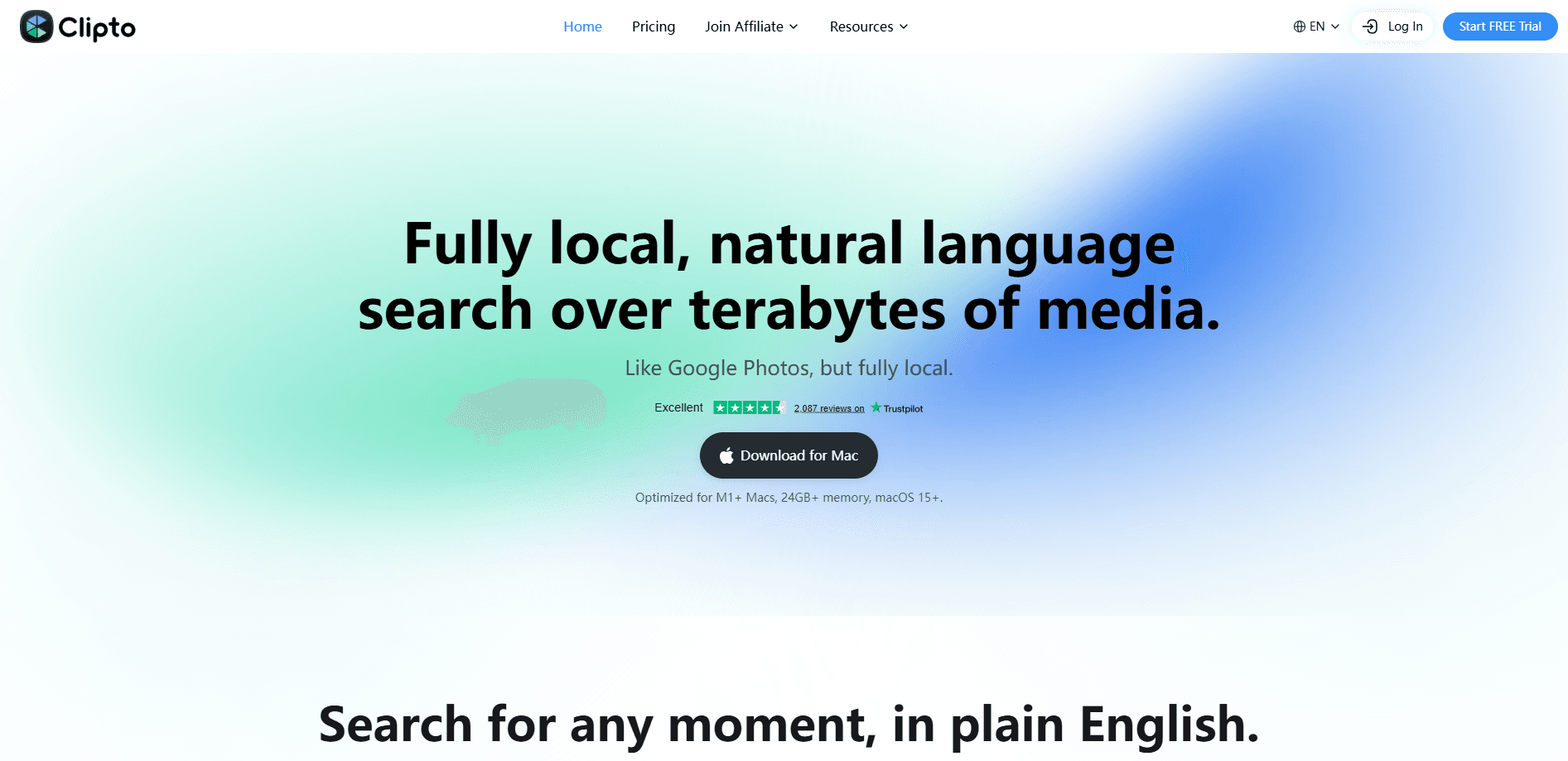
Clipto is a local-first private media assistant that turns messy video and audio files into one searchable Memory on your own computer. It does the work in local AI transcription, so footage never has to leave your Mac or Windows machine to become searchable. The app tags people and scenes automatically, then lets you find any moment with a plain-language query. Think of it as a private search engine for everything you've recorded.
About Clipto
What Is Clipto
Clipto is built around a simple idea. Your Memory shouldn't start with an upload. Video and audio files stay on your device while the AI builds understanding from them, which keeps unreleased footage and private conversations exactly where they already live. That local-first stance is the main thing separating Clipto from cloud transcription tools that ask you to hand over your files before they do anything useful.
The product works as a full video transcription tool. It converts speech into accurate transcripts with speaker identification, generates AI video summaries, and applies tags by person and scene. All of it sits behind a search box that accepts normal sentences. You can ask where a customer mentioned workflow speed, or where a drone shot shows a car rounding a bend. Then you jump straight to that spot.
The tradeoff is that local processing leans on your own hardware, and the desktop experience is where the full feature set lives. The web, iPhone, and Android versions run through the cloud, so the privacy guarantee narrows once you leave Mac or Windows. Mac and Windows are the platform for local-first work. Mobile and web aren't.
Getting Started
- Download Clipto for Mac or Windows from the official site and install it.
- Sign up or start the 7-day free trial to open up Pro features.
- Import your media, either individual clips or a whole folder of footage.
- Let Clipto transcribe and auto-tag the files, which builds your Memory as it goes.
- Search in plain language, or connect the Memory to Claude, ChatGPT, or Cursor through MCP, and jump to the exact moment.
Product Information
A quick look at Clipto's pricing, supported platforms, and performance.
Best for
The users, tasks, and scenarios where this tool fits best.
Users
- Video editors and creators
- Videographers and documentary teams
- Researchers and analysts
Tasks
- Finding a specific moment in long recordings
- Transcribing interviews and meetings
- Turning raw footage into summaries
- Exporting transcripts
Scenarios
- Sorting a growing archive of client footage
- Preparing social clips from long videos
- Reviewing a week of sales or research calls
Key features
Natural language video search
You type a question the way you'd ask a colleague, and Clipto finds the matching moment inside your footage. Search runs across speech, on-screen subjects, and scenes at the same time. So "the shot where the car rounds the bend" works as well as a spoken phrase. Results point to the exact frame. That kills most of the scrubbing that eats editing time.
Local-first transcription
Clipto transcribes video and audio into text with speaker identification, and it does the work on your own computer. That matters if you handle confidential interviews or unreleased material that can't leave the device. The desktop apps cover Mac and Windows, and the same Memory stays with you as you move between them.
Automatic tagging by person and scene
Every file gets tagged without you building a taxonomy first. People, subjects, and shot types are detected and applied as tags. This turns a nameless pile of clips into an auto-tag video library you can browse. For creators with years of footage and no consistent naming scheme, it's the feature that does the heavy lifting. There's no setup required.
AI video summaries and chat with your media
Beyond search, Clipto summarizes recordings and lets you ask direct questions about their contents. You can pull quotes, key points, or a recap without rewatching an hour of video. That's the difference between skimming a document and reading every page.
One Memory across the AI tools you already use
Your Memory connects to Claude, ChatGPT, and Cursor through MCP, so the same searchable store answers questions inside the assistants you already open every day. Every answer stays traceable back to the source person, moment, and timestamp. The Memory is built once and reused across tools instead of being rebuilt per app.
Editing workflow export
Transcripts export to SRT, TXT, Docx, and XML, and clips can move into a Premiere Pro plugin, with DaVinci Resolve and Final Cut Pro support stated as coming soon. For editors, that closes the gap between finding a moment and actually using it. Nothing kills a good find faster than re-exporting it by hand.
Multilingual support
Clipto handles 99+ languages for transcription. What does that buy you? Teams working across regions, and creators publishing to more than one audience, get the same search and summary tools on non-English material. I'd still check accuracy on your own accent-heavy audio before trusting it for a paid deliverable.
Pros and cons
Pros
- Local processing on Mac and Windows keeps private and unreleased media off the cloud.
- Search accepts plain sentences and covers speech, people, and scenes together.
- Auto-tagging builds a usable library from footage you never labeled.
- The same Memory plugs into Claude, ChatGPT, and Cursor via MCP.
- Transcript exports in SRT, TXT, Docx, and XML fit straight into editing tools.
Cons
- There's no free plan. You get a 7-day trial and then pay, so you can't keep using it casually.
- Full local-first features depend on the desktop apps, while mobile and web rely on the cloud. That weakens the privacy pitch on those platforms.
- Relying on your own hardware means performance tracks your machine. Heavy libraries can get slow.
- API availability isn't clearly documented, which is a problem if you want to build on top of it.
Frequently asked questions
Clipto turns your video and audio into a searchable, private library. You use it to transcribe recordings, find specific moments by describing them in plain language, auto-tag footage, and generate summaries, all without uploading files to a cloud service.
Related content
Explore related tools, skills, and articles for Clipto.
Clipto Alternatives

Claude for Google Workspace
Anthropic · Writing · Productivity · BusinessClaude for Google Workspace puts Claude in a sidebar inside Google Docs, Sheets, and Slides, where it reads the file you have open and edits it in place.

Claude Haiku 5.5
Anthropic · Writing · Coding · ChatbotClaude Haiku 5.5 is Anthropic's fastest and cheapest small model, built for high volume tasks at $0.10 per million input tokens with a 1M token context window.

NoteWorthy
Suman Hansada · Writing · Productivity · AI AssistantNoteWorthy is a notes app for iPhone, iPad and Mac that writes titles, tidies formatting, summarizes long notes and files each one with on-device AI. No account, no upload, no network requests.