

Cloudskill
Cloudskill · Coding · Leaning
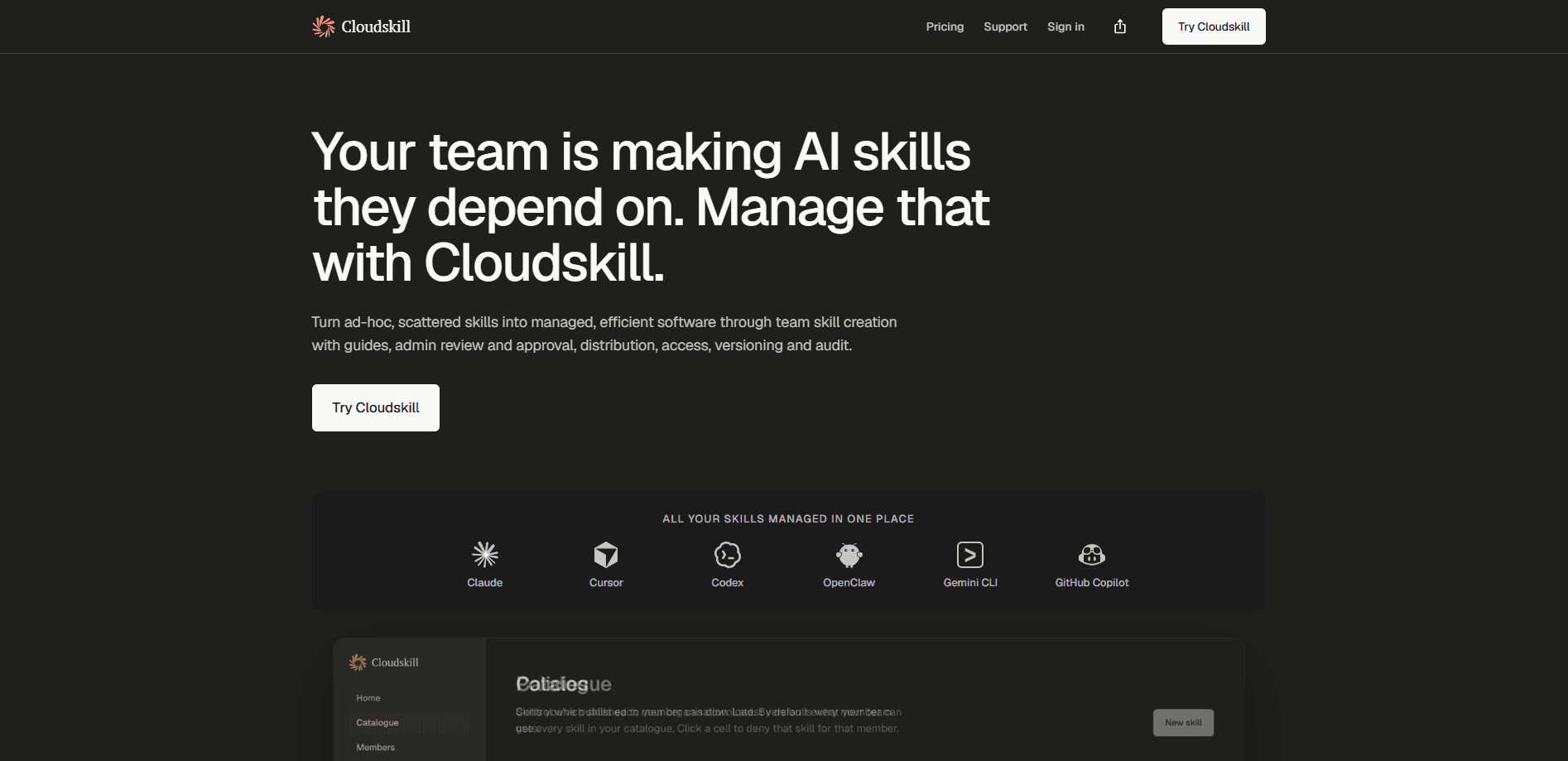
Cloudskill is an AI agent skills management platform for teams whose assistants have quietly become part of daily work. It collects the skills your people write for Claude, Cursor, Codex, and Copilot into one governed catalogue with review, approval, skill version control, and audit logs. The core promise is simple. When a skill breaks or a teammate leaves, the work survives, and you can see exactly who changed what. If your team has moved past one-off prompts and into shared skill libraries, this is the layer that keeps them sorted.
About Cloudskill
What Is Cloudskill
Cloudskill is a management layer that sits on top of the AI assistants your team already uses. Instead of skills living in scattered folders, personal notes, or a chat thread nobody can find again, they sit in one searchable catalogue where each entry carries its description and full version history.
The problem it solves shows up slowly. One engineer writes a code-review skill that works well. Someone else copies it, tweaks it, and the two drift apart. Nobody can tell which version is current. And when that engineer leaves, the reasoning behind it leaves too. Cloudskill treats agent skills governance as its job. Authorship sits where the expertise lives, and curation sits where the control belongs. The admin approval workflow means a submission waits for sign-off before it reaches everyone else, which is the part teams usually skip.
The main limitation is scope. This is a team tool, not a personal one. There's no free tier, pricing runs per seat, and several useful features remain marked coming soon, including SSO and shared prompt templates that many larger teams expect on day one. And if you're a solo user looking for a place to store prompts, Cloudskill is heavier than anything you actually need.
Getting Started
- Sign up on the Cloudskill site and start the 14-day trial. Your card isn't charged until day 15.
- Invite your team and decide who holds admin rights, since those accounts approve or reject submissions.
- Bring in existing skills written for Claude, Cursor, Codex, Copilot, or other assistants, and add a description to each one.
- Set your review flow so member submissions wait for admin or stakeholder approval before they go live.
- Assign skills to the people who should use them, then track edits and rollbacks from the catalogue.
Product Information
A quick look at Cloudskill's pricing, supported platforms, and performance.
Best for
The users, tasks, and scenarios where this tool fits best.
Users
- IT and Ops teams
- AI enablement leads
- Engineering managers
Tasks
- Reviewing and approving team-submitted skills
- Rolling back a broken skill
- Auditing who changed what
Scenarios
- A senior engineer leaves and their code-review skill stays
- Two teams write overlapping skills
- An auditor asks how an agent got a certain capability
Key features
Centrally Hosted Skill Catalogue
Every skill your team writes lands in one searchable place, tagged with its description and version history. So a skill someone built six months ago is still findable when a new hire needs it. That's the difference between a working system and a folder nobody ever opens.
Member Submissions with Admin and Stakeholder Review
Anyone on the team can submit a skill, but admins approve it before it goes wide. Authorship stays with the person who knows the work. Control stays with whoever owns the catalogue. You don't have to choose between open contribution and oversight.
Version Control with Rollback
Each edit spins up a new version, and you can revert to any earlier one with a click. Why does that matter? When a skill change breaks an agent's output, it's the difference between a five-minute fix and an afternoon of guessing what it used to say.
Admin Action Audit Log
Cloudskill tracks who created, edited, assigned, and revoked each skill. Compliance teams like this because it turns "we think someone changed it" into a dated record. Handovers get easier too. A new owner can just read the trail.
Guided Skill Writing
The platform steers your team toward clean, well-described skills that don't conflict or drag down agent performance. Anthropic's own docs warn that conflicting or poorly formed skills can degrade agent behavior. Snyk found over a third pose security risks. Cloudskill treats those as the problem worth solving.
SSO and Identity Integration (Coming Soon)
Okta, Azure AD, Google Workspace, and other SAML or OIDC providers plug in, with SCIM provisioning to keep your member list in sync. It's not live yet. So if identity integration is a hard requirement for your rollout, you'll want to factor in the wait before you commit to a full deployment across the team.
Shared Prompt Templates (Coming Soon)
Once released, prompt templates get managed through the same workflow as skills. One catalogue, one assignment model, two asset types. For now it's on the roadmap rather than in the product.
Pros and cons
Pros
- Pulls skills from Claude, Cursor, Codex, and Copilot into one governed catalogue instead of scattered folders.
- Centrally hosted skill catalogue: every skill lands in one searchable place with its description and version history, so it stays findable long after the author moves on.
- Version history and one-click rollback mean that when a skill edit breaks an agent's output, you can undo it in seconds instead of guessing what changed.
- Admin review and approval keep a bad or conflicting skill from reaching the whole team.
- Per-seat pricing lines up with how teams already budget for software, which keeps the bill predictable.
Cons
- There's no free plan, so you have to start a trial and commit before you know if it fits.
- Seat changes aren't self-serve yet. You email support to add or remove seats, which slows down scaling.
- SSO and shared prompt templates are still listed as coming soon, so identity integration isn't available today.
- It's built for teams, which makes it overkill for a single person managing their own prompts.
Frequently asked questions
It manages the AI agent skills your team writes for assistants like Claude, Cursor, Codex, and Copilot. Instead of skills living in scattered places, Cloudskill keeps them in one catalogue with approval, versioning, and audit trails.
Related content
Explore related tools, skills, and articles for Cloudskill.
Cloudskill Alternatives
Forefront
Forefront · CodingForefront is a web platform for building with open-source AI. It lets you fine-tune leading open-source language models on your own data, evaluate how they perform, and run them through an API or export them to host yourself. Developers who want the convenience of a closed-source platform but insist on owning their models and data are the target audience here.

Startkit
StartKit.AI · CodingStartkit is a boilerplate for building AI SaaS and AI wrapper products. Think of it as an AI startup boilerplate with the boring parts already wired up: authentication, Stripe and Lemon Squeezy payments, usage limits, transactional email, and an AI API starter that talks to OpenAI, Anthropic, Groq, or Llama. You clone the repo, set your price, and start on the part of your product that people actually pay for. It's Next.js under React and Tailwind, so most of the boilerplate code already feels familiar.
Testim
Tricentis · CodingTestim is an AI-powered test automation platform for building and running end-to-end tests across web, mobile, and Salesforce applications. It leans on machine learning to keep tests stable when an interface changes, so teams spend less time fixing broken selectors. Not bad for an automated testing tool you can start using today. You create tests by recording actions in a browser, then optionally add JavaScript when you need more control. It's a solid pick for busy QA teams.