

Coconote
Quizlet, Inc. · Writing · Productivity
Coconote is an AI note-taking app that turns lectures, meetings, and videos into organized notes, transcripts, flashcards, and quizzes for students and professionals.
About Coconote
What Is Coconote
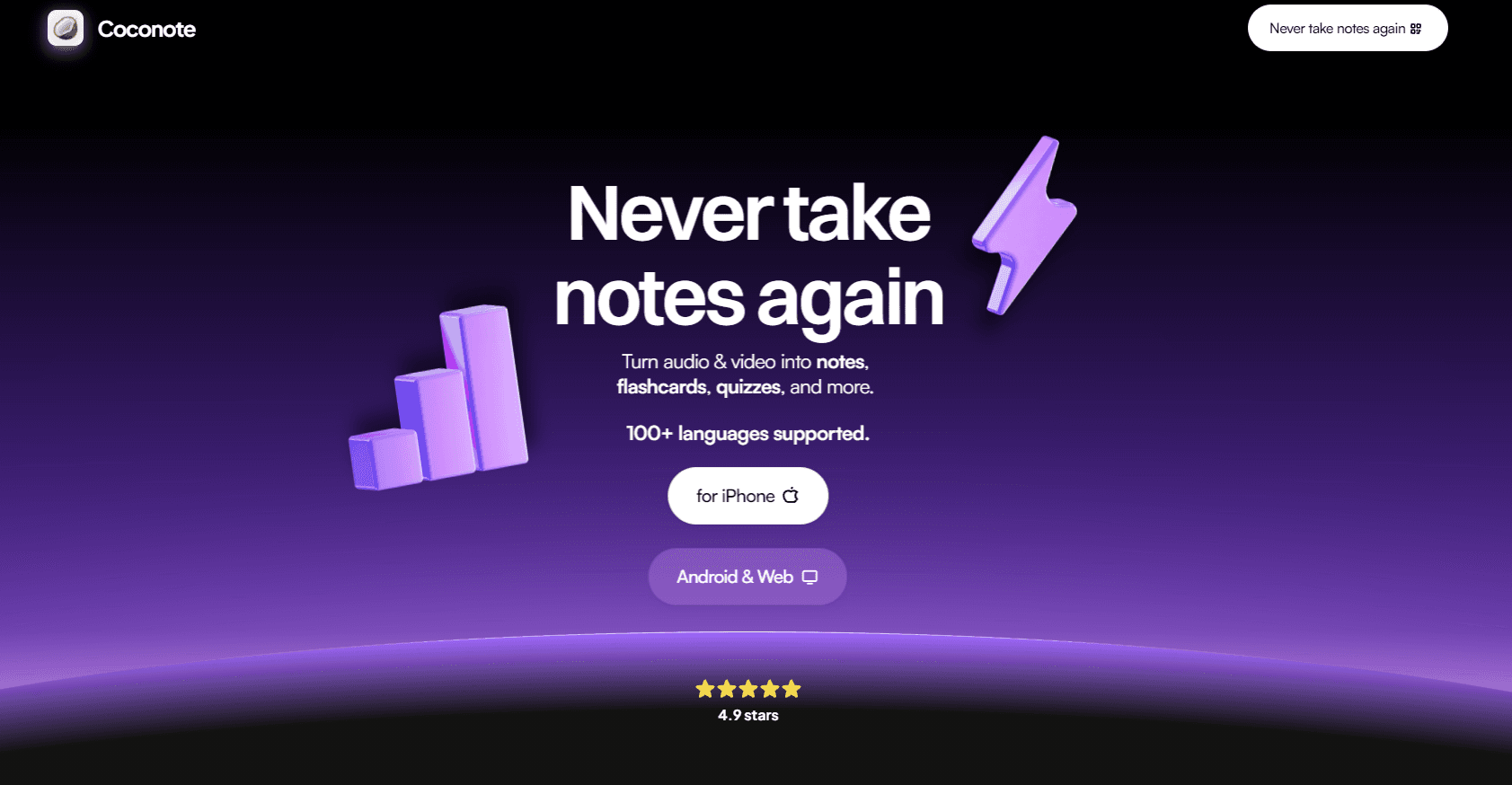
Coconote is an AI note taker from Quizlet that listens to a class, meeting, or video and hands back clean notes instead of a messy transcript. You feed it audio, a PDF, a link, or a document, and Coco, the built-in assistant, sorts the content into a readable summary with the parts that matter pulled out.
The app targets students first. The pitch on its own site is blunt: "Never take notes again." It also draws professionals who sit through back-to-back calls and can't keep up with a pen. Simple as that. The company claims users at schools like Yale, Michigan, and Harvard, along with workplaces like Microsoft and American Express.
The main catch is scope. Coconote works best on clear speech in English. Heavily accented audio, crosstalk, or technical jargon still trips up any transcription model, and you shouldn't trust a generated summary as a substitute for checking the source. The free tier also caps how much you can process, so heavy users will end up paying.
Getting Started
- Create an account at coconote.app with Google or Apple, or download the app for iPhone, iPad, Android, or Mac.
- Tap record to capture live audio, or upload a file, paste a link, or drop in a document.
- Let Coco process the recording into notes, a transcript, and a title.
- Generate study materials from the same note, including flashcards, quizzes, or an AI podcast.
- Ask questions in the AI chat if you want a specific detail explained, then share or export the note.
A note on accuracy: AI-generated study material is a starting point, not a finished product. Coconote itself points out that it helps you learn and capture details rather than doing the work for you.
Product Information
A quick look at Coconote's pricing, supported platforms, and performance.
Best for
The users, tasks, and scenarios where this tool fits best.
Users
- Students in lecture-heavy courses
- Professionals in long meetings
- Learners with ADHD or auditory processing issues
Tasks
- Converting a lecture into a study guide
- Building flashcards from a textbook chapter
- Getting a searchable transcript of a recorded talk
Scenarios
- A week of back-to-back conference sessions
- Language study
- Turning a dense article or video into a short AI podcast for a commute.
Key features
AI Notes and Transcripts
Coconote's core job is turning a recording into two things at once: a structured note with headings and key points, and a full word-for-word transcript. You get the fast version for review and the exact version when you need to check what was actually said.
Flashcards and Quizzes
From any processed note, the app generates flashcards and multiple-choice quizzes. This is where it overlaps most with Quizlet, its parent company, so it's no surprise the study features feel polished. It's a genuine time saver if you already build cards by hand.
AI Chat With Your Notes
Every note comes with a chat interface. So what does that get you? Instead of scrolling a transcript, you can ask "what did they say about the deadline" and get an answer pulled from that recording. It's the feature that makes a stack of old notes truly searchable.
AI Podcasts
Coconote can turn a note into a short podcast narrated by Coco. Two hosts talk through your material so you can review while walking or driving. The idea is novelty as much as utility, but it's a real option for audio learners.
Study Games
Study games pull questions straight out of your notes, so review feels less like a chore. It won't replace serious practice. Still, it breaks up the monotony of reading the same summary for the fifth time, which is exactly the moment most students give up.
100+ Languages
The app captures audio and translates across more than 100 languages. That's a real advantage for international students or anyone working with foreign-language material.
Sync Across Devices
Notes sync between iPhone, iPad, Android, Mac, and the web. Start a recording on your phone in class, then review it on a laptop that evening without exporting anything.
Pros and cons
Pros
- Turns raw audio into notes, transcripts, flashcards, and quizzes from one recording.
- Free tier lets you test the whole workflow before paying.
- Works across iOS, Android, macOS, and web, so your notes follow you.
- AI chat makes old notes searchable instead of a pile of forgotten text.
- Supports 100+ languages, useful for international students.
Cons
- Accuracy depends on audio quality, so noisy rooms and heavy accents still produce shaky transcripts. Record somewhere quiet.
- The free plan is capped, and unlimited use sits behind the paid Unlimited Pass.
- Summaries can miss nuance, meaning you still need to verify anything important against the source.
- No public API, so you can't wire Coconote into your own tools or automations.
Frequently asked questions
It records or accepts audio, video, documents, and links, then uses AI to generate organized notes, transcripts, flashcards, quizzes, and study guides. It's built for students and professionals who don't want to take notes by hand.
Related content
Explore related tools, skills, and articles for Coconote.
Coconote Alternatives

Google EmbeddingGemma 2
Google DeepMind · Writing · Image · CodingGoogle EmbeddingGemma 2 is a 740M-parameter open model that turns text, code, images, audio, and video frames into vectors in one 768-dimension space, running on phones and laptops.

MePersona
MePersona, Inc. · Writing · Productivity · MarketingMePersona is an AI unified inbox for creators. It learns your voice, drafts replies to fan messages from 12 platforms, and sends only what you approve.

Fluence
Yay Software (Yannick Huchard) · Writing · Voice & Language · ProductivityFluence is an Android app that reads PDFs, EPUBs, Word files and web articles aloud, follows each sentence as it speaks, and answers questions about the text on the phone itself.