
Coddy
Coddy · Coding · Leaning
Coddy is a gamified platform to learn to code through short interactive lessons in 20+ languages, with a browser editor, an AI tutor and free certificates.
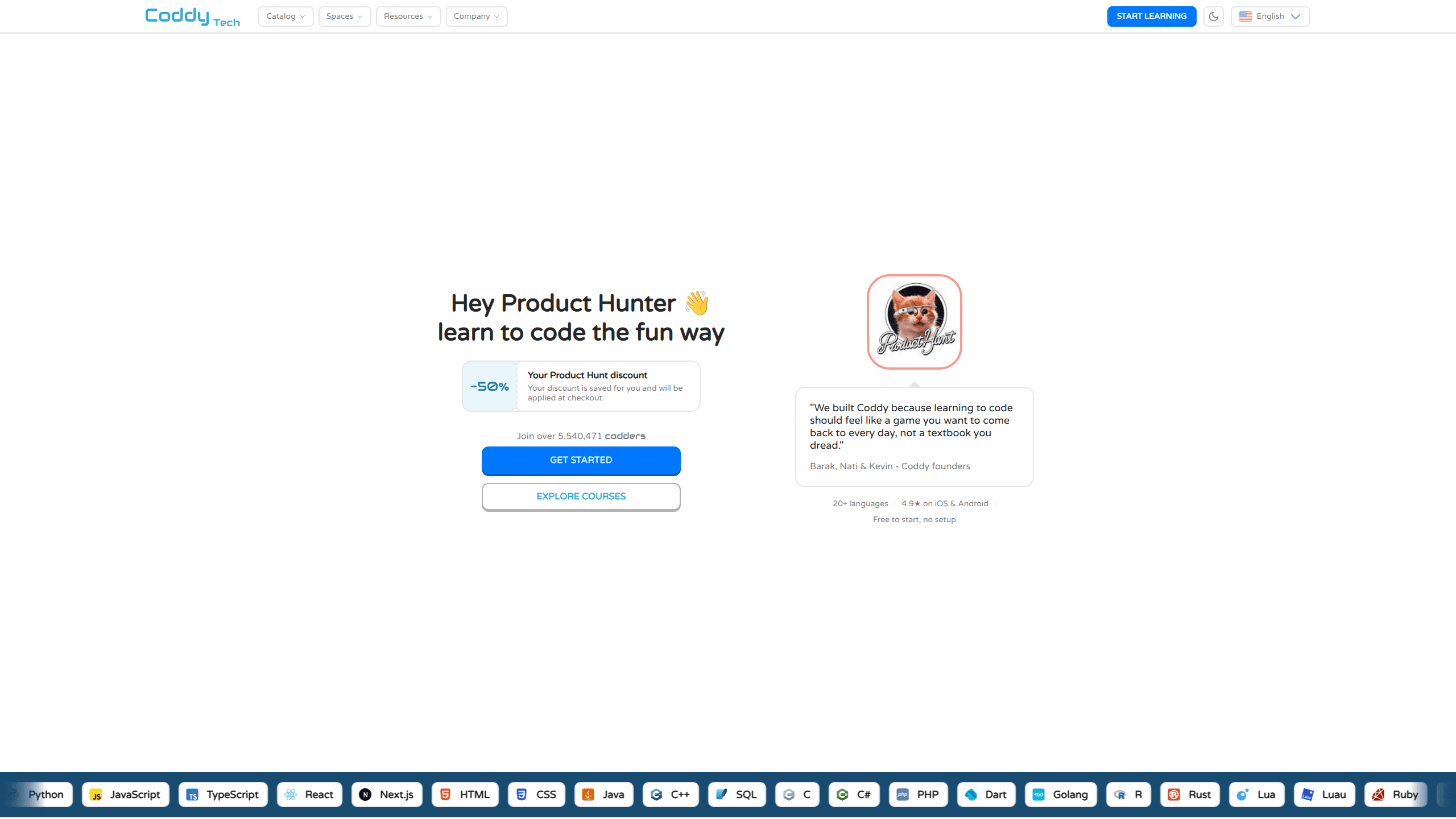
About Coddy
What Is Coddy
Coddy is a web and mobile platform for people who want to learn to code in small daily sessions instead of long video courses. The catalog holds more than 100 coding courses for beginners and improvers, most of them built as interactive coding lessons. Every lesson runs inside the browser. You read a short explanation, write code in an editor with test cases, and move on when the tests pass. No installs, no local setup.
The teaching model is practice first. Lessons are broken into steps that take a few minutes each, and the platform tracks a daily streak, awards XP, and sorts learners into leagues. A built in tutor called Bugsy reads the code and the error message, explains what went wrong, and gives a hint without handing over the answer.
Coddy was founded in 2022 and reports 5.9 million learners across 180 countries, with more than 100 courses and 100,000 code submissions a day. Founder backgrounds include Intel and Meta. A separate product, Coddy Build, applies the same in browser approach to building full stack apps with AI.
The limits matter before you commit. The free plan meters practice with an energy system, which slows down anyone who wants to grind for hours. The AI tutor is capped on free accounts. And a certificate from Coddy shows you finished the material, not that an outside body accredited it.
Getting Started
- Create an account with Google, Apple, Facebook or an email address. The web app needs no download, and the iOS and Android apps are free.
- Answer the short onboarding questions about what you want to build. Coddy suggests a first language or a coding roadmap based on the answers.
- Open the first lesson and solve the challenge in the editor. Test cases show the expected output, and Bugsy is one click away when a test fails.
- Keep the daily streak going. One lesson a day is enough to hold it, and streak freezes cover the days you miss.
- Finish a course section to claim a certificate, then download the PDF or add the verification link to LinkedIn.
Product Information
A quick look at Coddy's pricing, supported platforms, and performance.
Best for
The users, tasks, and scenarios where this tool fits best.
Users
- Absolute beginners
- Career switchers
- Teachers and bootcamp instructors
Tasks
- Daily practice in a first language
- Python course work for school or university
- Interview preparation
- SQL and data analysis practice
Scenarios
- A commute or lunch break
- A classroom period
- Testing a language before committing
Key features
Short lessons that run in the browser
Every challenge opens in an editor with a file tree, a console and visible test cases. You write real code, press run, and see output or a failing test right away. The editor covers Python, JavaScript, TypeScript, C, C++, Java, C#, Go, Rust, Ruby, PHP, SQL, HTML, CSS, React, Dart, Swift and Kotlin, so switching languages does not mean installing a new toolchain. Lessons stay short by design, which makes a session easy to start after work.
Bugsy, the AI coding tutor
Bugsy reads the code you wrote and the error the runtime produced, then explains the problem in plain language. It gives hints and asks leading questions instead of printing the corrected solution, which keeps the exercise yours. On the free plan you get a small number of questions each day. Plus and Pro raise that cap, and Pro adds solution analysis that walks through your approach line by line after you submit.
Roadmaps that put courses in job order
The learning paths answer the question beginners struggle with most: what do I study next. Software Engineer starts with a first language, then Linux, Git, SQL, data structures and algorithms, and readable code. Frontend, Backend, Full Stack, Data Analyst, DevOps and Flutter App Developer paths follow the same pattern. Each step links to the course that covers it, and the roadmap is published on GitHub so learners can see what is planned.
Streaks, leagues and streak freezes
A streak counter tracks consecutive days of practice, and a freeze item protects the count when life gets in the way. XP accumulates per lesson and feeds weekly leagues, where the top learners in a group move up a division. The system borrows from mobile games, and that is the point: it gives a beginner a reason to open the app on a Tuesday night when motivation is low.
Free certificates for every course
Finishing a course section produces a certificate with a verification link that anyone can check. Free coding certificates are the default here: the PDF can go on a résumé or a LinkedIn profile, and nothing is charged for it on any plan. The certificate records completion of Coddy's own material, so treat it as proof of work done rather than an industry credential.
Playgrounds, docs and reference tools
Beyond the courses, Coddy hosts runnable playgrounds, language documentation, cheat sheets, a glossary, interview questions, algorithm visualizations and small utilities such as a JSON formatter and a regex tester. The embed editor puts a working code window on any website through one iframe. None of it requires an account, so the reference pages stay useful after a course ends.
Pros and cons
Pros
- Lessons are short and self contained, so a beginner can finish one in a sitting and see progress the same day.
- The browser editor with test cases removes environment setup, which is where most self taught attempts stall.
- Free access covers every course and every certificate, with no trial period to race against.
- Roadmaps turn a vague goal into an ordered study plan that names the exact course for each step.
- The mobile apps carry progress across devices, and both stores rate the app above 4.8 stars.
Cons
- The free plan limits practice through energy, one unit per passed challenge with a refill every four hours, so long sessions hit a wall.
- Bugsy is capped at a few questions a day on free accounts. Heavy learners will feel the ceiling and Pro is the only way past it.
- The short lesson format suits syntax and basic logic better than large projects. Learners who want to build a full app will need outside practice.
- There is no public API, so schools and teams cannot pull progress data into their own dashboards.
Frequently asked questions
Yes. Every course, lesson and certificate is free, and a free account gets a daily energy allowance plus a few Bugsy questions. Plus and Pro are optional and remove the limits.
Related content
Explore related tools, skills, and articles for Coddy.
Coddy Alternatives

Base Code
Base44 (Wix) · Coding · ProductivityBase Code is a shared cloud development environment from Base44. Teammates describe changes to an existing GitHub codebase in chat, preview them live and send them back as pull requests.

Google EmbeddingGemma 2
Google DeepMind · Writing · Image · CodingGoogle EmbeddingGemma 2 is a 740M-parameter open model that turns text, code, images, audio, and video frames into vectors in one 768-dimension space, running on phones and laptops.

GitGlow
GitGlow · Coding · ProductivityGitGlow is a local-first desktop Git client that lets independent developers review their own code and their AI agents' changes in one place before shipping.