

CodeBanana
Mobvoi · Coding · Productivity
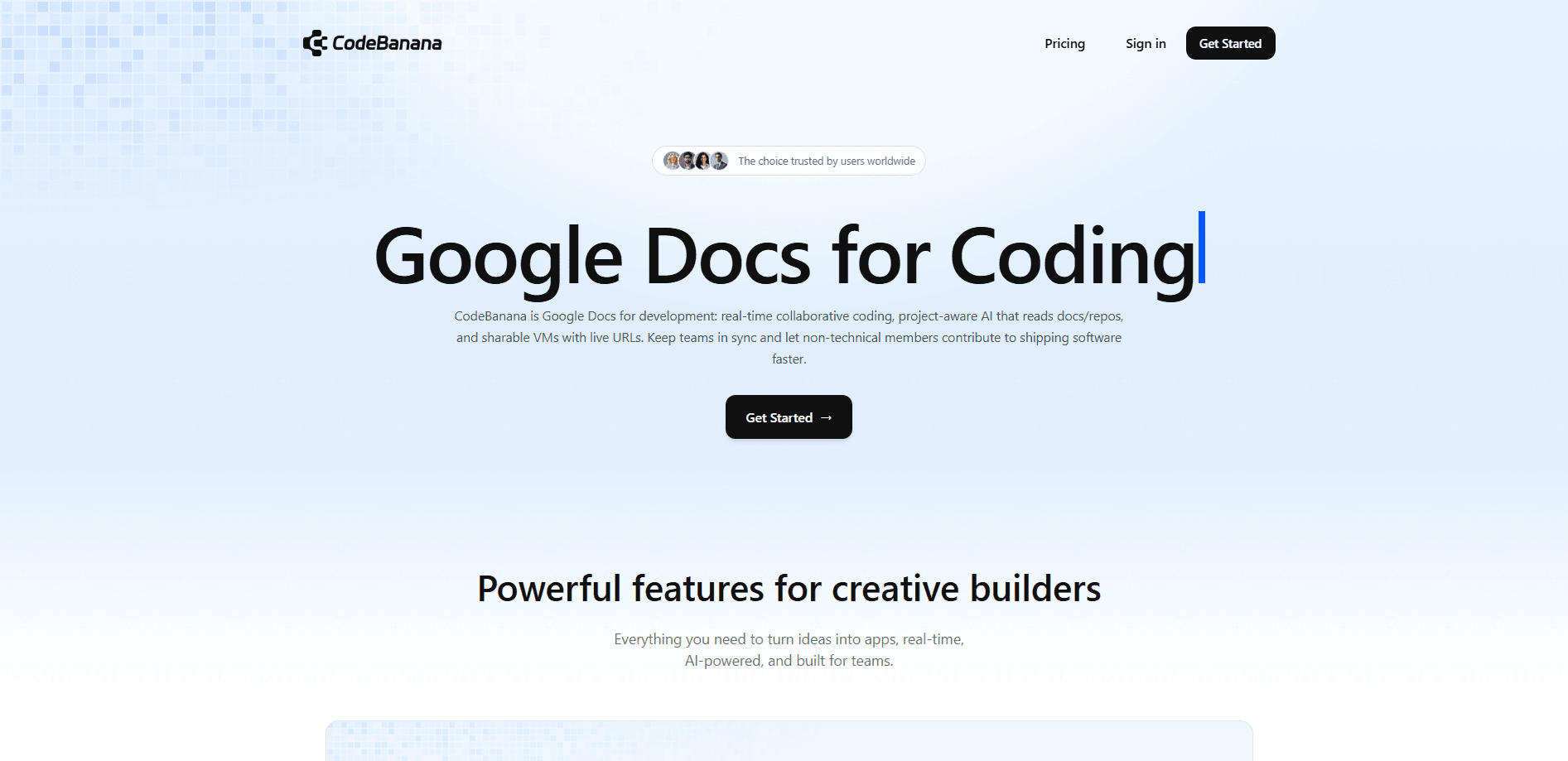
CodeBanana is an AI-native collaboration platform from Mobvoi that turns every project into a single shared space where chat, AI agents, and a working environment live together. Instead of scattering a team across a chat app, a code editor, and a file drive, it puts discussion, execution, and the results in one place. It works a lot like a collaborative coding platform, except the whole team is in the room. The pitch is simple. Wherever the conversation happens, the work should happen there too, and everyone who needs to see it should already be sitting in the same room. It targets teams that want non-technical members to contribute alongside engineers without juggling the half-dozen separate apps that most product groups rely on today.
About CodeBanana
What Is CodeBanana
CodeBanana is an enterprise AI collaboration platform built around the idea of a "project" rather than a channel or a repo. Each project combines three things: a group chat for talking, one or more AI agents for doing, and a workspace where outputs like code, docs, and specs are stored and reused. People and agents sit in the same conversation as equal members. You can @-mention an agent mid-discussion and have it write code, run analysis, or draft a document without switching apps.
The product comes from Mobvoi, the company behind a string of AI consumer devices and assistants. CodeBanana launched at a Beijing event on April 21, 2025. It's positioned as a way to keep AI work organized at the team level, not as yet another solo tool. Its agents run inside isolated cloud virtual machines. Every action an agent takes can be traced back. That matters if you care about auditing what an AI did on your behalf. The company says its own internal teams use it for AI-driven coding and research.
The biggest limitation is fit. CodeBanana assumes you work in teams and want agents in the loop. A solo user who just wants a chatbot will find it heavy. It's also a younger platform, so integrations and public pricing details are thinner than what you'd get from an established suite. And because agents can write and execute real code inside the project, admins need to think carefully about roles and permissions before rolling it out wide.
Getting Started
- Sign up and create an account on the CodeBanana website or mobile app using your phone number or work email.
- Set your role and profile so agents and teammates know what you handle.
- Create a project, name it, and invite members. Each project automatically comes with a chat, a workspace, and agent slots.
- Drop your first task into the chat and @-mention the right agent, or assign it to a person.
- Save recurring flows as reusable Skills so the next project starts with your team's know-how already loaded.
Product Information
A quick look at CodeBanana's pricing, supported platforms, and performance.
Best for
The users, tasks, and scenarios where this tool fits best.
Users
- Small product teams
- Non-technical teammates
- Team leads
Tasks
- Building an internal website or prototype
- Research and reporting
- Document and knowledge capture
Scenarios
- A cross-functional team shipping a small app or landing page under time pressure.
- A consultancy pulling from old case files to draft a proposal in one sitting.
- A growing company trying to keep AI-generated work from scattering across personal accounts.
Key features
Project Workspace That Combines Chat, Agent, and Files
Every project in CodeBanana is a single unit with three zones: a Discussion area for alignment, a Team Agent area for execution, and a Workspace for what's left behind. Context doesn't get lost between a chat thread and a separate drive. When a decision lands in the discussion, the agent that acts on it already has the full thread to work from. The whole thing runs as one shared virtual machine workspace per project.
Project-Aware AI Agents
Agents in CodeBanana aren't generic chatbots. They read the project's context. A request like "update the launch date everywhere" can propagate across the site, the docs, and the open tasks instead of being a one-off reply that nobody acts on later. You call them with an @-mention right in the conversation. For technical teams, an agent can generate code. For everyone else, it means drafting, summarizing, and organizing.
Team Agent and Private Ask Modes
Two access modes keep the collaboration side and the private side separate. Team Agent is shared, so the whole team sees what it does and can step in or stop it. Private Ask is personal and read-only for the project. It lets an individual explore ideas without leaving a trace on the shared workspace. That split answers the "who can see my agent's work" question head-on.
Isolated Cloud Virtual Machines
Each agent runs in its own cloud virtual machine. This keeps one project's work from bleeding into another. It gives teams a security boundary to point at during review. The agent's actions are also sandboxed and traceable. That's the sort of thing IT asks about before approving a rollout.
Skills Marketplace for Reusable Know-How
High-frequency tasks can be packaged as Skills and shared across the team. You save a workflow once and the next project inherits it. Over time this turns individual tricks into an organizational asset. That's the part that scales past a handful of people.
Multi-Agent Scheduling and Cron Jobs
CodeBanana supports multiple agents working across projects, with A2A-style handoffs so a task keeps moving rather than stalling. Cron Jobs let agents run on a schedule or in response to an event. A weekly report then happens whether or not someone remembers to trigger it.
Cross-Device Collaboration
The platform works in a browser and through iOS and Android apps, with data synced between them. A manager can review progress from a phone. They can fire off an agent task while out of the office. That mobile parity is what makes "keep the work moving" more than a slogan.
Pros and cons
Pros
- Combines chat, agents, and a real workspace, so teams stop paying for three or four separate tools.
- Project-aware agents keep their context, which cuts the back-and-forth of re-explaining tasks.
- Team Agent and Private Ask give a clear line between shared and personal AI work.
- Isolated cloud VMs and action tracing answer the usual security questions that IT raises about letting AI agents write and run code inside a shared company workspace.
- Skills turn one-off workflows into reusable team assets, so onboarding gets faster over time.
Cons
- Public pricing and plan details are hard to pin down, so budgeting takes a sales conversation.
- It's built for teams, which makes it overkill and confusing for a solo user who just wants a chatbot.
- Rolling it out means setting up permissions and roles first; skip that step and agents can touch more than you intended.
- As a newer platform, it has fewer third-party integrations than mature suites, so expect gaps in your existing stack.
Frequently asked questions
It's an AI team workspace for getting work done collaboratively. You create a project, then talk with your team and agents in one thread. Agents build, research, or document while the results land in a shared workspace. It suits product, engineering, consulting, and operations teams more than individuals.
Related content
Explore related tools, skills, and articles for CodeBanana.
CodeBanana Alternatives
Forefront
Forefront · CodingForefront is a web platform for building with open-source AI. It lets you fine-tune leading open-source language models on your own data, evaluate how they perform, and run them through an API or export them to host yourself. Developers who want the convenience of a closed-source platform but insist on owning their models and data are the target audience here.

Startkit
StartKit.AI · CodingStartkit is a boilerplate for building AI SaaS and AI wrapper products. Think of it as an AI startup boilerplate with the boring parts already wired up: authentication, Stripe and Lemon Squeezy payments, usage limits, transactional email, and an AI API starter that talks to OpenAI, Anthropic, Groq, or Llama. You clone the repo, set your price, and start on the part of your product that people actually pay for. It's Next.js under React and Tailwind, so most of the boilerplate code already feels familiar.
Testim
Tricentis · CodingTestim is an AI-powered test automation platform for building and running end-to-end tests across web, mobile, and Salesforce applications. It leans on machine learning to keep tests stable when an interface changes, so teams spend less time fixing broken selectors. Not bad for an automated testing tool you can start using today. You create tests by recording actions in a browser, then optionally add JavaScript when you need more control. It's a solid pick for busy QA teams.