

CodeBuddy
Tencent Cloud · Coding · China AI
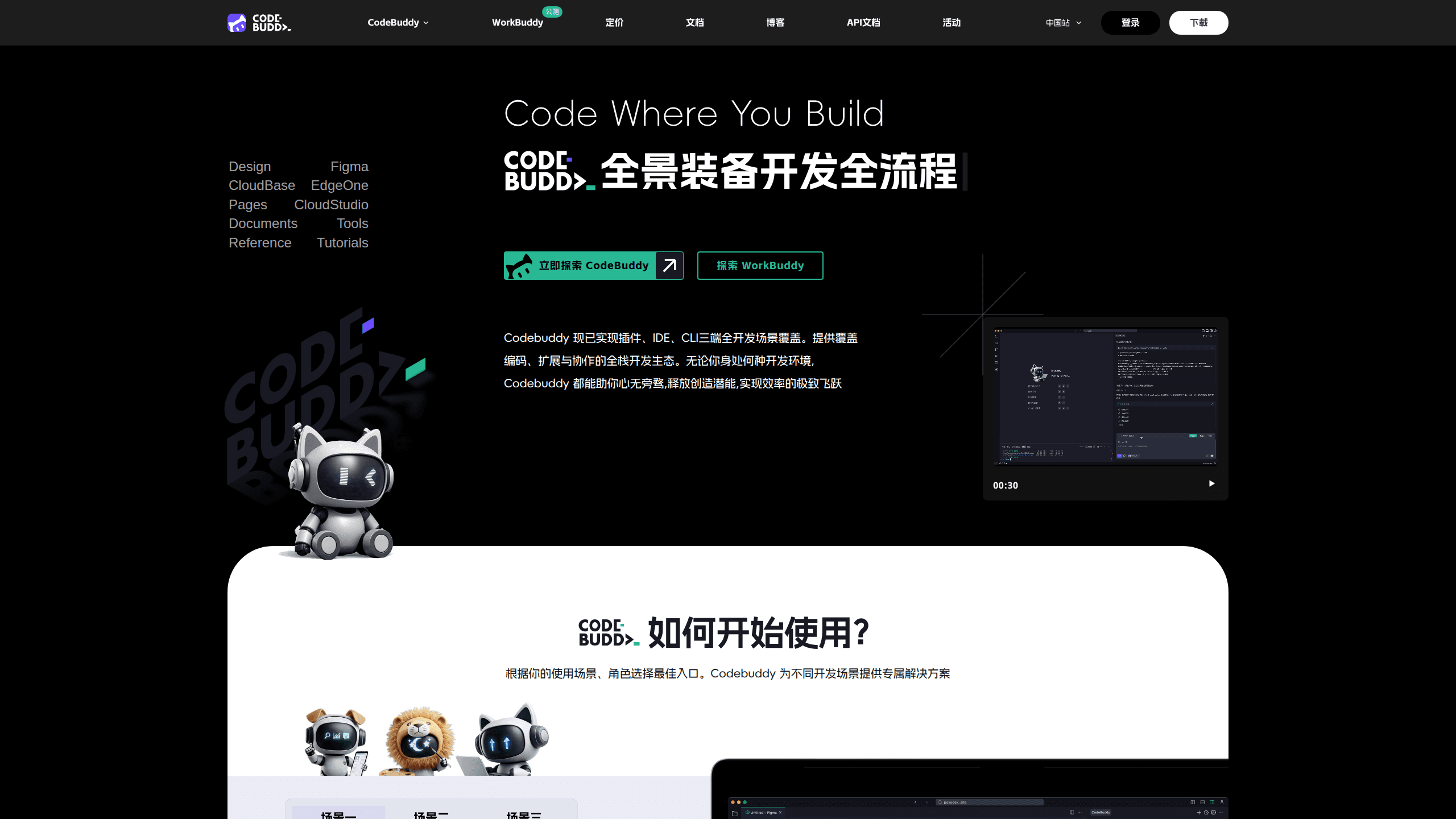
CodeBuddy is an AI coding assistant from Tencent Cloud that plugs into the tools developers already use. It handles code completion, technical chat, error diagnosis, unit test generation, and multi-file code generation through an agent mode called Craft. It ships as a VS Code and JetBrains extension, a standalone IDE, and a command-line tool, and it leans on several large models at once. The free tier makes it easy to try, while paid plans raise your credit allowance and add team features.
About CodeBuddy
What Is CodeBuddy
CodeBuddy is Tencent's answer to GitHub Copilot, Cursor, and Claude Code. It reads your project, understands the frameworks you're using, and then writes, explains, or fixes code on request. You can ask it in plain language. It works on a single function. It also works on a whole app.
The draw is breadth. Instead of one product, you get three forms of the same engine: an editor extension, a full IDE, and a terminal tool. Tencent says internal engineers cut coding time by roughly 40 percent using it. That's a company figure, not an independent benchmark.
The biggest limitation is geography and language. The domestic version is tuned for Chinese developers with WeChat login and local models. The international build connects to Claude, GPT, and Gemini models and uses Google or GitHub sign-in. If you switch accounts, you switch model pools.
Getting Started
- Pick your form: install the VS Code or JetBrains extension from the marketplace, download the standalone IDE, or run the CLI with
npm install -g @tencent-ai/codebuddy-code. - Sign in with WeChat for the domestic build, or Google/GitHub for the international build to reach that model set.
- Open a project folder so CodeBuddy can index your config files and detect your stack.
- Start a chat or switch to Craft mode and describe what you want built in plain language.
- Review the generated code, run your tests, and apply the changes you trust.
Product Information
A quick look at CodeBuddy's pricing, supported platforms, and performance.
Best for
The users, tasks, and scenarios where this tool fits best.
Users
- Professional developers who want completion and refactoring inside an existing editor without changing their whole workflow.
- Beginners and non-coders who can describe what they want in plain language and let the agent generate a working app.
- Small teams that need shared project context and quotas instead of per-seat enterprise contracts.
Tasks
- Writing boilerplate, tests, and repetitive code faster than typing it by hand.
- Explaining unfamiliar or legacy code and tracing where a bug actually lives.
- Scaffolding a whole feature or small app across multiple files in one pass.
Scenarios
- Adding a new API endpoint and its unit tests in a single session.
- Reviewing a teammate's pull request and asking the assistant why a change broke a test.
- Prototyping a small internal tool over a weekend without hiring extra help.
Key features
Code completion that adapts to your project
CodeBuddy works as a code completion tool at the line, function, and block level. It reads your open files and project config to match your naming and style, so the suggestions land closer to code you'd actually keep. For heavy typing days, it removes a lot of the mechanical work. It feels like an AI pair programmer sitting next to you.
Craft agent for multi-file builds
Craft is the mode people talk about most. You give it a goal in natural language, and it plans the steps, generates several files, and wires them together. This is the difference between a tool that autocompletes one line and one that can stand up a small app from a description.
Technical chat and code explanation
The chat panel answers questions about your code and walks through what a function does. It's the quickest way to get oriented in an unfamiliar codebase or to check your understanding before you touch something risky.
Debugging and code review
Feed it a failing snippet or a stack trace and it points at likely causes. It also reviews local changes and flags patterns that tend to cause bugs, and it will explain in plain language why a particular line is risky before you commit it. It won't catch everything, but it shortens the loop between "something broke" and "here's why."
Unit test generation
You can ask CodeBuddy to write tests for a function or file, and it produces runnable cases you can review and adjust. Teams that skip tests when deadlines tighten get a cheap way to add coverage without blocking on it.
Model flexibility and MCP support
The domestic build runs on Tencent's Hunyuan and DeepSeek models; the international build taps Claude, GPT, and Gemini. You can switch models depending on the task and the account you're signed into. It also speaks MCP, the Model Context Protocol, so it can pull context from external tools and data sources you connect, which turns a plain editor assistant into something closer to a connected agent.
Pros and cons
Pros
- Three forms (extension, IDE, CLI) share one engine, so you can move between them without reconfiguring.
- The free tier is genuinely usable for individuals and small projects.
- Craft mode handles multi-file generation that single-line assistants can't.
- Model choice spans Chinese and international options in one product.
Cons
- Domestic and international builds are separate, so your login and model access depend on which one you use.
- The documentation and community discussion lean heavily Chinese, which slows English-speaking newcomers.
- Credit-based limits mean heavy agent use can burn through quota faster than you expect.
- No public API is documented, so you can't easily build custom integrations around it.
Frequently asked questions
CodeBuddy is an AI coding assistant. It helps you write code faster through completion, explains unfamiliar code, finds and fixes bugs, generates tests, and can build multi-file features from a description in plain language.
Related content
Explore related tools, skills, and articles for CodeBuddy.
CodeBuddy Alternatives
Forefront
Forefront · CodingForefront is a web platform for building with open-source AI. It lets you fine-tune leading open-source language models on your own data, evaluate how they perform, and run them through an API or export them to host yourself. Developers who want the convenience of a closed-source platform but insist on owning their models and data are the target audience here.

Startkit
StartKit.AI · CodingStartkit is a boilerplate for building AI SaaS and AI wrapper products. Think of it as an AI startup boilerplate with the boring parts already wired up: authentication, Stripe and Lemon Squeezy payments, usage limits, transactional email, and an AI API starter that talks to OpenAI, Anthropic, Groq, or Llama. You clone the repo, set your price, and start on the part of your product that people actually pay for. It's Next.js under React and Tailwind, so most of the boilerplate code already feels familiar.
Testim
Tricentis · CodingTestim is an AI-powered test automation platform for building and running end-to-end tests across web, mobile, and Salesforce applications. It leans on machine learning to keep tests stable when an interface changes, so teams spend less time fixing broken selectors. Not bad for an automated testing tool you can start using today. You create tests by recording actions in a browser, then optionally add JavaScript when you need more control. It's a solid pick for busy QA teams.