

Codegen
Codegen, Inc. · Coding · Other
Codegen is an enterprise orchestration platform for AI coding agents. It gives teams sandboxes, integrations and telemetry to run frontier code agents at scale.
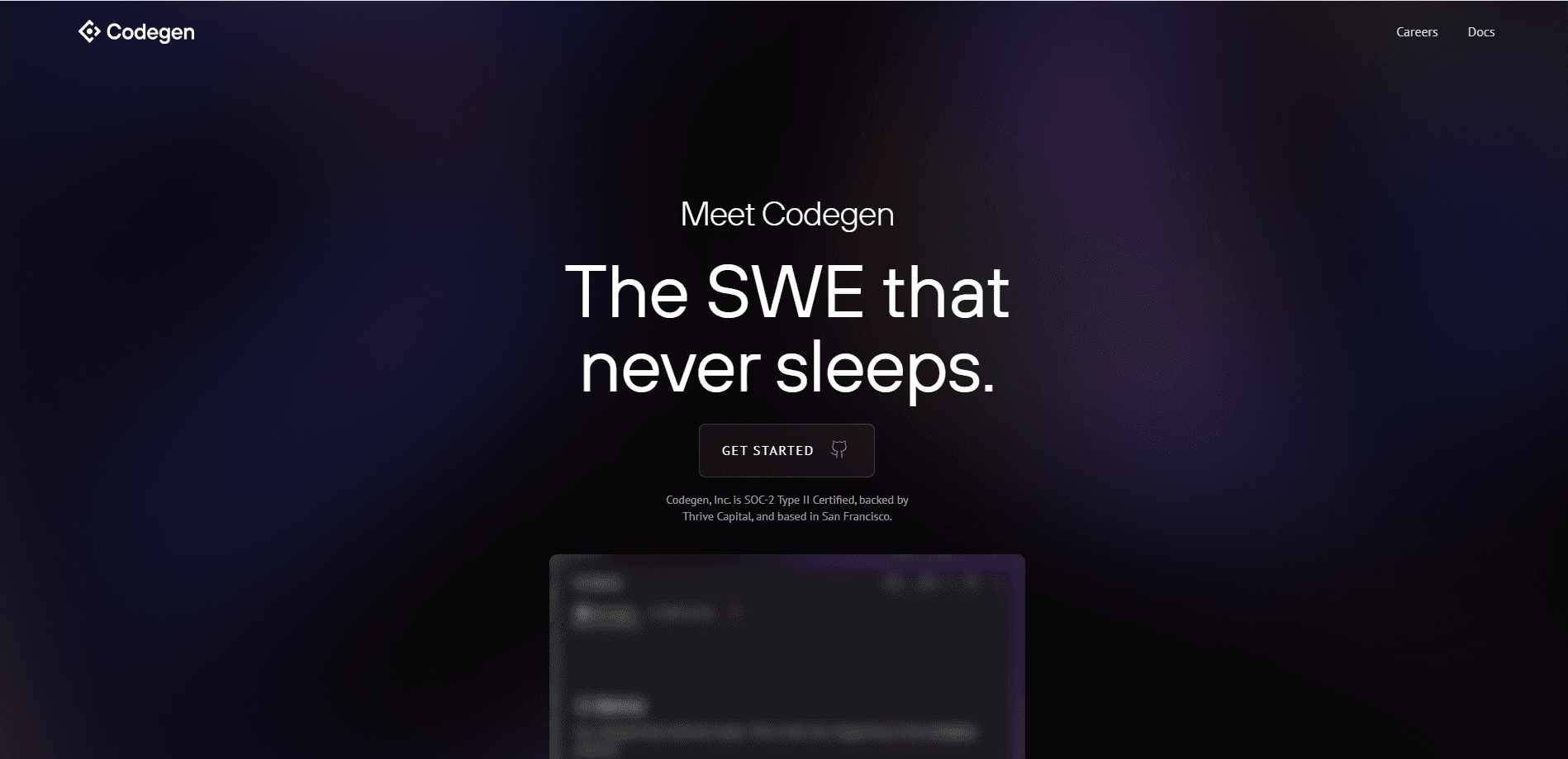
About Codegen
What Is Codegen
Codegen is a platform for running autonomous and semi-autonomous coding agents inside a company's own development workflow. Instead of bolting a chat window onto an editor, it provides the infrastructure layer that enterprise teams need: isolated sandboxes where agents execute code, connectors that pull real task and repository context, and telemetry that records what each agent did. Codegen pitches itself as an AI coworker that understands a codebase, works through tickets and hands back reviewable pull requests.
The company was founded by Jay Hack in 2022 and backed by Thrive Capital, and it grew by selling to engineering-heavy firms. Its customer list includes Ramp, Notion and Ironclad, which is the kind of security-sensitive buyer that asks hard questions before letting an agent touch production code. Codegen was acquired by ClickUp in 2025, and the two products now describe the same thesis: agents do the low-level labor, and the work gets tracked where the rest of the company already works.
Two things stand out about the product. It is built for teams, not individuals. Model choice, sandboxing, permissions and audit trails are organization-level settings, and the platform assumes you will deploy agents across many repositories at once. Second, it does not lock you to one model vendor. You can point Codegen at Anthropic, OpenAI or other providers, bring your own API keys, or route to self-hosted models.
Getting Started
- Install the Codegen GitHub App so agents can read your repositories and open pull requests
- Connect the tools your team already uses, such as Slack, Linear, Jira, ClickUp or Monday.com, so agents pick up tasks where they are filed
- Configure your LLM provider and API keys at the organization level, and set up a sandbox policy for safe code execution
- Trigger an agent from a ticket, a Slack mention or the API, then review the pull request it returns and merge what looks right
Product Information
A quick look at Codegen's pricing, supported platforms, and performance.
Best for
The users, tasks, and scenarios where this tool fits best.
Users
- Platform and developer experience teams
- Enterprise engineering organizations
- Software teams already living in issue trackers
- Security-conscious buyers
Tasks
- Ticket-to-pull-request work
- Automated code review
- Test repair
- Multi-repository refactors
- Local-to-cloud agent logging
Scenarios
- A backlog of small tickets
- A regulated enterprise rollout
- A team that works in Slack
- A large monorepo refactor
- Onboarding a new agent program
Key features
Agent Sandboxes
Codegen runs agents inside isolated environments where they can execute code, install dependencies and test their own changes without touching a developer's machine or a shared build box. The sandbox is the safety boundary that makes autonomous work practical: the agent can try things, see failures and iterate before anyone reviews the result. This matters for enterprise adoption, where the alternative is giving an agent broad access to production systems.
GitHub Integration
GitHub is how Codegen reaches a repository and performs every git operation. Agents create and manage pull requests, help resolve merge conflicts, run code reviews, search a codebase and sync branch changes. The GitHub App, published as codegen-sh, is the one-click install that grants these permissions, and the integration covers everything from opening a PR to reporting CI results.
Ticket and Chat Integrations
Codegen meets teams where they already work. Agents are triggered by assigning a ticket or mentioning them in Slack, Linear, Jira, ClickUp or Monday.com, and each ticket or thread gets its own dedicated agent that follows the full conversation. That design means work stays tied to the original request, and updates flow back into the tracker or channel instead of a separate tool.
PR Review Agent
Code review is a first-class feature rather than an add-on. The PR review agent reads a proposed change, checks it against the project and leaves comments before a human reviewer spends time on it. Teams use it to catch obvious problems early and to keep review latency down as agent-generated pull requests start to outnumber human ones.
Model Configuration
The platform lets an organization pick which large language model powers its agents. You can choose among major providers, configure custom API keys and base URLs, or connect self-hosted models if you have a specific arrangement. Settings apply globally across the organization, with per-repository or per-agent overrides where a plan supports them, so governance stays centralized.
On-Premises Deployment
For buyers with strict data requirements, Codegen ships as a cloud-native Kubernetes application that runs inside your own infrastructure. It supports Docker images and AWS AMIs, and it can use your own AI models and API keys end to end. This is aimed at teams with data sovereignty rules, air-gapped environments or compliance mandates that keep all code inside corporate boundaries, and it is offered on the Enterprise tier.
API and Python SDK
Codegen exposes a REST API under api.codegen.com and a Python SDK for programmatic control. Teams use it to kick off agent runs from automated workflows, wire agents into internal dashboards and build custom tooling around the platform. The API takes organization-scoped requests with a bearer token, and it is the path for anything the built-in integrations do not cover.
Pros and cons
Pros
- Runs agents in isolated sandboxes, which is the practical safety boundary for autonomous coding at enterprise scale
- First-class GitHub integration covers pull requests, reviews, merge conflicts and CI results in one place
- Broad ticket and chat support lets agents pick up work in Slack, Linear, Jira, ClickUp or Monday.com
- Model-agnostic configuration supports major providers, custom keys and self-hosted models
- On-premises Kubernetes deployment answers data sovereignty and air-gapped requirements
- Ships with a documented API and Python SDK for custom automation
Cons
- No free plan or self-serve signup, so teams cannot trial the platform without a sales conversation
- On-premises deployment is limited to the Enterprise tier, which puts it out of reach for smaller teams
- The public product site now functions mainly as a developer resource hub, so pricing details are not published directly
- It is an enterprise-first product, so a solo developer or small shop will find it heavier than needed
Frequently asked questions
Codegen is an enterprise platform for running AI coding agents at scale. It provides the building blocks that make agent work practical in a company setting: isolated sandboxes for safe code execution, integrations that feed agents real task and repository context, and telemetry that records what they did. Teams trigger agents from tickets, chat or the API and get back reviewable pull requests.
Related content
Explore related tools, skills, and articles for Codegen.
Codegen Alternatives

Base Code
Base44 (Wix) · Coding · ProductivityBase Code is a shared cloud development environment from Base44. Teammates describe changes to an existing GitHub codebase in chat, preview them live and send them back as pull requests.

Google EmbeddingGemma 2
Google DeepMind · Writing · Image · CodingGoogle EmbeddingGemma 2 is a 740M-parameter open model that turns text, code, images, audio, and video frames into vectors in one 768-dimension space, running on phones and laptops.

GitGlow
GitGlow · Coding · ProductivityGitGlow is a local-first desktop Git client that lets independent developers review their own code and their AI agents' changes in one place before shipping.