

codename goose
Agentic AI Foundation (originally Block) · Coding
goose is a free, open source AI agent that runs on your own machine through a desktop app, a CLI and an API, automating coding, research and data tasks with the LLM you already pay for.
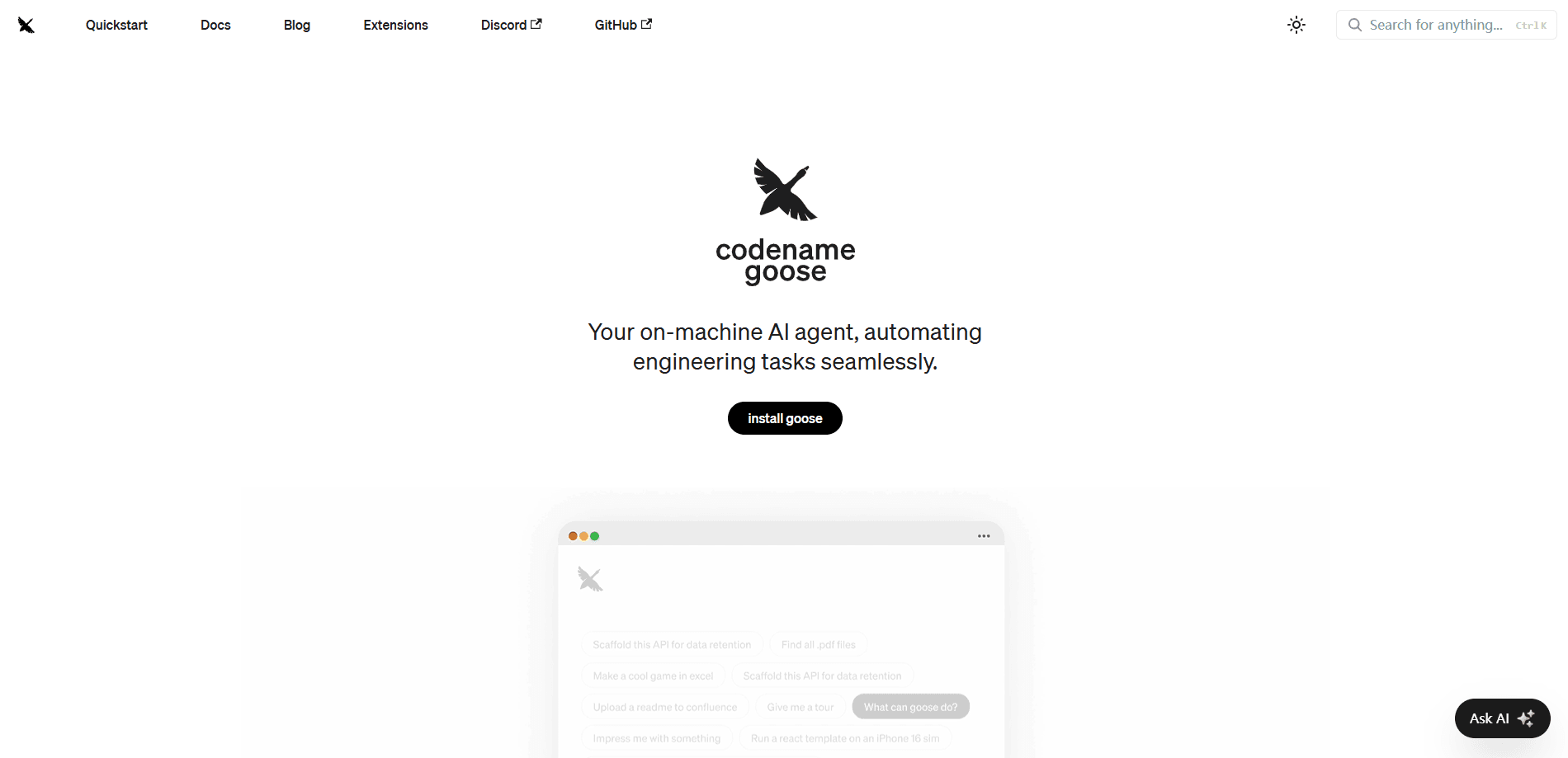
About codename goose
What Is goose
Codename goose, the local AI agent built by Block and now run under the Agentic AI Foundation at the Linux Foundation. You install it on your own computer, point it at a language model, and it carries out tasks in your files: writing code, running tests, editing documents, pulling data, or working through a multi-step research job. It is not tied to one model or one chat window.
The project started as an internal tool at Block, the company behind Square and Cash App, and grew into one of the most active open source AI agents on GitHub, with more than 45,000 stars. In 2026 Block handed governance to the Agentic AI Foundation, so no single company controls the roadmap. The code is Apache 2.0 licensed, which means you can read it, fork it and ship it inside your own products.
The biggest limit is that goose does not think for itself. It needs a model, either an API key from a provider like Anthropic, OpenAI or Google, a local model through Ollama, or a Claude, ChatGPT or Gemini subscription you already have. Runs can also get costly with a metered API, and because the agent can touch your files and terminal, you have to watch its permissions.
Getting Started
- Download the desktop app for macOS, Linux or Windows, or install the CLI with a single curl command from the official releases page.
- On first launch, choose a provider. Pick a quick setup with an API key, sign in with a ChatGPT, Claude or Gemini subscription, or connect Ollama for a local model.
- Start a session and type your request in plain language, such as asking goose to build a small web app or refactor a file.
- Turn on extensions from the Extensions panel to give goose more reach, like browser control, file access or a GitHub connection over MCP.
- Review the plan goose proposes, approve the actions you want, and check the output before you commit it to your project.
Product Information
A quick look at codename goose's pricing, supported platforms, and performance.
Best for
The users, tasks, and scenarios where this tool fits best.
Users
- Developers and software engineers
- Data analysts and researchers
- Teams wanting an open stack
- Cost-conscious users
- Tinkerers and extension builders
Tasks
- Coding and refactoring
- Automating a repeatable workflow
- Research and data gathering
- Writing and editing drafts
- Multi-step file work
Scenarios
- A solo developer prototyping on a laptop
- A small team standardizing a release checklist
- A researcher with a stack of PDFs
- A privacy-minded user
- A product engineer wiring tools together
Key features
Desktop App, CLI and API in One Agent
goose ships in three shapes from the same project. There is a native desktop app for macOS, Linux and Windows, a full command line tool for terminal and CI workflows, and an API for embedding the agent in your own software. The whole thing is written in Rust, which keeps it fast and portable rather than a wrapped web app. You pick the surface that matches how you work, and the same sessions and settings carry across.
Any LLM, Including Subscriptions You Already Have
goose does not lock you to one model. It works with more than 15 providers, including Anthropic, OpenAI, Google, Azure, Bedrock and OpenRouter, plus local models through Ollama. Through the Agent Client Protocol it can also run on a Claude, ChatGPT or Gemini subscription you already pay for, so you do not always need a separate API key. In practice that means you can swap models when one handles a task better or when a cheaper option makes sense.
MCP Extensions for Real Tools
goose was one of the earliest adopters of the Model Context Protocol, the open standard for connecting agents to tools and data. That gives it one of the deepest extension libraries around, with more than 70 documented MCP extensions and a growing list. You can connect GitHub, Google Drive, a browser, a database or your IDE, and write your own when nothing off the shelf fits. Extensions turn goose from a chat window into something that can actually touch your tools.
Recipes for Repeatable Workflows
A recipe captures a workflow as a portable YAML file. You describe the instructions, the extensions, the parameters and any subrecipes, then share it with your team or run it in CI. This is what makes goose repeatable instead of a one-off chat: the same recipe produces the same steps every time. Recipes are also a neat fit for onboarding, since a teammate can run the exact process you built.
Subagents for Parallel Work
goose can spawn independent subagents to handle tasks in parallel, such as a code review, a research pass or file processing. Each one works on its own slice while the main conversation stays clean. For bigger jobs this keeps the context tidy and lets different parts of a task move at the same time instead of in a long single thread.
Security Controls You Can Audit
Because the agent runs on your machine, goose builds in ways to keep it in bounds. It includes prompt injection detection, tool permission controls, a sandbox mode, and an adversary reviewer that watches for unsafe actions. You can also set access controls so the agent asks before it acts rather than working autonomously. Since the source is open under Apache 2.0, you can check how those protections actually work.
Pros and cons
Pros
- Free and open source under Apache 2.0, so you can audit, fork and self-host it with no license fee.
- Runs locally and can use a subscription or a local model, which cuts the cost of a metered API.
- Three interfaces cover different working styles, from a desktop GUI to a terminal CLI to an embeddable API.
- Deep MCP support opens up 70+ extensions and lets you build your own integrations.
- Vendor-neutral governance under the Agentic AI Foundation at the Linux Foundation, not tied to one company.
Cons
- It needs a model to work, so without an API key or a subscription goose has nothing to run on.
- Steering a powerful agent that can edit files and run commands demands care; a wrong approval can change your project.
- Metered API use can get expensive on long or heavy sessions, with cost tied to your token usage.
- The desktop interface and configuration are aimed at developers, so non-technical users will find the setup rough.
Frequently asked questions
Yes. goose itself is free and open source under the Apache 2.0 license. You pay only for the model you connect, unless you use a local model, a subscription you already have, or free provider credits.
Related content
Explore related tools, skills, and articles for codename goose.
codename goose Alternatives

Base Code
Base44 (Wix) · Coding · ProductivityBase Code is a shared cloud development environment from Base44. Teammates describe changes to an existing GitHub codebase in chat, preview them live and send them back as pull requests.

Google EmbeddingGemma 2
Google DeepMind · Writing · Image · CodingGoogle EmbeddingGemma 2 is a 740M-parameter open model that turns text, code, images, audio, and video frames into vectors in one 768-dimension space, running on phones and laptops.

GitGlow
GitGlow · Coding · ProductivityGitGlow is a local-first desktop Git client that lets independent developers review their own code and their AI agents' changes in one place before shipping.