

CodeNearby
CodeNearby · Coding
CodeNearby is a free, open-source developer networking platform built to help programmers find the right people to build with. It pairs GitHub integration with AI-Connect, a Gemini-powered search tool. That tool lets you look up developers by skill, location, or "vibe" using plain conversation. Beyond discovery, the site layers on developer community features such as discussions, virtual gatherings, and direct messaging so a first contact can turn into real code collaboration. CodeNearby is free and open source.
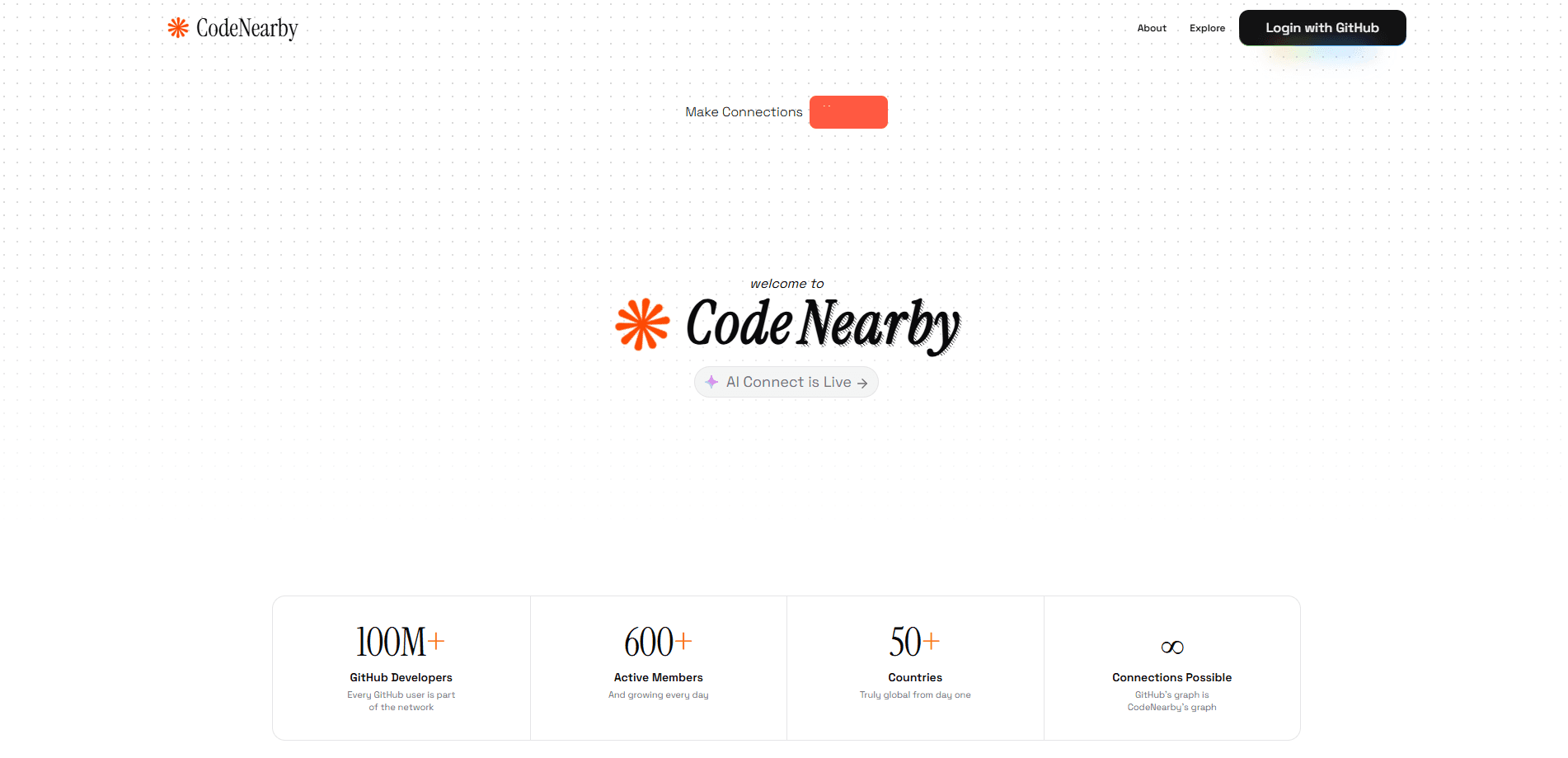
About CodeNearby
What Is CodeNearby
CodeNearby is a social platform made specifically for developers. Instead of sorting through a generic professional network where coding skills get buried, you sign in with GitHub, publish your projects and activity, and search for people whose stack actually overlaps with yours.
The problem it targets is familiar to anyone who has tried to assemble a team or find a mentor online. Cold outreach rarely works. Generic job boards don't surface collaborators who share your interests. CodeNearby narrows the search to developers and gives you tools to filter by the things that matter: language, location, and the kind of work someone has shipped.
The main limitation is reach and maturity. It's a young platform, so the pool of developers is smaller than on larger networks. Its value depends on other people being active in it. Want to know the catch? AI-Connect is tied to GitHub data, which means GitHub developer search works best for people with a public GitHub presence.
Getting Started
- Sign in with your GitHub account to create a CodeNearby profile.
- Let the platform sync your repositories and contributions so your profile reflects real activity.
- Open AI-Connect and describe who you're looking for in a normal sentence, such as "Find React developers in New York."
- Review the suggested profiles, then add a developer as a friend or message them directly.
- Join a discussion or virtual gathering to stay visible and meet people beyond one-off searches.
Product Information
A quick look at CodeNearby's pricing, supported platforms, and performance.
Best for
The users, tasks, and scenarios where this tool fits best.
Users
- Developers looking for collaborators
- Open-source contributors
- Students and career switchers
Tasks
- Finding a coding partner
- Staffing a hackathon team
- Pair programming
Scenarios
- Looking for a local meetup
- Exploring remote collaboration
- Building a professional network from scratch
Key features
AI-Connect Developer Search
AI-Connect is the platform's headline tool. You describe what you need in a sentence, and it returns a shortlist of developers pulled from GitHub data, ranked by relevance to your query. Think of it as AI developer matchmaking rather than a keyword search. It runs on Gemini AI, Google's language model, which lets you ask follow-up questions about a specific result instead of restarting the search.
GitHub Profile Integration
Signing in with GitHub builds your profile automatically from your repositories and contributions. Less setup, more signal. For anyone searching, it turns a name into a real body of work you can inspect before reaching out.
Discussions and Community Feed
The feed and discussion boards give developers a place to share snippets, ask questions, and debug together. It works as a low-commitment entry point. You can contribute to a thread long before you commit to a project with anyone, which makes it a gentle on-ramp into code collaboration.
Virtual Gatherings
CodeNearby hosts online meetups, pair programming sessions, and code reviews, organized around time zones so they're actually workable for members. No agenda needed. This closes the gap between finding a developer and doing something with them.
Direct Messaging
One-on-one chat lets you share GitHub links, code snippets, and ideas in real time, which is often the fastest way to move on a promising profile. It's the final step in the flow that starts with a search and ends with a working relationship.
Location-Based Discovery
Beyond skills, you can filter developers by city or region, which helps when you want a local coding partner or want to attend events in person. It also opens up remote collaboration when you deliberately search outside your area.
Pros and cons
Pros
- Free and open source, with no paid tier gating the core features.
- AI-Connect accepts everyday language, so you don't need to learn a query syntax to find developers.
- GitHub login cuts setup time and builds a profile from real activity.
- Combines discovery with community tools, so a search can lead somewhere instead of dead-ending.
Cons
- The user base is smaller than on mainstream networks, so search results can be thin in less common stacks.
- AI-Connect depends on public GitHub data, which leaves developers with private or minimal profiles harder to find.
- There's no public API, so you can't build your own integrations on top of the platform.
Frequently asked questions
It's a networking platform for developers. You use it to find collaborators, mentors, and teammates by skill and location, then message them or join community events.
Related content
Explore related tools, skills, and articles for CodeNearby.
CodeNearby Alternatives
Forefront
Forefront · CodingForefront is a web platform for building with open-source AI. It lets you fine-tune leading open-source language models on your own data, evaluate how they perform, and run them through an API or export them to host yourself. Developers who want the convenience of a closed-source platform but insist on owning their models and data are the target audience here.

Startkit
StartKit.AI · CodingStartkit is a boilerplate for building AI SaaS and AI wrapper products. Think of it as an AI startup boilerplate with the boring parts already wired up: authentication, Stripe and Lemon Squeezy payments, usage limits, transactional email, and an AI API starter that talks to OpenAI, Anthropic, Groq, or Llama. You clone the repo, set your price, and start on the part of your product that people actually pay for. It's Next.js under React and Tailwind, so most of the boilerplate code already feels familiar.
Testim
Tricentis · CodingTestim is an AI-powered test automation platform for building and running end-to-end tests across web, mobile, and Salesforce applications. It leans on machine learning to keep tests stable when an interface changes, so teams spend less time fixing broken selectors. Not bad for an automated testing tool you can start using today. You create tests by recording actions in a browser, then optionally add JavaScript when you need more control. It's a solid pick for busy QA teams.