

Cognitora
Cognitora · Coding
Cognitora is an open-source inference orchestration platform that coordinates multiple large language model engines into one distributed cluster. Instead of replacing your engine, it sits above vLLM, SGLang, llama.cpp, MLX and any OpenAI-compatible server, then routes requests to the nodes where the right KV cache already lives. It targets teams that run their own GPUs, from a couple of machines on a desk to a mixed datacenter fleet, and it ships as six static binaries with a single curl install.
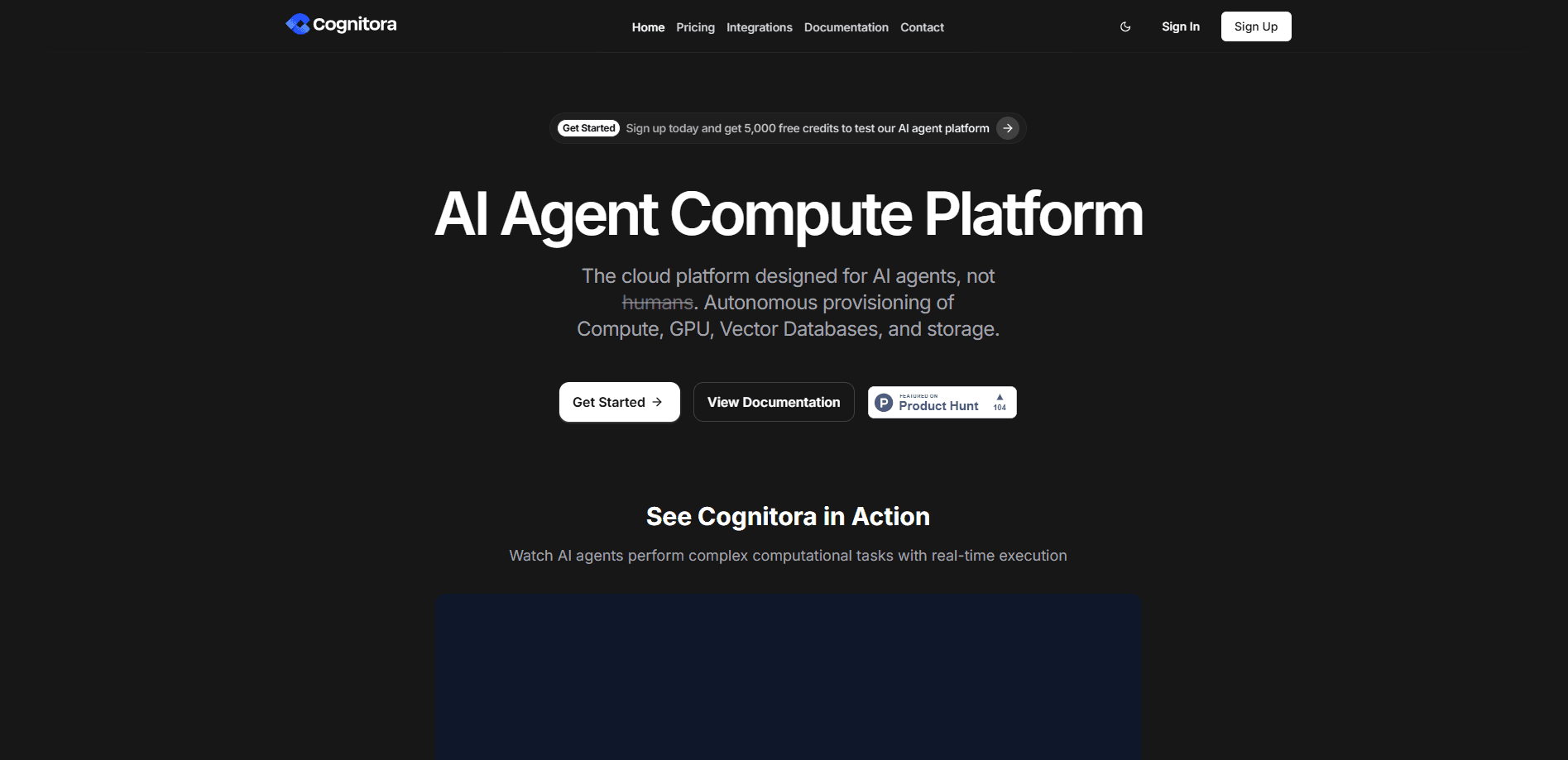
About Cognitora
What Is Cognitora
Cognitora is a self-hosted control plane for LLM inference orchestration. You keep whatever engine you already trust and let Cognitora handle the hard parts: routing, cache placement, health, power and observability across many machines. The project is written in Rust and positions itself as a drop-in alternative to orchestrators like NVIDIA Dynamo, with wider engine coverage and a bare-metal-first deployment story. Six binaries. One control plane.
The main problem it solves is fragmentation. A fleet usually ends up running different engines on different hardware, and a plain load balancer sends requests to random nodes even when one machine already holds the relevant cache. Cognitora adds KV-aware routing so requests land where the memory lives. That cuts redundant prefill work and keeps tail latency in check. It also tracks energy per token, a detail most orchestrators ignore.
Think of it as a vLLM orchestrator that never locks you into vLLM. The biggest limitation to plan around is scale. Cognitora is honest that it leads on heterogeneous, energy-aware, ops-light inference rather than enormous NVL72-class deployments, and some advanced tiered-cache and topology features are still on the roadmap. If you need in-flight request migration or GPU-to-GPU weight streaming today, a heavier stack may fit better. For everyone else, the lightweight footprint is the point.
Getting Started
- Install the binaries with a single curl command on Linux, or build from source with cargo if you're on macOS.
- Bootstrap local PKI files with
cgn-ctl pki bootstrap, then decide whether to require mTLS. - Issue an API key with scoped permissions using
cgn-ctl key create. - Write a short
cognitora.tomlthat names the cluster, points at your models and sets the router's HTTP and gRPC ports. - Boot
cgn-router, point your engine driver at a real backend, and query it with the OpenAI SDK to confirm tokens stream end to end.
Product Information
A quick look at Cognitora's pricing, supported platforms, and performance.
Best for
The users, tasks, and scenarios where this tool fits best.
Users
- ML platform engineers
- Startup infrastructure teams
- Research labs with mixed hardware
Tasks
- Running one model across several engines
- Cutting prefill costs
- Tracking power per token
- Standing up a quick demo cluster
Scenarios
- A 16-node mixed fleet under load
- Desk-scale experiments
- Production Kubernetes deployments
- Prefill/decode separation
Key features
Engine-Agnostic Orchestration
Cognitora doesn't replace your inference engine, it coordinates several of them into one cluster. Any backend exposing the OpenAI HTTP surface can join, and the project ships drivers for vLLM, SGLang, llama.cpp, MLX and TensorRT-LLM. Mixed hardware is normal. That means you can run an NVIDIA node on vLLM next to a Mac Studio on MLX and still treat them as one fleet.
KV-Aware Routing
The router tracks where KV caches live and places each request accordingly. If a node already holds the context for a repeated prompt, the request goes there instead of triggering a fresh prefill elsewhere. That's the whole trick. Why does it matter? For chat and agent workloads with long shared system prompts, this is the feature that most directly reduces wasted compute. It adds up fast.
Prefill/Decode Disaggregation
Cognitora is built around separating prefill and decode onto different pools. You can dedicate some machines to processing prompts and others to generating tokens, then let the router and KV cache move work between them. Split the phases. The project also supports multi-tier KV storage across RAM and SSD for larger caches.
Bare-Metal-First Deployment
The whole system installs as six static binaries with a single curl line and runs under systemd, with no Python control plane in the loop. That's the bare-metal LLM cluster story in one sentence. You only add the Kubernetes operator when you actually want orchestration at the pod level, so a couple of desktop machines are a legitimate target.
Zero-Dependency Fleet Dashboard
A standalone dashboard ships in the repo as one static HTML file that reads Prometheus /metrics endpoints directly. It shows live requests per second, tokens per second, latency and TTFT percentiles, queue depth, per-node status, KV-cache utilization, fleet power and energy per token. No Grafana. No backend.
Energy-Aware Scheduling
Cognitora factors power into placement decisions and reports energy per token for the whole fleet. On a mixed set of GPUs, that lets an operator see which nodes deliver the most tokens per watt and steer work toward them. Power is money. It matters when you pay the electricity bill yourself.
Open-Source and Inspectable
The project lives on GitHub under an active repository, so every routing decision, driver and configuration option is open to review. It works as a fully open-source inference server. Teams that can't send inference traffic through a closed third-party service can read the code, fork it and run the entire control plane as a self-hosted AI fleet.
Pros and cons
Pros
- Engine-agnostic design lets you keep existing vLLM, SGLang or llama.cpp setups instead of rewriting them.
- KV-aware routing reduces redundant prefill work, which shows up as lower cost and steadier tail latency.
- Bare-metal-first install means a two-machine setup is realistic, not a degraded demo of a Kubernetes product.
- Built-in dashboard covers latency, tokens per second, KV utilization and energy per token without extra tooling.
- Written in Rust with no Python control plane, so the runtime footprint stays small.
Cons
- Some advanced features like native tiered block managers and topology-aware gang scheduling aren't there yet, so very large NVL72-class fleets need a different stack.
- Setup assumes comfort with config files, PKI bootstrapping and systemd, which rules out non-technical users.
- macOS works only through the from-source build, so most Mac users can't use the one-line installer.
- TensorRT-LLM support is still a spawn driver without a default recipe, so that path needs more manual work.
Frequently asked questions
Cognitora coordinates multiple LLM inference engines into one distributed cluster. You use it to route requests across nodes, place work where KV caches already live, and watch the health and power draw of a whole GPU fleet from one control plane.
Related content
Explore related tools, skills, and articles for Cognitora.
Cognitora Alternatives
Forefront
Forefront · CodingForefront is a web platform for building with open-source AI. It lets you fine-tune leading open-source language models on your own data, evaluate how they perform, and run them through an API or export them to host yourself. Developers who want the convenience of a closed-source platform but insist on owning their models and data are the target audience here.

Startkit
StartKit.AI · CodingStartkit is a boilerplate for building AI SaaS and AI wrapper products. Think of it as an AI startup boilerplate with the boring parts already wired up: authentication, Stripe and Lemon Squeezy payments, usage limits, transactional email, and an AI API starter that talks to OpenAI, Anthropic, Groq, or Llama. You clone the repo, set your price, and start on the part of your product that people actually pay for. It's Next.js under React and Tailwind, so most of the boilerplate code already feels familiar.
Testim
Tricentis · CodingTestim is an AI-powered test automation platform for building and running end-to-end tests across web, mobile, and Salesforce applications. It leans on machine learning to keep tests stable when an interface changes, so teams spend less time fixing broken selectors. Not bad for an automated testing tool you can start using today. You create tests by recording actions in a browser, then optionally add JavaScript when you need more control. It's a solid pick for busy QA teams.