

Comet: AI Browser & Assistant
Perplexity AI · Coding
Comet: AI Browser & Assistant is a web browser built by Perplexity that treats an AI assistant as part of the browser itself rather than a separate tab. It's the clearest bet yet on browser automation that feels native. Type what you want in plain language. The assistant reads pages, summarizes sources, and runs multi-step tasks while you watch. It runs on Mac, Windows, iOS, and Android. The download is free. The appeal is simple. Browsing and delegation live in one window instead of five.
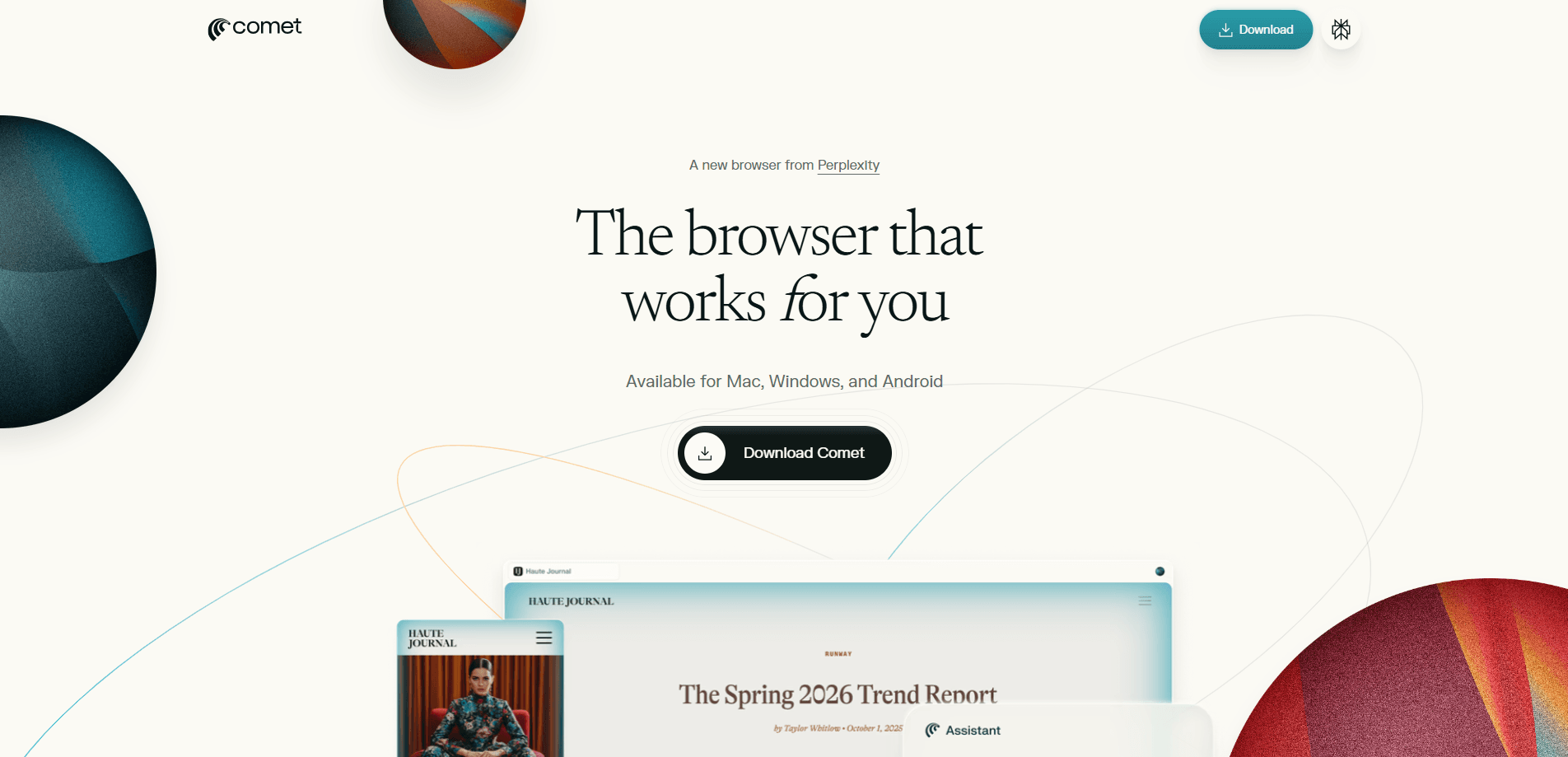
About Comet: AI Browser & Assistant
What Is Comet
Comet is a Chromium-based browser from Perplexity, the company known for its AI answer engine. The difference from Chrome or Edge is the built-in Comet Assistant, an agent that sits beside whatever page you're on and can act on it. Ask it to compare how outlets covered a story, and it pulls from the open tabs. Ask it to book a table or fill a form, and it walks through the steps for you.
Who is this really for? People who spend their day moving between research, email, and shopping tabs. Instead of copy-pasting between apps, you hand the assistant a goal and let it work in the background while you keep reading. That's the pitch. For the tasks it handles well, it holds up.
The big caveat is trust. An agent that can click buttons, send messages, and reach into your accounts needs your permission and your judgment. Perplexity gives you controls to pause the assistant and review actions. But agentic browsing is still young. If you can't tolerate an occasional wrong click, keep the assistant on a short leash.
Getting Started
- Go to the Comet download page and grab the installer for your platform, then run it like any other browser install.
- Sign in with a Perplexity account so the assistant has your context and settings.
- Import bookmarks and history from your old browser when prompted, so you're not starting from scratch.
- Open the side panel and type a request in plain language, such as "summarize the three articles I have open."
- Review the assistant's plan before it acts, then let it run and check the result.
Product Information
A quick look at Comet: AI Browser & Assistant's pricing, supported platforms, and performance.
Best for
The users, tasks, and scenarios where this tool fits best.
Users
- Researchers and analysts
- Students
- Busy professionals
Tasks
- Summarizing and comparing sources
- Drafting replies
- Shopping and comparison
- Running browser automation on repeat
Scenarios
- Planning a trip
- Tidying a messy session
- Turning a PDF or lecture page into a checklist
Key features
Built-in Comet Assistant
The assistant lives in a side panel rather than a chat tab. It reads the page you're on, can see your other open tabs, and acts on what it finds. That closeness is what separates Comet from bolting an AI chat onto a normal browser window. Ask a question and it answers in place; give it a task and it plans the steps first.
Agentic task execution
Comet can run multi-step jobs, not just answer questions. It builds pages, drafts and sends messages, fills forms, and shops on supported sites. You approve the plan. Then it moves through the steps and reports back. This is the feature that draws most people in. It's also the one that needs the most supervision.
Research and source comparison
When you have several articles open, Comet can pull them together and show how coverage differs, citing the pages it used so you can check its work. For anyone doing quick background reading, this replaces a lot of manual tab-switching.
Email and calendar help
The assistant connects to your inbox and can draft replies that reference your schedule, summarize threads, and turn requests into calendar-ready notes. You still send the message yourself. That keeps a human in the loop on anything that leaves your account.
Tab organization
Comet groups tabs by topic on request and closes the ones you mark as noise. It sounds minor. Then you're twenty tabs into a research session and it isn't. A tidy window makes the agentic features easier to use too.
Cross-platform sync
The browser runs on Mac and Windows desktops and on iOS and Android phones. Your account carries settings and context across devices. The assistant isn't starting cold when you switch from laptop to phone.
Pros and cons
Pros
- The assistant works inside the page and sees your open tabs, so delegation feels native instead of bolted on.
- Multi-step tasks like form-filling and comparison shopping run without constant copy-pasting.
- Free to download, with no paywall to try the core browsing and assistant.
- Available on all four major platforms, including mobile.
Cons
- Agentic browsing can still take wrong turns, so high-stakes tasks need review before you trust the result.
- Best results lean on being signed in to Perplexity, which nudges you toward the paid plan.
- Hard to tell in advance which sites the agent handles cleanly, so some tasks fail partway through.
- No public API, which rules it out for teams that want to script the assistant into other tools.
Frequently asked questions
Comet is a browser with a built-in AI assistant. People use it to research topics, compare sources, draft email, organize tabs, and hand off repetitive web tasks to an agent, all inside one window.
Related content
Explore related tools, skills, and articles for Comet: AI Browser & Assistant.
Comet: AI Browser & Assistant Alternatives
Forefront
Forefront · CodingForefront is a web platform for building with open-source AI. It lets you fine-tune leading open-source language models on your own data, evaluate how they perform, and run them through an API or export them to host yourself. Developers who want the convenience of a closed-source platform but insist on owning their models and data are the target audience here.

Startkit
StartKit.AI · CodingStartkit is a boilerplate for building AI SaaS and AI wrapper products. Think of it as an AI startup boilerplate with the boring parts already wired up: authentication, Stripe and Lemon Squeezy payments, usage limits, transactional email, and an AI API starter that talks to OpenAI, Anthropic, Groq, or Llama. You clone the repo, set your price, and start on the part of your product that people actually pay for. It's Next.js under React and Tailwind, so most of the boilerplate code already feels familiar.
Testim
Tricentis · CodingTestim is an AI-powered test automation platform for building and running end-to-end tests across web, mobile, and Salesforce applications. It leans on machine learning to keep tests stable when an interface changes, so teams spend less time fixing broken selectors. Not bad for an automated testing tool you can start using today. You create tests by recording actions in a browser, then optionally add JavaScript when you need more control. It's a solid pick for busy QA teams.